I wanted to keep track of what needs to be done prior to actually being able to query API on vRA cloud. I’ve been having a hard time finding the documentation I needed in the past
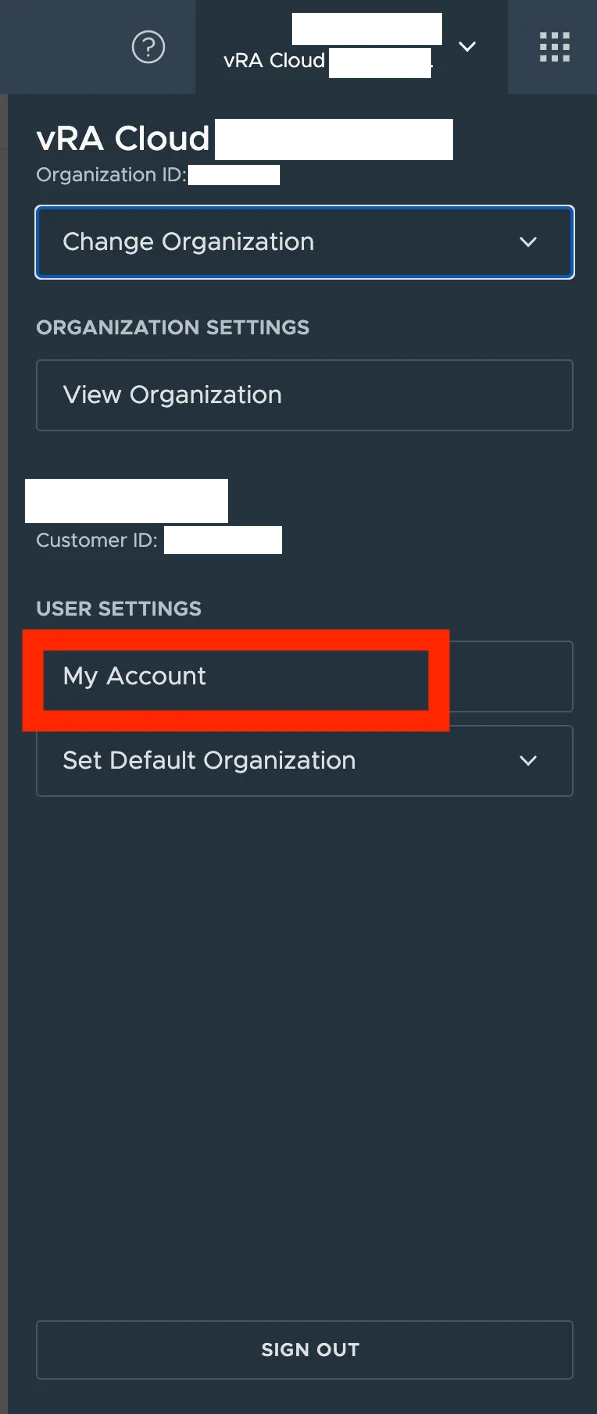
First step is to get an API token for the specific username. We can do this by going to My account under User Settings in vRA Cloud

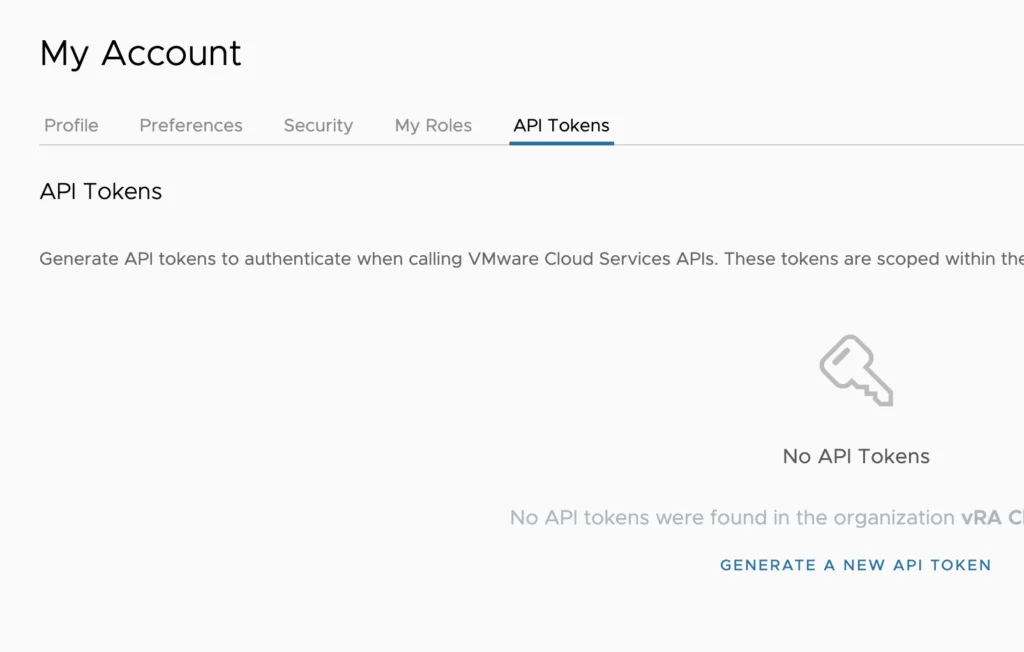
Go to API Tokens and click on Generate a new api token
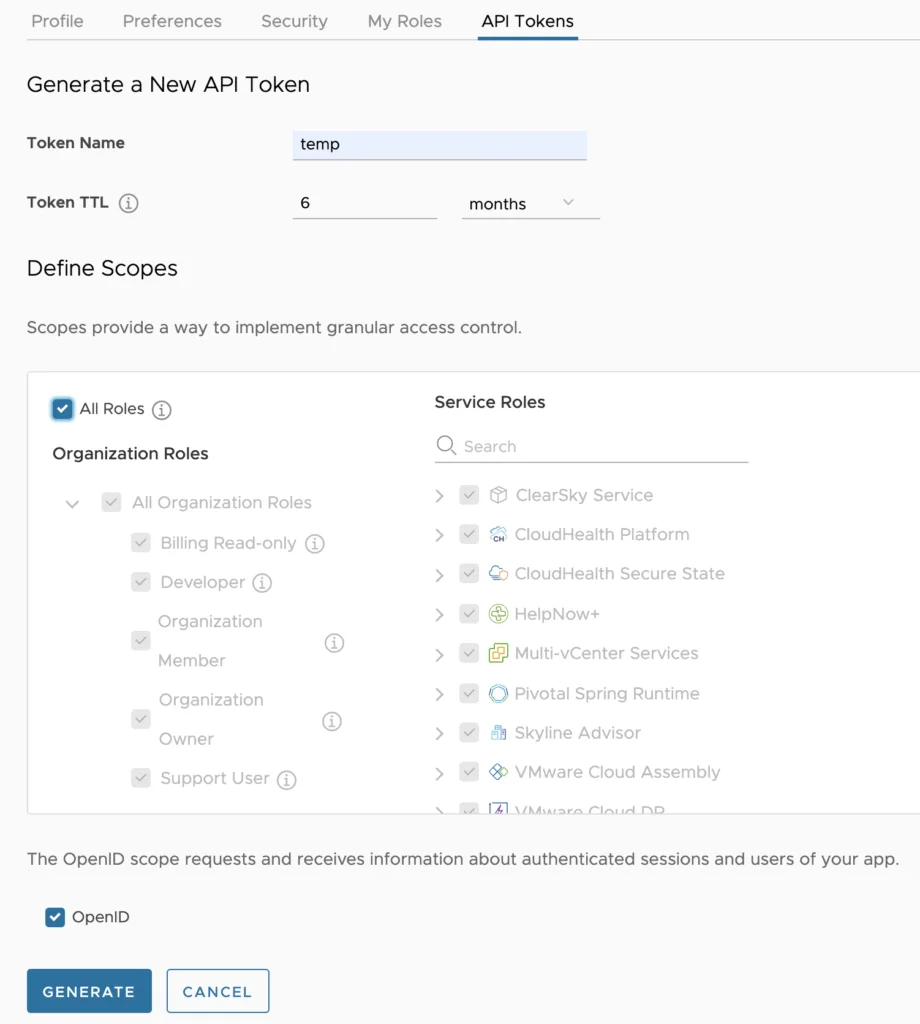
Give it a name and select what it will have access to and click on Generate
Once we have the api token generated we can use it to generate an access token by running
curl --location --request POST 'https://console.cloud.vmware.com/csp/gateway/am/api/auth/api-tokens/authorize' --header 'Content-Type: application/x-www-form-urlencoded' --data-urlencode 'refresh_token=api token generated earlier'
Now we can use the output from “access_token”. There’s a number of Cloud Assembly examples here
Full guide available here
I also wrote similar getting-started guides for the vRA 8 on-prem API and the vROps cloud API.