In this guide I will go over the steps of getting an existing 8.x vRSLCM appliance upgraded to the latest 8.3 release
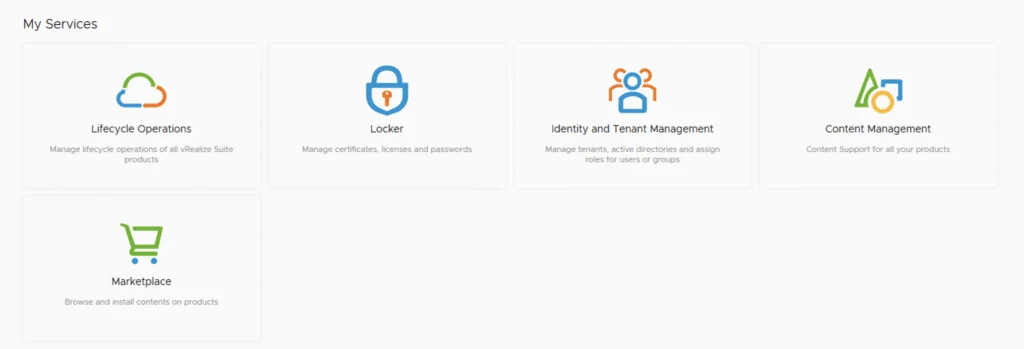
The first step is to lo in to vRealize Suite Lifecycle Manager under the Lifecycle Operations section

Go to settings -> System Upgrade

Click on Check for Upgrade

We can see that the check found a new version available for 8.3
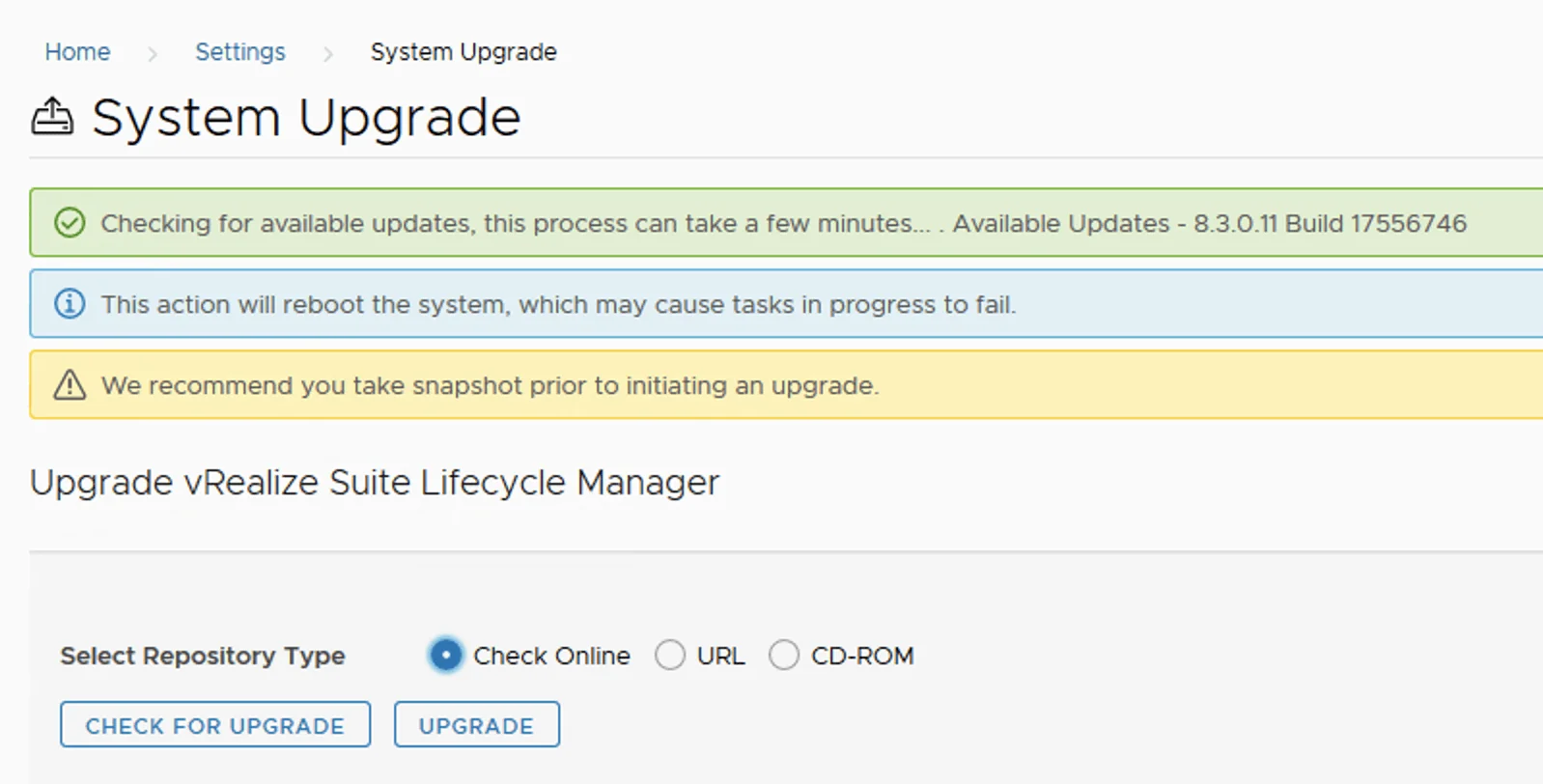
Click on Upgrade
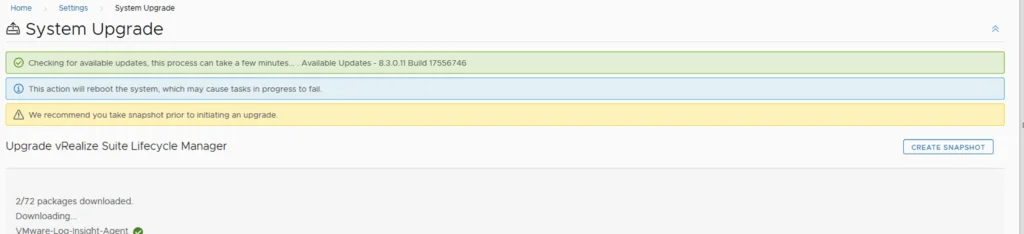
This will fire up the upgrade process and start upgrading packages. The system will automatically reboot on 8.3 once completed. We can check the version by going to Settings -> System Details
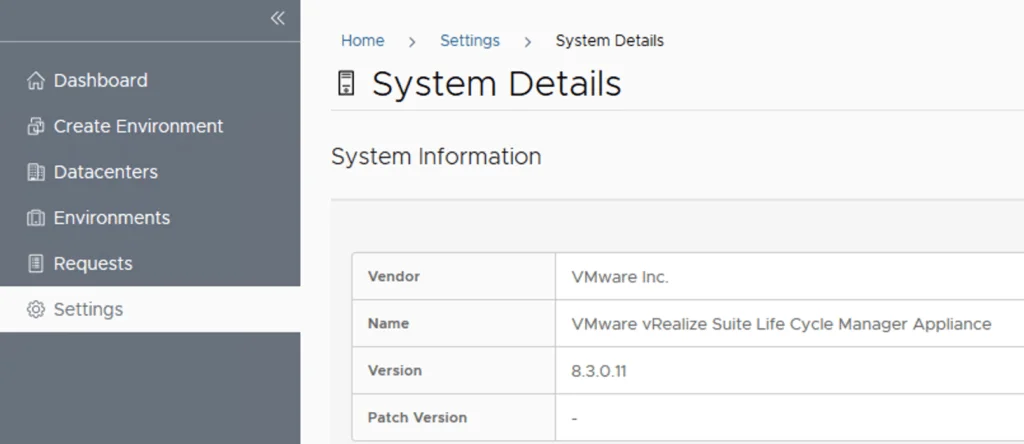
With vRSLCM on 8.3, you can proceed with upgrading vRA (vRealize Automation) to 8.3.