
In this post I will go over upgrading my 8.x vROPS appliance to 8.6.2 using vRSLCM (vRealize Suite Lifecycle Manager). As a pre requirement we do need to have vRSLCM (vRealize Lifecycle Manager) upgraded to 8.6.2 or 8.7 Instructions can be found here. The upgrade already includes the latest Product Support Pack so an update to the Product Support Pack is not required.
Adding the Upgrade Binary in vRSLCM
To get started we can go to vRealize Lifecycle Manager -> Lifecycle Operations -> Settings -> Binary Mapping. (If you haven’t added your My VMware credentials you will need to do that first by going to vRealize Lifecycle Manager -> Lifecycle Operations -> Settings -> My VMware)

Click on Add Binaries under Product Binaries

Select My VMware and click on Discover

We can see a list of binaries that have been discovered. Make sure we select the upgrade package not the install package. We can select what we need and click on Add
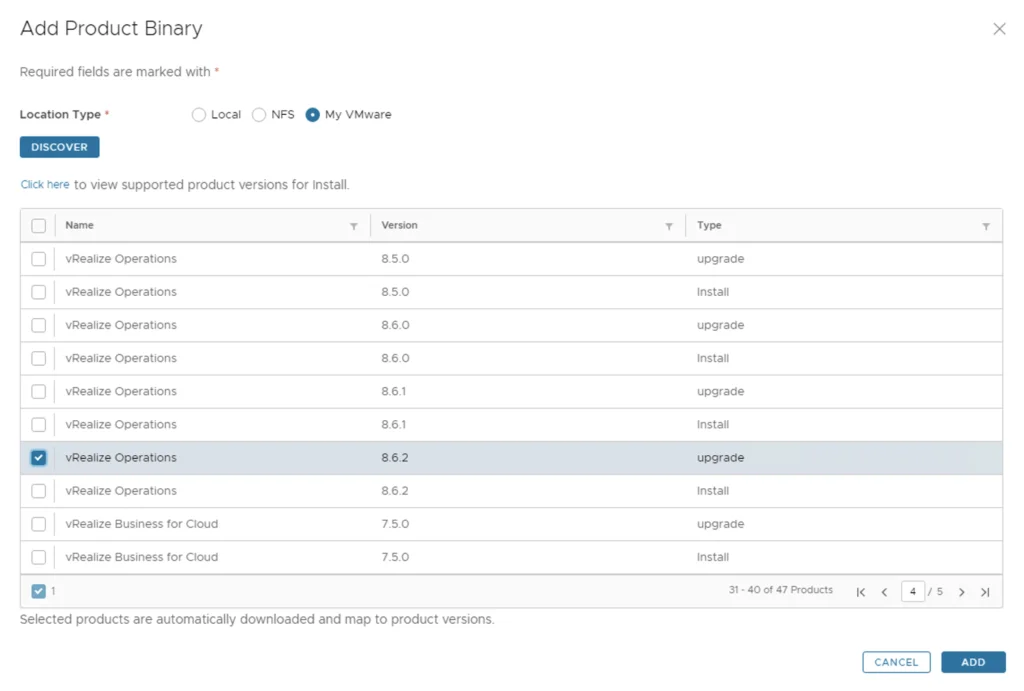
Downloading the Upgrade Package
This will create a request and start downloading the package. To view the progress we can click on the Click Here hyperlink

Click on the in Progress button to view the details

We now have to wait for the download to complete

Starting the Upgrade from the Environment
After the download is complete we can go to Environments -> View Details on the environment that includes vROPS

Click on Upgrade
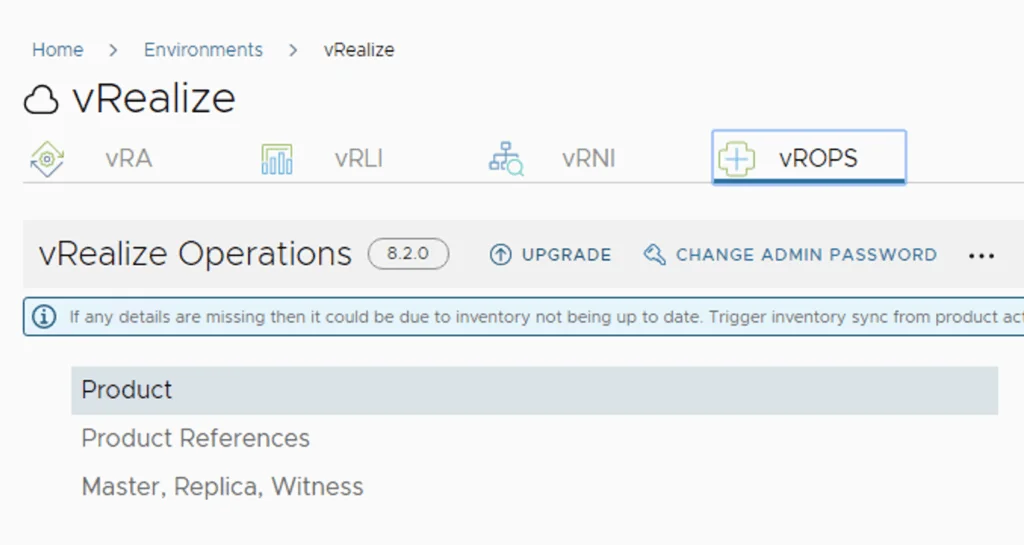
An Inventory sync is recommended if the environment has changed since LCM performed the last sync. We trigger the sync from the UI or click on Proceed to continue

Selecting the Target Version
Select product Version 8.6.2 and click Next. We can also review the compatibility matrix to make sure the environment is compatible.
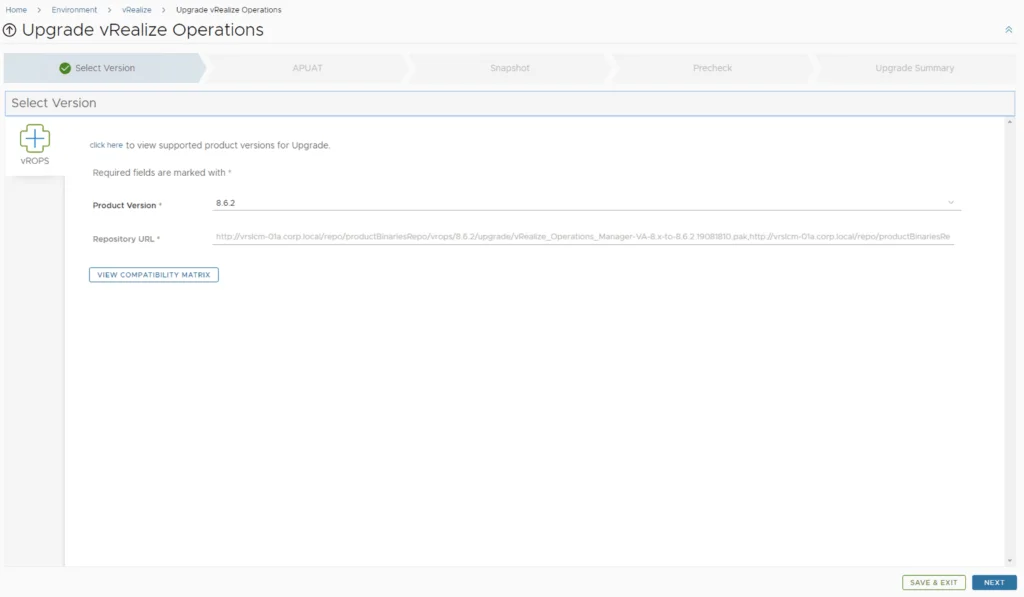
Running the Upgrade Assessment
Run the Upgrade Assessment tool to make sure the currently used dashboards, reports, metrics etc are still compatible with the new version

Once the report has finished running we can either Download or view the report. Once everything has been reviewing we can click on the I have viewed the report and agree to proceed box and click next to proceed to the next step.

Configuring Snapshot Options
A new feature that was added was the capability to automatically create a snapshot prior to the upgrade and remove it after the upgrade. On this screen we also have the ability to chose if we want to keep the snapshots post upgrade for validation testing for example. Click next

Running the Precheck and Completing the Upgrade
Run the Precheck to make sure there are no errors or issues.

Once the check is complete we can review the checks that were performed and we can continue by clicking Next.
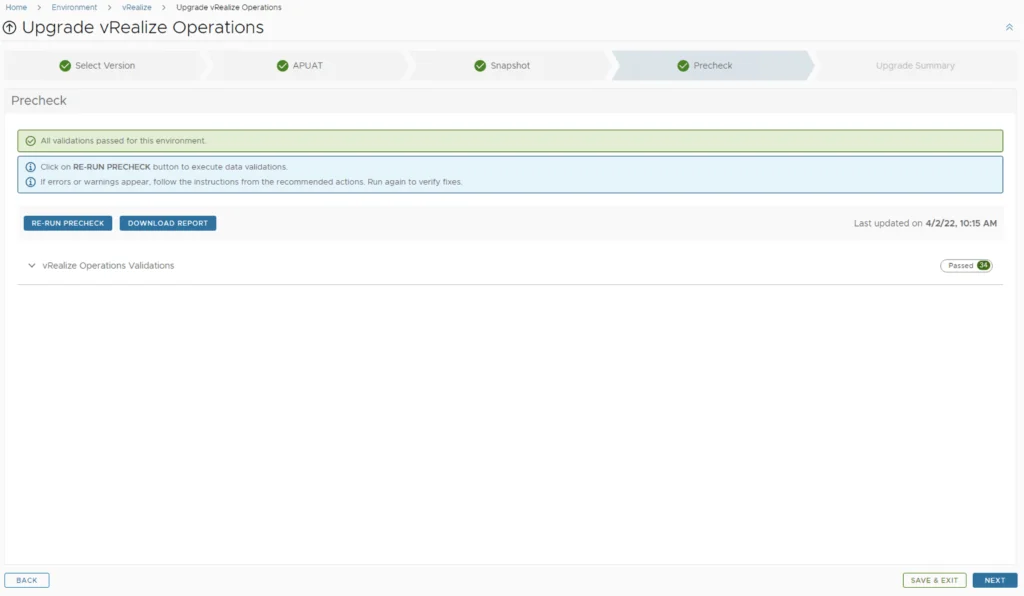
Review the upgrade details and click on Next and the Submit. We are taken to the progress screen where we can follow the progress.

The system will get rebooted and once its back up we will be on 8.6.2
Since we are doing a major upgrade I strongly recommend to clean the cache before using the new vROPS version.