Upgrading your VCF Fleet Management from version 9.0.0 to 9.0.1 is a relatively modest patch update, but careful execution ensures minimal disruption. Below is a step-by-step guide to walk you through the process safely.
Download the Patch
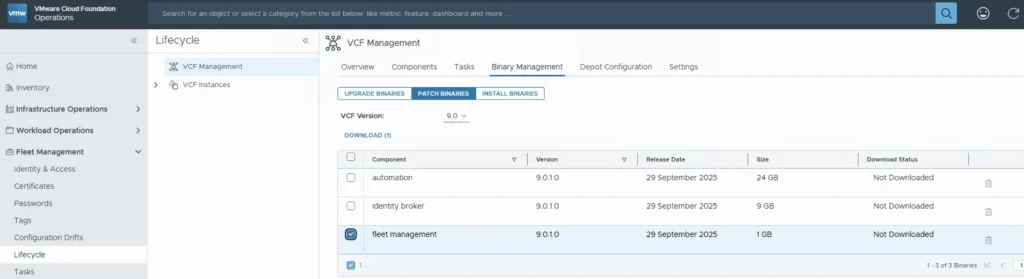
Download the patch by going to Fleet Management -> Binary Management -> Patch Binaries -> Select fleet management -> Download.

Upload & Stage the Patch
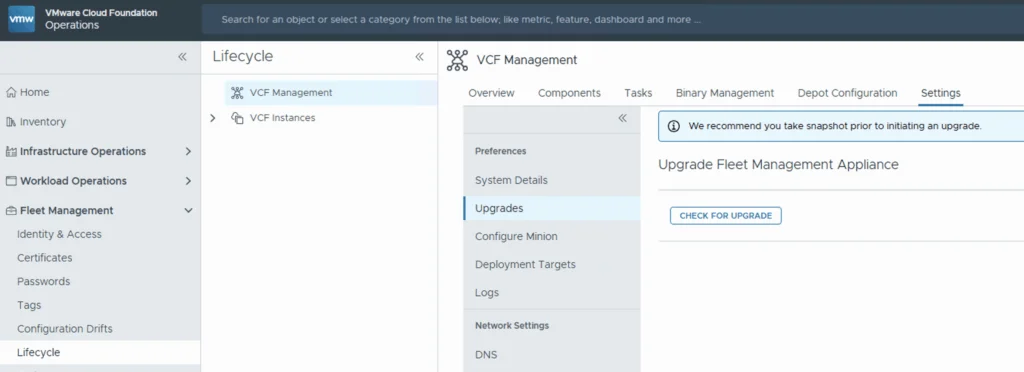
Once the download is complete go to Settings -> System Patches -> New Patch
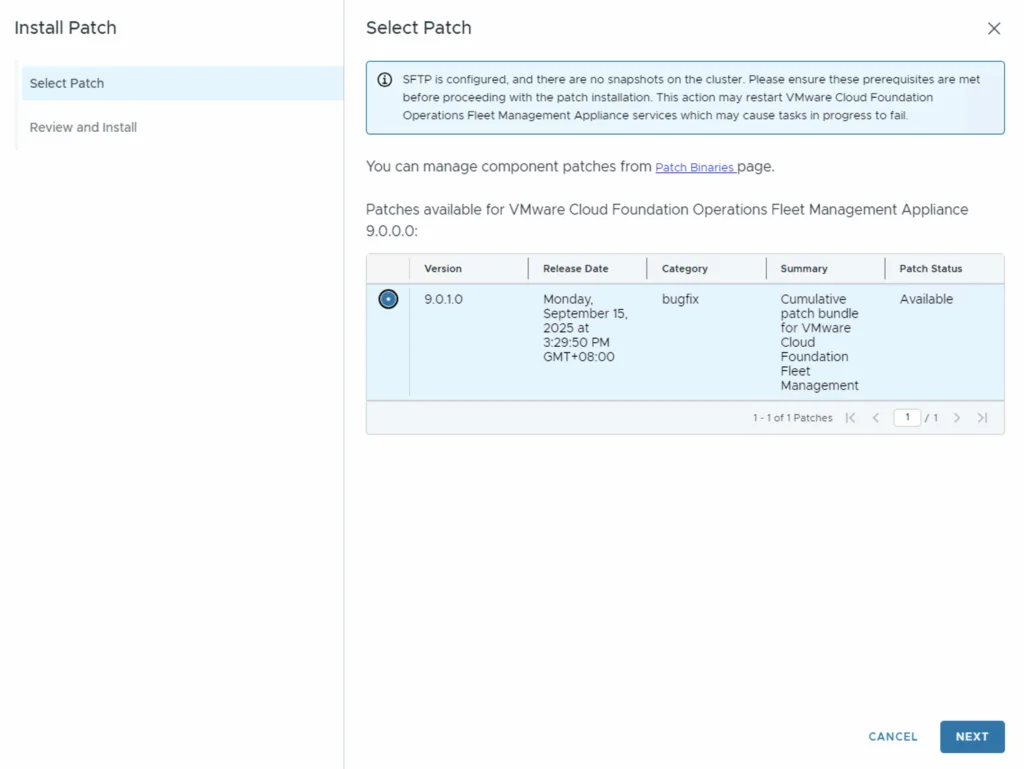
Select the Patch that was just downloaded and click Next to proceed
Review the release notes and click Install
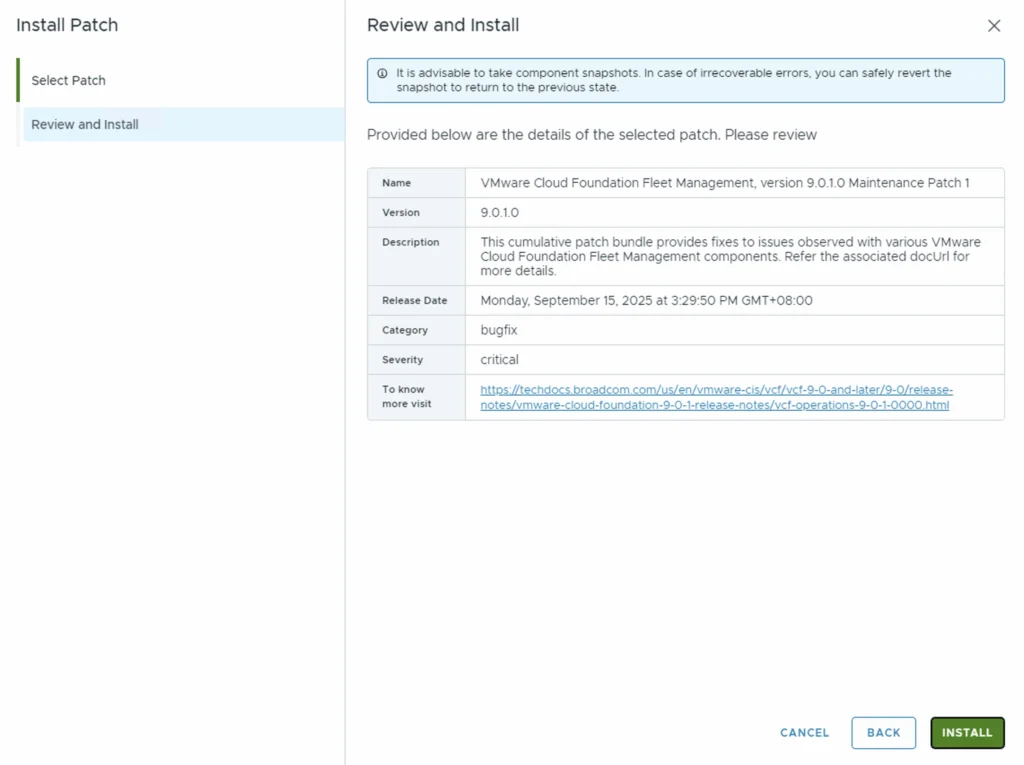
This will create a Task that patches the appliance. Click Return to Tasks
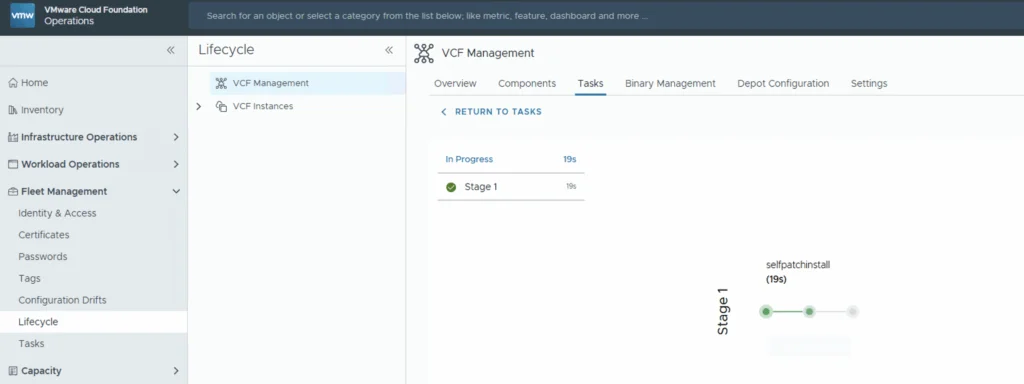
Wait & Confirm
Allow several minutes for the task to complete. Do not interrupt the process. Once the patch job is finished, go to the Settings tab and verify that the Fleet Management component now shows 9.0.1.
The SDDC Manager side of the 9.0.1 patch is covered in this guide, and if PostgreSQL won’t start after a reboot on 9.0.1, see this fix.