
In this post I will go over upgrading Aria Operations for Networks 6.x appliance to 6.14 using Aria Suite Lifecycle. As a pre requirement we do need to have Aria Suite Lifecycle upgraded to 8.18. Instructions can be found here. The upgrade does not include the latest Product Support Pack. We can apply the latest Product Support Pack following the guide here.
Mapping the Upgrade Binary in Aria Suite Lifecycle
To get started we can go to Aria Suite Lifecycle -> Lifecycle Operations -> Settings -> Binary Mapping.

Click on Add Binaries under Product Binaries

Due to changes in the 8.16 Aria Suite Lifecycle release (Release notes available here), My VMware based operations functionality has been deprecated. In my case, In this case, I chose to use Local and uploaded my .pak file to the /data/tmp directory on the Aria Suite Lifecycle appliance. The upgrade package can be downloaded from here.
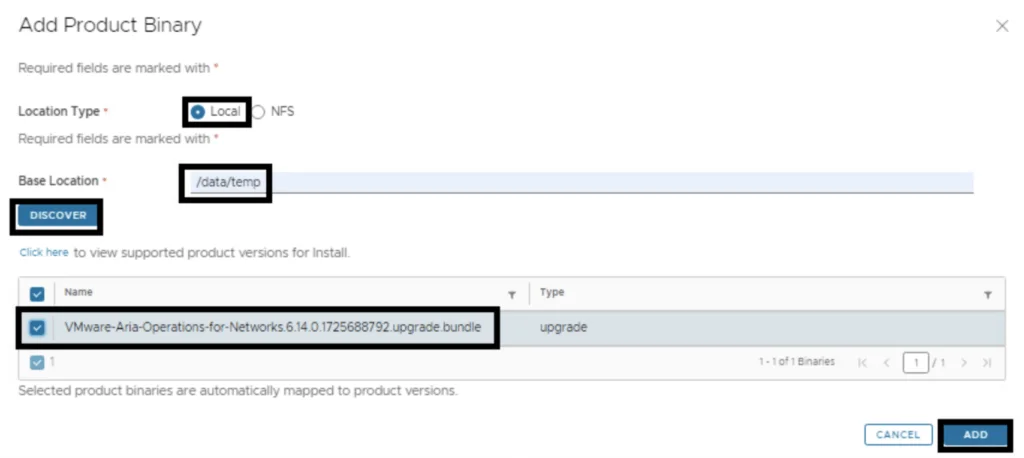
We can see a list of binaries that have been discovered. We can select what we need and click on Add
This will create a request and start downloading the package. To view the progress we can click on the Click Here hyperlink

Click on the in Progress button to view the details

We now have to wait for the download to complete

Starting the Upgrade from the Environment
After the download is complete we can go to Environments -> View Details on the environment that includes Aria Operations for Networks
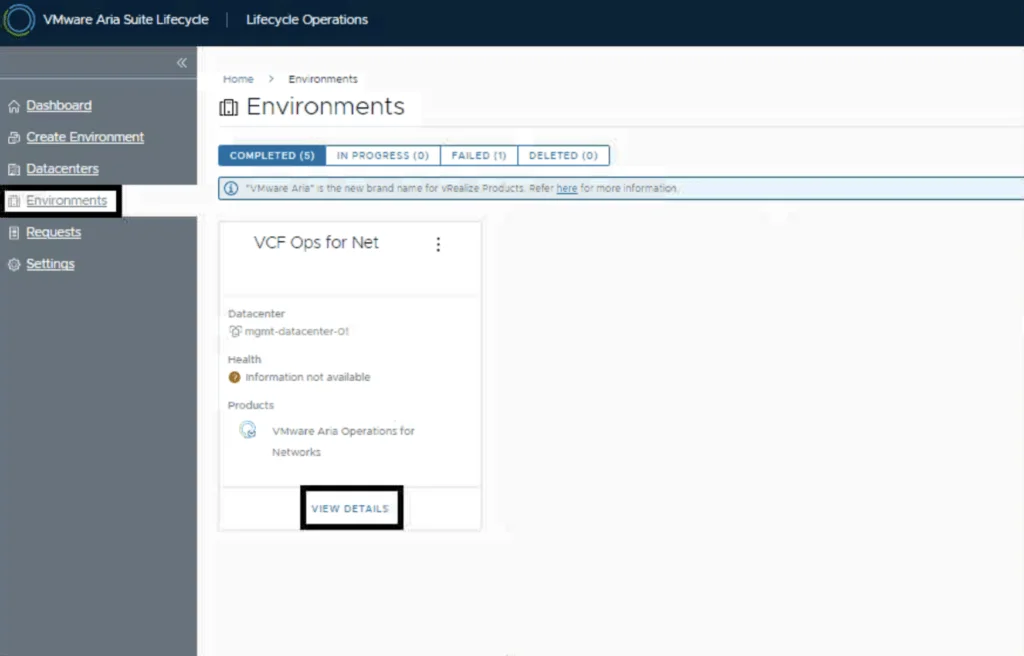
Click on Upgrade
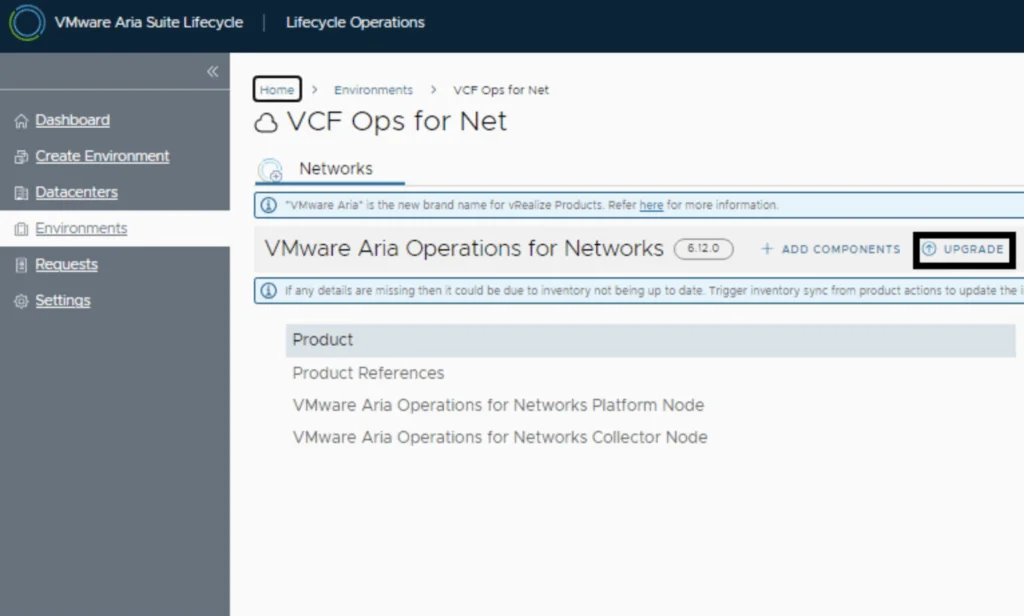
An Inventory sync is recommended if the environment has changed since Lifecycle performed the last sync. We trigger the sync from the UI or click on Proceed to continue

Selecting Version 6.14 and Snapshot Options
Select product Version 6.14 and click Next. We can also review the compatibility matrix to make sure the environment is compatible.
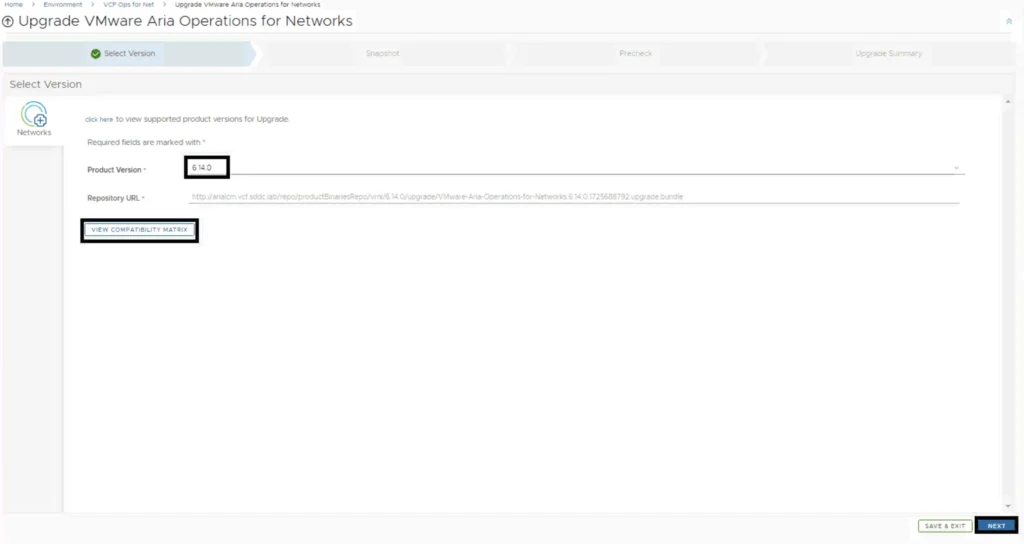
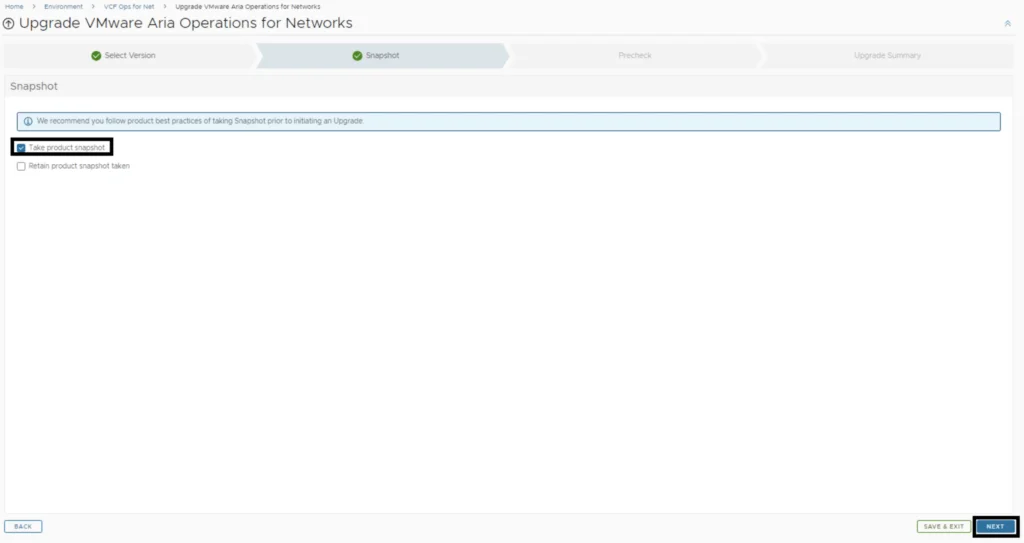
A new feature that was added was the capability to automatically create a snapshot prior to the upgrade and remove it after the upgrade. On this screen we also have the ability to choose if we want to keep the snapshots post upgrade for validation testing for example. Click Next
Running the Precheck
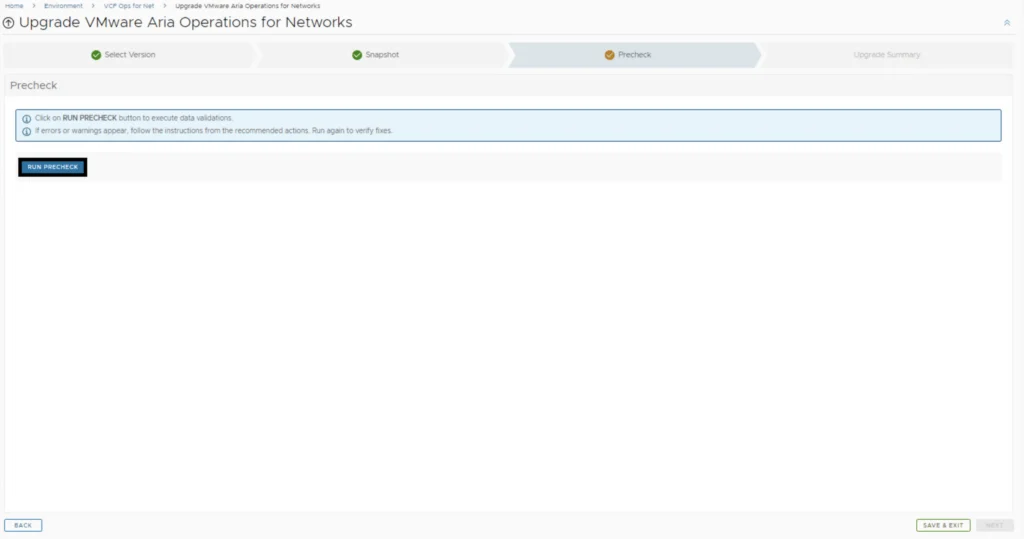
Run the Precheck to make sure there are no errors or issues.
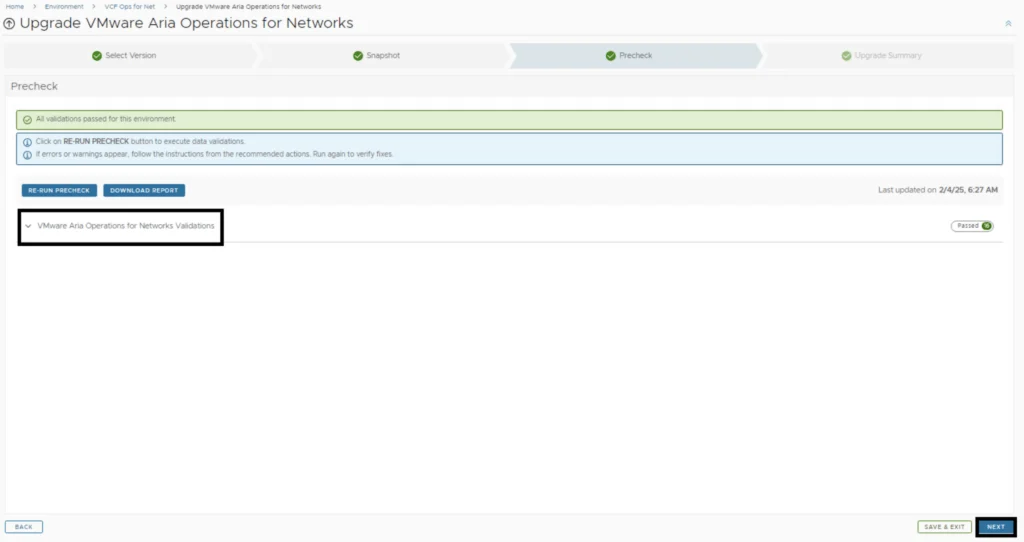
Once the check is complete we can review the checks that were performed and we can continue by clicking Next.
Submitting and Monitoring the Upgrade
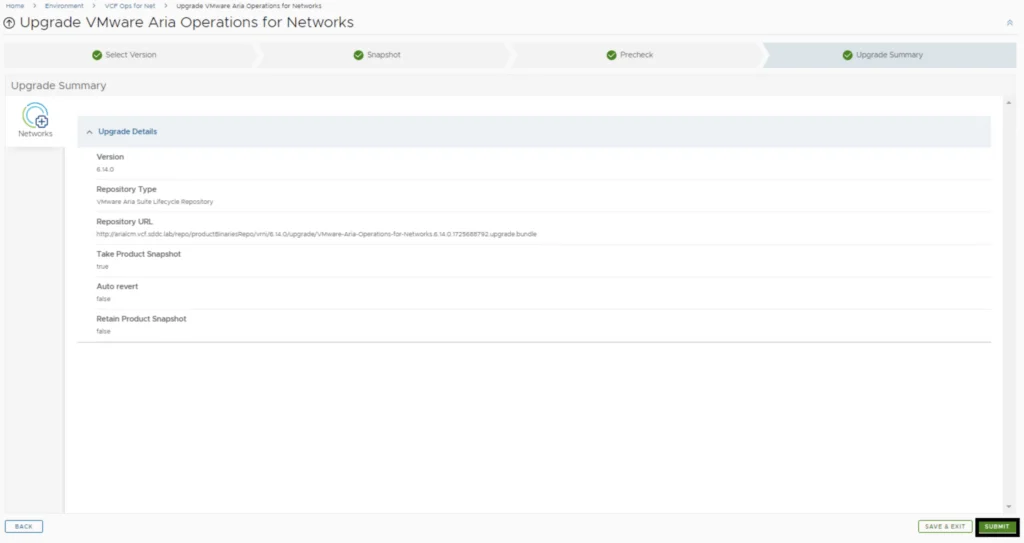
Review the upgrade details and click on Next and the Submit. We are taken to the progress screen where we can follow the progress.
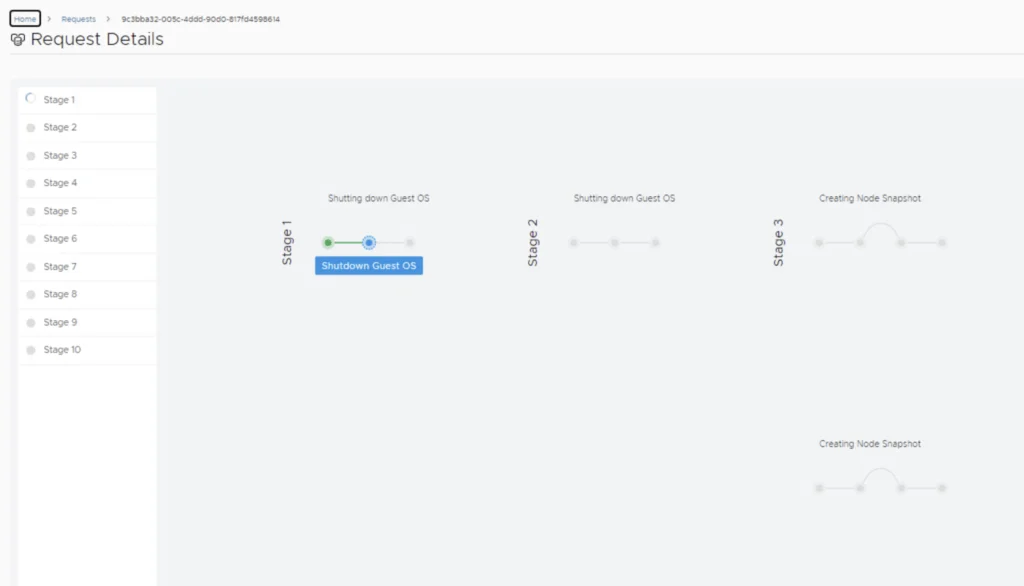
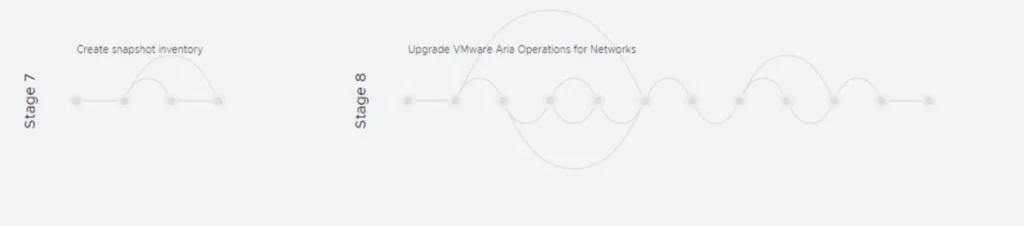
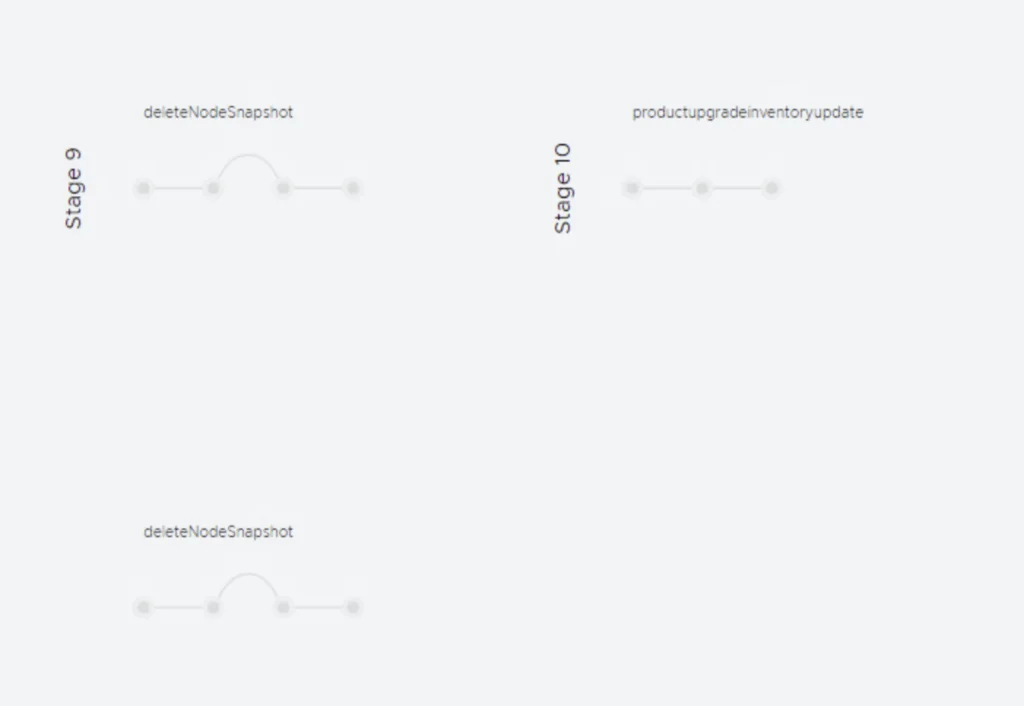
We will be taken to the Request Details where we can track the progress of the upgrade

Post-Upgrade Steps
The system will get rebooted and once its back up, we will be on 6.14
Since we are doing a major upgrade I strongly recommend to clean the cache before using the new Aria Operations for Networks version.