In this post, I will guide you through upgrading your 8.x vRLI appliance to Aria Operations for Logs 8.18.1 using VMware Aria Suite Lifecycle. Before proceeding, ensure that your VMware Aria Suite Lifecycle is upgraded to version 8.18. You can find the upgrade instructions here. Note that the upgrade does not include the latest PSPACK containing the 8.18.1 Aria Operations for Logs release. Instructions for obtaining the PSPACK are available in here.
Mapping the Upgrade Binary in Aria Suite Lifecycle
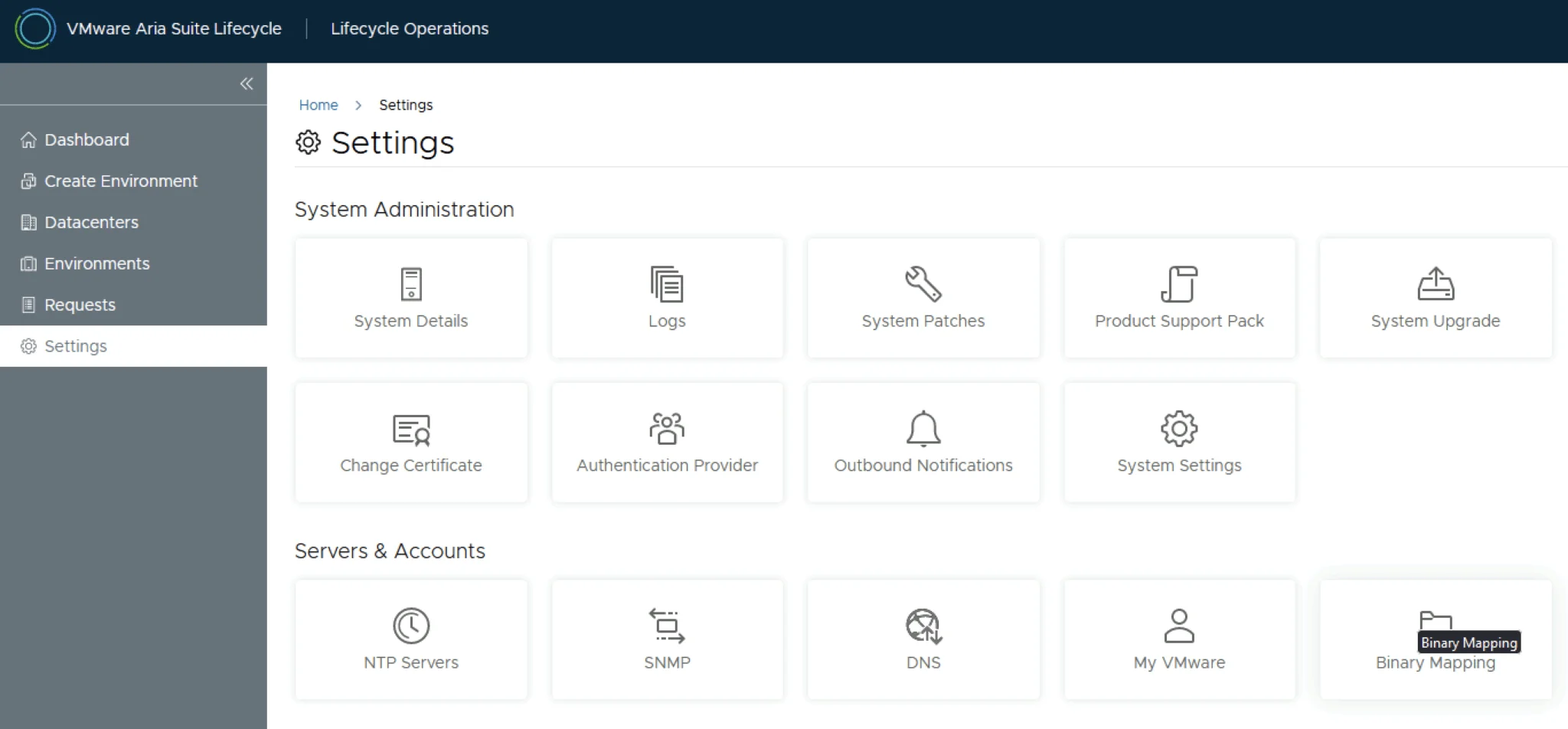
To begin, navigate to VMware Aria Suite Lifecycle -> Lifecycle Operations -> Settings -> Binary Mapping.

Click on Add Binaries under Product Binaries
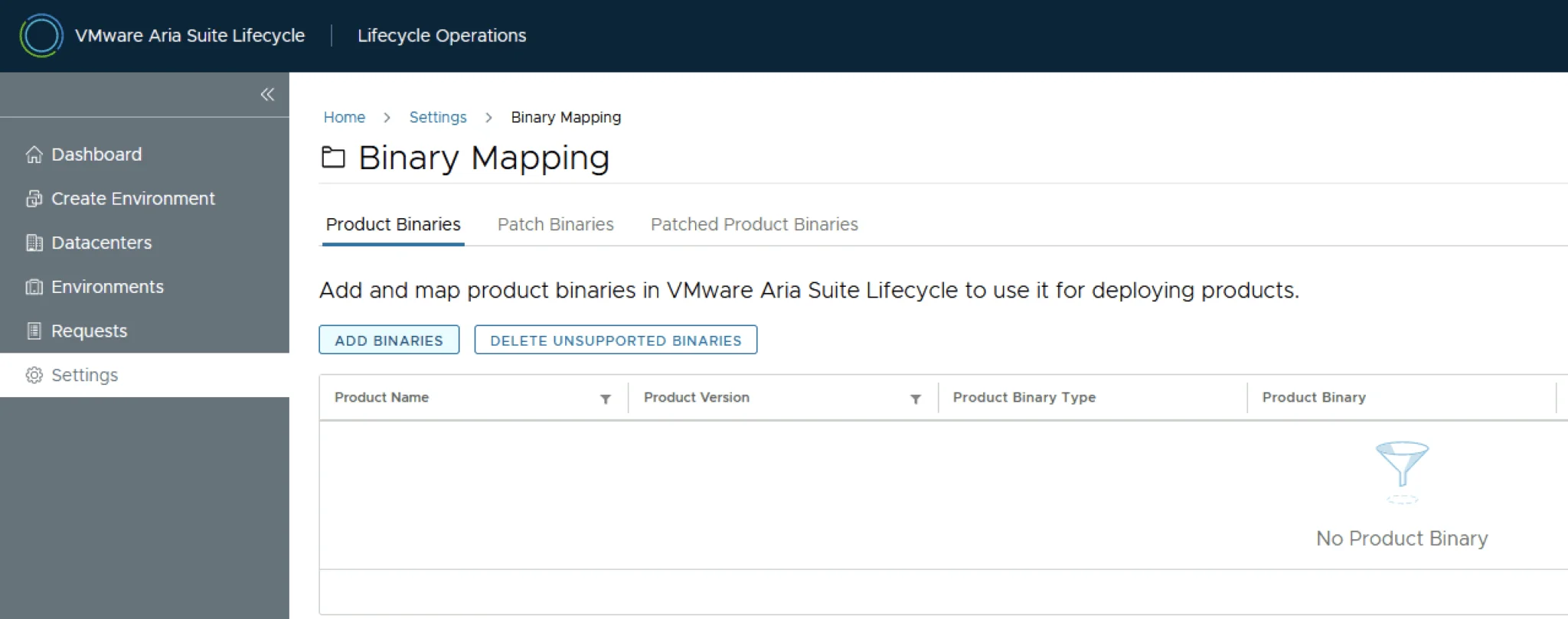
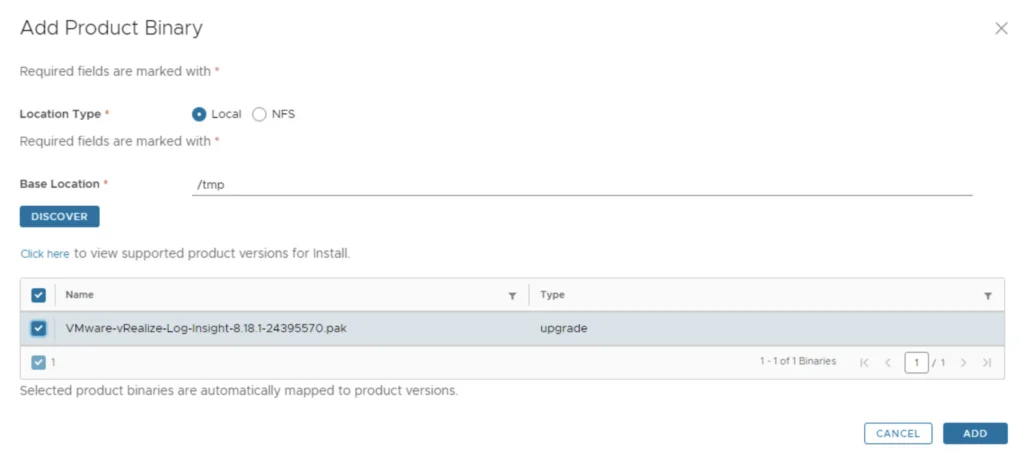
Due to changes in the 8.16 Aria Suite Lifecycle release (Release notes available here), My VMware based operations functionality has been deprecated. In my case, In this case, I chose to use Local and uploaded my .pak file to the /tmp directory on the Aria Suite Lifecycle appliance. The upgrade package can be downloaded from here.
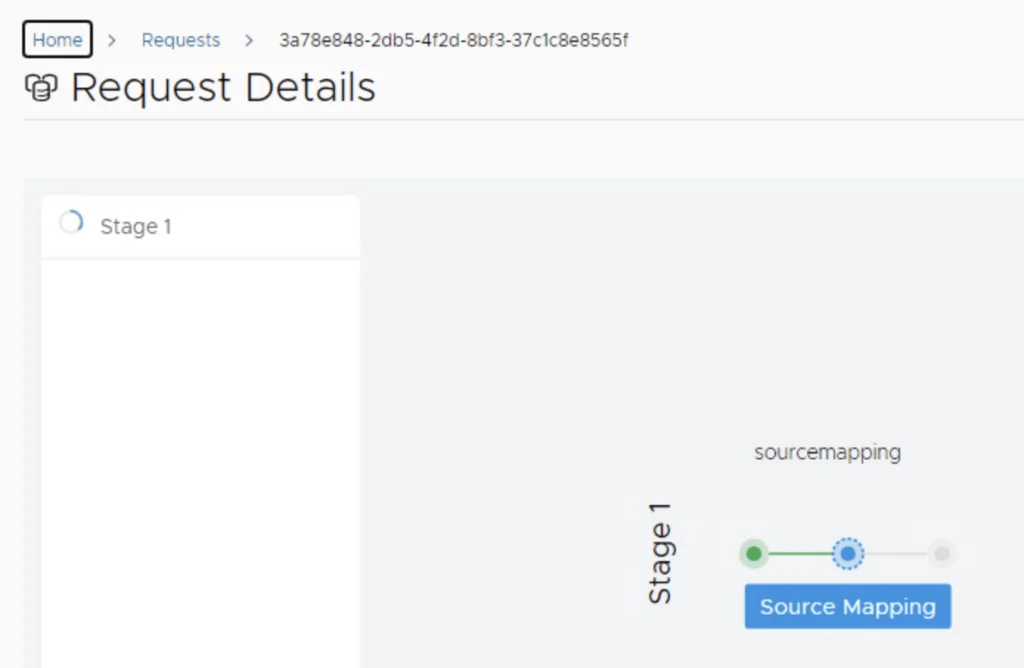
This will create a request and start mapping the package. To view the progress, click on the “Click Here” hyperlink

Click on the “In Progress” button to view the details

Wait for the mapping to complete
Starting the Upgrade from the Environment
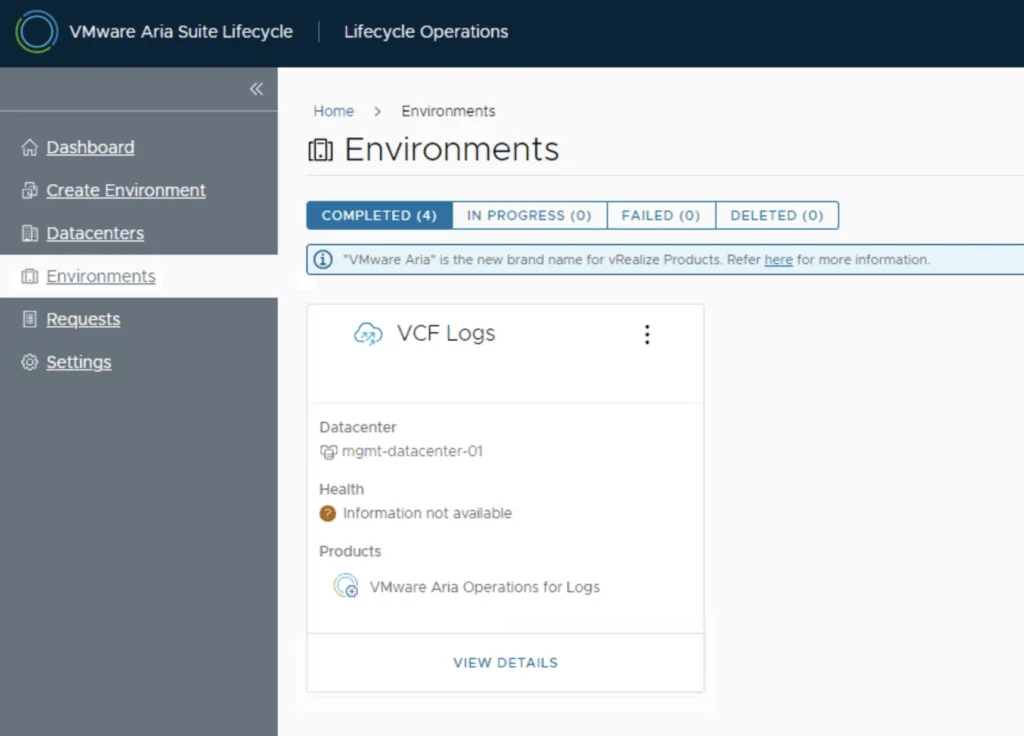
Once the download is complete, go to Environments -> View Details on the environment that includes Aria Operations for Logs.
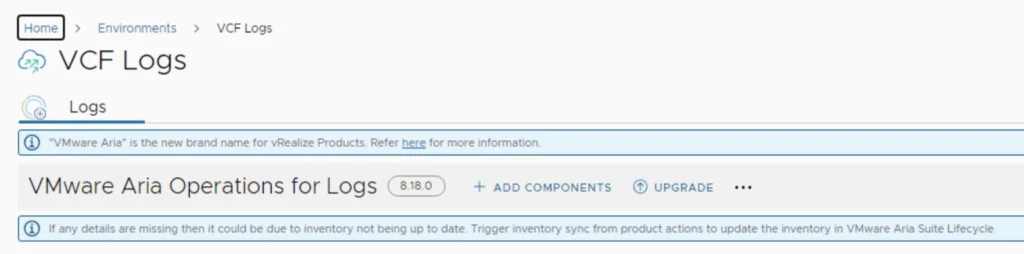
Click on “Upgrade”
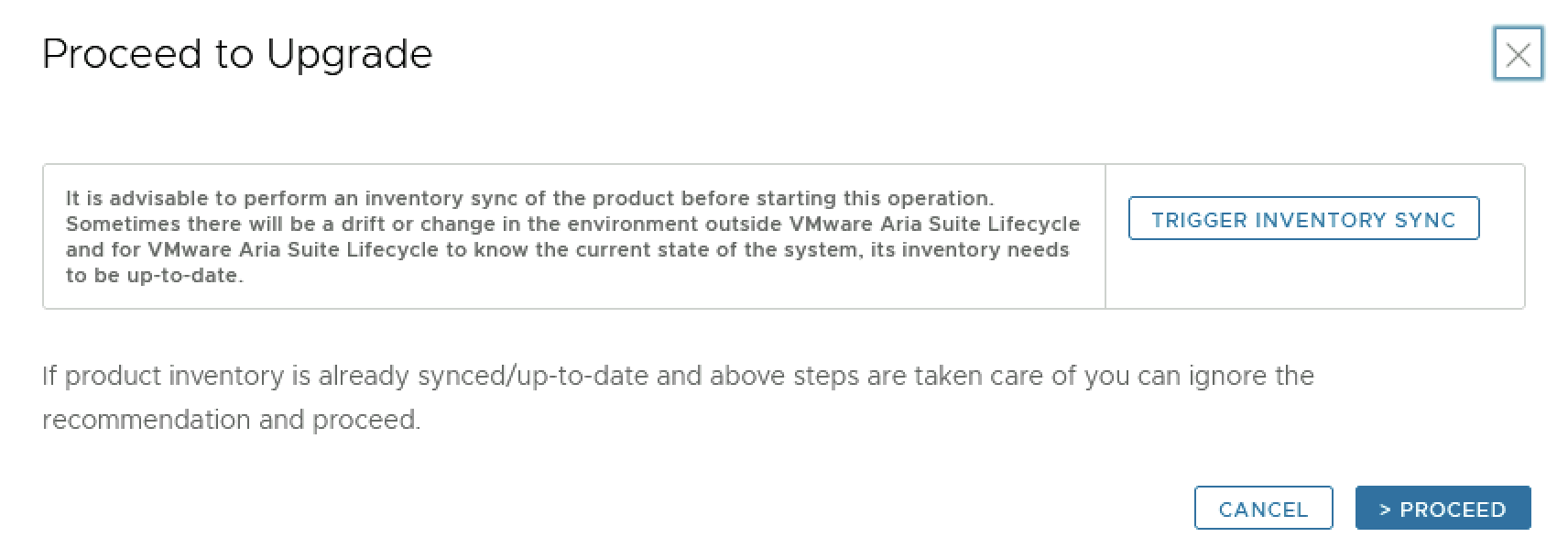
An Inventory sync is recommended because environments can change and Aria Suite Lifecycle might be out of sync. Trigger the sync from the UI or click on “Proceed” to continue.
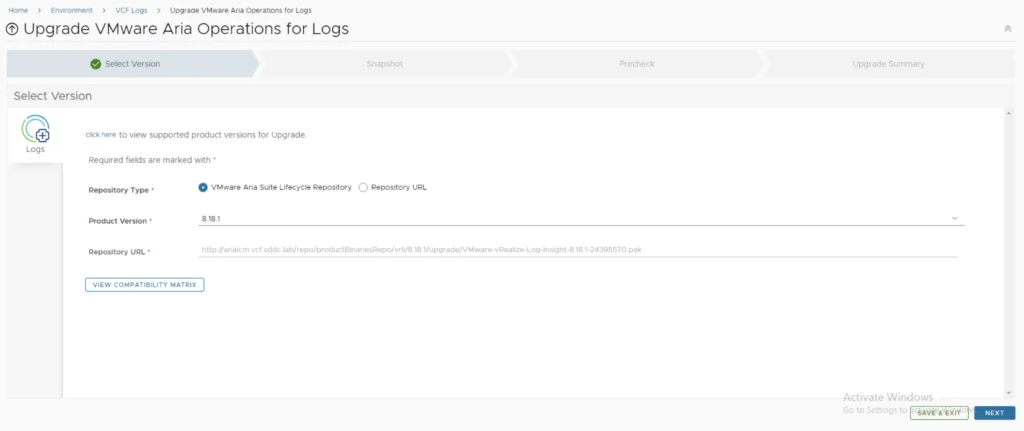
Selecting Version 8.18.1 and Snapshot Options
Select product version 8.18.1 and click “Next.” Review the compatibility matrix to ensure the environment is compatible.
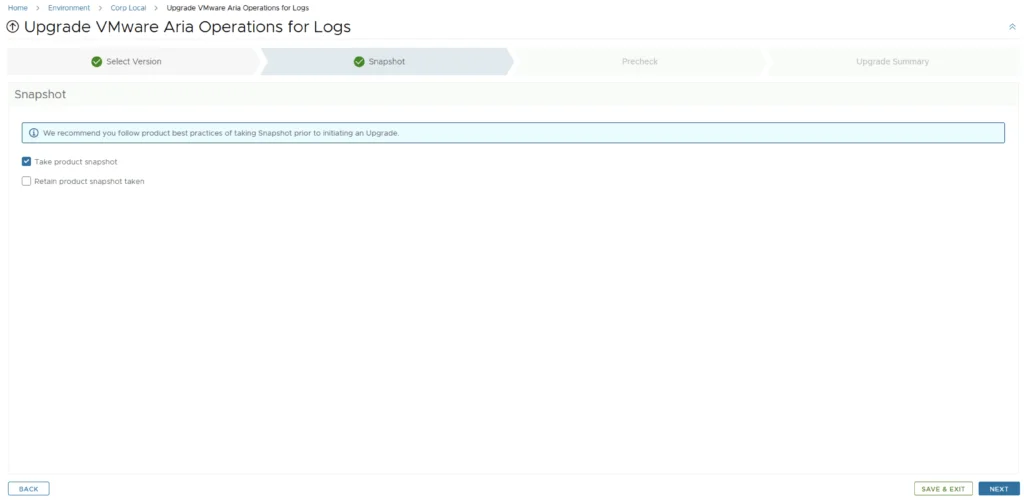
A new feature allows you to automatically create a snapshot prior to the upgrade and remove it afterward. On this screen, you can also choose to keep the snapshots post-upgrade for validation testing. Click “Next.”
Running the Precheck
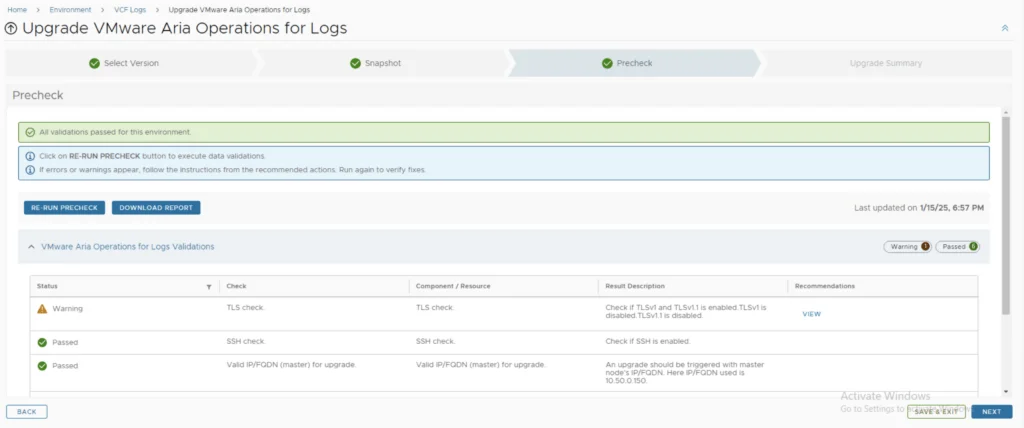
Run the Precheck to ensure there are no errors or issues, then click “Next” once the review is complete.
Submitting and Completing the Upgrade
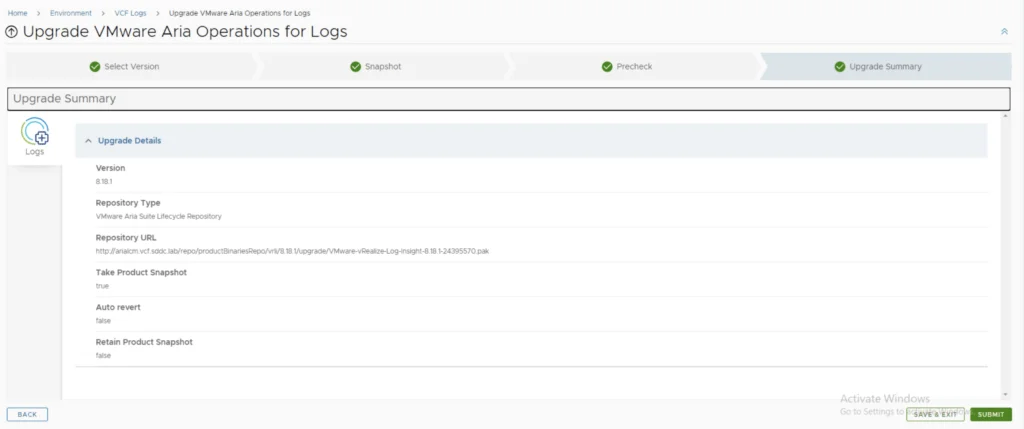
Review the upgrade details and click “Submit.” You will be taken to the progress screen to follow the upgrade process.
The system will get rebooted and once its back up we will be on 8.18.1
Since this is a major upgrade, I strongly recommend clearing the cache before using the new Aria Operations for Logs version.