Importing a vCenter 8.x as a Workload Domain into VCF 9

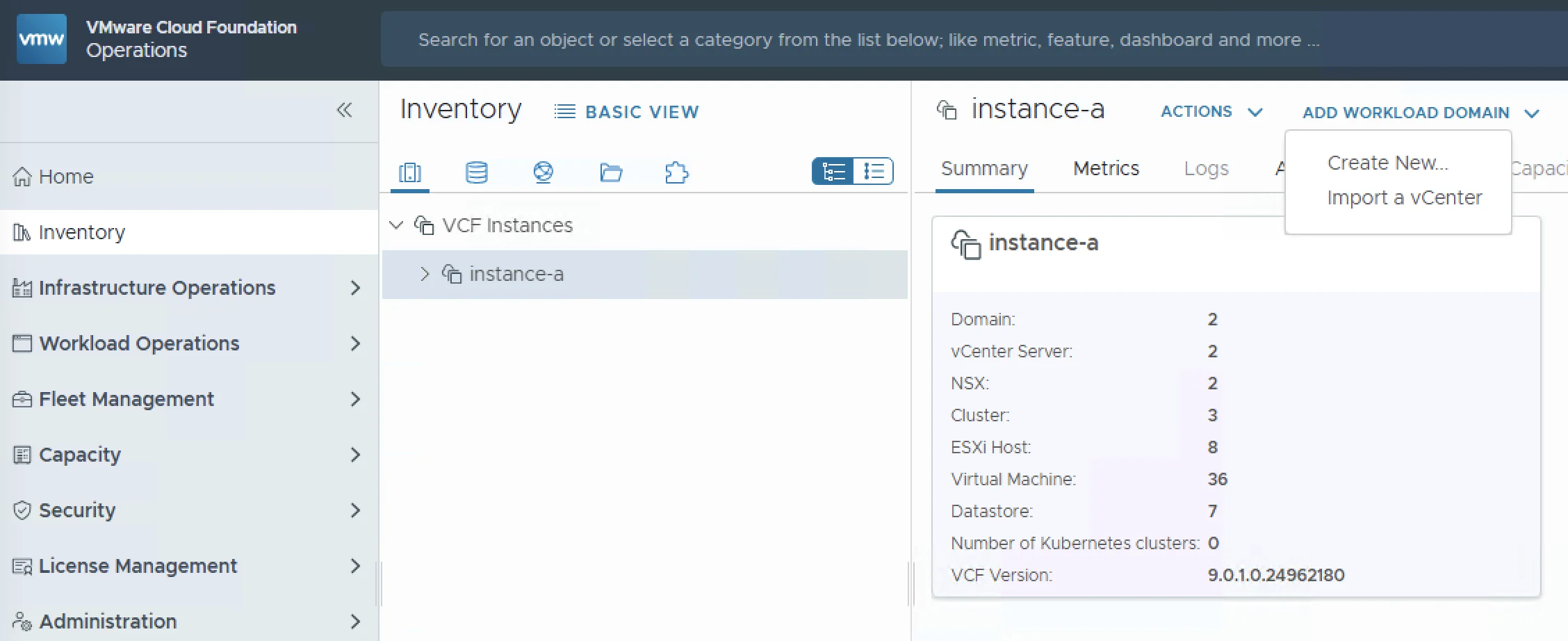
As organizations adopt VMware Cloud Foundation 9.0, a common question comes up: what do I do with my existing vCenter 8.x environments? The good news is that VCF 9.0 supports backwards compatibility with 8.x vCenter instances. You can import them as workload domains directly from the VCF Operations console, bringing your legacy infrastructure under VCF management without rebuilding from scratch. In this post I will walk through the full import process — from prerequisites and networking requirements to NSX deployment and validation — so you know exactly what to expect before you hit the “Import” button. ...

March 31, 2026 · Cosmin Trif
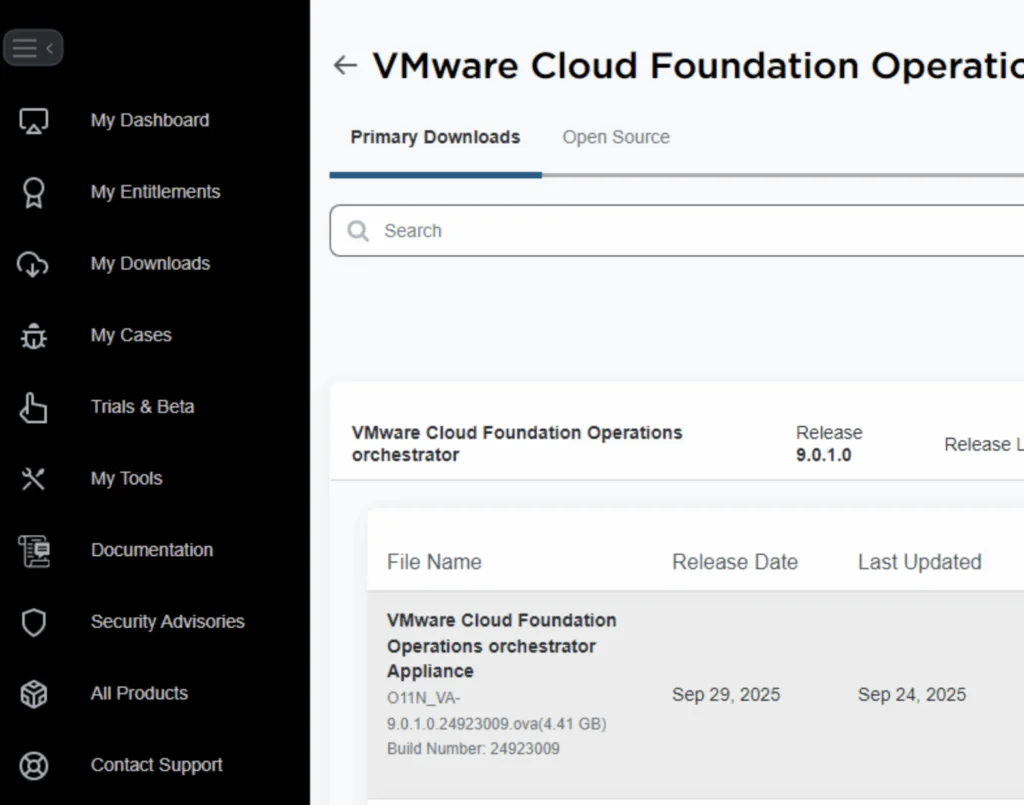
UI shows VMware Cloud Foundation Operations Orchestrator download page with release version 9.0.1.0 and file details.

Deploying an External VCF Operations Orchestrator 9 Appliance

VMware Cloud Foundation (VCF) 9 brings a suite of powerful automation tools, and for many administrators, deploying the Operations Orchestrator (formerly vRO) as a standalone, external appliance provides greater flexibility and isolation. In this guide, I will walk you through the process of deploying VCF Operations Orchestrator 9 using the OVA method, followed by the necessary command-line configurations to get your authentication up and running. Prerequisites Before you begin, ensure you have the following: ...

November 21, 2025 · Cosmin Trif
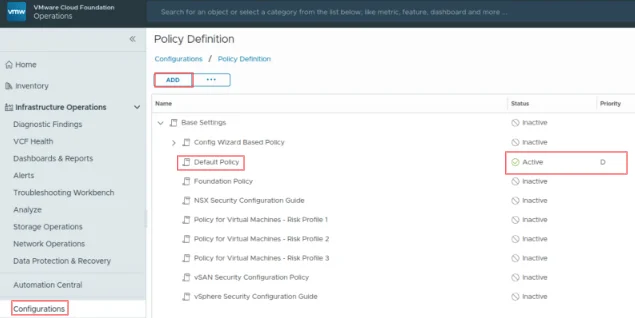
VCF Operations UI showing policy definition with "Default Policy" active.

Suppress ESXi Host Alerts in VCF Operations 9 When a Host Enters Maintenance Mode

When a vSphere admin places an ESXi host in vCenter maintenance mode, VCF Operations should automatically suppress host alerts for that object, without pausing metric collection, and then restore alerting when maintenance ends. Why this approach? In VCF 9, you can avoid alert noise during maintenance in two ways: Maintenance Schedules – pause both collection and alerts during a defined window (best for planned maintenance). Policy-based alert suppression (this post) – keep metrics flowing but disable host alert definitions while the host is in maintenance. This is done with a policy attached to a dynamic custom group keyed to the host’s Maintenance Mode property. Note on naming: In VCF 9, VCF Operations is the successor to Aria/vRealize Operations and is part of the unified Cloud Foundation experience. If you’re upgrading from Aria Operations, see Broadcom’s “Upgrade to VCF Operations 9.0.” ...

July 30, 2025 · Cosmin Trif
ESXi 9 upgrade options shown: no-tools, standard. PartnerSupported, dates 2025-06-17.

Patching//Upgrading ESXi 8 to ESXi 9 via esxcli

With the latest release of ESXi 9 i wanted to get my lab up to date. I don’t have enough resources in my lab to migrate the vCenter to another ESXi server so i want to perform the upgrade via cli. More details about the release can found here The first step was to open the firewall for outgoing traffic for http esxcli network firewall ruleset set -e true -r httpClient Second step was to list the updates by executing ...

June 20, 2025 · Cosmin Trif

Fixing “Received Too Large SFTP Packet” When Connecting to vCenter Using WinSCP

The Problem When trying to connect to a vCenter Server Appliance (VCSA) using WinSCP, many admins encounter the following error: Received too large (1433299822 B) SFTP packet. Max supported packet size is 1024000 B This occurs because the default shell used by the vCenter appliance (/bin/appliancesh) is not compatible with SFTP, which WinSCP attempts to use by default. The Solution To successfully connect to VCSA and transfer files using WinSCP, you need to: ...

June 11, 2025 · Cosmin Trif
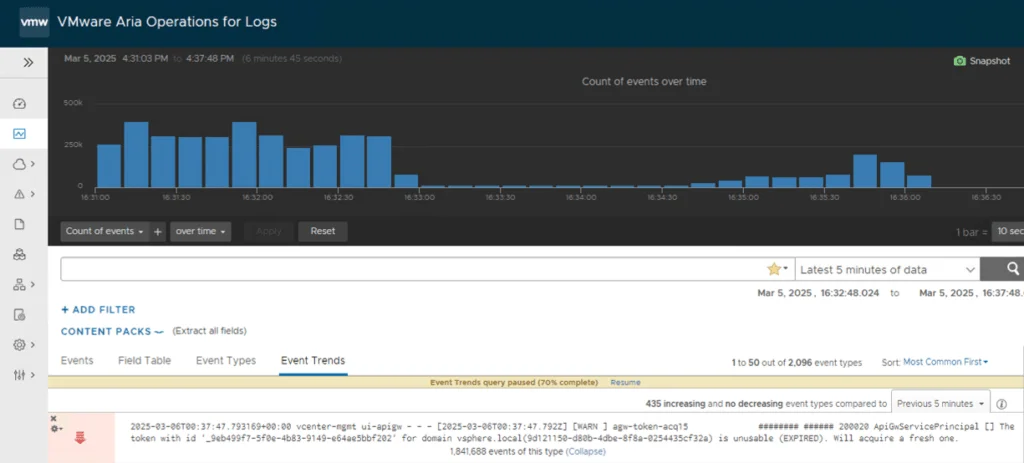
VMware Aria Operations dashboard shows event trends with a warning about an expired token.

How to Fix Excessive ApiGwServicePrincipal Logging in vCenter

If your vCenter logs are flooded with ApiGwServicePrincipal messages about token expirations, you’re not alone. These frequent “info” level logs in the apigw.log file can clutter your system, making it tough to identify real issues. Fortunately, there’s a simple workaround: adjust the logging severity from “info” to “error.” Below, I’ll guide you through the exact steps to reduce this log noise effectively. The Issue: Too Many ApiGwServicePrincipal Logs In vCenter, you might see repeated log entries like: ...

March 6, 2025 · Cosmin Trif
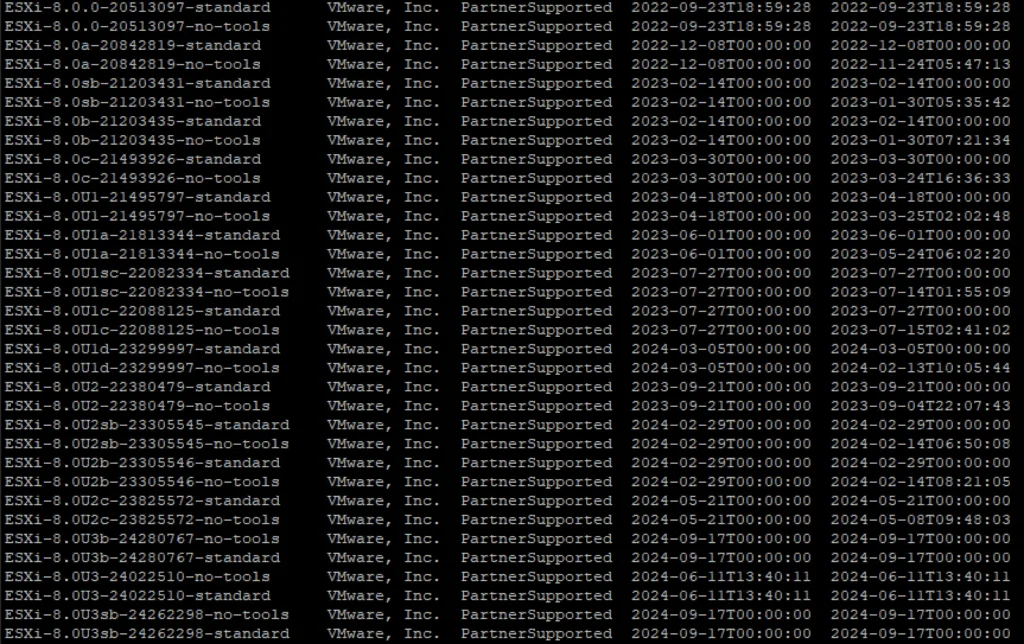
This image lists VMware ESXi versions and their support status.

Patching//Upgrading ESXi 8 to ESXi8U3b via esxcli

With the latest release of ESXi8U3b i wanted to get my lab up to date. I dont have enough resources in my lab to migrate the vCenter to another ESXi server so i want to perform the upgrade via cli. More details about the release can found here The first step was to open the firewall for outgoing traffic for http esxcli network firewall ruleset set -e true -r httpClient Second step was to list the updates by executing ...

November 9, 2024 · Cosmin Trif
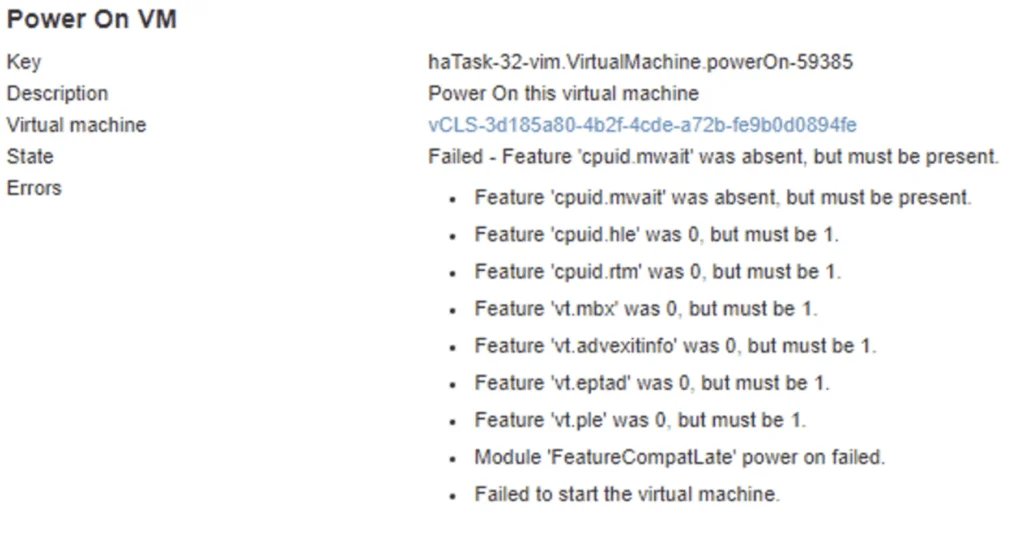
VM power-on fails due to missing CPU features.

vCLS not starting with Failed - Feature 'cpuid.mwait' was absent, but must be present error

With the release of vCenter 7 Update 1, VMware introduced the vCLS (vSphere Clustering Service). More information can be found here. Looking at the error details it looks like it is looking for a feature called cpuid.mwait Reviewing the VMX file it seems like EVC is enabled on the vCLS VMs. I didnt want to enable EVC on the whole cluster so i wanted to do it only on the specific VMs. ...

July 28, 2024 · Cosmin Trif

Creating a Custom Role in vCenter for Aria for Logs (vRealize Log Insight): A Step-by-Step Guide

Introduction Logs play a pivotal role in the management and troubleshooting of IT environments. Aria for Logs (formerly known as vRealize Log Insight) provides powerful log management capabilities, enabling deep analytical insights and real-time monitoring of data from various sources, including vSphere. To ensure Aria for Logs effectively collects and analyzes log data, it requires specific permissions within your vCenter Server. This blog post will guide you through creating a custom role in vCenter tailored for the Aria for Logs service account. ...

May 13, 2024 · Cosmin Trif

Creating a Custom Role in vCenter for Aria Operations Actions

Introduction Monitoring your VMware infrastructure effectively is crucial for maintaining system health and performance. VMware’s Aria Operations (formerly vRealize Operations) provides comprehensive monitoring capabilities, but it requires specific permissions to function optimally. In this blog post, we’ll walk through the steps to create a custom role in vCenter specifically for the Aria Operations service account, ensuring it has the necessary permissions to monitor and take actions in your infrastructure. Prerequisites Before we begin, ensure you have the following: ...

May 13, 2024 · Cosmin Trif