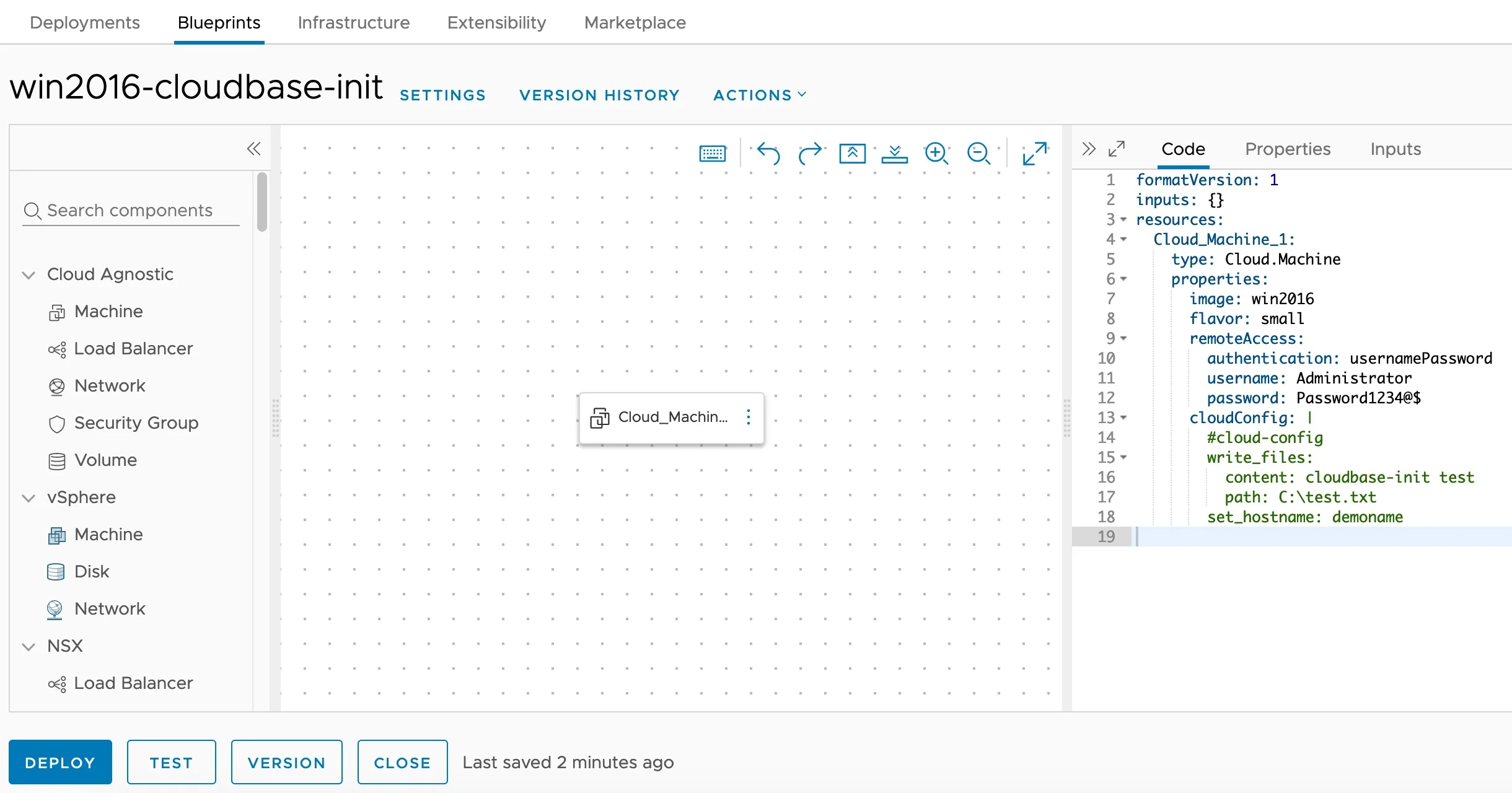
Cloudbase-Init Windows Guest Customization — Blueprint Editor

Installing and Configuring Cloudbase-Init on Windows for VCF Automation Guest Customization

Customizing Windows guest instances in VMware environments has traditionally been handled by the VMware Guest Customization Specification (Sysprep-based). While this approach works, it has limitations — especially when you need cloud-agnostic blueprints that work across vCenter, Azure, AWS, and GCP cloud accounts. Enter Cloudbase-Init — the Windows equivalent of Cloud-Init. It provides powerful guest customization capabilities including user creation, password injection, hostname configuration, SSH public keys, and user-data script execution. This guide walks through the full process of installing and configuring Cloudbase-Init on a Windows Server template for use with VCF Automation (formerly VMware Aria Automation / vRealize Automation). ...

April 16, 2026 · 10 min · Cosmin
Article cover image

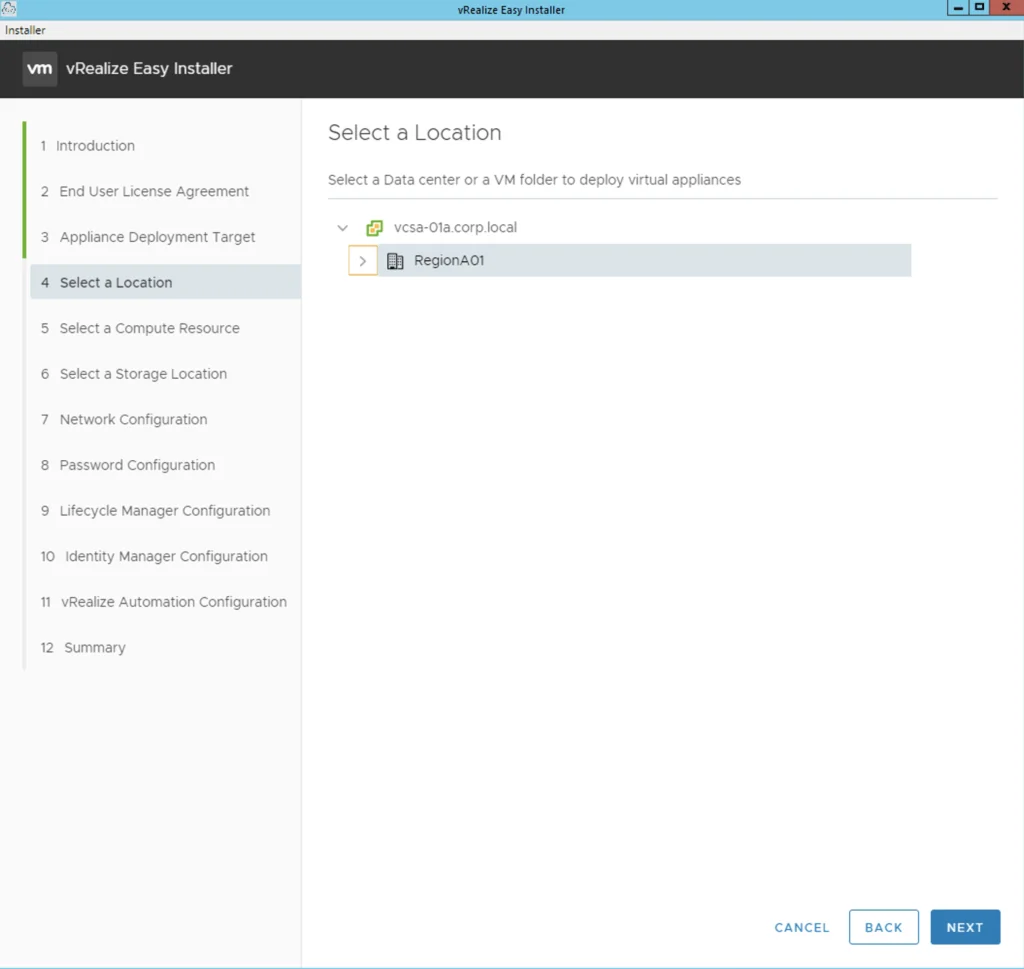
Deploying Aria Automation 8.16 using the Easy Installer

In this guide i will go over the deployment of Aria Automation 8.16 using the Easy Installer. The reason i like the Easy Installer is because it deploys everything that I need: Identity Manager, Aria Suite Lifecycle as well as Aria Automation. To get started we need to download the installer from here. Once downloaded mount the iso as a drive using your favorite tool or extract it as a archive using something like 7-zip ...

January 31, 2024 · 3 min · Cosmin
Article cover image

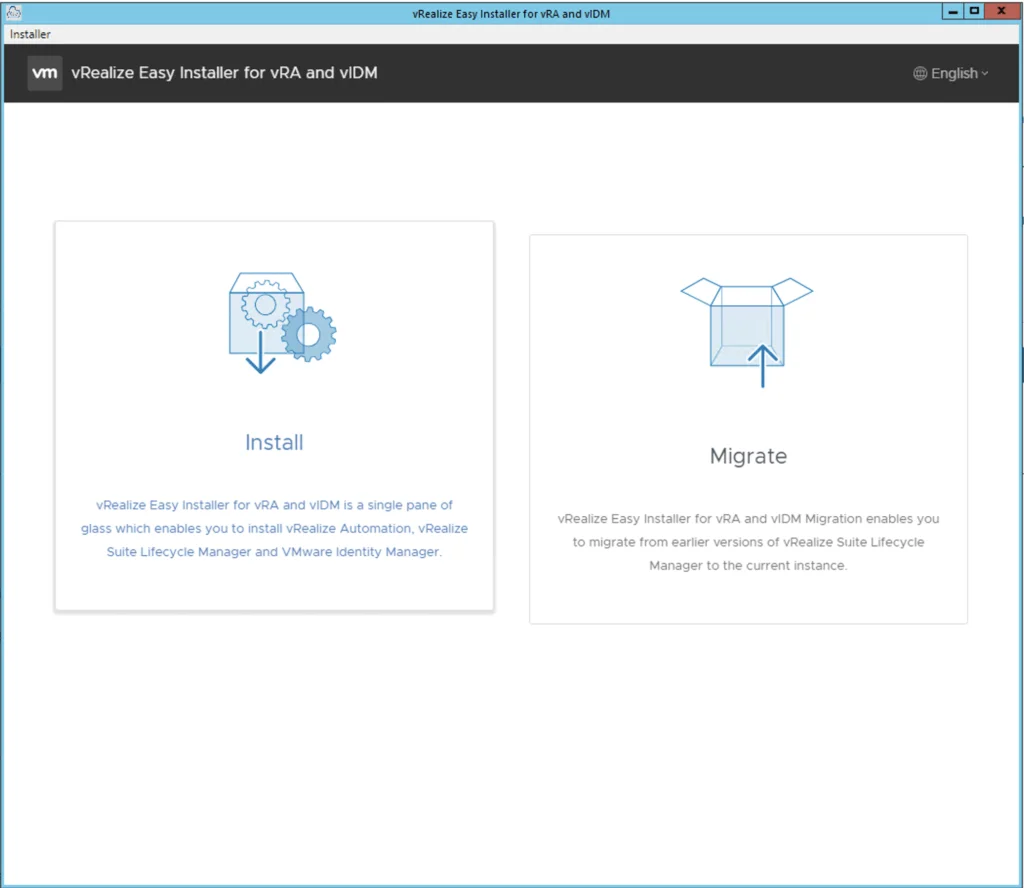
Deploying vRA 8.11 using the Easy Installer

In this guide i will go over the deployment of vRA 8.11 using the Easy Installer. The reason i like the Easy Installer is because it deploys everything that i need. vIDM, Lifecycle Manager as well as vRA. To get started we need to download the installer from here. Once downloaded mount the iso as a drive using your favorite tool or extract it as a archive using something like 7-zip Once mounted go to the CDROM in the vrlcm-ui-installer\Mac directory if on mac or vrlcm-ui-installer\win32 if you are on windows. In here run the installer file ...

February 3, 2023 · 4 min · Cosmin
Article cover image

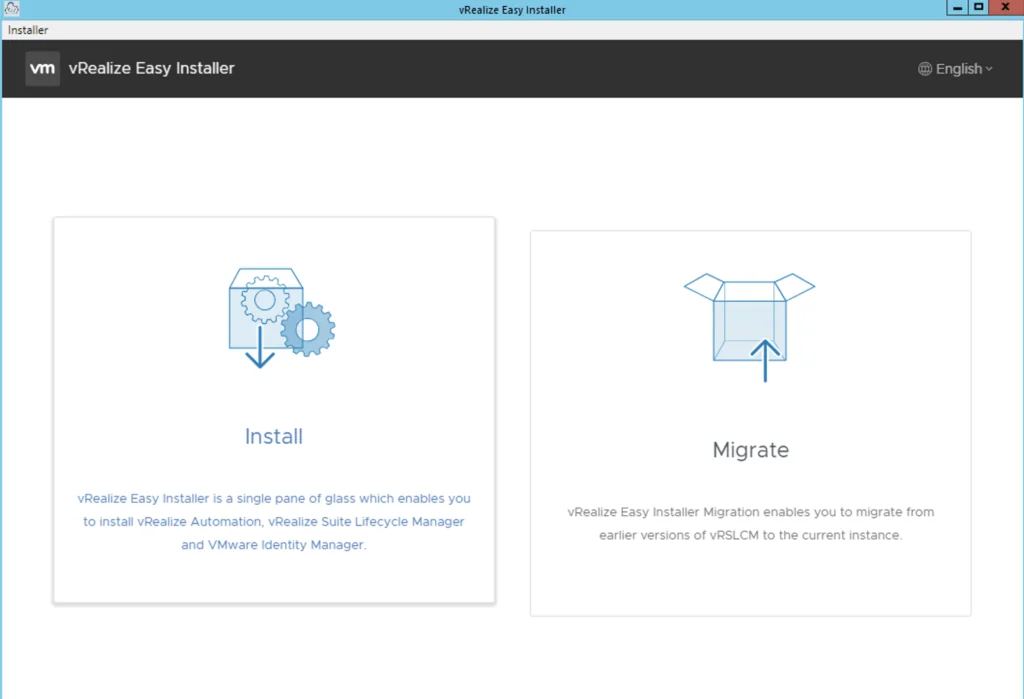
Deploying vRA 8.8 using the Easy Installer

In this guide i will go over the deployment of vRA 8.8 using the Easy Installer. The reason i like the Easy Installer is because it deploys everything that i need. vIDM, Lifecycle Manager as well as vRA. To get started we need to download the installer from here. Once downloaded mount the iso as a drive using your favorite tool or extract it as a archive using something like 7-zip Once mounted go to the CDROM in the mac directory if on mac or win32 if you are on windows. In here run the installer file ...

June 6, 2022 · 4 min · Cosmin
Article cover image

Deploying vRA 8.6.1 using the Easy Installer

In this guide i will go over the deployment of vRA 8.6.1 using the Easy Installer. The reason i like the Easy Installer is because it deploys everything that i need. vIDM, Lifecycle Manager as well as vRA. To get started we need to download the installer from here. Once downloaded mount the iso as a drive using your favorite tool or extract it as a archive using something like 7-zip Once mounted go to the CDROM in the mac directory if on mac or win32 if you are on windows. In here run the installer file ...

December 7, 2021 · 4 min · Cosmin
Article cover image

Deploying vRA 8.3 using the Easy Installer

In this guide i will go over the deployment of vRA 8.3 using the Easy Installer. The reason i like the Easy Installer is because it deploys everything that i need. vIDM, Lifecycle Manager as well as vRA. To get started we need to download the installer from here. Once downloaded mount the iso as a drive using your favorite tool or extract it as a archive using something like 7-zip Once mounted go to the CDROM in the mac directory if on mac or win32 if you are on windows. In here run the installer file ...

January 28, 2021 · 4 min · Cosmin
Article cover image

Change or update vRealize Automation 8 License key

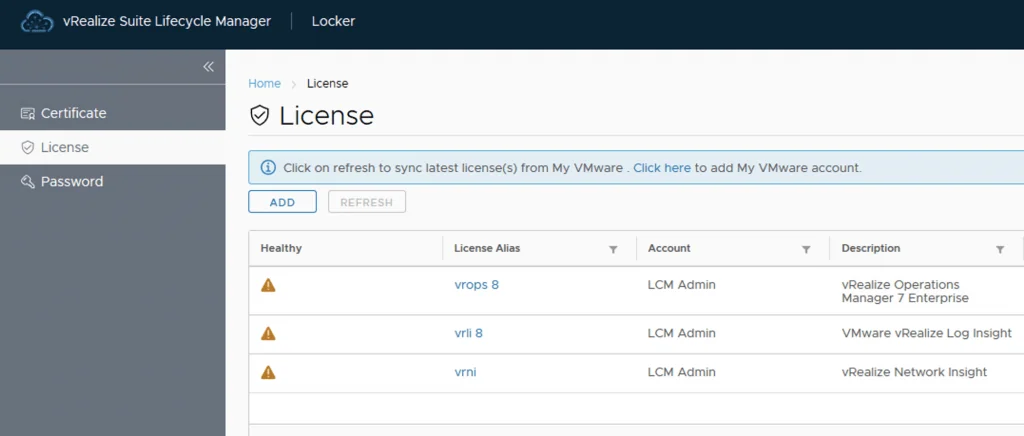
After a recent deployment of VRA 8 with a trial key in my lab i realized that my key was about to expire. It was time to get it changed with my production key. The key can be changed via Lifecycle Manager or via CLI. Changing the vRealize Automation 8 License key via Lifecycle Manager To change the license via lifecycle manager we need to go to Lifeycle Manager -> Locker -> License ...

July 23, 2020 · 2 min · Cosmin