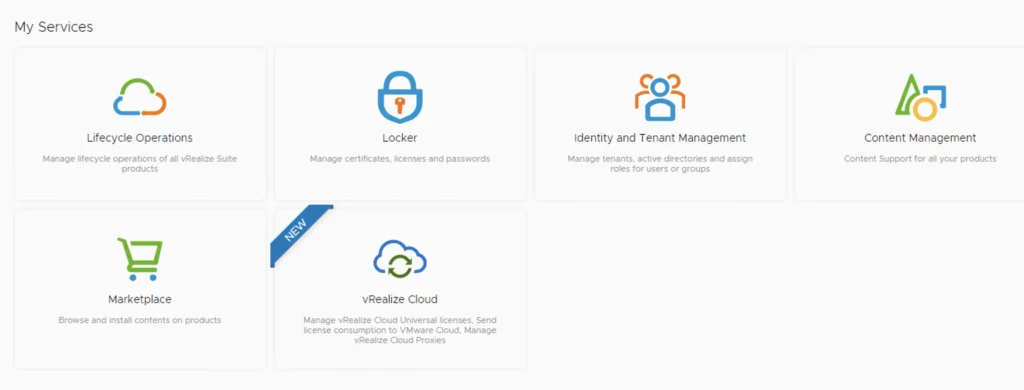
Dashboard with services like Lifecycle Operations, Locker, Identity and Tenant Management, Content Management, Marketplace, and vRealize Cloud.

Installing an vROPS management pack via vRSLCM

This post we will be going over installing an vROPS management pack via vRSLCM. (If you haven’t added your My VMware credentials you will need to do that first by going to vRealize Lifecycle Manager -> Lifecycle Operations -> Settings -> My VMware) Accessing the Marketplace Once logged on to vRSLCM click on the marketplace. ...

Installing an vROPS management pack via vRSLCM
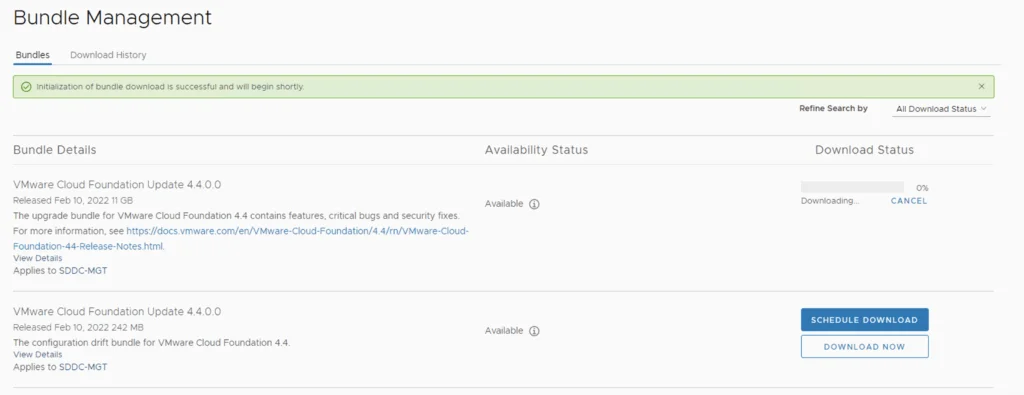
Bundle Management screen showing VMware Cloud Foundation updates with download options.

Skip-Level Upgrading VCF 4.3.1 to 4.4 Step by Step

With the release of of VCF 4.4 I wanted to get my lab upgraded. The release blog can be found here and the release notes are here Downloading the VCF 4.4 Update Bundle In order to get to 4.3.1.0 in the past we had to upgrade to each version incrementally. As per the documentation found here we can now upgrade from any release past 4.1.0.1 directly to 4.4 skipping the releases in between. We can do so by going to Repository -> Bundle management -> Download now. ...
 · Updated  · 
Skip-Level Upgrading VCF 4.3.1 to 4.4 Step by Step
vRealize Operations Manager Administration showing system status with cluster status as online and "Take Offline" button.

Workaround instructions to address CVE-2021-44228 and CVE-2021-45046 in vRealize Operations 7.x

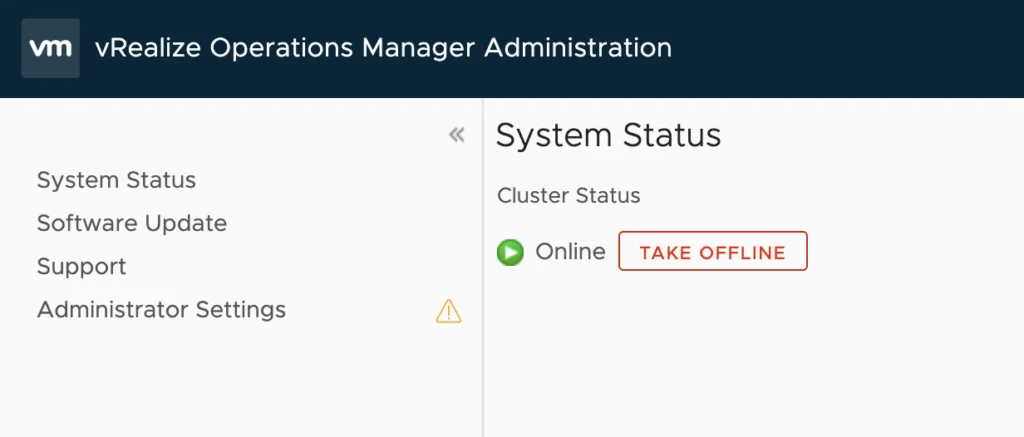
In this article I will go over one of the workaround instructions to address CVE-2021-44228 and CVE-2021-45046 in vRealize Operations 7.x. I have tested the workaround on vROPS 7.5 as its still shipped with VCF 3.x and I haven’t yet seen documentation on a workaround for this version. If you are looking for instructions for version 8.x consult kb article 87076. This has been tested on December 21 2021. Please check the official documentation or open a ticket for production usage. Where possible, moving to a release that ships with the fixed Log4j is the cleaner long-term option. I covered upgrading vROps to 8.6.2 via vRSLCM separately. ...

Workaround instructions to address CVE-2021-44228 and CVE-2021-45046 in vRealize Operations 7.x

Downgrading ESXi to a Different Build

During one of the upgrades in my VCF lab, I accidentally installed an ESXi 7.x build outside that VCF release’s validated design. This historical example records the lab recovery I tried. It is not a general production downgrade procedure. Warning: For a VCF-managed host or a production downgrade, stop and engage Broadcom Support. Downgrading can remove or replace drivers and components, can be incompatible with the current vCenter/NSX/firmware combination, and might leave the host unable to boot or rejoin its cluster. Use a supported rollback, reinstall or restore procedure when directed. ...

 · Updated  · 
Downgrading ESXi to a Different Build
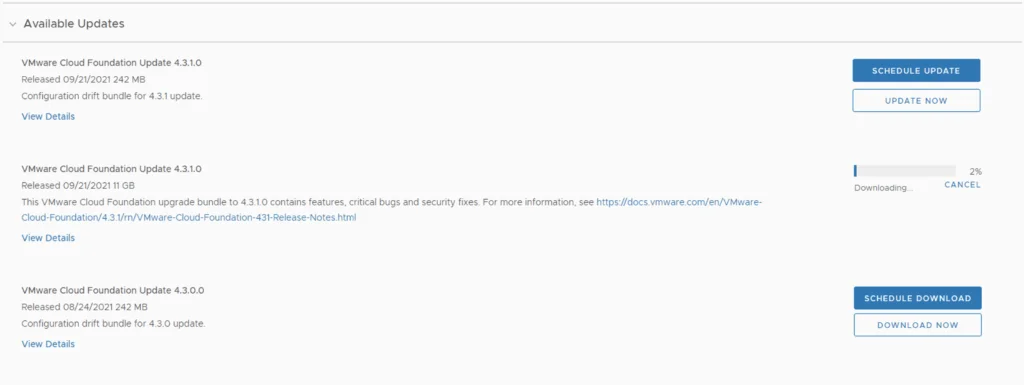
Update page for VMware Cloud Foundation showing available updates and download progress.

Skip-Level Upgrading VCF 4.1.0.1 to 4.3.1.0 Step by Step

With the release of of VCF 4.3.1 I wanted to get my lab upgraded. The release blog can be found here and the release notes are here Downloading the Upgrade Bundles In order to get to 4.3.1.0 in the past we had to upgrade to each version incrementally. As per the documentation found here we can now upgrade from any release past 4.1.0.1 directly to 4.3.1 skipping the releases in between. We can do so by going to Repository -> Bundle management -> Download now. Download the Configuration drift bundle as well as the Update package. ...

 · Updated  · 
Skip-Level Upgrading VCF 4.1.0.1 to 4.3.1.0 Step by Step
A cartoon rabbit holding a carrot with "That's all, folks!" text.

Shutting down a vSAN Cluster

I have the need to completely shut down some of my vSAN clusters for various clusters and ive been having a hard time finding the proper procedure. As of 2/16/2021 VMware released guidance here Here are the steps I took to do it on my end. If you have the vCLS service enabled follow my other instructions here prior to starting the rest of this guide. Disable cluster member updates from vCenter on each ESXi host in the cluster by running ...

 · Updated  · 
Shutting down a vSAN Cluster
VMware Cloud Foundation Update 4.1.0.1 available for download, 23% progress.

Upgrading VCF 4.1.0.0 to 4.2.0.0 Step by Step

With the release of of VCF 4.2 I wanted to get my lab upgraded. The release blog can be found here and the release notes are here Upgrading to VCF 4.1.0.1 First In order to get to 4.2.0.0 we have to upgrade to 4.1.0.1. We can do so by going to Repository -> Bundle management -> Download now The next step is to upgrade VCF by going to Inventory -> Workload Domains -> Select the workload domain -> Update/Patches -> Update Now for the VMware Cloud Foundation Update 4.1.0.1. The release notes can be found here ...

 · Updated  · 
Upgrading VCF 4.1.0.0 to 4.2.0.0 Step by Step
VMware Cloud Foundation Update 4.1.0.0 details: Released 10/06/2020, 11 GB, available for download.

Upgrading VCF 4.0.1.1 to 4.1.0.0

With the release of of VCF 4.1 I wanted to get my lab upgraded. The release blog can be found here and the release notes are here Downloading the 4.1.0.0 Update Bundle In my case I pre downloaded the VMware Cloud Foundation Update 4.1.0.0 by going to Repository -> Bundle management -> Download now Applying the VCF 4.1.0.0 Update The next step is to upgrade VCF by going to Inventory -> Workload Domains -> Select the workload domain -> Update/Patches -> Update Now ...

 · Updated  · 
Upgrading VCF 4.0.1.1 to 4.1.0.0
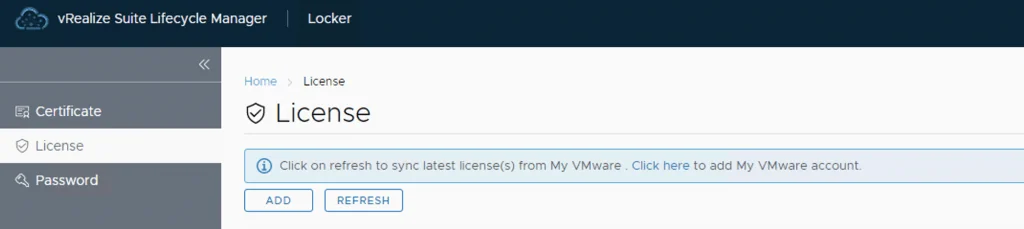
License tab in vRealize Lifecycle Manager with options to add or refresh licenses.

Adding keys in vRealize Lifecycle Manager in a VCF 4 Environment

From a lifecycle manager perspective we have a couple of ways to add keys to the environment If the my vmware user that is added to lifecycle manager has access to they keys, the keys can automatically discovered and imported. For this we can go to the locker from Home -> Locker -> License. If the keys are not discovered we can click on the refresh button up top to perform a manual sync ...

 · Updated  · 
Adding keys in vRealize Lifecycle Manager in a VCF 4 Environment
Creating a new environment in vRealize Lifecycle Manager for vRA deployment in a VCF 4 setup.

Deploying vRA with vRealize Lifecycle Manager in a VCF 4 Environment

If you followed my previous posts Deploying the vRealize suite using VCF 4.0 and enabling product downloads in vRealize Lifecycle Manager, you should now have vRA and vIDM already downloaded. In my previous post I went over the installation of vIDM which is a pre requisite for vRA. You can find the link here Creating a New Environment Next, we need to create a new environment that will be used to deploy vRA. For this we can go to Lifecycle Operations -> Create Environment. Fill in the necessary information and click next ...

 · Updated  · 
Deploying vRA with vRealize Lifecycle Manager in a VCF 4 Environment