How I Migrated My WordPress Blog to Hugo on Cloudflare Workers (And Why You Should Too)

After years of running my tech blog on WordPress, I finally pulled the trigger and migrated everything to Hugo (a blazing-fast static site generator) hosted on Cloudflare Workers. The result? A site that loads in milliseconds, costs nothing to host, and requires zero server maintenance. Here’s exactly how I did it, what went wrong, and what I’d do differently. Why Leave WordPress? WordPress served me well for years. But as my post count grew to 278 articles (mostly VMware VCF guides with dozens of screenshots each), the cracks started showing: ...

 · Cosmin
How I Migrated My WordPress Blog to Hugo on Cloudflare Workers (And Why You Should Too)
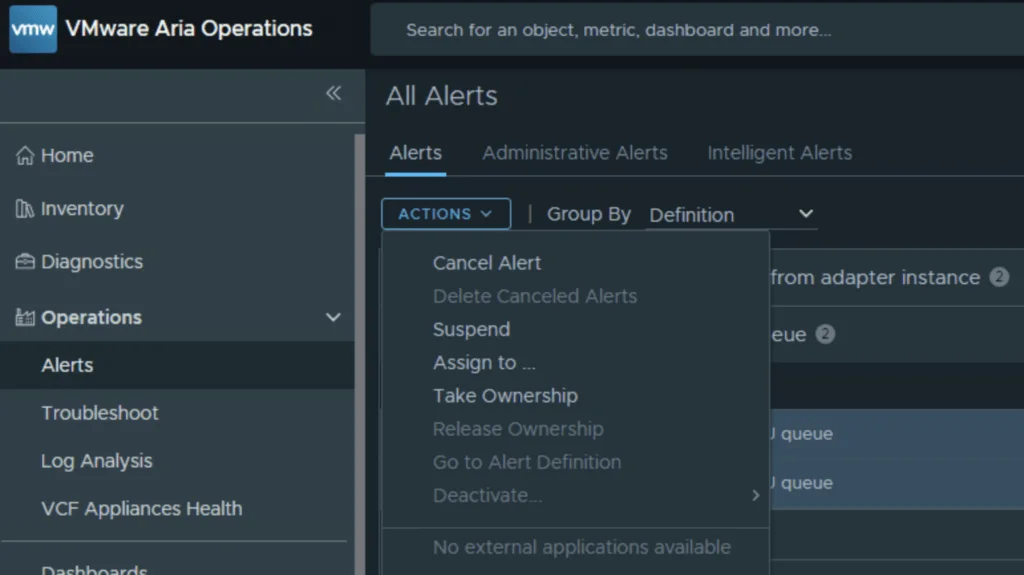
VMware Aria Operations dashboard showing alerts with options like "Cancel Alert" and "Delete Canceled Alerts".

Bulk Delete Alerts in VCF Operations (formerly known as Aria Operations)

API correction (August 25, 2026): The UI workflow below remains useful, but the API request bodies originally published in this article were incorrect. Use the reviewed follow-up, Safely Canceling and Deleting Alerts with the VCF Operations API, for the supported query, cancel, and targeted-delete sequence. If you manage a VMware Aria Operations (formerly vROps) environment, you know how quickly alert fatigue can set in. In this guide I will focus specifically on the “Guest OS Experiencing CPU queue” alert. While helpful in identifying CPU-constrained VMs, it can quickly generate thousands of entries if you have a heavily over provisioned environment. ...

 · Updated  · 
Bulk Delete Alerts in VCF Operations (formerly known as Aria Operations)

Temporarily Bypassing VCF Compatibility Checks: A Reversible, Version-Specific Procedure

VCF compatibility checks are safety controls, not generic obstacles to an upgrade or bring-up. Broadcom documents temporary bypasses for two narrowly defined missing-compatibility-data failures. The files and properties differ by release and workflow, so the procedures must not be mixed. This article covers: VCF 5.x and VCF on VxRail 5.x upgrades that match Broadcom KB 323368. VCF 9.0.x bring-up failures on the VCF Installer appliance that match Broadcom KB 403075. Do Not Use This as a General Compatibility Bypass Use the applicable workaround only after confirming that the error matches the linked KB and that the compatibility data is current. ...

 · Updated  · 
Temporarily Bypassing VCF Compatibility Checks: A Reversible, Version-Specific Procedure
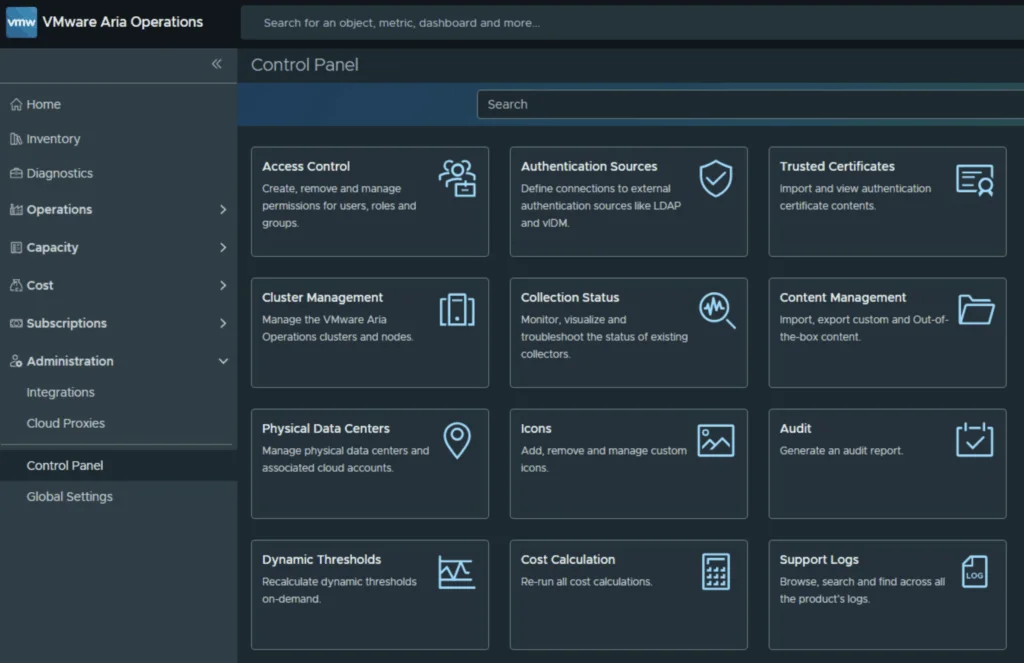
VMware Aria Operations Control Panel showing various management options like Access Control, Authentication Sources, and Audit.

Troubleshooting notification plugins in VCF Operations

In the world of modern infrastructure operations, observability is only as good as the actions it drives. Integrating VMware Cloud Foundation (VCF) Operations (formerly Aria Operations) with ITSM platforms like ServiceNow is a critical step for many of my clients. It transforms passive monitoring into active incident management. However, as with any integration involving webhooks and external APIs, things don’t always go according to plan. Recently, while implementing a ServiceNow integration following standard deployment guides (kudos to Brock Peterson for his excellent documentation on ServiceNow Management Packs and Webhooks), I hit a roadblock. My instance was failing to send notifications, and the standard UI errors were vague. ...

Troubleshooting notification plugins in VCF Operations
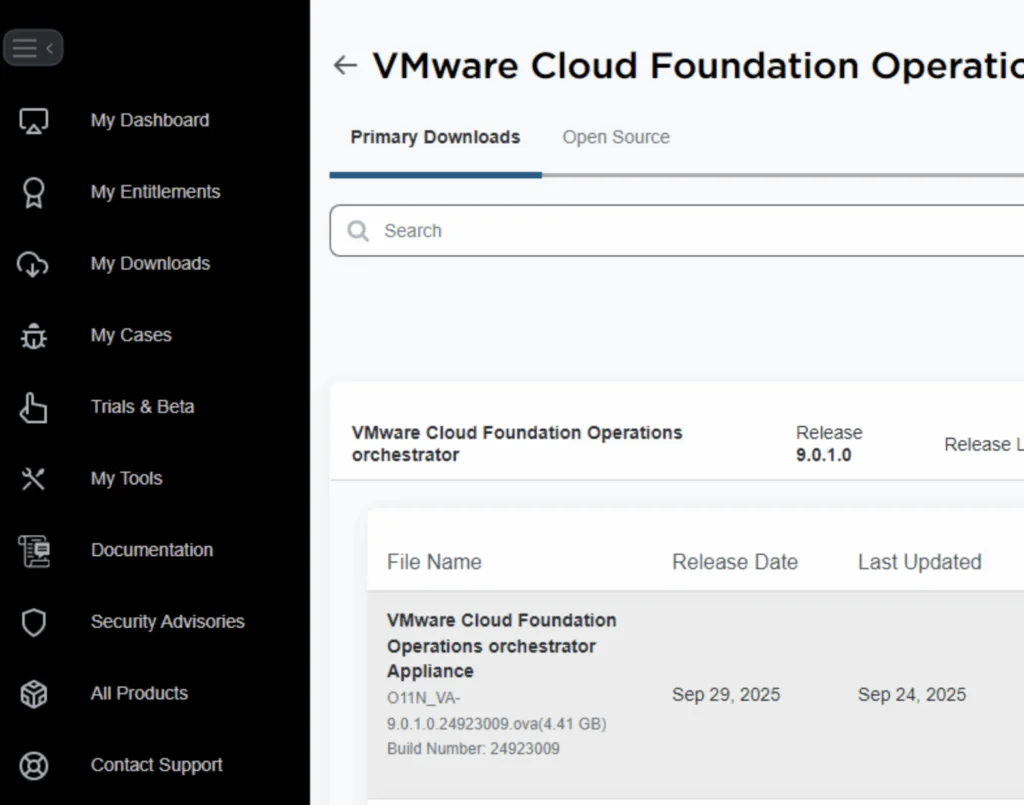
VMware Cloud Foundation Operations Orchestrator download page with release version 9.0.1.0 and file details.

Deploying an External VCF Operations Orchestrator 9 Appliance

VMware Cloud Foundation (VCF) 9 brings a suite of powerful automation tools, and for many administrators, deploying the Operations Orchestrator (formerly vRO) as a standalone, external appliance provides greater flexibility and isolation. In this guide, I will walk you through the process of deploying VCF Operations Orchestrator 9 using the OVA method, followed by the necessary command-line configurations to get your authentication up and running. Prerequisites Before you begin, ensure you have the following: ...

Deploying an External VCF Operations Orchestrator 9 Appliance
VMware Cloud Foundation Operations UI showing SDDC Manager update details for VCF 9.0.

Upgrading VCF 9.0 SDDC Manager to 9.0.1: A Step-by-Step Guide

Upgrading your SDDC Manager from version 9.0 to 9.0.1 is a relatively straightforward process when done through the integrated Lifecycle interface. Below is a guide to go over this patch upgrade. 1. Navigate to the Update Section Log into Operations → Fleet Management. Under Lifecycle → VCF Instances, select the VCF instance you want to upgrade. Look for the available update section. If you see SDDC Manager Update 9.0.1, click the Download icon. If no update appears, double-check your depot configuration and ensure your binary repositories are correctly set up. ...

Upgrading VCF 9.0 SDDC Manager to 9.0.1: A Step-by-Step Guide
VMware Cloud Foundation Operations fleet management download page shows release details and file info.

Deploying VCF Fleet Management 9 from OVA: A Step-by-Step Guide

Deploying the VCF Fleet Management (Operations / Fleet Manager) appliance using an OVA is a common approach when standing up a new VMware Cloud Foundation (VCF) 9 environment or re-deploying the component. Below is a refined guide covering the deployment, configuration, and integration steps. 1. Prerequisites & Downloading Binaries Before you deploy the OVA: Log into the Broadcom Support Portal and obtain the required binaries and OVA files for the Fleet Manager. Direct link can be found here. ...

Deploying VCF Fleet Management 9 from OVA: A Step-by-Step Guide
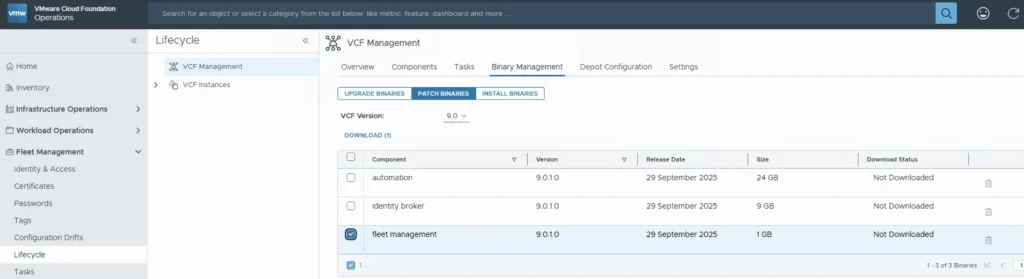
VCF 9.0.1 binary management for fleet management upgrade.

Upgrading VCF 9.0.0 Fleet Management to 9.0.1: A Step-by-Step Guide

Upgrading your VCF Fleet Management from version 9.0.0 to 9.0.1 is a relatively modest patch update, but careful execution ensures minimal disruption. Below is a step-by-step guide to walk you through the process safely. Download the Patch Download the patch by going to Fleet Management -> Binary Management -> Patch Binaries -> Select fleet management -> Download. ...

Upgrading VCF 9.0.0 Fleet Management to 9.0.1: A Step-by-Step Guide
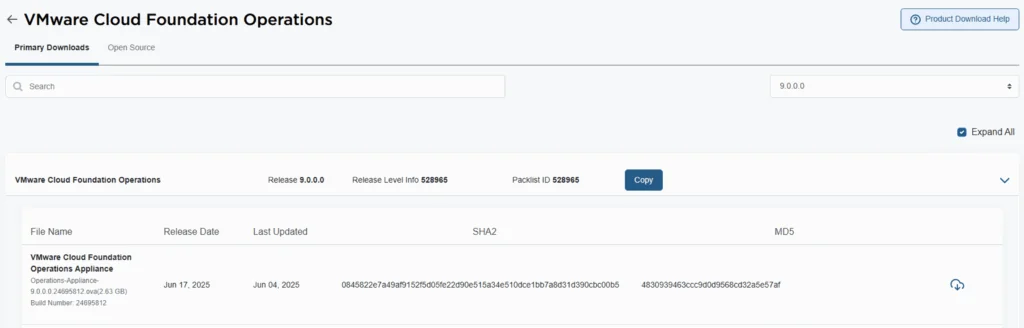
VMware Cloud Foundation Operations 9.0.0.0 release details with file name, release date, and SHA2/MD5 checksums.

Deploying VCF Operations 9 from OVA: A Step-by-Step Guide

VMware Cloud Foundation 9 (VCF 9) introduces a streamlined deployment experience with the VCF Installer appliance, replacing the older Cloud Builder model. One of the core components in that workflow is VCF Operations, which provides unified lifecycle, monitoring, and fleet management across your private cloud environment. In this guide, we walk through deploying VCF Operations 9 from an OVA, detailing prerequisites, deployment steps, and post-deploy tasks. 1. Prerequisites & Preparation Before you deploy, make sure these items are in place: ...

Deploying VCF Operations 9 from OVA: A Step-by-Step Guide

Fixing “PostgreSQL won’t start after reboot” on VCF Operations Fleet Management 9.0.1, and automating it

When upgrading the VCF Operations Fleet Management appliance to 9.0.1, you might hit a reboot surprise: vPostgres fails to start, and the fleet-management certificate is regenerated. You’ll see journal errors like: pg_ctl: could not open PID file "/var/vmware/vpostgres/current/pgdata/postmaster.pid": Permission denied systemd[1]: vpostgres.service: Control process exited, code=exited, status=1/FAILURE Broadcom’s KB confirms the symptoms and provides the manual steps to fix permissions on the Postgres data dir and to normalize the regenerated cert/key filenames, followed by service restarts. If you are also moving the analytics side to the same release, I covered upgrading VCF Operations to 9.0.1 using a .PAK file separately. ...

Fixing “PostgreSQL won’t start after reboot” on VCF Operations Fleet Management 9.0.1, and automating it