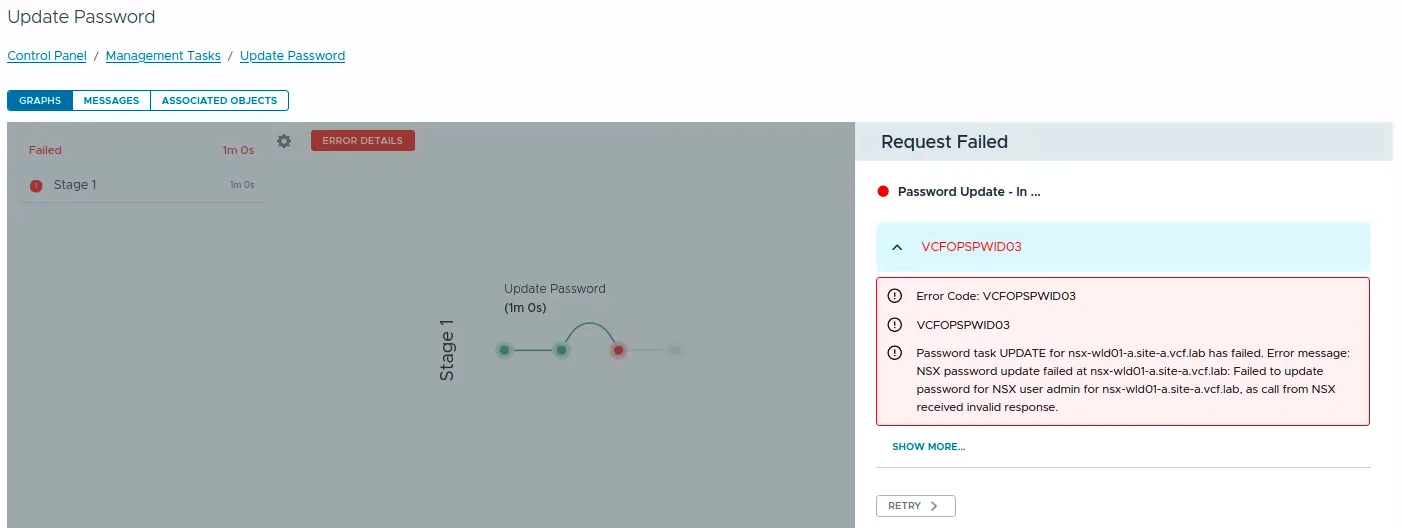
VCF Operations Update Password task failed with error code VCFOPSPWID03.

Fixing VCFOPSPWID03: NSX Password Update Failed as Call from NSX Received Invalid Response (VCF 9.1)

While rotating credentials in the same 9.1 environment I covered in the expired password sync post, an Update of the NSX Manager admin password (credential type API) from VCF Operations kept failing after about a minute with error code VCFOPSPWID03 and a spectacularly unhelpful message: “call from NSX received invalid response.” The actual cause turned out to be simple, NSX rejected the new password because it had already been used on that manager. This being a lab, I was deliberately recycling a previous password. That goes against best practices, and NSX enforces it. But the way the error surfaces (and the way the reuse policy behaves in this build) is worth writing down. ...
 · Updated  · 
Fixing VCFOPSPWID03: NSX Password Update Failed as Call from NSX Received Invalid Response (VCF 9.1)

Fixing Expired Password Sync in VCF 9.1 Fleet Management

In VCF 9.1, Fleet Password Management accounts can get stuck in EXPIRED status, and the password workflows changed compared to 9.0. In 9.0, you may have seen UI actions such as Disconnected or Remediate. In the 9.1 environment I was working on, those actions were not available. The UI exposed Update, and the Fleet Password Management API provides the same kind of workflow: query password accounts, then update or rotate the password. ...

 · Updated  · 
Fixing Expired Password Sync in VCF 9.1 Fleet Management
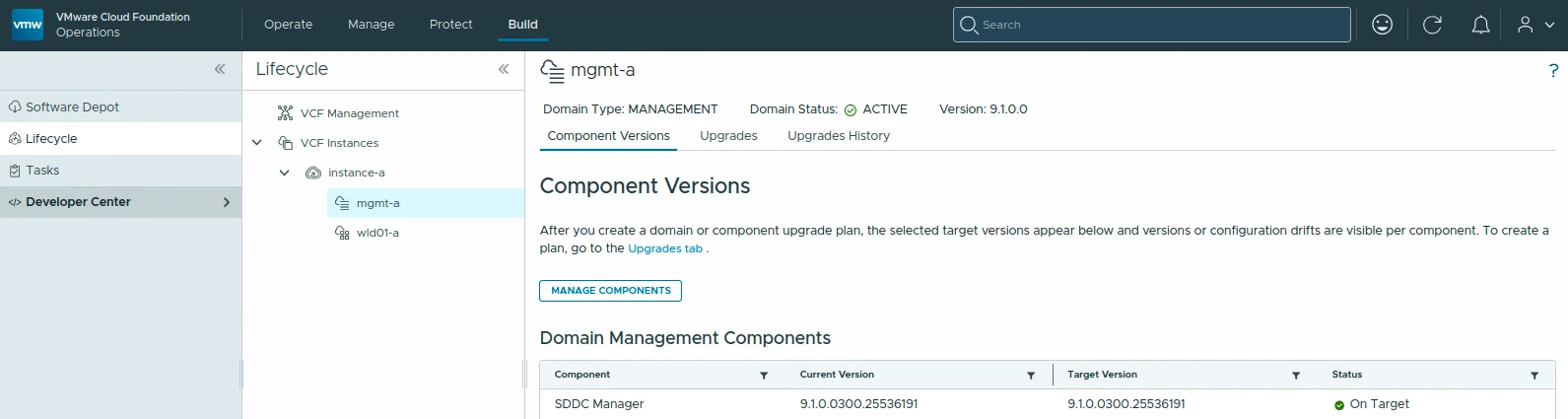
VCF Management component versions showing SDDC Manager 9.1.0.0300 on target.

Upgrading VCF 9.1 to 9.1.0.0300 Step by Step

The 9.1.0.0300 patch train for VMware Cloud Foundation 9.1 is applied through a few different lifecycle views. In my lab, the update covered the Fleet Lifecycle component, VCF Operations, SDDC Lifecycle, and SDDC Manager. Before starting, review the official Broadcom release notes: SDDC Manager 9.1.0.0300 Release Notes VCF Operations 9.1.0.0300 Release Notes Broadcom describes these patch releases as time-sensitive fixes that can be applied between major, minor, and maintenance releases. That also means every component may not move at the same time, so check what is actually offered in your environment instead of assuming the whole VCF bill of materials changes together. ...

 · Updated  · 
Upgrading VCF 9.1 to 9.1.0.0300 Step by Step

Fixing "Error attempting Upgrade Database Schema" When Upgrading vCenter 8.0 U3x to 9.1.0.0

If you’re moving vCenter Server from 8.0 U3x to 9.1.0.0 (typically as part of a VCF 9.1 deployment or a VVF 9.1 upgrade) the run can fail partway through with: Error attempting Upgrade Database Schema Please check vcintegrity migration logs for details. This is one of those failures that looks scary in the UI but has a clean, well-understood root cause: a handful of orphaned rows in the vcIntegrity database that trip a new foreign-key constraint introduced in 9.1. Below is the whole story; what the error means, how to read the logs, why it happens, and how to clear it so the upgrade completes. It’s the same shape of problem I wrote about in fixing PostgreSQL on Fleet Management 9.0.1: a schema change colliding with pre-existing data. ...

Fixing "Error attempting Upgrade Database Schema" When Upgrading vCenter 8.0 U3x to 9.1.0.0

Fix: Unable to Update BOM Components, "Compatibility File Is Missing" in SDDC Manager

If you have upgraded your VMware Cloud Foundation (VCF) environment to version 5.x from an earlier release, you may find yourself unable to update BOM (Bill of Materials) components from the SDDC Manager UI. The “Update Now” or “Configure Update” button is greyed out and you see a frustrating error: “Update cannot be started now as compatibility file is missing” This post walks through the symptoms, root cause, and the step-by-step fix based on Broadcom KB 396202. ...

Fix: Unable to Update BOM Components, "Compatibility File Is Missing" in SDDC Manager

Scripted Components Cleanup from VCF Operations 9.1: A Step-by-Step Guide

If you’ve been working with VCF Operations 9.1, you may have noticed that on the Build > Lifecycle > VCF Management > Components page, manually-added components such as VCF Operations for Networks, Log Management, Real-Time Metrics or VCF Automation no longer have a “Delete” option available in the UI. In VCF Operations 9.0, this was possible on the Fleet Management > Lifecycle > Components page by clicking the three vertical dots next to a component and selecting Delete. That option is gone in 9.1. ...

 · Updated  · 
Scripted Components Cleanup from VCF Operations 9.1: A Step-by-Step Guide

Custom Rightsizing Guardrails in VCF Operations 9 with Super Metrics

In a previous post I covered how to configure VCF Operations 9 to use 90 days of usage data for rightsizing recommendations. That gives you a solid foundation, but once you start reviewing the recommendations, you will quickly notice that the engine does not enforce any organizational sizing standards. For example, the engine might recommend reducing a VM from 8 vCPUs to 5, or suggest removing just 1 GB of RAM. Both are technically valid from a demand perspective, but in practice: ...

Custom Rightsizing Guardrails in VCF Operations 9 with Super Metrics
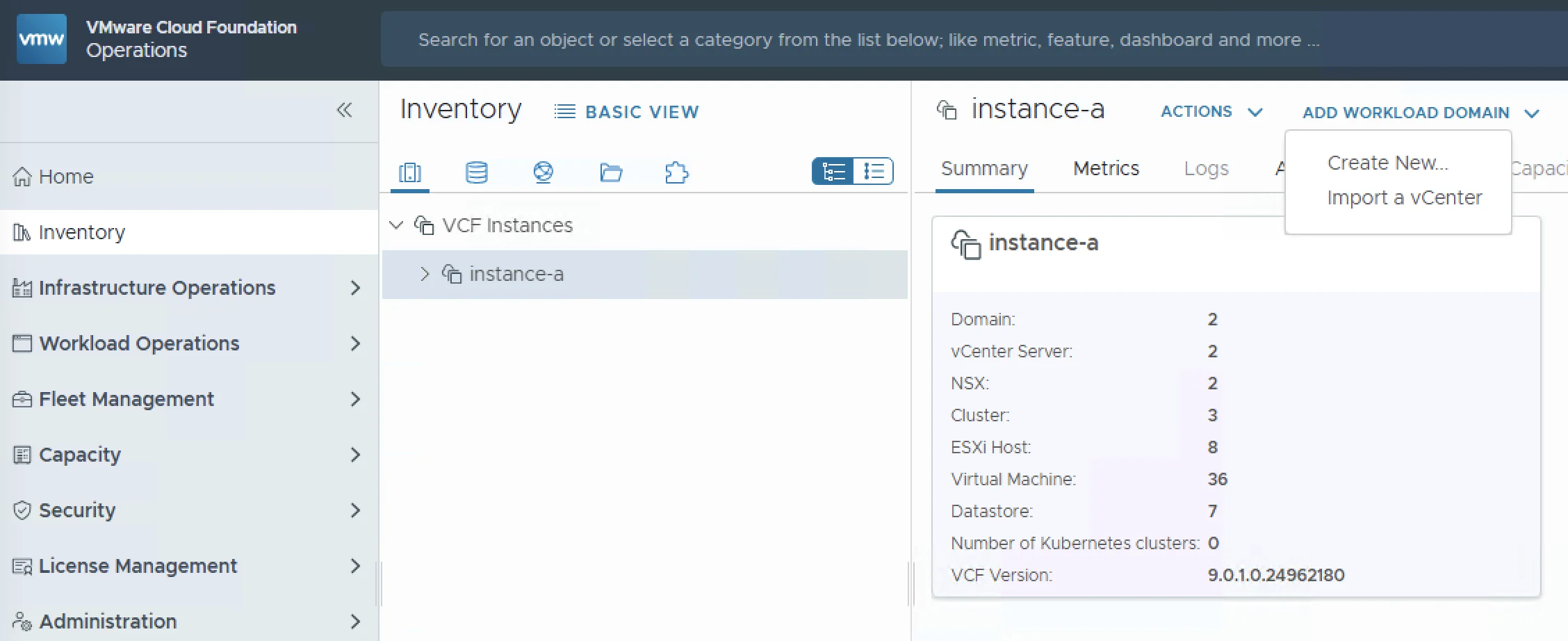
VCF Operations inventory showing options to create new or import a vCenter instance

Importing a vCenter 8.x as a Workload Domain into VCF 9

As organizations adopt VMware Cloud Foundation 9.0, a common question comes up: what do I do with my existing vCenter 8.x environments? The good news is that VCF 9.0 supports backwards compatibility with 8.x vCenter instances. You can import them as workload domains directly from the VCF Operations console, bringing your legacy infrastructure under VCF management without rebuilding from scratch. In this post I will walk through the full import process (from prerequisites and networking requirements to NSX deployment and validation) so you know exactly what to expect before you hit the “Import” button. ...

 · Updated  · 
Importing a vCenter 8.x as a Workload Domain into VCF 9

Using 90 Days of Usage for Rightsizing Recommendations in VCF Operations 9

In a previous post I walked through configuring VCF Operations 9 capacity policies to align with a 90-day planning window. If you followed that guide, the good news is that rightsizing recommendations share the same underlying policy: Risk Level, Time Remaining thresholds, and buffers all feed directly into the rightsizing engine. So why a separate post? Because rightsizing is a different workflow with its own nuances. Capacity planning asks “when will my clusters run out of room?” Rightsizing asks “are my individual VMs sized correctly for what they actually use?” The policy is the same foundation, but how you consume and act on the results is completely different. ...

Using 90 Days of Usage for Rightsizing Recommendations in VCF Operations 9
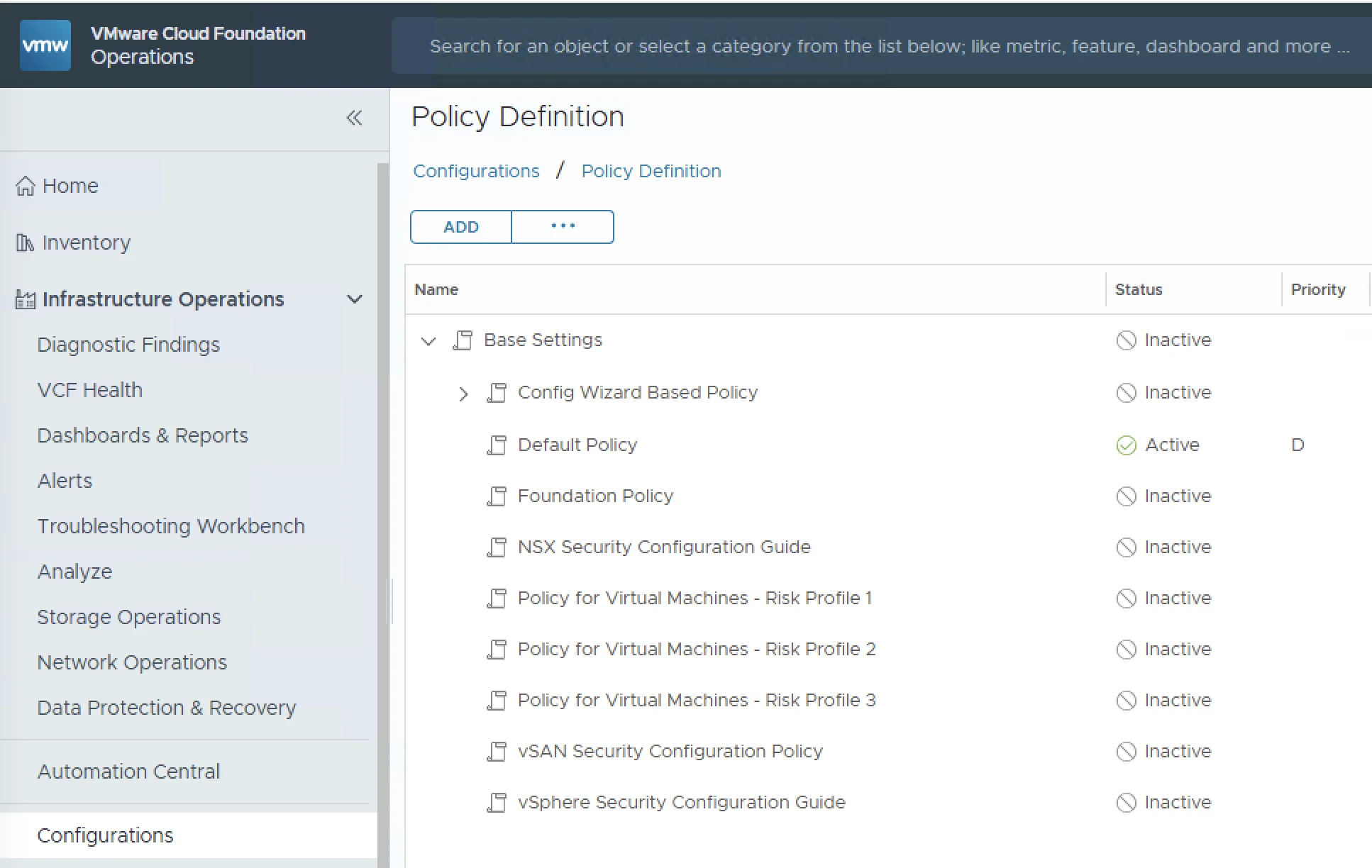
VCF Operations policy definition interface showing capacity-management settings

Superseded: 90-Day Capacity Configuration in VCF Operations 9

Correction (August 25, 2026): This article previously treated a 90-day Time Remaining threshold as if it also configured 90 days of historical input. Those controls have different meanings. The original procedure has been retired so it cannot be followed accidentally. Use the corrected follow-up instead: Using a 90-Day Planning Horizon Correctly in VCF Operations The follow-up separates three independent goals: Alerting when capacity is projected to run out within a future planning period. Choosing how much historical demand the projection may consider. Setting the future horizon used for VM Recommended Size calculations. It also corrects the earlier maintenance-window advice. For capacity forecasting, use the product’s projection reset and time-range exclusion controls when you need to disregard anomalous history; do not assume that an alert-maintenance schedule is equivalent to a historical-data exclusion. ...

 · Updated  · 
Superseded: 90-Day Capacity Configuration in VCF Operations 9