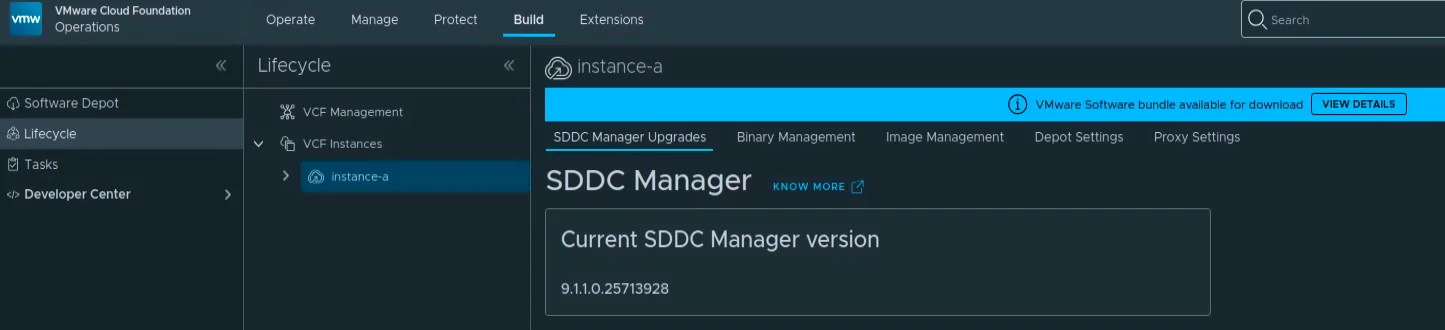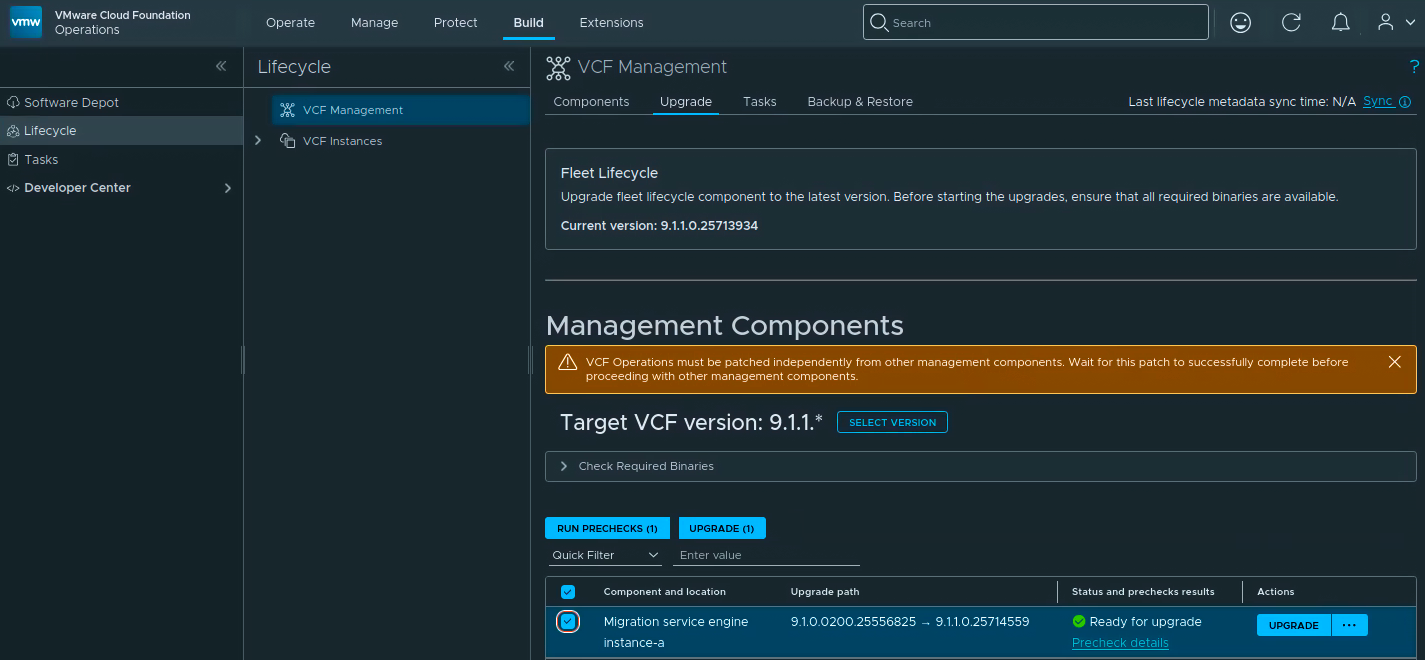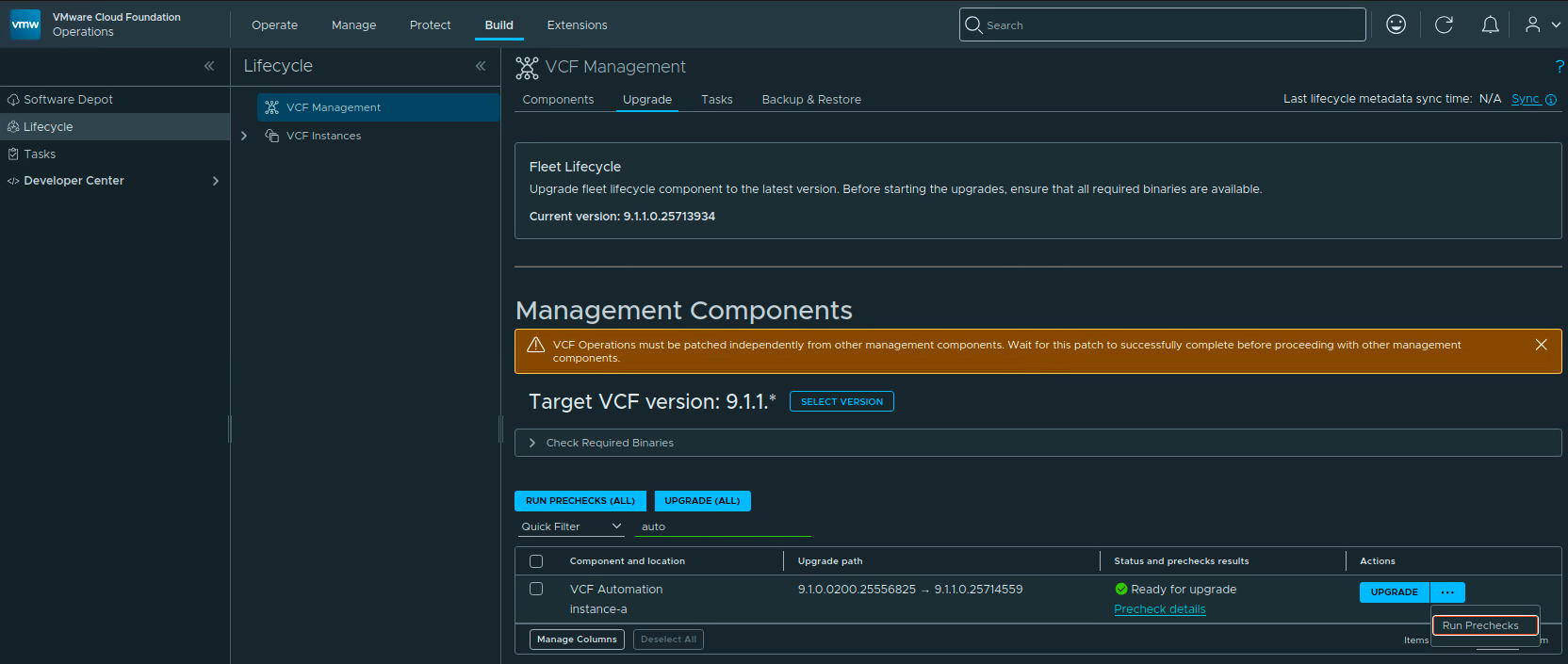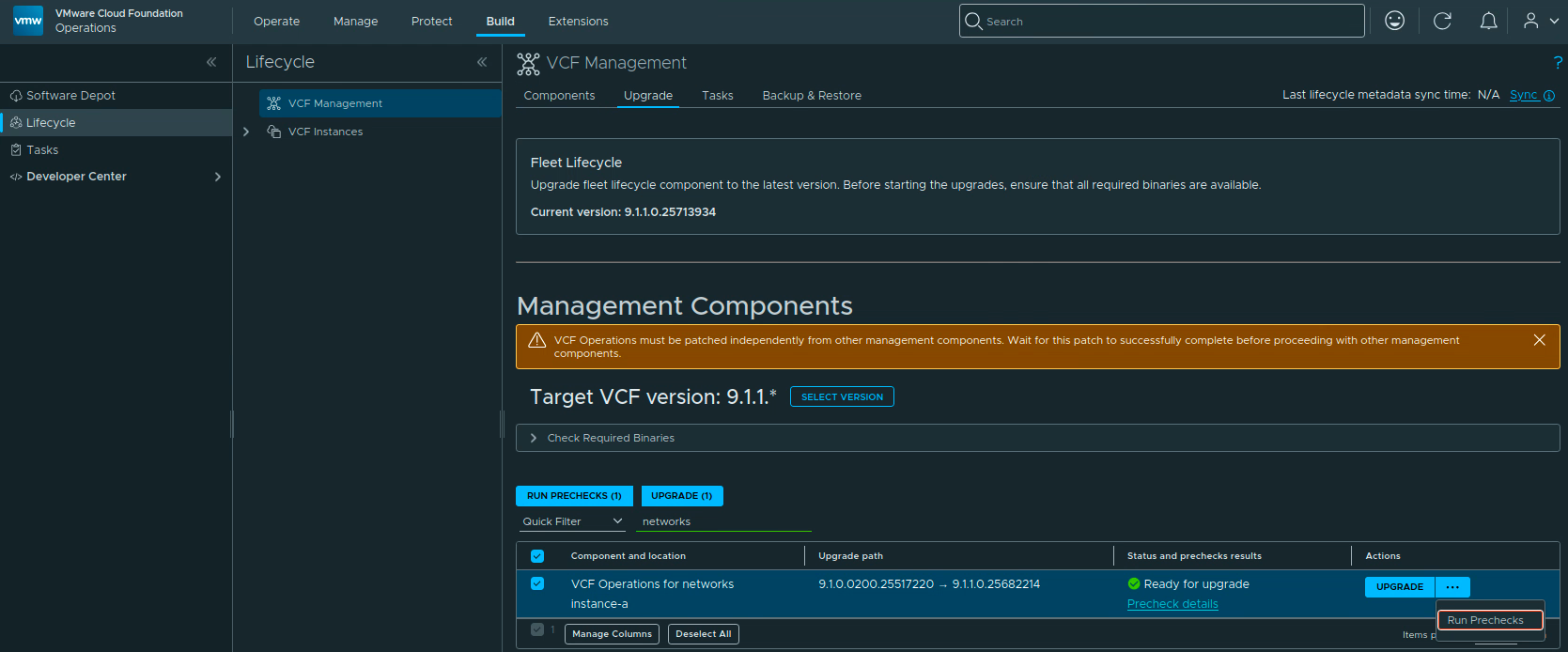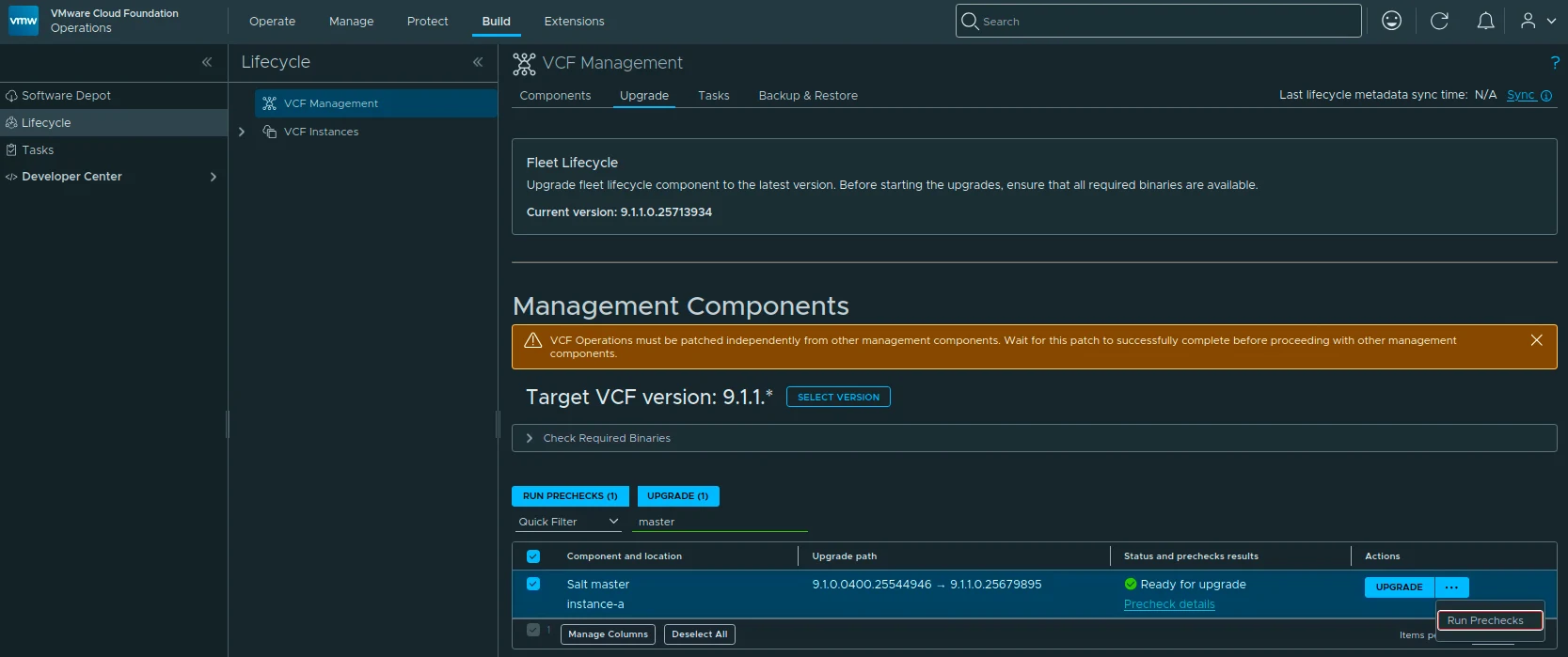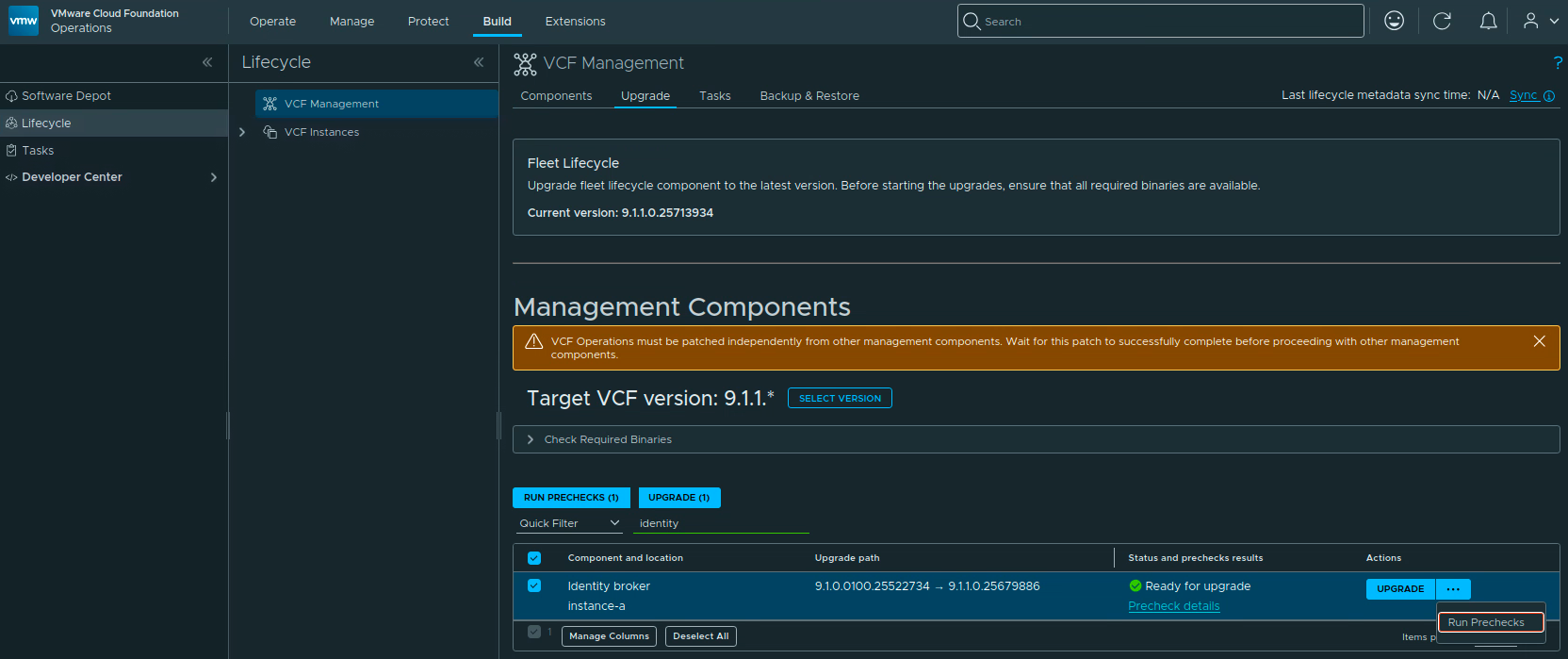
SDDC Lifecycle selected in VCF Operations with the upgrade path from 9.1.0.0400.25570103 to 9.1.1.0.25713940.

Upgrading VCF SDDC Lifecycle to 9.1.1 Step by Step

With VCF Services Runtime upgraded to 9.1.1, the next component I wanted to upgrade in my lab was SDDC Lifecycle. In this post I will go over upgrading it from 9.1.0.0400 to 9.1.1.0 through VCF Operations. VCF 9.1.1 was released on September 3, 2026. This is a maintenance release focused mostly on supportability improvements. The release notes can be found here. Before You Begin For an existing 9.1.0.x environment, upgrade Fleet Lifecycle to 9.1.1 first, before any other VCF component. In my lab it is already on 9.1.1.0.25713934. Continue to follow the release-specific dependencies in the 9.1.1 release notes when planning the remaining components. ...

Upgrading VCF SDDC Lifecycle to 9.1.1 Step by Step
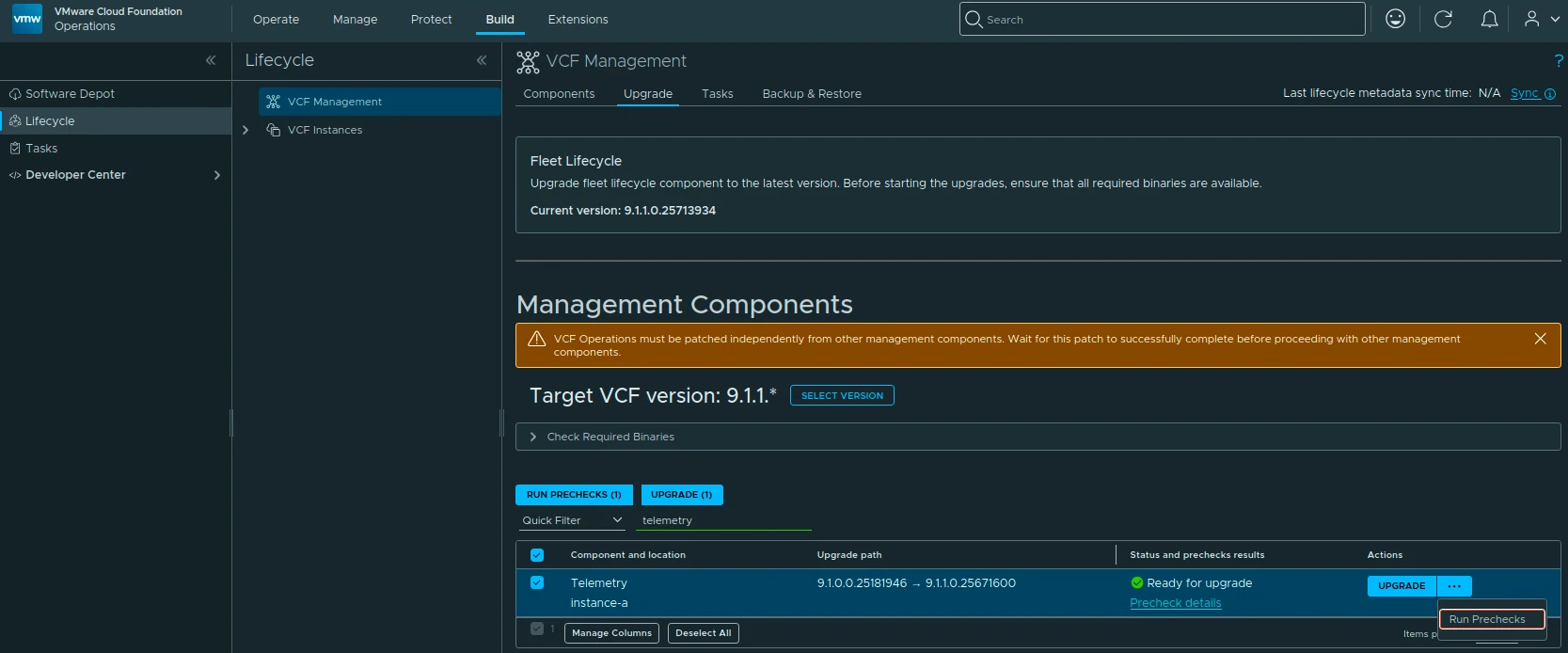
VCF Services Runtime ready for upgrade from 9.1.0.0200.25555874 to 9.1.1.0.25714471 in VCF Operations.

Upgrading VCF Services Runtime to 9.1.1 Step by Step

With Fleet Lifecycle upgraded to 9.1.1, the next component I wanted to upgrade in my lab was VCF Services Runtime. In this post I will go over upgrading it from 9.1.0.0200 to 9.1.1.0 through VCF Operations. VCF 9.1.1 was released on September 3, 2026. The release notes can be found here. The runtime fixes listed in the VCF Operations release notes include improvements for mixed-case FQDNs, services recovering after a cluster power-on, and log buffers filling the logging disk. ...

Upgrading VCF Services Runtime to 9.1.1 Step by Step

Safely Removing an SDDC Manager-Deployed NSX Edge Cluster from VCF

This is the corrected follow-up to my older article about simplifying NSX Edge removal in VCF. The most important correction is that the Edge Cluster Deployment Removal Tool does not preserve everything attached to an Edge cluster. Broadcom requires added dependencies to be removed or disconnected before the cleaner runs. The procedure below is based on Broadcom KB 316110, reviewed on August 25, 2026. Always reopen the KB before a change because the attachment, checksum, prerequisites, and supported releases can change. ...

Safely Removing an SDDC Manager-Deployed NSX Edge Cluster from VCF
The VCF Installer deployment wizard introduction page showing the VCF fleet diagram with VCF Operations, VCF Automation, and the first VCF instance's management domain.

Deploying a VCF 9.1 Fleet with the VCF Installer

Last year, when VCF 9.0 shipped, I covered the VCF Installer in three posts: deploying the appliance, configuring it, and deploying a VCF 9 instance. With VCF 9.1 generally available since May 12, 2026, it was time to run the whole flow again in the lab, and enough has changed that it earns a fresh walkthrough. This post covers the complete path in one go: downloading and deploying the 9.1 installer appliance, connecting the depot, downloading binaries, and deploying a new VCF fleet on top of an existing vCenter. I used the 9.1.0.0400 installer from the July 2026 refresh. ...

 · Updated  · 
Deploying a VCF 9.1 Fleet with the VCF Installer
VCF Management target version component list showing mixed 9.1.0.0400, 9.1.0.0200, and 9.1.0.0100 target versions ready for upgrade.

Upgrading VCF 9.1 Management Services to 9.1.0.0400 Step by Step

On July 13, 2026 Broadcom shipped the next VCF 9.1 patch wave, and this post walks through the part of it that lives under Build -> Lifecycle -> VCF Management -> Upgrade: the VCF Management services. The headline releases on this surface are VCF Operations 9.1.0.0400 and VCF Automation 9.1.0.0200, mostly security enhancements plus a batch of fixes. This post is the follow-up to my 9.1.0.0300 walkthrough. To be clear on scope: this post covers only the management services. SDDC Manager 9.1.0.0400 and the core components (vCenter, NSX, ESX, vSAN) go through the VCF Instances flow and are not covered here; see the short section at the end. ...

 · Updated  · 
Upgrading VCF 9.1 Management Services to 9.1.0.0400 Step by Step

VCF Operations 9.1 Patch Stuck at “Installing PAK File”

The 9.1.0.0300 patch went through this lab without drama at the beginning of July. Three weeks later, the 9.1.0.0400 express patch for VCF Operations hit the same single-node appliance and stopped dead at Installing PAK file: no progress, no error, and a reboot later, still nothing. What followed was a proper archaeology dig through every layer of state the upgrade machinery keeps, and almost every layer turned out to be holding a different version of the truth. ...

 · Updated  · 
VCF Operations 9.1 Patch Stuck at “Installing PAK File”

VCF 9.1 NSX Rotation Error: PASSWORD_MANAGER_NSX_USER_API_FAILED

Continuing the credential cleanup in the same 9.1 environment from the expired password sync and VCFOPSPWID03 posts, one credential refused to settle: the service account SDDC Manager uses to talk to the NSX Manager API, svc-sddcmanager-a-nsx-mgmt--8199 in my lab. It showed up as disconnected, every remediation attempt failed, and the environment kept trying to rotate it in a loop. This one took several wrong turns before the actual root cause surfaced, and almost every wrong turn taught me something worth writing down. The short version: ...

 · Updated  · 
VCF 9.1 NSX Rotation Error: PASSWORD_MANAGER_NSX_USER_API_FAILED
VCF Operations Update Password task failed with error code VCFOPSPWID03.

Fixing VCFOPSPWID03: NSX Password Update Failed as Call from NSX Received Invalid Response (VCF 9.1)

While rotating credentials in the same 9.1 environment I covered in the expired password sync post, an Update of the NSX Manager admin password (credential type API) from VCF Operations kept failing after about a minute with error code VCFOPSPWID03 and a spectacularly unhelpful message: “call from NSX received invalid response.” The actual cause turned out to be simple, NSX rejected the new password because it had already been used on that manager. This being a lab, I was deliberately recycling a previous password. That goes against best practices, and NSX enforces it. But the way the error surfaces (and the way the reuse policy behaves in this build) is worth writing down. ...

 · Updated  · 
Fixing VCFOPSPWID03: NSX Password Update Failed as Call from NSX Received Invalid Response (VCF 9.1)

Fixing Expired Password Sync in VCF 9.1 Fleet Management

In VCF 9.1, Fleet Password Management accounts can get stuck in EXPIRED status, and the password workflows changed compared to 9.0. In 9.0, you may have seen UI actions such as Disconnected or Remediate. In the 9.1 environment I was working on, those actions were not available. The UI exposed Update, and the Fleet Password Management API provides the same kind of workflow: query password accounts, then update or rotate the password. ...

 · Updated  · 
Fixing Expired Password Sync in VCF 9.1 Fleet Management
VCF Management component versions showing SDDC Manager 9.1.0.0300 on target.

Upgrading VCF 9.1 to 9.1.0.0300 Step by Step

The 9.1.0.0300 patch train for VMware Cloud Foundation 9.1 is applied through a few different lifecycle views. In my lab, the update covered the Fleet Lifecycle component, VCF Operations, SDDC Lifecycle, and SDDC Manager. Before starting, review the official Broadcom release notes: SDDC Manager 9.1.0.0300 Release Notes VCF Operations 9.1.0.0300 Release Notes Broadcom describes these patch releases as time-sensitive fixes that can be applied between major, minor, and maintenance releases. That also means every component may not move at the same time, so check what is actually offered in your environment instead of assuming the whole VCF bill of materials changes together. ...

 · Updated  · 
Upgrading VCF 9.1 to 9.1.0.0300 Step by Step