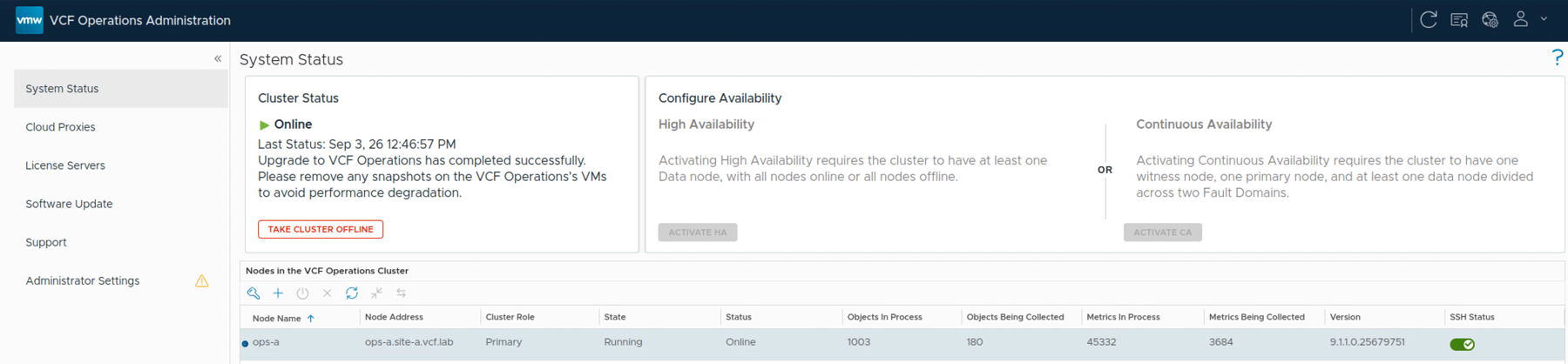
VCF Operations System Status showing a successful upgrade and an online 9.1.1 cluster.

Upgrading VCF Operations to 9.1.1 Using a .PAK File

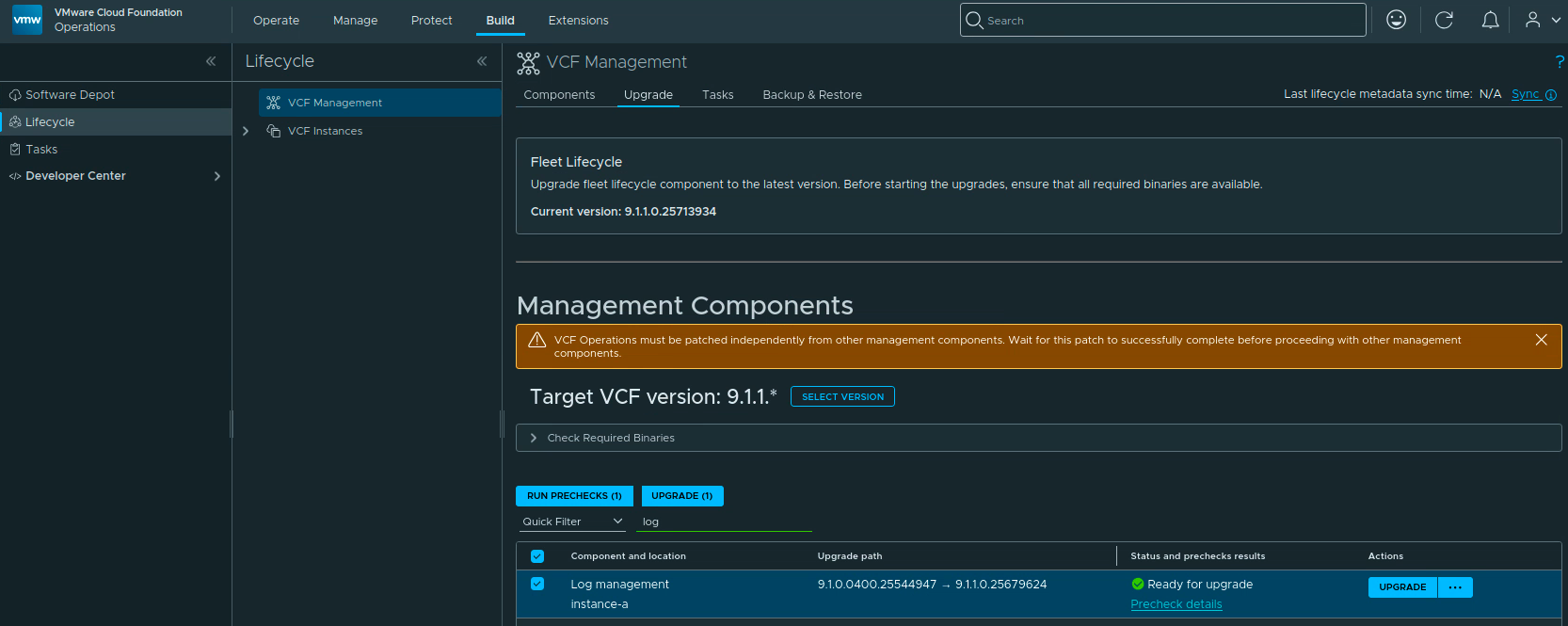
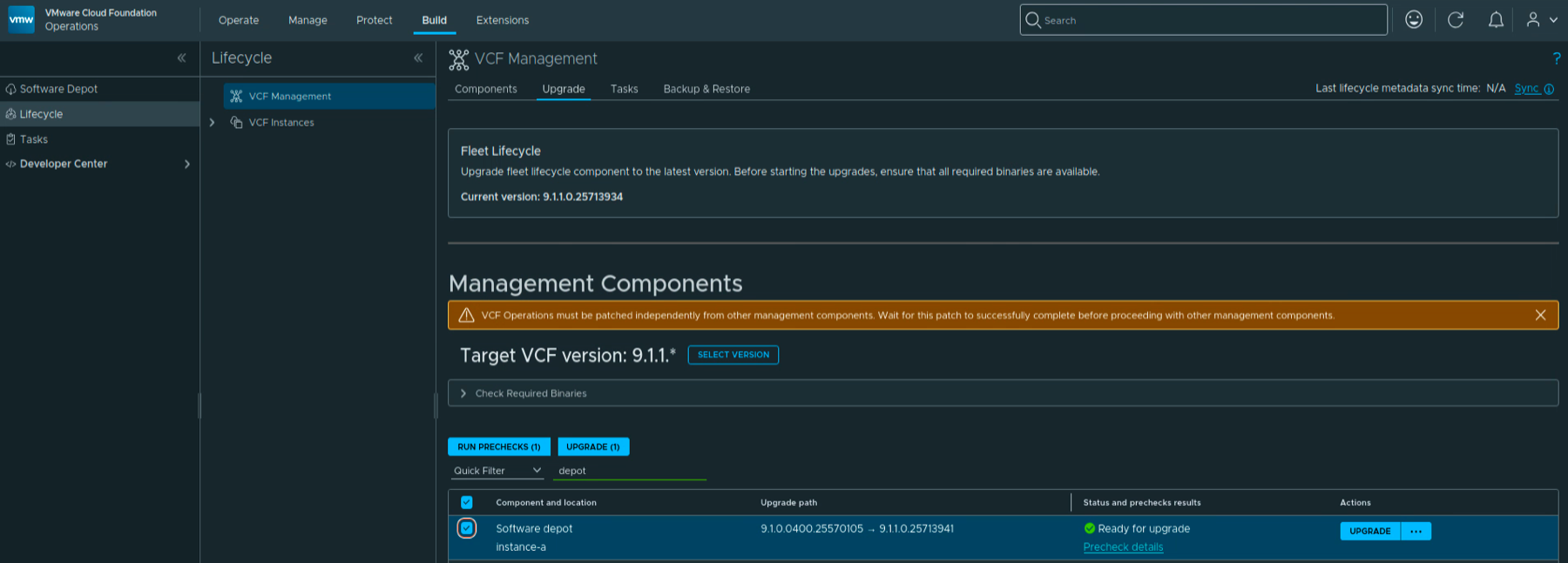
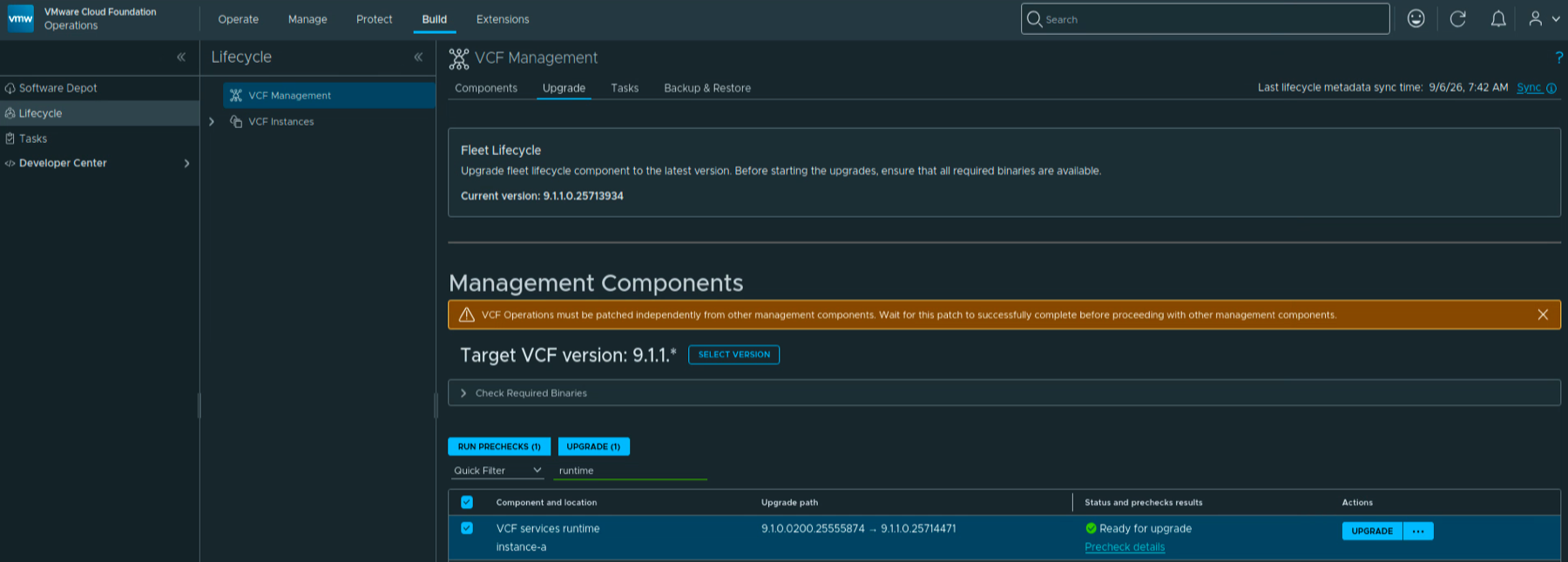
With the release of VMware Cloud Foundation 9.1.1 on September 3, 2026, I wanted to get my VCF Operations lab upgraded. This is a maintenance release focused mostly on supportability improvements. The VCF 9.1.1 release notes can be found here, and the VCF Operations release notes are here. In this post I will go over upgrading VCF Operations from 9.1.0.0400 to 9.1.1 using the upgrade PAK file. If you are still on an older release, I also covered upgrading VCF Operations to 9.0.1 using a PAK file. That is a separate walkthrough, not a required intermediate upgrade. ...

Upgrading VCF Operations to 9.1.1 Using a .PAK File

Safely Canceling and Deleting Alerts with the VCF Operations API

The VCF Operations API uses different payloads for finding, canceling, and deleting alerts. Treating those operations as interchangeable can either fail validation or broaden a cleanup beyond the alerts you intended to remove. This follow-up corrects the API section in Bulk Delete Alerts in VCF Operations. The safe sequence is: Query candidate alerts without changing them. Review every returned alert ID and account for pagination. Cancel only the approved IDs with a uuid-values body. Verify those IDs are now CANCELED. Delete the same IDs with a direct AlertQuery body. Query again to confirm that they are gone. Before You Begin Fix or tune the alert definition first. Deleting alert history does not stop the condition from generating new alerts. Use a VCF Operations account whose application role and object scope permit the required alert operations. Take any database backup required by your change policy before a large cleanup. Start with one small batch. The API documents a default query page size of 1,000, so a single response is not proof that you found every match. Use a trusted certificate. The examples intentionally do not bypass TLS verification. Set the appliance name, create a private working directory, and read an existing session token without placing it in shell history. Store the authorization header in a mode-600 file so the token is not expanded into each curl process argument, then remove it as soon as the cleanup is verified: ...
Safely Canceling and Deleting Alerts with the VCF Operations API

Using a 90-Day Planning Horizon Correctly in VCF Operations

A 90-day capacity goal can describe three different things in VCF Operations: past demand used by the projection, future warning lead time, or the future period considered by VM rightsizing. They are controlled separately. This article replaces the earlier 90-day capacity procedure, which incorrectly treated Time Remaining thresholds as a historical lookback setting. The Three Meanings of 90 Days Planning question Relevant control What it does not control Should the forecast consider up to 90 days of past demand? Historical Data window, if that value is available in the installed build Alert severity or procurement lead time Should an alert become critical when exhaustion is projected within 90 days? Time Remaining criticality thresholds Historical lookback Should Recommended Size cover demand projected across a 90-day future horizon? The applicable Time Remaining warning/green threshold plus the documented 30-day extension Past-data retention Changing one row does not configure the other two. ...

Using a 90-Day Planning Horizon Correctly in VCF Operations
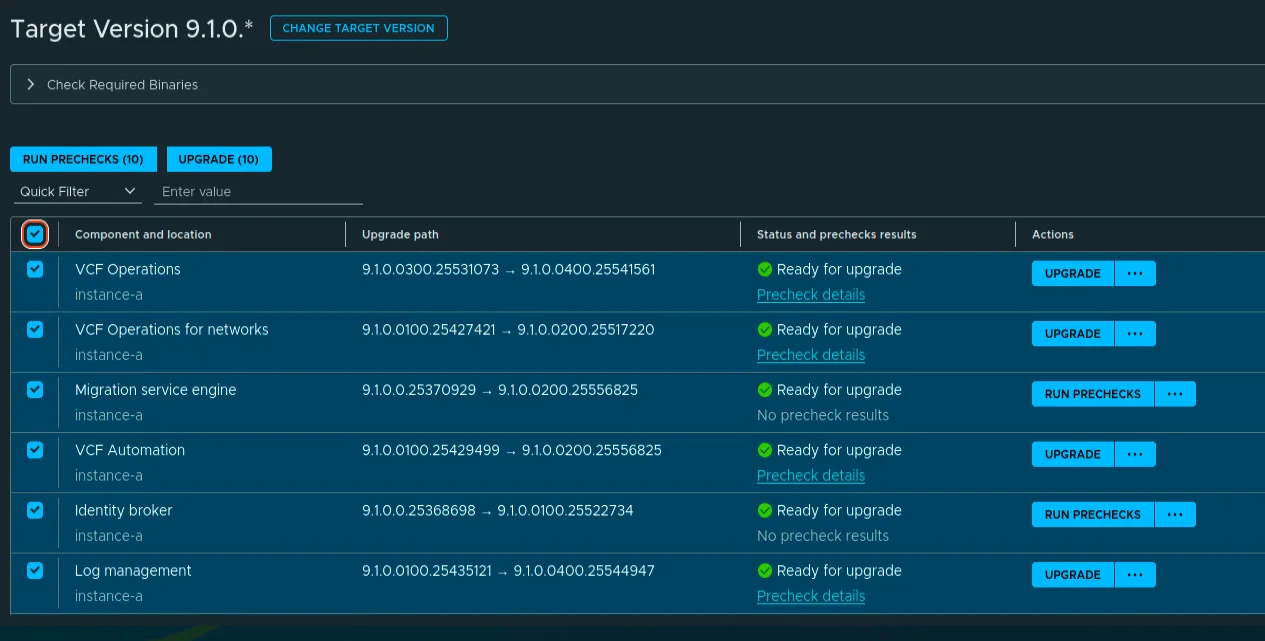
VCF Management target version component list showing mixed 9.1.0.0400, 9.1.0.0200, and 9.1.0.0100 target versions ready for upgrade.

Upgrading VCF 9.1 Management Services to 9.1.0.0400 Step by Step

On July 13, 2026 Broadcom shipped the next VCF 9.1 patch wave, and this post walks through the part of it that lives under Build -> Lifecycle -> VCF Management -> Upgrade: the VCF Management services. The headline releases on this surface are VCF Operations 9.1.0.0400 and VCF Automation 9.1.0.0200, mostly security enhancements plus a batch of fixes. This post is the follow-up to my 9.1.0.0300 walkthrough. To be clear on scope: this post covers only the management services. SDDC Manager 9.1.0.0400 and the core components (vCenter, NSX, ESX, vSAN) go through the VCF Instances flow and are not covered here; see the short section at the end. ...

 · Updated  · 
Upgrading VCF 9.1 Management Services to 9.1.0.0400 Step by Step

VCF Operations 9.1 Patch Stuck at “Installing PAK File”

The 9.1.0.0300 patch went through this lab without drama at the beginning of July. Three weeks later, the 9.1.0.0400 express patch for VCF Operations hit the same single-node appliance and stopped dead at Installing PAK file: no progress, no error, and a reboot later, still nothing. What followed was a proper archaeology dig through every layer of state the upgrade machinery keeps, and almost every layer turned out to be holding a different version of the truth. ...

 · Updated  · 
VCF Operations 9.1 Patch Stuck at “Installing PAK File”

VCF Operations for Networks 9.1 Search Queries: The vRNI Query Language Lives On

If you spent years typing flows where firewall action = deny into vRealize Network Insight, then watched the product get renamed to Aria Operations for Networks and then absorbed into VCF Operations as VCF Operations for Networks, you probably have one practical question: did the search language survive? It did, completely. I compared the VCF Operations for Networks 9.1 search documentation against the legacy Aria Operations for Networks 6.13 docs page by page, and the query grammar is identical: same entity types, same where operators, same group by / order by / limit clauses, same planning and path queries. Even the REST API still answers under the old /api/ni/ (Network Insight) namespace. Your saved searches and your muscle memory carry over as-is. ...

 · Updated  · 
VCF Operations for Networks 9.1 Search Queries: The vRNI Query Language Lives On
VCF Operations Update Password task failed with error code VCFOPSPWID03.

Fixing VCFOPSPWID03: NSX Password Update Failed as Call from NSX Received Invalid Response (VCF 9.1)

While rotating credentials in the same 9.1 environment I covered in the expired password sync post, an Update of the NSX Manager admin password (credential type API) from VCF Operations kept failing after about a minute with error code VCFOPSPWID03 and a spectacularly unhelpful message: “call from NSX received invalid response.” The actual cause turned out to be simple, NSX rejected the new password because it had already been used on that manager. This being a lab, I was deliberately recycling a previous password. That goes against best practices, and NSX enforces it. But the way the error surfaces (and the way the reuse policy behaves in this build) is worth writing down. ...

 · Updated  · 
Fixing VCFOPSPWID03: NSX Password Update Failed as Call from NSX Received Invalid Response (VCF 9.1)

Fixing Expired Password Sync in VCF 9.1 Fleet Management

In VCF 9.1, Fleet Password Management accounts can get stuck in EXPIRED status, and the password workflows changed compared to 9.0. In 9.0, you may have seen UI actions such as Disconnected or Remediate. In the 9.1 environment I was working on, those actions were not available. The UI exposed Update, and the Fleet Password Management API provides the same kind of workflow: query password accounts, then update or rotate the password. ...

 · Updated  · 
Fixing Expired Password Sync in VCF 9.1 Fleet Management
VCF Management component versions showing SDDC Manager 9.1.0.0300 on target.

Upgrading VCF 9.1 to 9.1.0.0300 Step by Step

The 9.1.0.0300 patch train for VMware Cloud Foundation 9.1 is applied through a few different lifecycle views. In my lab, the update covered the Fleet Lifecycle component, VCF Operations, SDDC Lifecycle, and SDDC Manager. Before starting, review the official Broadcom release notes: SDDC Manager 9.1.0.0300 Release Notes VCF Operations 9.1.0.0300 Release Notes Broadcom describes these patch releases as time-sensitive fixes that can be applied between major, minor, and maintenance releases. That also means every component may not move at the same time, so check what is actually offered in your environment instead of assuming the whole VCF bill of materials changes together. ...

 · Updated  · 
Upgrading VCF 9.1 to 9.1.0.0300 Step by Step

Scripted Components Cleanup from VCF Operations 9.1: A Step-by-Step Guide

If you’ve been working with VCF Operations 9.1, you may have noticed that on the Build > Lifecycle > VCF Management > Components page, manually-added components such as VCF Operations for Networks, Log Management, Real-Time Metrics or VCF Automation no longer have a “Delete” option available in the UI. In VCF Operations 9.0, this was possible on the Fleet Management > Lifecycle > Components page by clicking the three vertical dots next to a component and selecting Delete. That option is gone in 9.1. ...

 · Updated  · 
Scripted Components Cleanup from VCF Operations 9.1: A Step-by-Step Guide