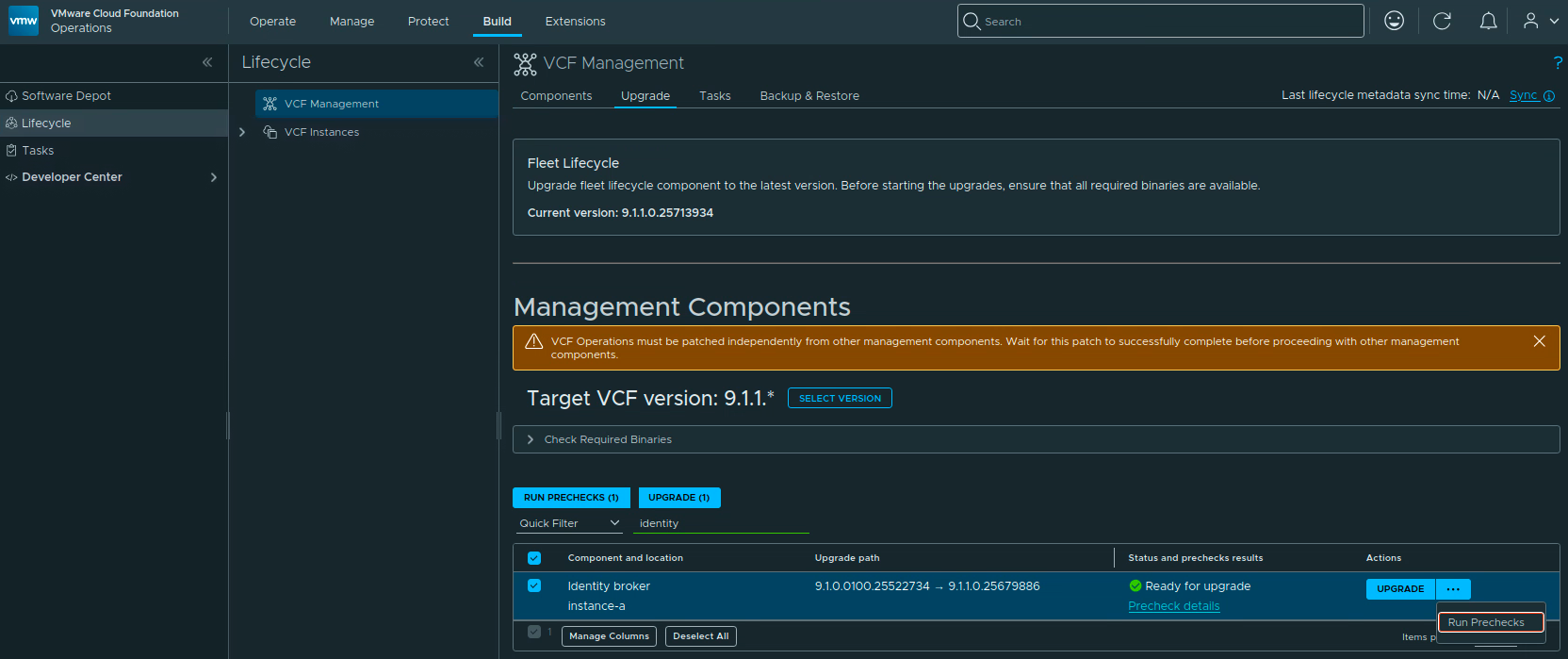
VCF Operations Update Password task failed with error code VCFOPSPWID03.

Fixing VCFOPSPWID03: NSX Password Update Failed as Call from NSX Received Invalid Response (VCF 9.1)

While rotating credentials in the same 9.1 environment I covered in the expired password sync post, an Update of the NSX Manager admin password (credential type API) from VCF Operations kept failing after about a minute with error code VCFOPSPWID03 and a spectacularly unhelpful message: “call from NSX received invalid response.” The actual cause turned out to be simple — NSX rejected the new password because it had already been used on that manager. This being a lab, I was deliberately recycling a previous password. That goes against best practices, and NSX enforces it. But the way the error surfaces (and the way the reuse policy behaves in this build) is worth writing down. ...

July 11, 2026 · Cosmin Trif

Fixing Expired Password Sync in VCF 9.1 Fleet Management

In VCF 9.1, Fleet Password Management accounts can get stuck in EXPIRED status, and the password workflows changed compared to 9.0. In 9.0, you may have seen UI actions such as Disconnected or Remediate. In the 9.1 environment I was working on, those actions were not available. The UI exposed Update, and the Fleet Password Management API provides the same kind of workflow: query password accounts, then update or rotate the password. ...

July 7, 2026 · Cosmin Trif
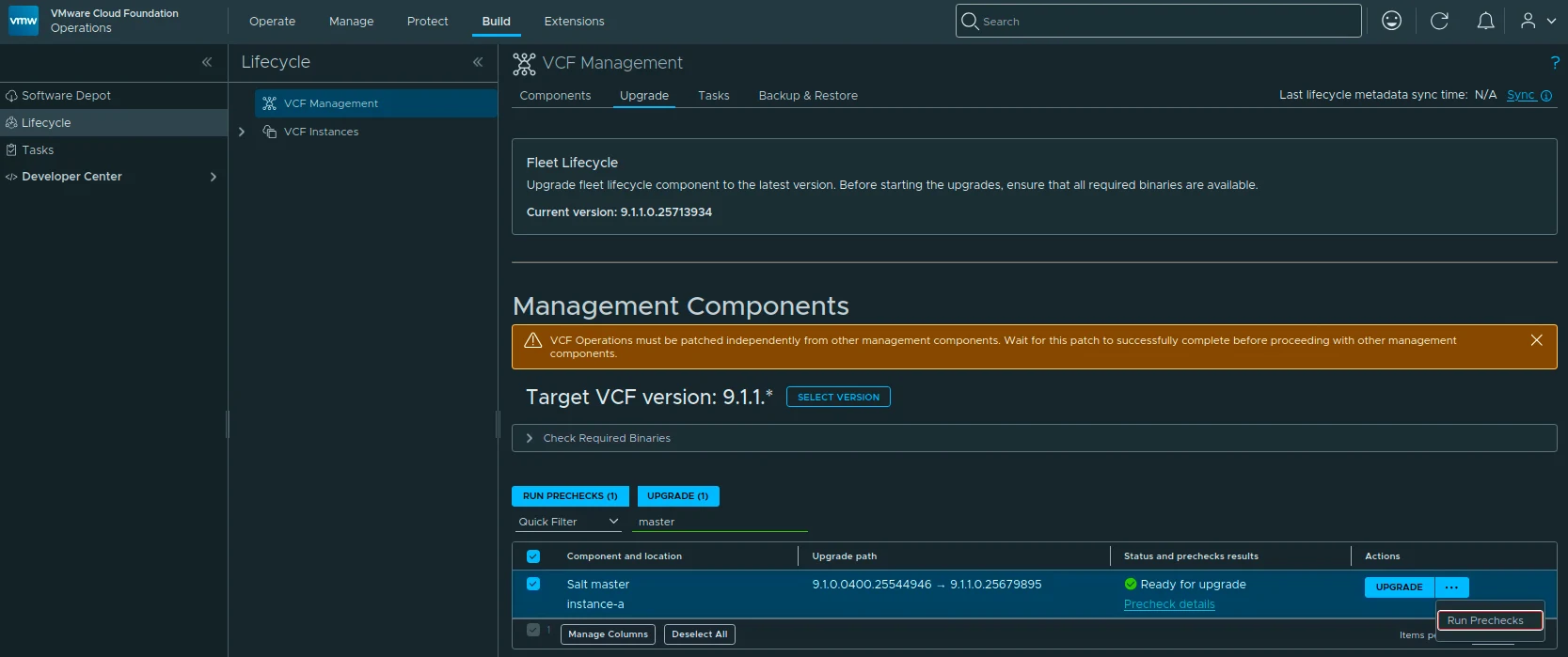
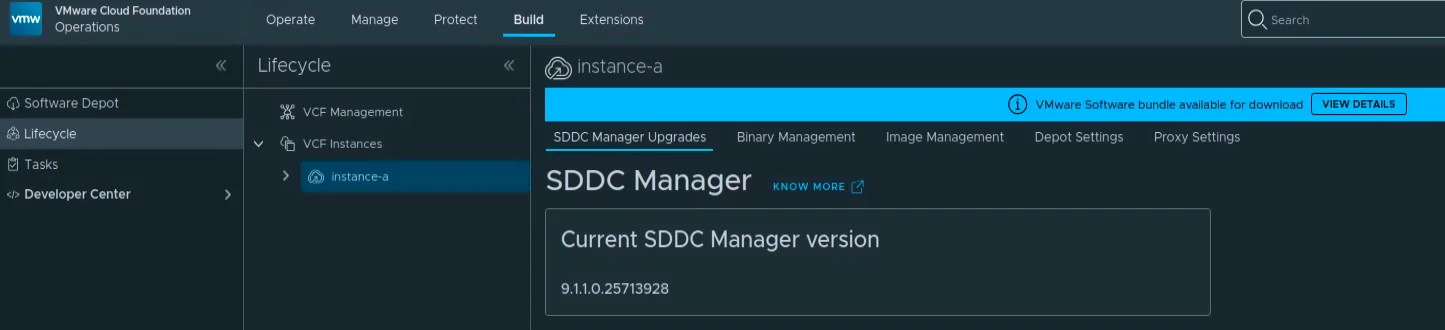
VCF Management component versions showing SDDC Manager 9.1.0.0300 on target.

Upgrading VCF 9.1 to 9.1.0.0300 Step by Step

The 9.1.0.0300 patch train for VMware Cloud Foundation 9.1 is applied through a few different lifecycle views. In my lab, the update covered the Fleet Lifecycle component, VCF Operations, SDDC Lifecycle, and SDDC Manager. Before starting, review the official Broadcom release notes: SDDC Manager 9.1.0.0300 Release Notes VCF Operations 9.1.0.0300 Release Notes Broadcom describes these patch releases as time-sensitive fixes that can be applied between major, minor, and maintenance releases. That also means every component may not move at the same time, so check what is actually offered in your environment instead of assuming the whole VCF bill of materials changes together. ...

July 5, 2026 · Cosmin Trif

Scripted Components Cleanup from VCF Operations 9.1: A Step-by-Step Guide

If you’ve been working with VCF Operations 9.1, you may have noticed that on the Build > Lifecycle > VCF Management > Components page, manually-added components such as VCF Operations for Networks, Log Management, Real-Time Metrics or VCF Automation no longer have a “Delete” option available in the UI. In VCF Operations 9.0, this was possible on the Fleet Management > Lifecycle > Components page by clicking the three vertical dots next to a component and selecting Delete. That option is gone in 9.1. ...

June 3, 2026 · Cosmin Trif