Settings page for vRA 8.3 upgrade, showing various administration and server management options.

Upgrading vRA (vRealize Automation) to 8.3

In this post I will go over upgrading my 8.2 vRA appliance to 8.3. As a pre requirement we do need to have vRSLCM (vRealize Lifecycle Manager) upgraded to 8.3. Instructions can be found here Downloading the vRA 8.3 Binaries To get started we can go to vRealize Lifecycle Manager -> Lifecycle Operations -> Settings -> Binary Mapping. (If you haven’t added your My VMware credentials you will need to do that first by going to vRealize Lifecycle Manager -> Lifecycle Operations -> Settings -> My VMware) ...
 · Updated  · 
Upgrading vRA (vRealize Automation) to 8.3
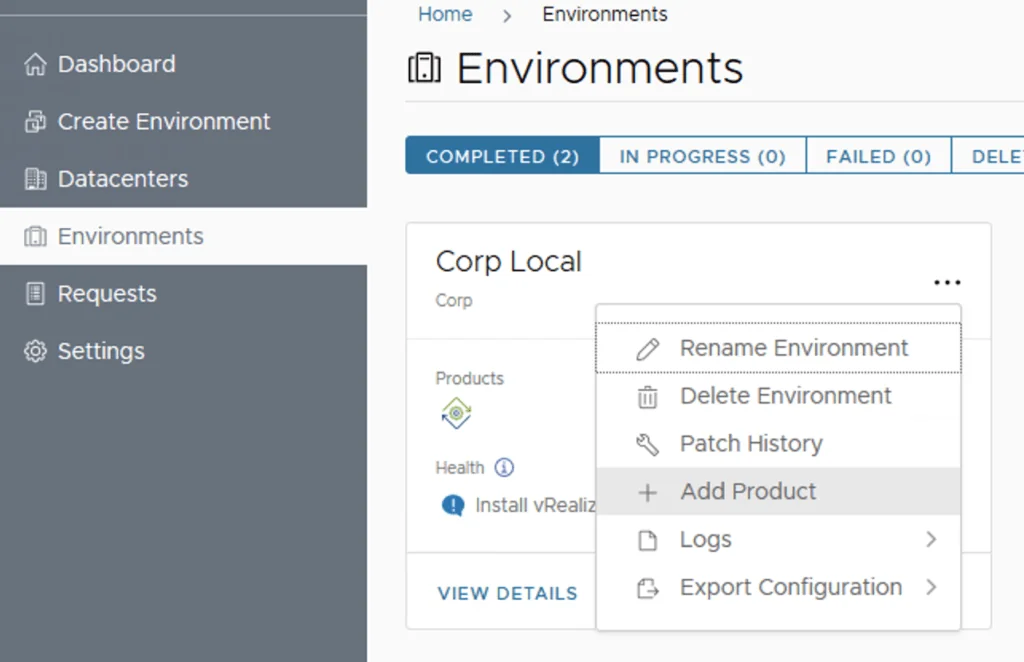
Environment management in VRA, with options like Rename, Delete, and Add Product.

Deploying SaltStack Config via Lifecycle Manager in a VRA environment

Assuming that you already downloaded the SaltStack Config binaries in this guide we will go over the deployment of SaltStack Config in an existing VRA 8.3 environment via Lifecycle Manager 8.3 Adding SaltStack Config to the vRA Environment Log on to Lifecycle Manager -> Go to environments, on the vRA environment click on the Menu and go to Add Product ...

 · Updated  · 
Deploying SaltStack Config via Lifecycle Manager in a VRA environment
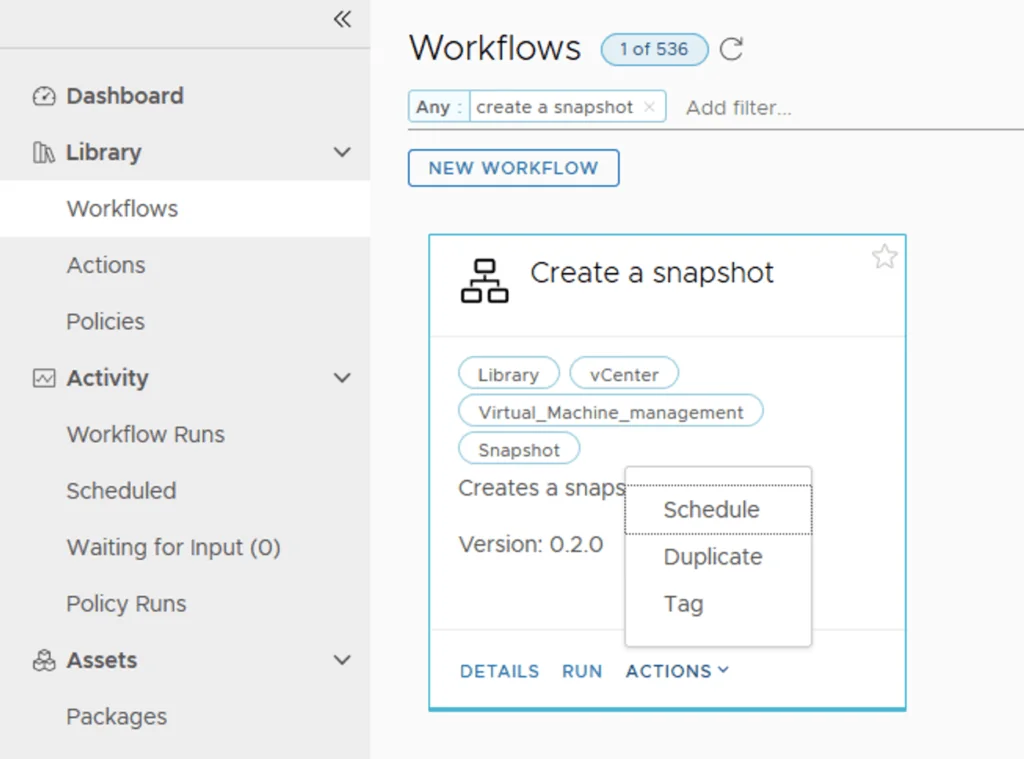
Workflow titled 'Create a snapshot' with options to schedule, duplicate, or tag in vRA 8.2.

Creating a customized Snapshot as a Day 2 Action in vRA 8.2

I wanted to give my users the capability to create a snapshot but limit them to only 1 snapshot and have a predefined description from the snapshot so I can know that it was taken from vRA. For the purpose of this I will be using a customer workflow in Orchestrator and Resource Actions and in Cloud Assembly. Since Orchestrator comes with a number of pre defined workflows in always like to jump start by find something thats similar with what im trying to do. For the purpose of this we will be using the Create Snapshot Workflow. ...

 · Updated  · 
Creating a customized Snapshot as a Day 2 Action in vRA 8.2