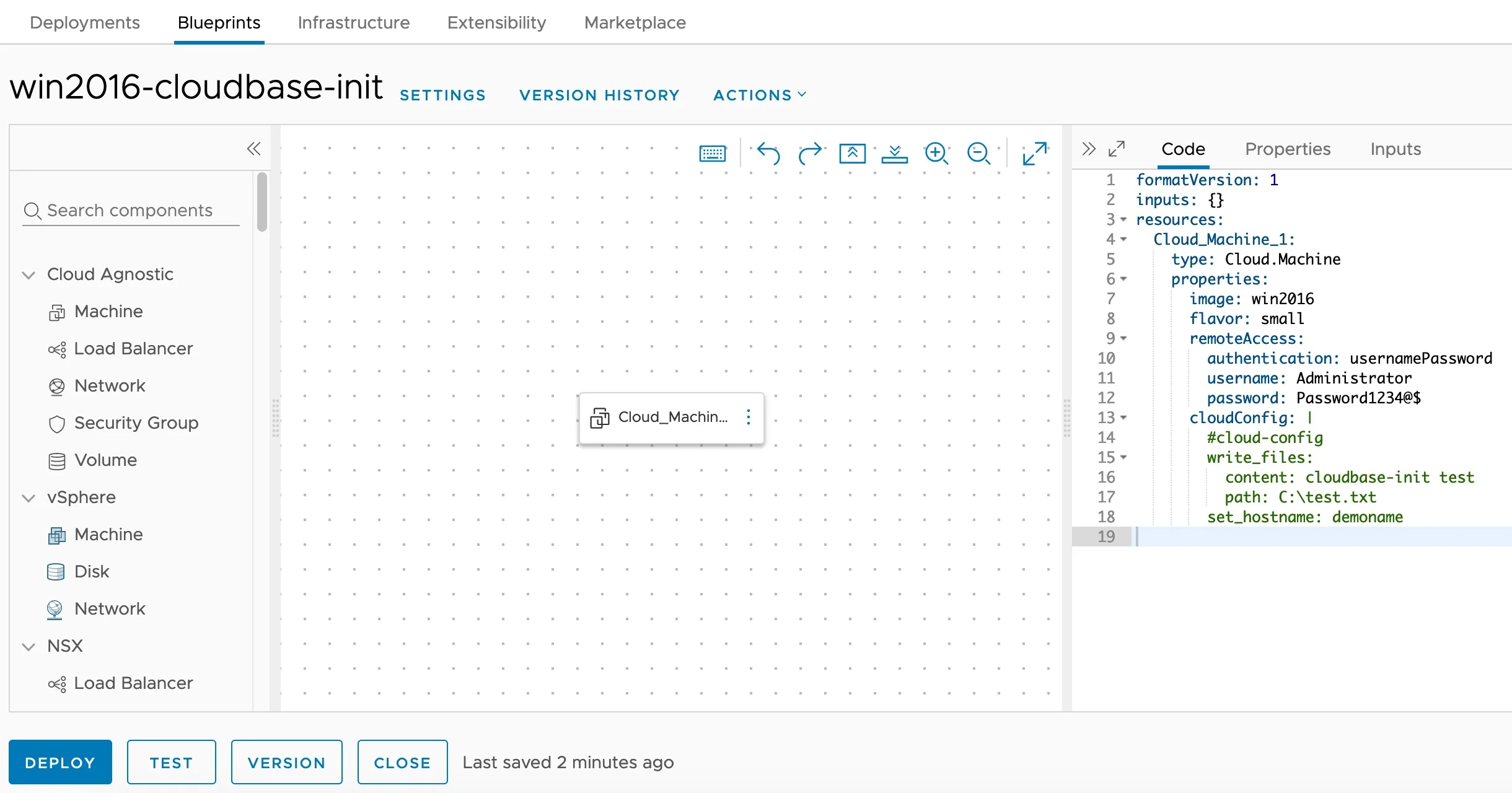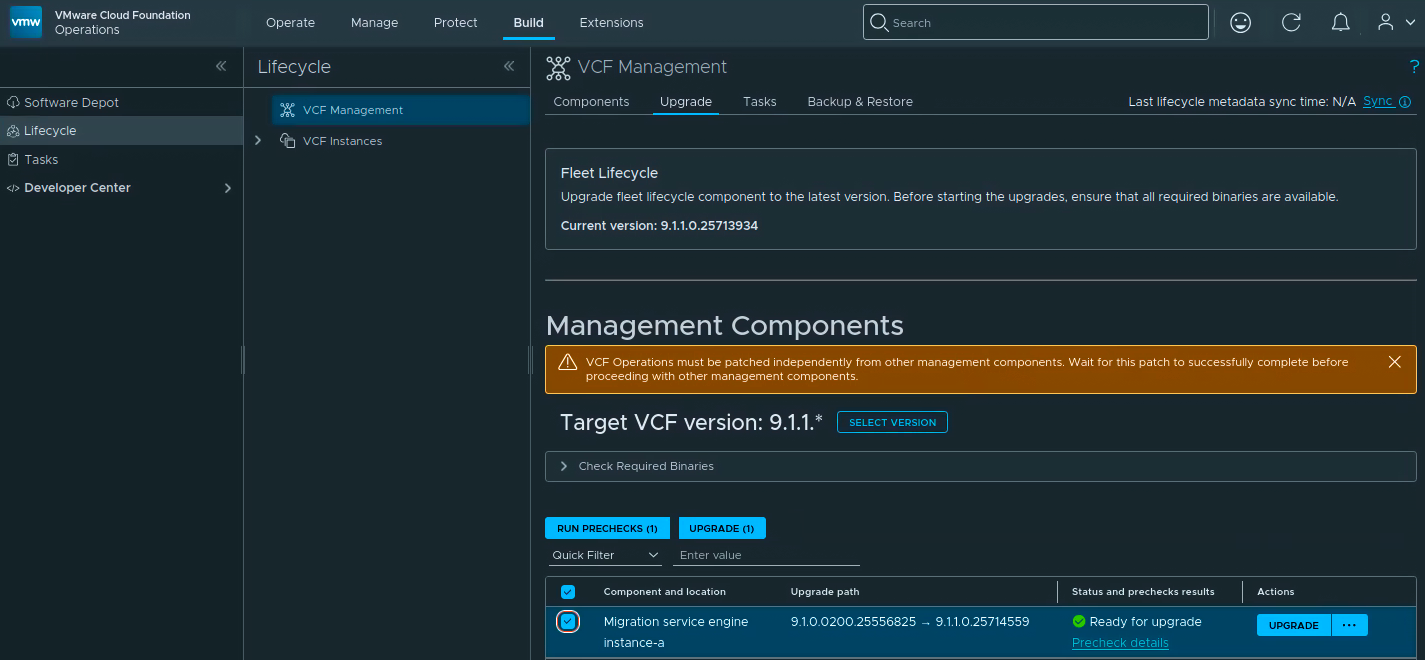
Cloudbase-Init Windows Guest Customization — Blueprint Editor

Installing and Configuring Cloudbase-Init on Windows for VCF Automation Guest Customization

Customizing Windows guest instances in VMware environments has traditionally been handled by the VMware Guest Customization Specification (Sysprep-based). While this approach works, it has limitations — especially when you need cloud-agnostic blueprints that work across vCenter, Azure, AWS, and GCP cloud accounts. Enter Cloudbase-Init — the Windows equivalent of Cloud-Init. It provides powerful guest customization capabilities including user creation, password injection, hostname configuration, SSH public keys, and user-data script execution. This guide walks through the full process of installing and configuring Cloudbase-Init on a Windows Server template for use with VCF Automation (formerly VMware Aria Automation / vRealize Automation). ...

April 16, 2026 · Cosmin Trif
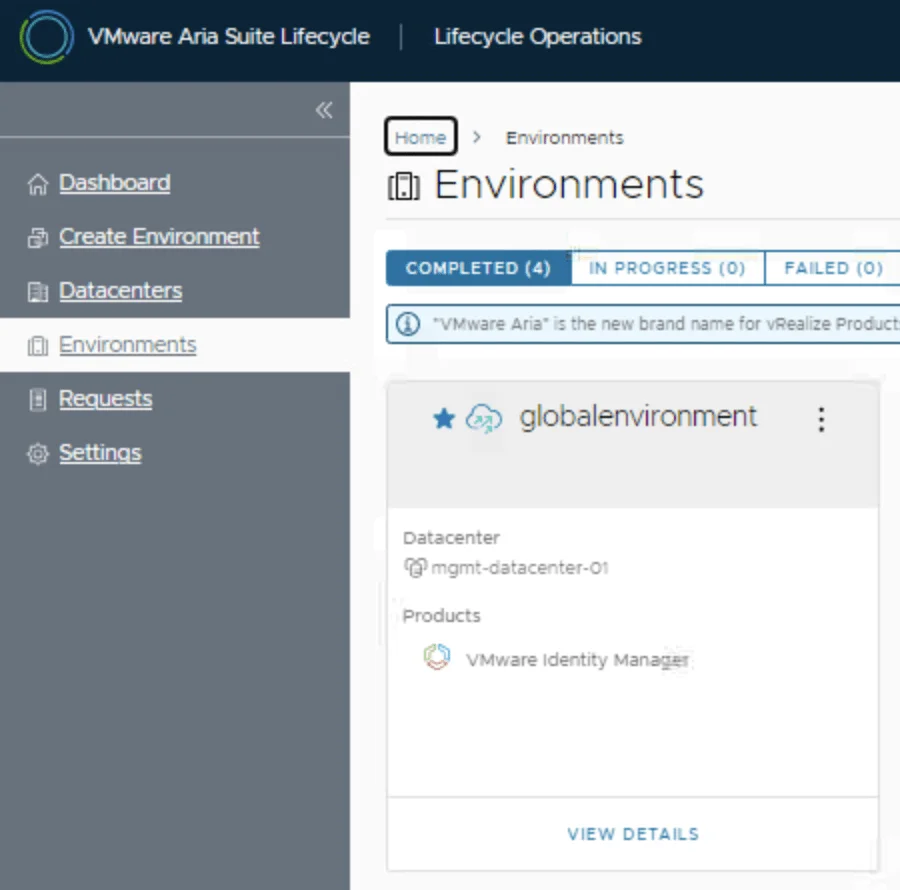
VMware Aria Suite Lifecycle dashboard showing environments and datacenters, with "globalenvironment" highlighted.

Replacing the VMware Identity Manager (vIDM) Certificate using VMware Aria Suite Lifecycle 8.18

Overview: Why and When to Replace the vIDM Certificate VMware Identity Manager (vIDM), also known as Workspace ONE Access, uses an SSL certificate to secure its web interface and establish trust with integrated VMware products (like vRealize/Aria Automation and Operations). Replacing this certificate is important in scenarios such as: Certificate Expiry: SSL certificates have expiration dates. You should replace the vIDM certificate before it expires to avoid service disruptions. An expired certificate can cause login failures and management tasks (like powering on vIDM or updating it) to fail. Self-Signed to CA-Signed: Out-of-the-box or lab deployments often use self-signed certificates, which trigger browser warnings and may not be trusted by other systems. Replacing a self-signed certificate with one signed by a trusted Certificate Authority (CA) eliminates these trust warnings and meets security compliance requirements. Security or Policy Requirements: Your organization might require using specific corporate CA certificates or updating certificates periodically for security. If the current certificate was compromised or if the domain name of the vIDM appliance changes, a replacement is needed. Integration Trust Issues: vIDM acts as the authentication provider for other VMware products. If those products do not trust vIDM’s certificate (e.g., after an update or if using a new CA), you should replace or re-trust the certificate to ensure seamless integration. In summary, proactively replace the vIDM certificate before it expires or whenever you need to switch to a certificate signed by a trusted CA. This ensures uninterrupted user access and integration with other services. Always schedule certificate updates during a maintenance window, as the process will restart services on vIDM and could temporarily disrupt logins. ...

May 8, 2025 · Cosmin Trif

How to Add Custom Disks with Drive Letters and Labels in Aria Automation (VMware by Broadcom)

If you’re working withAria Automation (formerly vRealize Automation) and want to give users the ability to add extra disks to a Windows VM — and define their drive letter and volume label — you’re in the right place. This guide shows you how to build a flexible and reusable cloud template (blueprint) that handles additional disks dynamically. We’ll cover: YAML blueprint inputs for user-defined disks Cloud-init with PowerShell to configure drives Handling drive letter and label assignment dynamically Ensuring all disks are initialized and formatted properly Step 1: Define Inputs for Additional Disks In your Aria Automation blueprint YAML, start by defining an input array that allows users to specify up to 4 additional disks, including their desired SCSI unit number, disk size, drive letter, and volume label. ...

March 25, 2025 · Cosmin Trif

Tracking Licensed Assets in VMware Aria Automation

I often find myself fielding questions about how to effectively manage and monitor licensing in VMware Aria Automation. Licensing is a critical piece of the puzzle when it comes to ensuring compliance, optimizing resource usage, and maintaining operational efficiency in your automation environment. Recently, I was asked about tracking licensed assets, and I’m excited to share a practical approach using the powerful vracli command-line interface (CLI), specifically the vracli license usage command. In this blog, I’ll walk you through how to leverage this tool to gain visibility into your licensed assets, why it matters, and some actionable insights for managing your Aria Automation deployment. ...

February 27, 2025 · Cosmin Trif
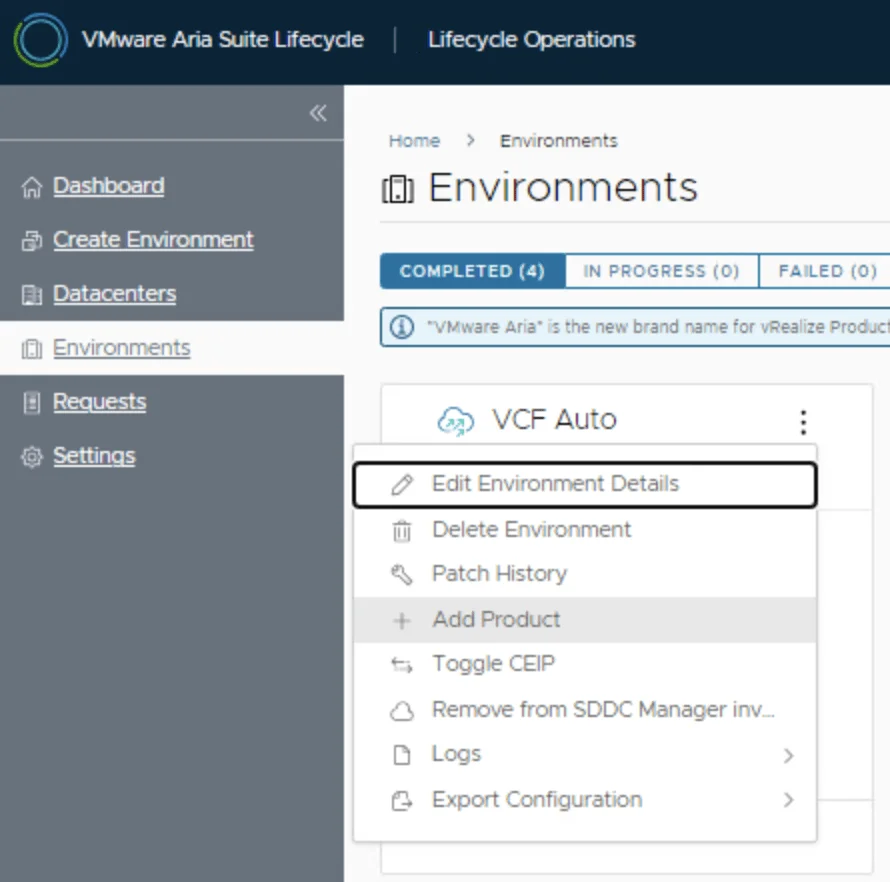
VMware Aria Suite Lifecycle shows an environment menu with options like Edit Environment Details, Delete Environment, and Add Product.

Deploying SaltStack Config 8.17 via Lifecycle Manager in an Aria Automation Environment

Are you looking to streamline configuration management in your VMware by Broadcom Aria Automation environment? SaltStack Config 8.17, integrated into Aria Automation 8.18, offers powerful tools for automating and securing your infrastructure. In this guide, I’ll walk you through deploying SaltStack Config 8.17 using VMware Aria Suite Lifecycle Manager in an existing Aria Automation 8.18 setup. Whether you’re a solutions architect or IT administrator, this step-by-step tutorial will help you get started efficiently. ...

February 27, 2025 · Cosmin Trif
VMware Aria Suite Lifecycle Manager shows environment management options like Edit Environment Details, Delete Environment, and Add Product.

How to Deploy SaltStack Config 8.17 Standalone Using VMware Aria Suite Lifecycle Manager

Want to harness the power of SaltStack Config for configuration management without tying it to an existing VMware Aria Automation setup? Deploying SaltStack Config 8.17 as a standalone product via VMware Aria Suite Lifecycle Manager (by VMware by Broadcom) is an excellent solution. This step-by-step guide will walk you through the process, ensuring you can set up a standalone SaltStack environment efficiently. Perfect for IT administrators or DevOps teams, this tutorial makes deployment simple and scalable. ...

February 27, 2025 · Cosmin Trif
Settings page for VMware Aria Suite Lifecycle showing options for system administration and server accounts.

Upgrading Aria Automation to 8.18.1 Patch 1

In this post, I will cover upgrading my 8.x Aria Automation appliance to version 8.18.1 Patch 1. As a prerequisite, we need to have Aria Suite Lifecycle upgraded to 8.18. Instructions can be found here. Note that the upgrade does not include the latest PSPACK containing the 8.18.1 Patch 1 Aria Automation release. Instructions for obtaining the PSPACK are available in here. Note: Following the VMware by Broadcom Day 2 transition on May 6, 2024, Customer Connect has been migrated to the Broadcom Support. This migration impacts the VMware Aria Suite Lifecycle as follows: All Product Support Packs, along with product and patch binaries, will now need to be downloaded from the Broadcom Support Portal Users must then manually map these into the VMware Aria Suite Lifecycle VMware Aria Suite Lifecycle can be upgraded using “Check Online” method. Product Support Packs are cumulative, incorporating all updates from previous product support packs as well as patches into the latest version. The Aria Automation Patch 1 binaries can be downloaded from here. In my case, it was VMware Aria Automation 8.18.1 .patch file (vrlcm-vra-8.18.1-8.18.1.36859.patch). Once downloaded, LCM supports local mappings. In my case, I uploaded the patch in /data/temp ...

January 16, 2025 · Cosmin Trif
VMware Aria Suite Lifecycle: Create Environment wizard step showing environment details and options.

Deploying VMware Aria Automation in a VCF 5.2.1 Environment: Step-by-Step Guide

Following the deployment of vIDM which can be found here, deploying VMware Aria Automation (formerly known as vRealize Automation) enhances your VCF environment with powerful self-service provisioning, automated operations, and streamlined infrastructure management. This step-by-step guide will walk you through deploying Aria Automation using VMware Aria Lifecycle Manager in a VCF 5.2.1 environment, integrating it seamlessly with vIDM for Single Sign-On (SSO) and access management. Prerequisites VMware Cloud Foundation (VCF) 5.2.1 Environment: Ensure VCF 5.2.1 is fully set up and operational. Aria Lifecycle Manager (ALCM) Appliance: Make sure Aria Lifecycle Manager is installed and accessible. Identity Management (vIDM): Deployed and configured to allow SSO across VMware products. DNS and Network Configurations: Validated for reachability and FQDN resolution. Step 1: Access Aria Lifecycle Manager Log in to the Aria Lifecycle Manager (ALCM) console with admin credentials. Ensure your ALCM version aligns with VCF 5.2.1, ensuring compatibility. Step 2: Add an Environment in ALCM In ALCM, navigate to Environments and Add New Environment. Input environment details, such as name and description, to organize deployments within the ALCM. Select a Datacenter for the deployment. Click Next. ...

October 18, 2024 · Cosmin Trif
The image shows a terminal command for setting alternative IP addresses for Aria Automation 8.x node.

Changing the IP Address of Aria Automation 8.x Node

Changing the IP address of a Aria Automation node requires careful planning to avoid service disruption. Here’s a step-by-step guide: 1. Verify Health of vRealize Automation Run: vracli service status Ensure the cluster or node is healthy before proceeding. 2. Set Alternative IP Address vracli network alternative-ip set --dns <DNS_IP1>,<DNS_IP2> <New_IP>/<subnet> <Gateway_IP> ...

September 5, 2024 · Cosmin Trif
Settings page for VMware Aria Suite Lifecycle showing various system administration and server management options.

Upgrading VMware Aria Automation to 8.18

In this post, I will cover upgrading my 8.x Aria Automation appliance to version 8.18. As a prerequisite, we need to have VMware Aria Suite Lifecycle upgraded to 8.18. Instructions can be found here. Note: Following the VMware by Broadcom Day 2 transition on May 6, 2024, Customer Connect has been migrated to the Broadcom Support. This migration impacts the VMware Aria Suite Lifecycle as follows: All Product Support Packs, along with product and patch binaries, will now need to be downloaded from the Broadcom Support Portal Users must then manually map these into the VMware Aria Suite Lifecycle VMware Aria Suite Lifecycle can be upgraded using “Check Online” method. Product Support Packs are cumulative, incorporating all updates from previous product support packs as well as patches into the latest version. The Aria Automation binaries can be downloaded from here. In my case, it was VMware Aria Automation 8.18.0 Update Repository (Prelude_VA-8.18.0.35770-24024333-updaterepo.iso). Once downloaded, LCM supports local or NFS mappings. In my case, I uploaded the binary in /data ...

July 28, 2024 · Cosmin Trif