
Error stack shows a sync depot failure due to 'integrity.fault.HostPatchInvalidVendorCode'.

Unable to Sync Lifecycle Manager 'integrity.fault.HostPatchInvalidVendorCode'

After upgrading my vCenter Server to the latest vSphere 7.0 Update 1, I was unable to see ESXi 7.0 Update 1 Image. When I attempted to sync the updates I got the error “Download patch definitions task failed while syncing depots. Error: ‘integrity.fault.HostPatchInvalidVendorCode’.” Seeing as the error mentioned the depots, navigate to Menu->Lifecycle Manager and then select the Settings tab and then Patch Setup. ...
 · Updated  · 
Unable to Sync Lifecycle Manager 'integrity.fault.HostPatchInvalidVendorCode'

vCenter update from the command line

I’ve ran recently in to an issue where I couldn’t perform an update from the admin UI, in order to get up and running I executed the following from a ssh shell. I was luky enough to find the documentation here /usr/lib/applmgmt/support/scripts/software-packages.py install --url Some of the additional options that could be used software-packages stage --url software-packages install --staged I like to perform the update from the command line because it gives me additional information that I might not be able to see in the UI ...

vCenter update from the command line
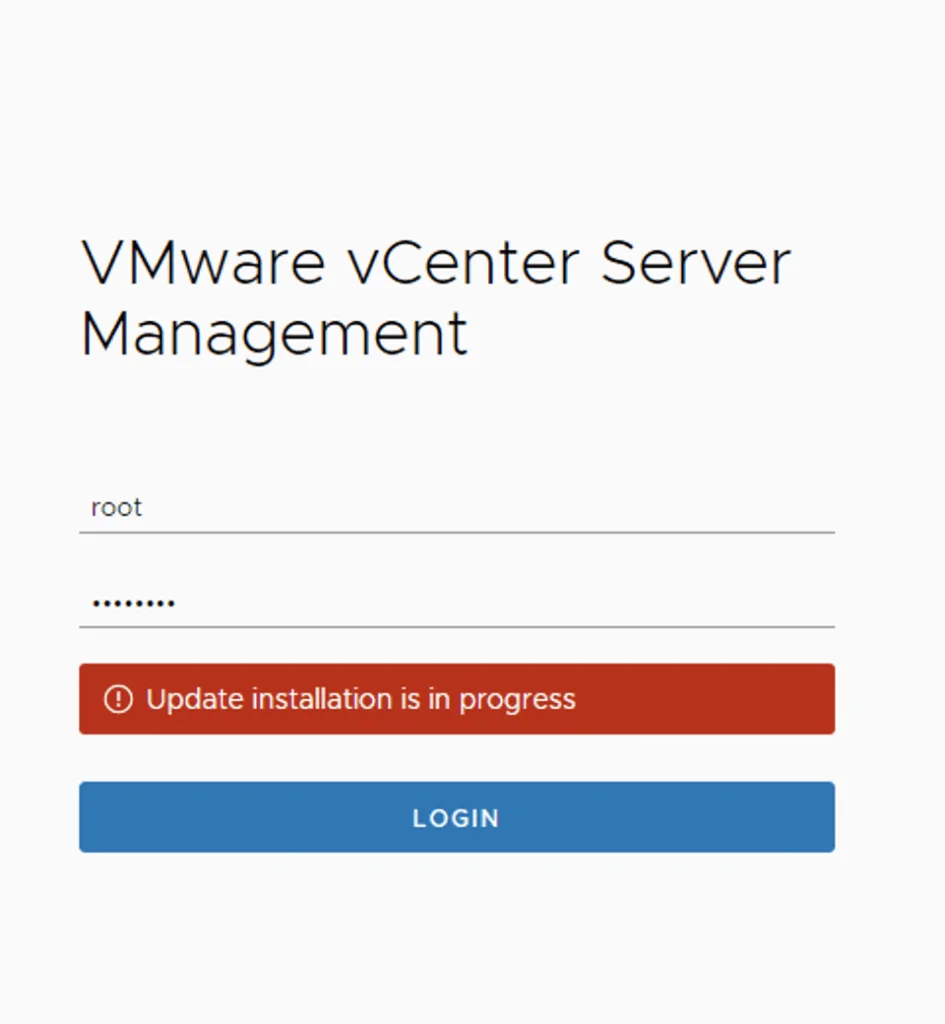
Login screen for VMware vCenter Server Management with update installation in progress.

vCenter Appliance Update installation is in progress

I recently ran in to an issue where the vCenter server appliance update timed out. Rebooting the vCenter server brought the server back up but I was unable to log in to the administration section due to an Update installation in progress error Doing some research I found that there is a file that holds this information fount at /etc/applmgmt/appliance/software_update_state.conf At this point all I had to do was edit the file using vi ...

vCenter Appliance Update installation is in progress