Settings page for VMware Identity Manager showing various system administration and server management options.

Upgrading vIDM (VMware Identity Manager ) to 3.3.6 via vRSLCM

In this post I will go over upgrading my 3.3.5 vIDM appliance to 3.3.6 using vRSLCM (vRealize Suite Lifecycle Manager). If you want to upgrade to LCM 8.6 instructions can be found here. The upgrade already includes the latest Product Support Pack so an update to the Product Support Pack is not required. Downloading the Upgrade Binaries To get started we can go to vRealize Lifecycle Manager -> Lifecycle Operations -> Settings -> Binary Mapping. (If you haven’t added your My VMware credentials you will need to do that first by going to vRealize Lifecycle Manager -> Lifecycle Operations -> Settings -> My VMware) ...

April 1, 2022 · Cosmin Trif
Settings page for vRA 8.7 upgrade, showing options like System Details, Logs, and Authentication Provider.

Upgrading vRA (vRealize Automation) to 8.7

In this post I will go over upgrading my 8.x vRA appliance to 8.7. As a pre requirement we do need to have vRSLCM (vRealize Lifecycle Manager) upgraded to 8.7. Instructions can be found here. The upgrade already includes the latest Product Support Pack so an update to the Product Support Pack is not required. Adding the vRA 8.7 Upgrade Binaries To get started we can go to vRealize Lifecycle Manager -> Lifecycle Operations -> Settings -> Binary Mapping. (If you haven’t added your My VMware credentials you will need to do that first by going to vRealize Lifecycle Manager -> Lifecycle Operations -> Settings -> My VMware) ...

March 24, 2022 · Cosmin Trif
Settings page for vRNI upgrade via vRSLCM, showing options like System Details, Logs, and Authentication Provider.

Upgrading vRNI (vRealize Network Insight) to 6.5.1 via vRSLCM

In this post I will go over upgrading my 6.x vRNI appliance to 6.5.1 using vRSLCM (vRealize Suite Lifecycle Manager). As a pre requirement we do need to have vRSLCM (vRealize Lifecycle Manager) upgraded to 8.7. Instructions can be found here. The upgrade already includes the latest Product Support Pack so an update to the Product Support Pack is not required. Adding the 6.5.1 Upgrade Binary in vRSLCM To get started we can go to vRealize Lifecycle Manager -> Lifecycle Operations -> Settings -> Binary Mapping. (If you haven’t added your My VMware credentials you will need to do that first by going to vRealize Lifecycle Manager -> Lifecycle Operations -> Settings -> My VMware) ...

March 23, 2022 · Cosmin Trif
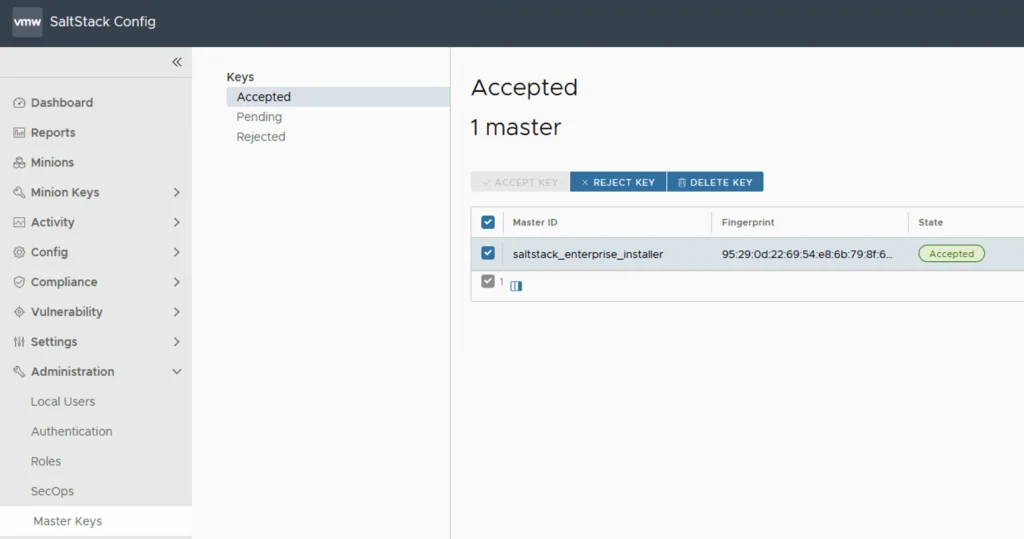
Settings page with options for system administration and servers/accounts.

Upgrading SSC (SaltStack Config) to 8.7

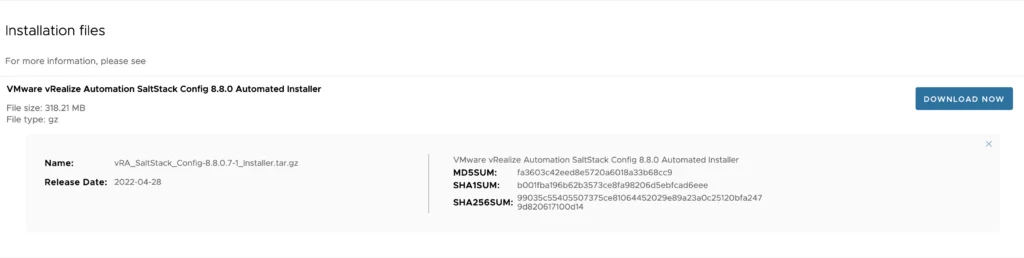
In this post I will go over upgrading my 8.x SSC appliance to 8.7. As a pre requirement we do need to have vRSLCM (vRealize Lifecycle Manager) upgraded to 8.7. Instructions can be found here. The upgrade already includes the latest Product Support Pack so an update to the Product Support Pack is not required. Downloading the 8.7 Binaries To get started we can go to vRealize Lifecycle Manager -> Lifecycle Operations -> Settings -> Binary Mapping. (If you haven’t added your My VMware credentials you will need to do that first by going to vRealize Lifecycle Manager -> Lifecycle Operations -> Settings -> My VMware) ...

March 23, 2022 · Cosmin Trif
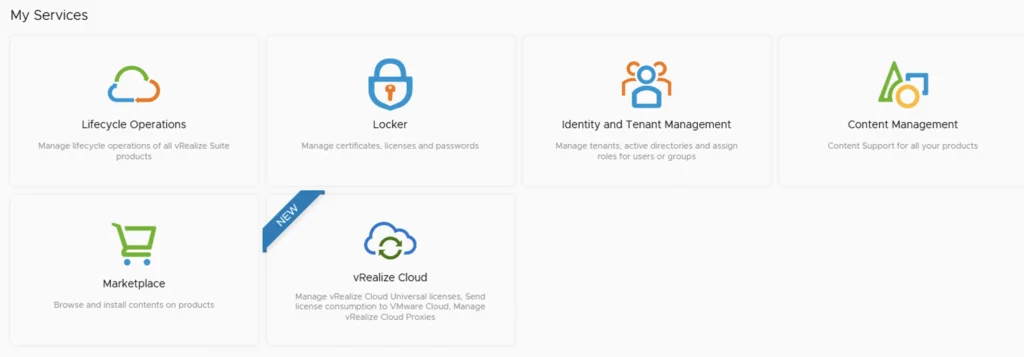
Screenshot of vRealize Lifecycle Manager services with icons and labels like Lifecycle Operations, Locker, Identity and Tenant Management, Content Management, Marketplace, and vRe...

Upgrading vRSLCM (vRealize Lifecycle Manager) to 8.7

In this guide I will go over the steps of getting an existing 8.x vRSLCM appliance upgraded to the latest 8.7 release. The release notes can be found here The first step is to lo in to vRealize Suite Lifecycle Manager under the Lifecycle Operations section Go to settings -> System Upgrade ...

March 23, 2022 · Cosmin Trif
My Services UI showing Lifecycle Operations, Locker, Identity and Tenant Management, Content Management, Marketplace, and vRealize Cloud options.

Upgrading vRSLCM (vRealize Lifecycle Manager) to 8.6.1

In this guide I will go over the steps of getting an existing 8.x vRSLCM appliance upgraded to the latest 8.6.1 release. The release notes can be found here The first step is to lo in to vRealize Suite Lifecycle Manager under the Lifecycle Operations section Go to settings -> System Upgrade ...

December 12, 2021 · Cosmin Trif
Settings page for vRNI showing various administration and server management options.

Upgrading vRNI (vRealize Network Insight) to 6.4.0 via vRSLCM

In this post I will go over upgrading my 6.x vRNI appliance to 6.4.0 using vRSLCM (vRealize Suite Lifecycle Manager). As a pre requirement we do need to have vRSLCM (vRealize Lifecycle Manager) upgraded to 8.6. Instructions can be found here. The upgrade already includes the latest Product Support Pack so an update to the Product Support Pack is not required. Mapping the Upgrade Binary in vRSLCM To get started we can go to vRealize Lifecycle Manager -> Lifecycle Operations -> Settings -> Binary Mapping. (If you haven’t added your My VMware credentials you will need to do that first by going to vRealize Lifecycle Manager -> Lifecycle Operations -> Settings -> My VMware) ...

October 27, 2021 · Cosmin Trif
Settings page with options for system administration and servers/accounts, including System Details, Logs, and NTP Servers.

Upgrading vIDM (VMware Identity Manager ) to 3.3.5 via vRSLCM

In this post I will go over upgrading my 3.3.3 vIDM appliance to 3.3.5 using vRSLCM (vRealize Suite Lifecycle Manager). If you want to upgrade to LCM 8.6 instructions can be found here. The upgrade already includes the latest Product Support Pack so an update to the Product Support Pack is not required. Downloading the 3.3.5 Upgrade Binaries To get started we can go to vRealize Lifecycle Manager -> Lifecycle Operations -> Settings -> Binary Mapping. (If you haven’t added your My VMware credentials you will need to do that first by going to vRealize Lifecycle Manager -> Lifecycle Operations -> Settings -> My VMware) ...

October 25, 2021 · Cosmin Trif
Settings page with options like System Details, Logs, System Patches, and Authentication Provider.

Upgrading vRLI (vRealize Log Insight) to 8.6 via vRSLCM

In this post I will go over upgrading my 8.x vRLI appliance to 8.6 using vRSLCM (vRealize Suite Lifecycle Manager). As a pre requirement we do need to have vRSLCM (vRealize Lifecycle Manager) upgraded to 8.6. Instructions can be found here. The upgrade already includes the latest Product Support Pack so an update to the Product Support Pack is not required. Downloading the Upgrade Binary via Binary Mapping To get started we can go to vRealize Lifecycle Manager -> Lifecycle Operations -> Settings -> Binary Mapping. (If you haven’t added your My VMware credentials you will need to do that first by going to vRealize Lifecycle Manager -> Lifecycle Operations -> Settings -> My VMware) ...

October 25, 2021 · Cosmin Trif

Downgrading ESXi to a Different Build

During one of the upgrades in my VCF lab, I accidentally installed an ESXi 7.x build outside that VCF release’s validated design. This historical example records the lab recovery I tried. It is not a general production downgrade procedure. Warning: For a VCF-managed host or a production downgrade, stop and engage Broadcom Support. Downgrading can remove or replace drivers and components, can be incompatible with the current vCenter/NSX/firmware combination, and might leave the host unable to boot or rejoin its cluster. Use a supported rollback, reinstall or restore procedure when directed. ...

October 25, 2021 · Cosmin Trif