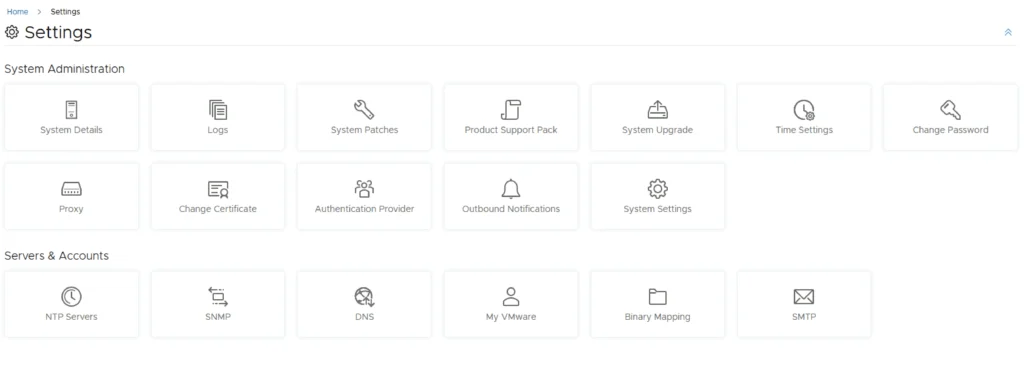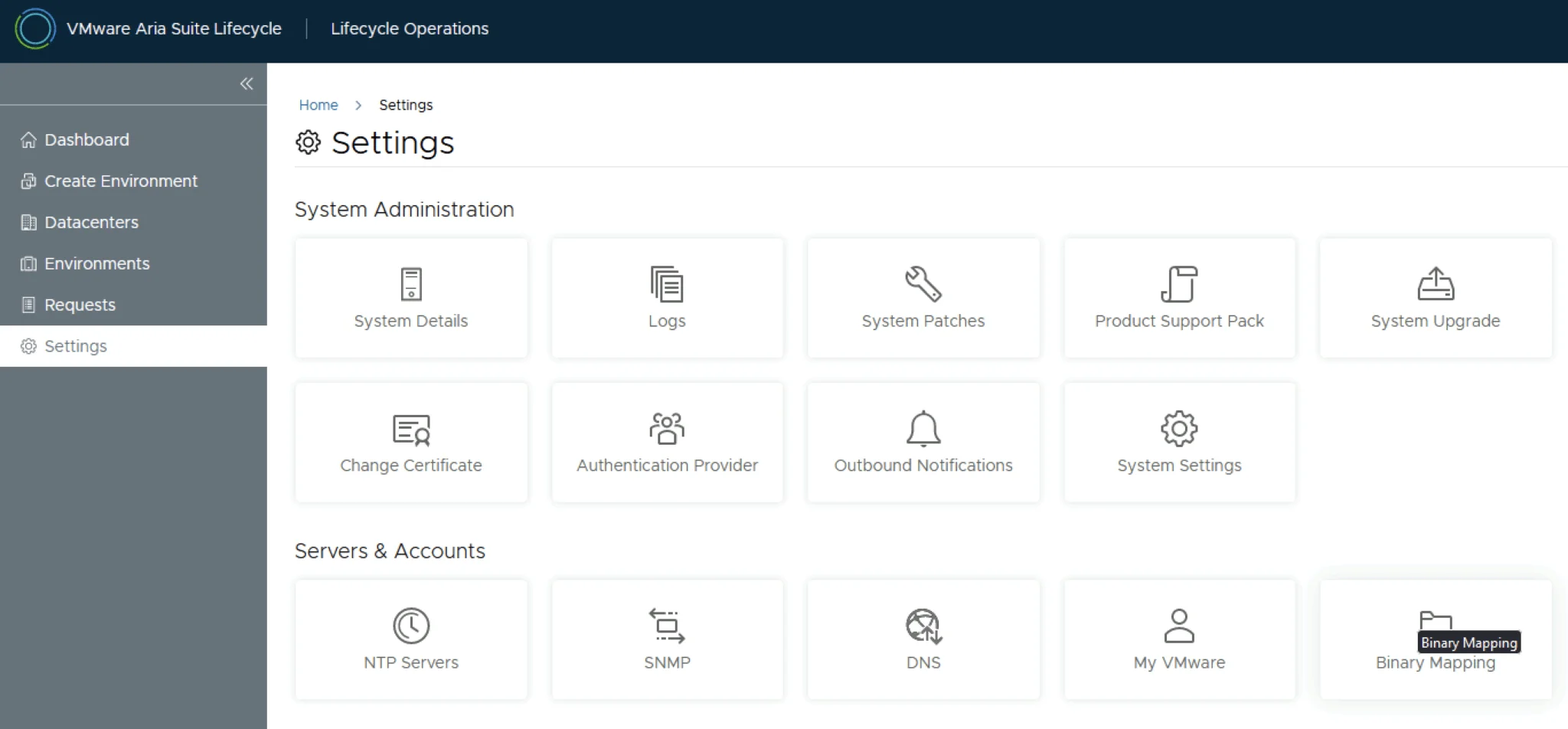
Settings page for VMware Aria Suite Lifecycle showing various system administration and server/account options.

Upgrading Aria Operations for Logs to 8.16.1 via VMware Aria Suite Lifecycle

In this post, I will guide you through upgrading your 8.x vRLI appliance to Aria Operations for Logs 8.16.1 using VMware Aria Suite Lifecycle. Before proceeding, ensure that your VMware Aria Suite Lifecycle is upgraded to version 8.16. You can find the upgrade instructions here. Note that the upgrade does not include the latest PSPACK containing the 8.16.1 Aria Operations for Logs release. Instructions for obtaining the PSPACK are available in here. ...

 · Updated  · 
Upgrading Aria Operations for Logs to 8.16.1 via VMware Aria Suite Lifecycle
Settings page for VMware Aria Suite Lifecycle showing various system administration and server/account options.

Upgrading Aria Operations to 8.17.2 via Aria Suite Lifecycle

In this post I will go over upgrading my 8.x Aria Operations appliance to 8.17.2 using Aria Suite Lifecycle. As a pre requirement we do need to have Aria Suite Lifecycle upgraded to 8.16. Instructions can be found here. The upgrade does not include the latest Product Support Pack. We can apply the latest Product Support Pack following the instructions here. Downloading the Upgrade Binaries To get started we can go to Aria Suite Lifecycle -> Lifecycle Operations -> Settings -> Binary Mapping. (If you haven’t added your My VMware credentials you will need to do that first by going to Aria Suite Lifecycle -> Lifecycle Operations -> Settings -> My VMware) ...

Upgrading Aria Operations to 8.17.2 via Aria Suite Lifecycle
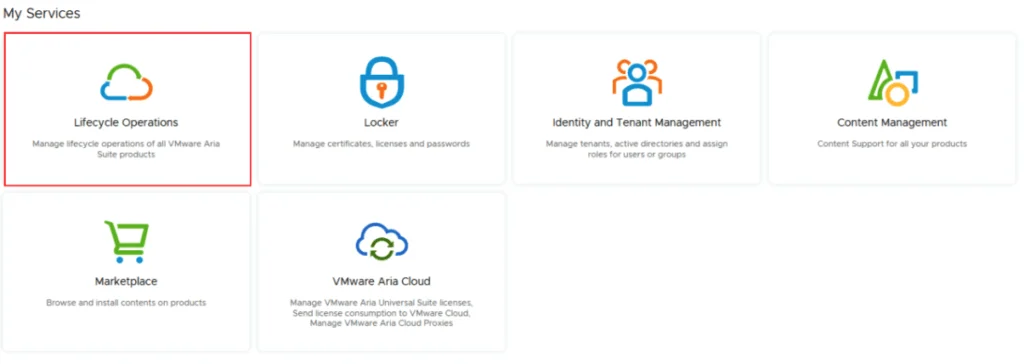
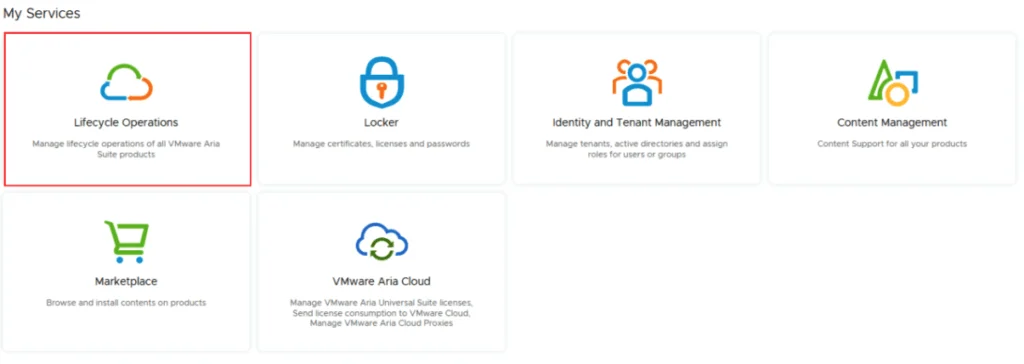
A screenshot of VMware Aria Suite Lifecycle showing services like Lifecycle Operations, Locker, and Marketplace.

Aria Suite Lifecycle Product Support Pack (PSPACK) upgrade - manual version

I documented this manual Product Support Pack workflow on an existing 8.x Aria Suite Lifecycle appliance. For background, see VMware’s Product Support Pack overview. Typically the newer Product Support Pack is included part of the upgrade for Aria Suite Lifecycle, however sometimes there are product releases in between releases where product support packs come in handy. As of 8.16.0 Product Support Pack 4 we can no longer automatically download the Product Support Pack files. The release notes can be found here. ...

 · Updated  · 
Aria Suite Lifecycle Product Support Pack (PSPACK) upgrade - manual version
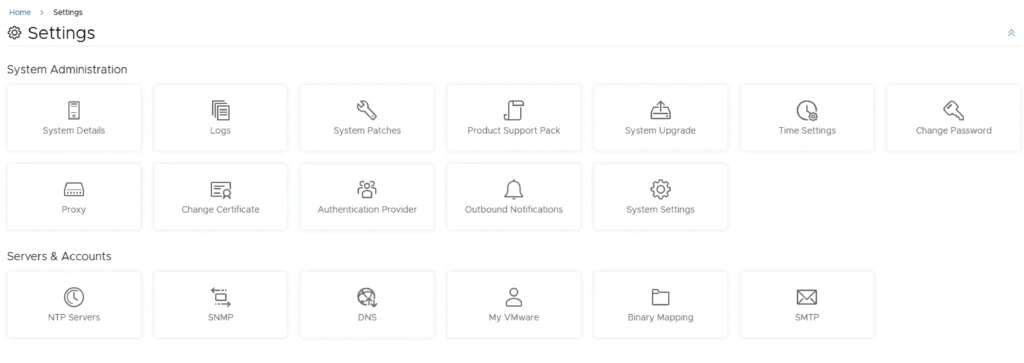
Settings page in VMware Aria Suite Lifecycle with various system and server management options.

Upgrading Aria Operations to 8.17.1 via Aria Suite Lifecycle

In this post I will go over upgrading my 8.x Aria Operations appliance to 8.17.1 using Aria Suite Lifecycle. As a pre requirement we do need to have Aria Suite Lifecycle upgraded to 8.16. Instructions can be found here. The upgrade does not include the latest Product Support Pack. We can apply the latest Product Support Pack following the instructions here. Downloading the 8.17.1 Upgrade Binaries To get started we can go to Aria Suite Lifecycle -> Lifecycle Operations -> Settings -> Binary Mapping. (If you haven’t added your My VMware credentials you will need to do that first by going to Aria Suite Lifecycle -> Lifecycle Operations -> Settings -> My VMware) ...

Upgrading Aria Operations to 8.17.1 via Aria Suite Lifecycle
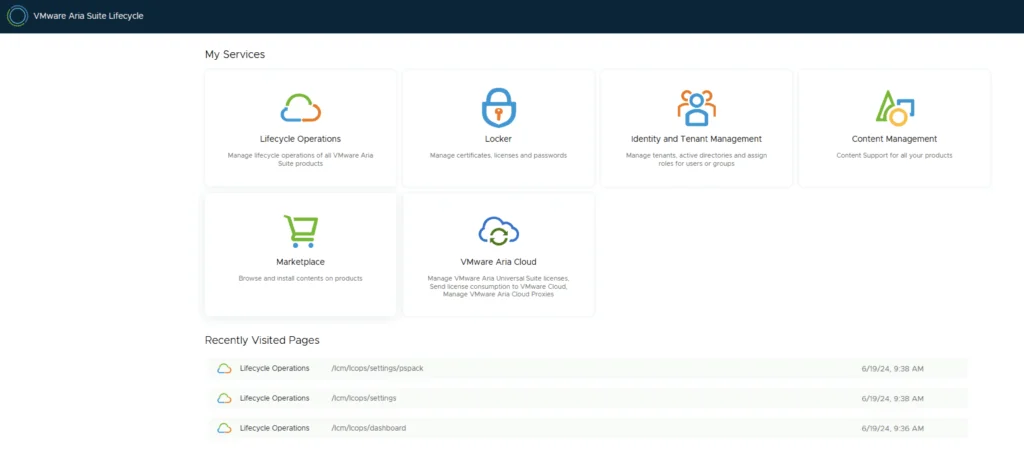
VMware Aria Suite Lifecycle services and recently visited pages, focusing on PSPACK.

Aria Suite Lifecycle Product Support Pack (PSPACK) upgrade

I documented this manual Product Support Pack workflow on an existing 8.x Aria Suite Lifecycle appliance. For background, see VMware’s Product Support Pack overview. Typically the newer Product Support Pack is included part of the upgrade for Aria Suite Lifecycle, however sometimes there are product releases in between releases where product support packs come in handy. Accessing the Product Support Pack Settings The first step is to log in to Aria Suite Lifecycle under the Lifecycle Operations section ...

Aria Suite Lifecycle Product Support Pack (PSPACK) upgrade
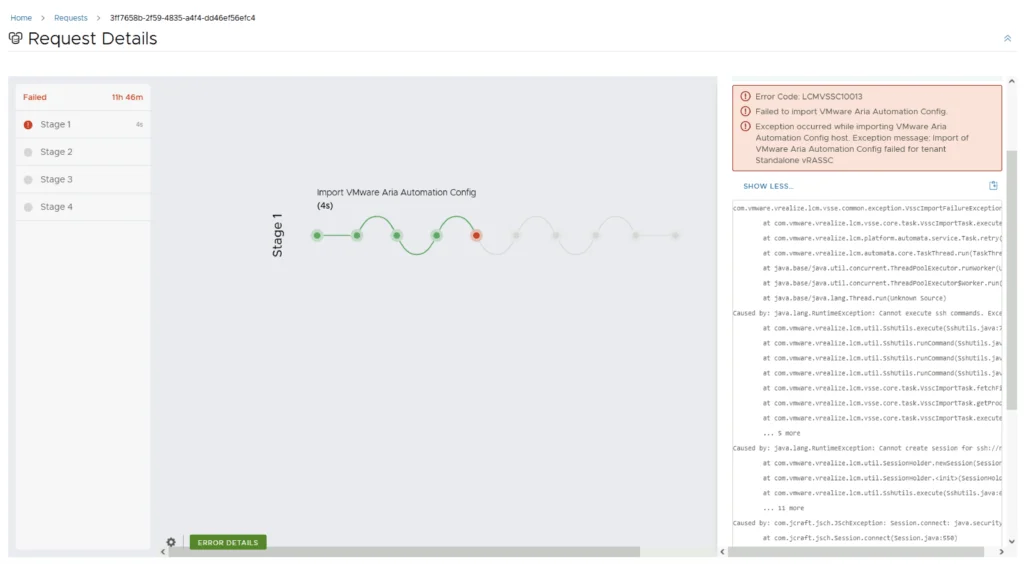
Error Code: LCMVSSC10013 shown in a VMware Aria Automation Config import request details, highlighting failed Stage 1 with error message.

Error Code: LCMVSSC10013

While trying to upgrade my SaltStack Config environment to 8.16.2 I encountered Error Code: LCMVSSC10013 in VMware Aria Suite Lifecycle. The error details: Error Code: LCMVSSC10013 Failed to import VMware Aria Automation Config. Exception occurred while importing VMware Aria Automation Config host. Exception message: Import of VMware Aria Automation Config failed for tenant Standalone vRASSC com.vmware.vrealize.lcm.vsse.common.exception.VsscImportFailureException: Import of VMware Aria Automation Config failed for tenant Standalone vRASSC at com.vmware.vrealize.lcm.vsse.core.task.VsscImportTask.execute(VsscImportTask.java:185) at com.vmware.vrealize.lcm.platform.automata.service.Task.retry(Task.java:158) at com.vmware.vrealize.lcm.automata.core.TaskThread.run(TaskThread.java:60) at java.base/java.util.concurrent.ThreadPoolExecutor.runWorker(Unknown Source) at java.base/java.util.concurrent.ThreadPoolExecutor$Worker.run(Unknown Source) at java.base/java.lang.Thread.run(Unknown Source) Caused by: java.lang.RuntimeException: Cannot execute ssh commands. Exception encountered : Session.connect: java.security.spec.InvalidKeySpecException: key spec not recognized at com.vmware.vrealize.lcm.util.SshUtils.execute(SshUtils.java:721) at com.vmware.vrealize.lcm.util.SshUtils.runCommand(SshUtils.java:532) at com.vmware.vrealize.lcm.util.SshUtils.runCommand(SshUtils.java:516) at com.vmware.vrealize.lcm.util.SshUtils.runCommand(SshUtils.java:628) at com.vmware.vrealize.lcm.vsse.core.task.VsscImportTask.fetchFipsStatus(VsscImportTask.java:342) at com.vmware.vrealize.lcm.vsse.core.task.VsscImportTask.getProductDetails(VsscImportTask.java:260) at com.vmware.vrealize.lcm.vsse.core.task.VsscImportTask.execute(VsscImportTask.java:158) ... 5 more Caused by: java.lang.RuntimeException: Cannot create session for ssh://root@ssc-01a.corp.local at com.vmware.vrealize.lcm.util.SessionHolder.newSession(SessionHolder.java:57) at com.vmware.vrealize.lcm.util.SessionHolder.<init>(SessionHolder.java:37) at com.vmware.vrealize.lcm.util.SshUtils.execute(SshUtils.java:663) ... 11 more Caused by: com.jcraft.jsch.JSchException: Session.connect: java.security.spec.InvalidKeySpecException: key spec not recognized at com.jcraft.jsch.Session.connect(Session.java:550) at com.vmware.vrealize.lcm.util.SessionHolder.newSession(SessionHolder.java:53) ... 13 more Caused by: java.security.spec.InvalidKeySpecException: key spec not recognized at org.bouncycastle.jcajce.provider.asymmetric.util.BaseKeyFactorySpi.engineGeneratePublic(Unknown Source) at org.bouncycastle.jcajce.provider.asymmetric.edec.KeyFactorySpi.engineGeneratePublic(KeyFactorySpi.java:212) at java.base/java.security.KeyFactory.generatePublic(Unknown Source) at com.jcraft.jsch.jce.XDH.getSecret(XDH.java:71) at com.jcraft.jsch.DHXEC.next(DHXEC.java:134) at com.jcraft.jsch.Session.connect(Session.java:328) ... 14 more To get around it I had to enable FIPS mode in Aria Suite Lifecycle under Lifecycle Operations -> Settings -> Tips Mode Compliance -> check the enabled box -> Click Update ...

Error Code: LCMVSSC10013
Settings page with options for system administration and server accounts, including upgrade, patches, and accounts management.

Upgrading VMware Aria Automation Config to 8.16.2

In this post I will go over upgrading my 8.x SSC appliance to 8.16.2. As a pre requirement we do need to have VMware Aria Suite Lifecycle upgraded to 8.16. Instructions can be found here. The upgrade does not include the latest PSPACK that contains the 8.16.2 Aria Automation Config release. Instructions to get the PSPACK can be found on my other blog post here. Downloading the 8.16.2 Binaries To get started we can go to VMware Aria Suite Lifecycle -> Lifecycle Operations -> Settings -> Binary Mapping. (If you haven’t added your My VMware credentials you will need to do that first by going to VMware Aria Suite Lifecycle -> Lifecycle Operations -> Settings -> My VMware) ...

Upgrading VMware Aria Automation Config to 8.16.2
Settings page with options for system administration and servers/accounts.

Upgrading VMware Aria Automation to 8.16.2

In this post I will go over upgrading my 8.x vRA appliance to 8.16.2. As a pre requirement we do need to have VMware Aria Suite Lifecycle upgraded to 8.16. Instructions can be found here. The upgrade does not include the latest PSPACK that contains the 8.16.2 VMware Aria Automation release. Instructions to get the PSPACK can be found on my other blog post here. Downloading the Upgrade Binary via Binary Mapping To get started we can go to VMware Aria Suite Lifecycle -> Lifecycle Operations -> Settings -> Binary Mapping. (If you haven’t added your My VMware credentials you will need to do that first by going to VMware Aria Suite Lifecycle -> Lifecycle Operations -> Settings -> My VMware) ...

Upgrading VMware Aria Automation to 8.16.2
VMware Aria Suite Lifecycle Operations, Marketplace, Locker, Identity Management, Content Management, and VMware Aria Cloud options.

VMware Aria Suite Lifecycle Product Support Pack (PSPAK) Upgrade

I documented this manual Product Support Pack workflow on an existing 8.x Aria Suite Lifecycle appliance. For background, see VMware’s Product Support Pack overview. Typically the newer Product Support Pack is included part of the upgrade for LCM, however sometimes there are product releases in between releases where product support packs come in handy. Locating the Product Support Pack Settings The first step is to log in to vRealize Suite Lifecycle Manager under the Lifecycle Operations section ...

VMware Aria Suite Lifecycle Product Support Pack (PSPAK) Upgrade
VMware Aria Suite lifecycle upgrade interface with options like Lifecycle Operations, Locker, Identity and Tenant Management, Content Management, Marketplace, and VMware Aria Cloud.

VMware Aria Suite Lifecycle upgrade to 8.16

In this guide I will go over the steps of getting an existing 8.x vRSLCM appliance upgraded to the latest 8.16 release. The release notes can be found here. We can upgrade from vRealize Lifecycle Manager to VMware Aria Suite Lifecycle. The first step is to log in to VMware Aria Suite Lifecycle under the Lifecycle Operations section ...

 · Updated  · 
VMware Aria Suite Lifecycle upgrade to 8.16