Settings page for vRA 8.3 upgrade, showing various administration and server management options.

Upgrading vRA (vRealize Automation) to 8.3

In this post i will go over upgrading my 8.2 vRA appliance to 8.3. As a pre requirement we do need to have vRSLCM (vRealize Lifecycle Manager) upgraded to 8.3. Instructions can be found here To get started we can go to vRealize Lifecycle Manager -> Lifecycle Operations -> Settings -> Binary Mapping. (If you havent added your My VMware credentials you will need to do that first by going to vRealize Lifecycle Manager -> Lifecycle Operations -> Settings -> My VMware) ...
February 4, 2021 · Cosmin Trif
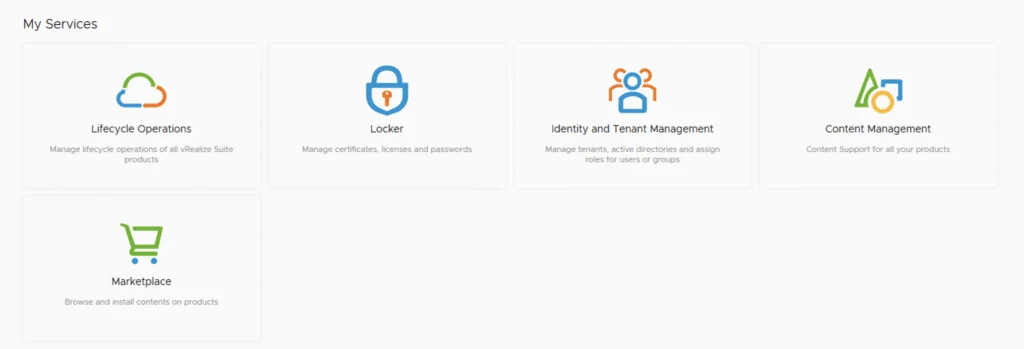
The image shows a screenshot of vRealize Lifecycle Manager's 'My Services' section with icons and labels for Lifecycle Operations, Locker, Identity and Tenant Management, Content Management, and Ma...

Upgrading vRSLCM (vRealize Lifecycle Manager) to 8.3

In this guide i will go over the steps of getting an existing 8.x vRSLCM appliance upgraded to the latest 8.3 release The first step is to lo in to vRealize Suite Lifecycle Manager under the Lifecycle Operations section Go to settings -> System Upgrade ...

February 4, 2021 · Cosmin Trif
Error stack shows a sync depot failure due to 'integrity.fault.HostPatchInvalidVendorCode'.

Unable to Sync Lifecycle Manager 'integrity.fault.HostPatchInvalidVendorCode'

After upgrading my vCenter Server to the latest vSphere 7.0 Update 1, I was unable to see ESXi 7.0 Update 1 Image. When I attempted to sync the updates I got the error “Download patch definitions task failed while syncing depots. Error: ‘integrity.fault.HostPatchInvalidVendorCode’.” Seeing as the error mentioned the depots, navigate to Menu->Lifecycle Manager and then select the Settings tab and then Patch Setup. ...

October 10, 2020 · Cosmin Trif