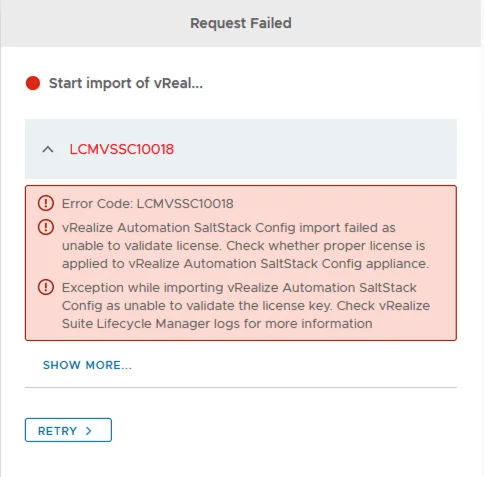
Error LCMVSSC10018: vRealize Automation SaltStack Config import failed due to license validation issue.

Error Code: LCMVSSC10018

If you like me deployed SSC (SaltStack Config) outside of LCM and are now trying to import it under LCM management you probably ran in to the following error: Error Code: LCMVSSC10018 vRealize Automation SaltStack Config import failed as unable to validate license. Check whether proper license is applied to vRealize Automation SaltStack Config appliance. Exception while importing vRealize Automation SaltStack Config as unable to validate the license key. Check vRealize Suite Lifecycle Manager logs for more information ...
October 4, 2021 · Cosmin Trif
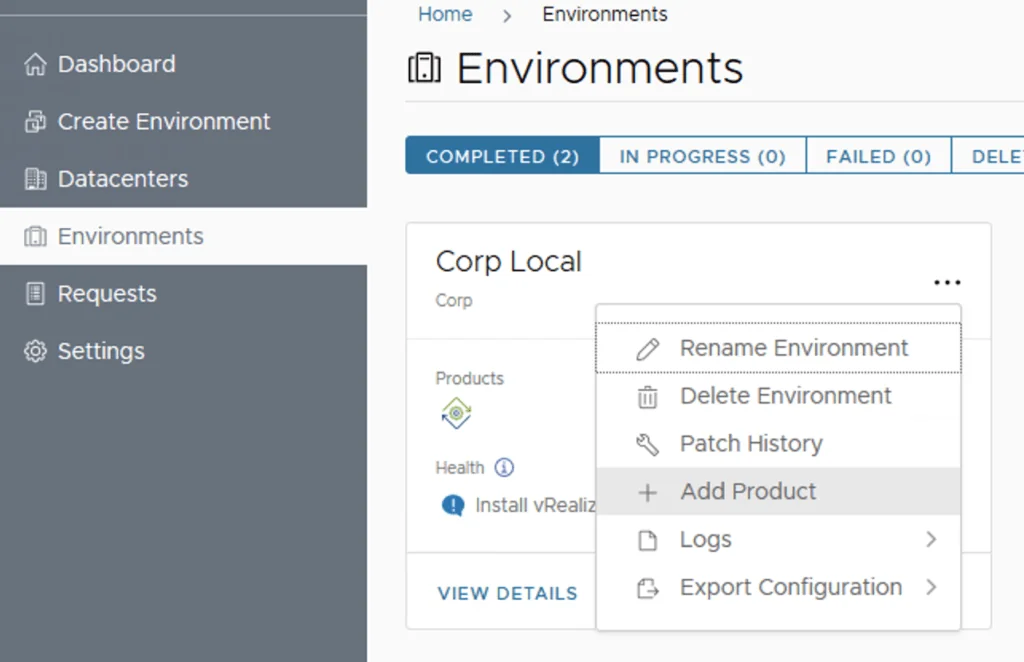
UI shows environment management in VRA, with options like Rename, Delete, and Add Product.

Deploying SaltStack Config via Lifecycle Manager in a VRA environment

Assuming that you already downloaded the SaltStack Config binaries in this guide we will go over the deployment of SaltStack Config in an existing VRA 8.3 environment via Lifecycle Manager 8.3 Log on to Lifecycle Manager -> Go to environments, on the vRA environment click on the Menu and go to Add Product Select the checkbox next to vRealize Automation SaltStack Config and click Next ...

February 2, 2021 · Cosmin Trif