These guides cover Salt setup and automation alongside SaltStack Config and VMware Aria Automation Config appliance workflows. Choose the task and product version that match your environment: the open-source installation example and the Lifecycle Manager appliance guides describe different setups.
Salt setup and VMware automation
- Set up a Salt master and minion — follow the example connection setup, key acceptance, remote execution check, and first state file.
- Use the SDDC SaltStack modules with vSphere — configure a vCenter connection pillar, query ESXi settings, and turn a configuration change into a Salt job.
SaltStack Config and Aria Automation Config versions
For an older deployment example, see adding SaltStack Config to a vRealize Automation 8.3 environment.
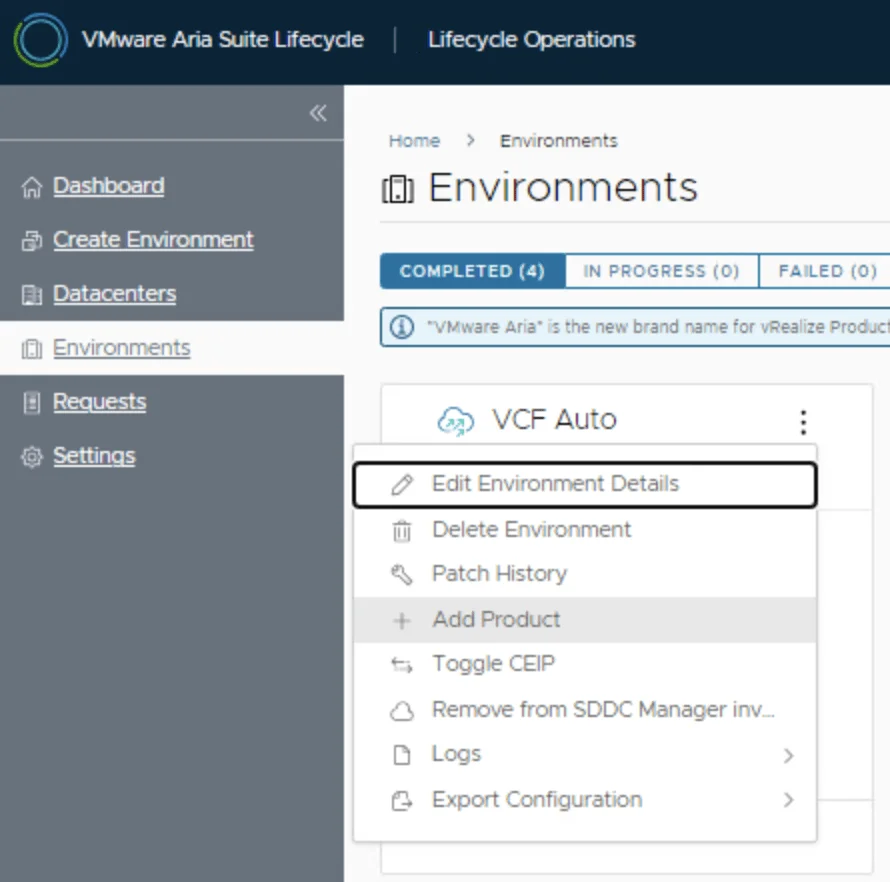
Selected upgrade walkthroughs include SaltStack Config 8.12.1 through Lifecycle Manager and Aria Automation Config 8.16.2 through Aria Suite Lifecycle. These document the releases and prerequisites used in each article; their order does not prescribe an upgrade path. Check the documentation for your starting release and target before a change.
Find a specific error
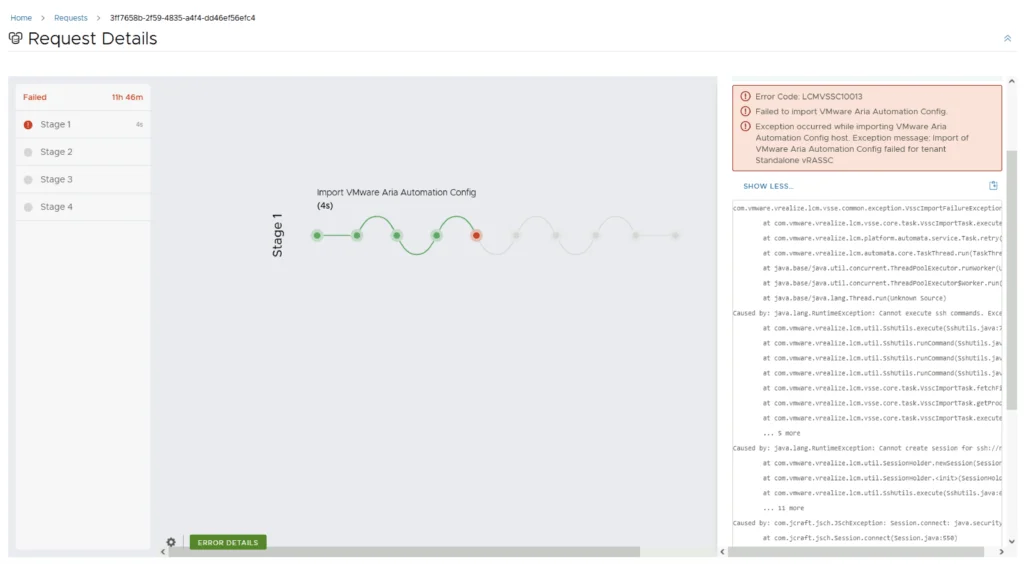
- Investigate LCMVSSC10013 during an 8.16.2 upgrade — the recorded issue concerns FIPS compliance validation.
- Resolve “Authentication failed: no Authorization header” after an SSC 8.8 upgrade — documents the master-key recovery used for that failure.
Compare automation approaches
SaltStack and Terraform compared discusses provisioning and ongoing configuration. For the corresponding deployment examples, browse the Terraform guides. More appliance and platform workflows are collected under VCF Automation.