Enable Product Downloads in vRealize Lifecycle Manager (vRSLCM)
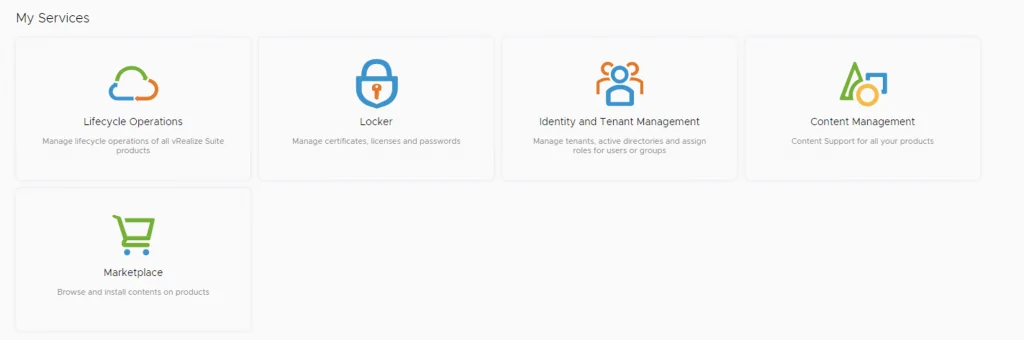
In order to enable product downloads in lifecycle manager we need to go to Lifecycle Operations Adding a My VMware Account Settings -> My vmware Add my vmware account. Make sure the account added has a proper entitlement to perform downloads and patches. With the releases of 8.x and above we now have a password vault that we need to add the passwords to. When presented with the add my VMware Account Detail screen press on Click here to add a new password ...