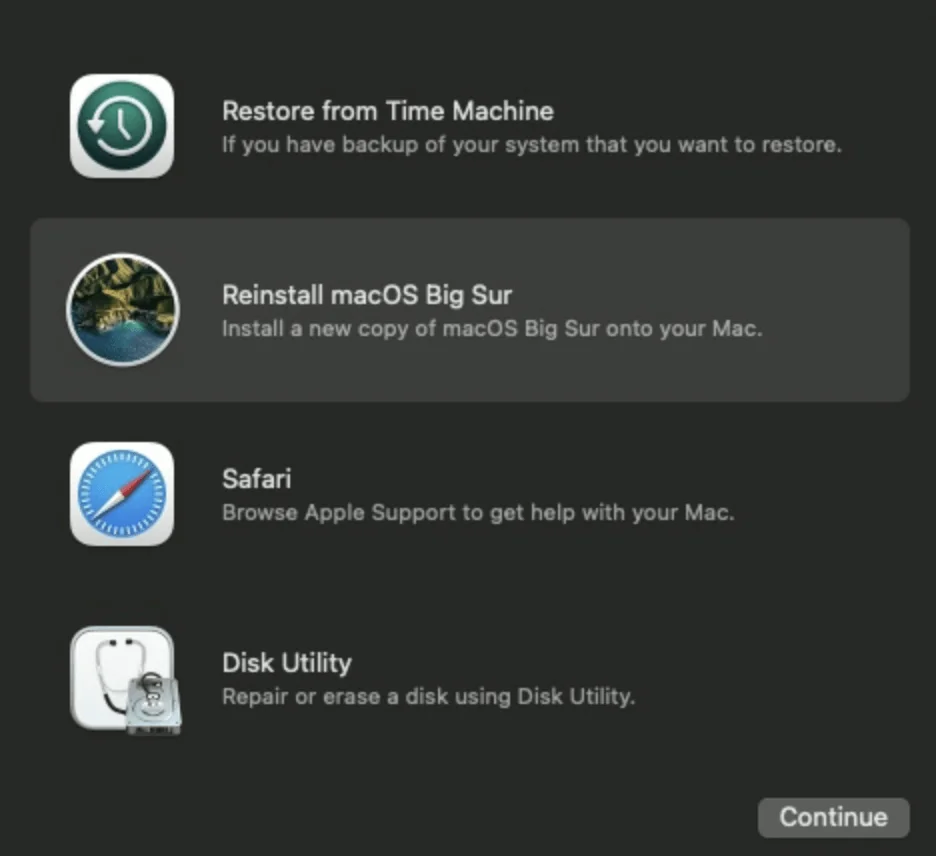
These short guides document recovery and DFU workflows for the first Apple silicon Mac mini. Use the recovery menu first when macOS can be reinstalled from the device; use DFU mode with a host Mac when a restore or revive through Apple Configurator is required.
Recovery and DFU mode
- Restart a Mac mini M1 in recovery mode — reach the recovery menu, Disk Utility, and macOS reinstall options by holding the power button.
- Boot a Mac mini M1 in DFU mode — connect the cable to the USB-C port next to Ethernet and use the power-button sequence to show the DFU logo.
Full restore
After entering DFU mode, follow the full Mac mini M1 restore walkthrough for Apple Configurator 2 and the correct port connection. These articles were written for macOS Big Sur and Apple Configurator 2.13.2; confirm the current Apple procedure and software requirements before using them on newer releases.