WordPress to Cloudflare Workers: how I statically mirrored my entire site (and kept search & lightbox!)

I wanted to cache everything behind Cloudflare and stop worrying about PHP, MySQL, and plugin drift on my backup site cosmin.gq. I tried one-click export plugins (both the free and paid Simply Static), but I couldn’t get a clean export that behaved like the live site. So I rolled up my sleeves and wrote a Bash script that: crawls the site using the official sitemaps (including .gz children), mirrors HTML + assets incrementally, cleans up quirks like ?p= permalinks, generates a small search index (no dependencies, no bs4), adds a lightweight lightbox for images, and serves it all from Cloudflare Workers Static Assets with a smart router that understands /path, /path/, /path.html, and /path/index.html. Below is the story of how each section of the script came to be, what went wrong, what I learned, and why each piece is there. ...
 · Updated  · 
WordPress to Cloudflare Workers: how I statically mirrored my entire site (and kept search & lightbox!)
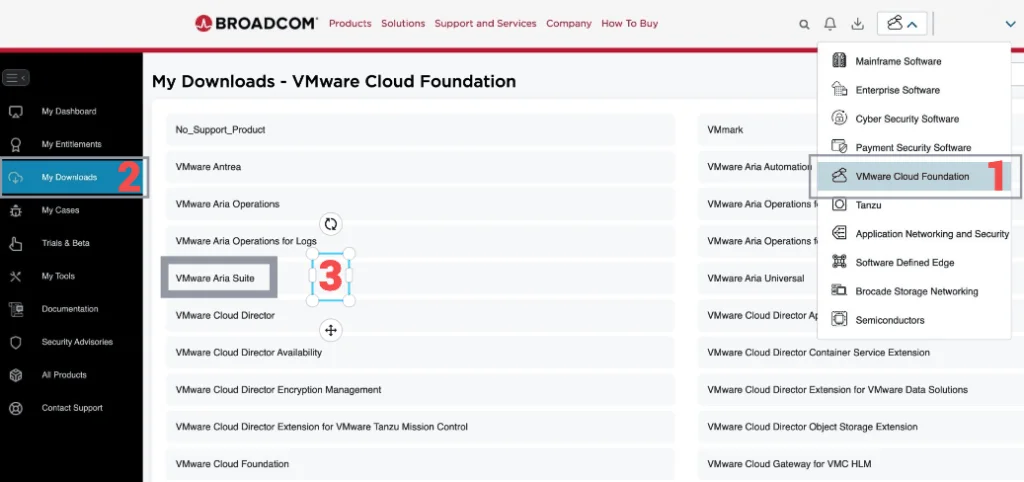
Broadcom portal with a menu for VMware Cloud Foundation, highlighting the 'My Downloads' section and a step in upgrading Aria Operations.

Upgrading Aria Operations to 8.18.2 Using a .PAK File

Upgrading Aria Operations (formerly VMware vRealize Operations) is a crucial task to ensure you’re using the latest features, security patches, and performance improvements. In this guide, we’ll walk through the step-by-step process of upgrading Aria Operations using a .pak file. Preparing for the Upgrade Prerequisites Before starting the upgrade, ensure the following prerequisites are met: Backup the Existing Deployment: Take a snapshot of all nodes in the Aria Operations (Master, Cloud proxies, and any other nodes). ...

Upgrading Aria Operations to 8.18.2 Using a .PAK File
Broadcom portal with 'My Downloads' section, listing VMware products, highlighting 'VMware Aria Suite' for upgrade.

Step-by-Step Guide: Upgrading Aria Operations for Logs to 8.18.1 Using a .PAK File

Upgrading Aria Operations for Logs (formerly VMware vRealize Log Insight) is a crucial task to ensure you’re using the latest features, security patches, and performance improvements. In this guide, we’ll walk through the step-by-step process of upgrading Aria Operations for Logs using a .pak file. Preparing for the Upgrade Prerequisites Before starting the upgrade, ensure the following prerequisites are met: Backup the Existing Deployment: Take a snapshot of all nodes in the Aria Operations for Logs cluster (Master, Worker, and any nodes). ...

Step-by-Step Guide: Upgrading Aria Operations for Logs to 8.18.1 Using a .PAK File

Upgrading Aria Automation to 8.18 via CLI: A Step-by-Step Guide

Upgrading Aria Automation (formerly known as vRealize Automation, vRA) is crucial for maintaining the efficiency, security, and compatibility of your automation tasks. For environments without VMware Aria Suite Lifecycle, you can still perform the upgrade using the vracli command-line utility. If your environment does have Lifecycle Manager, I covered upgrading VMware Aria Automation to 8.18 through it in a separate guide. This blog post will guide you through the process of upgrading Aria Automation using two different methods: from a mounted ISO (CD-ROM) and from an online update repository URL. ...

 · Updated  · 
Upgrading Aria Automation to 8.18 via CLI: A Step-by-Step Guide

Upgrading Aria Automation via CLI: A Step-by-Step Guide

Upgrading Aria Automation (formerly known as vRealize Automation, vRA) is crucial for maintaining the efficiency, security, and compatibility of your automation tasks. For environments without VMware Aria Suite Lifecycle, you can still perform the upgrade using the vracli command-line utility. This blog post will guide you through the process of upgrading Aria Automation using two different methods: from a mounted ISO (CD-ROM) and from an online update repository URL. ...

 · Updated  · 
Upgrading Aria Automation via CLI: A Step-by-Step Guide
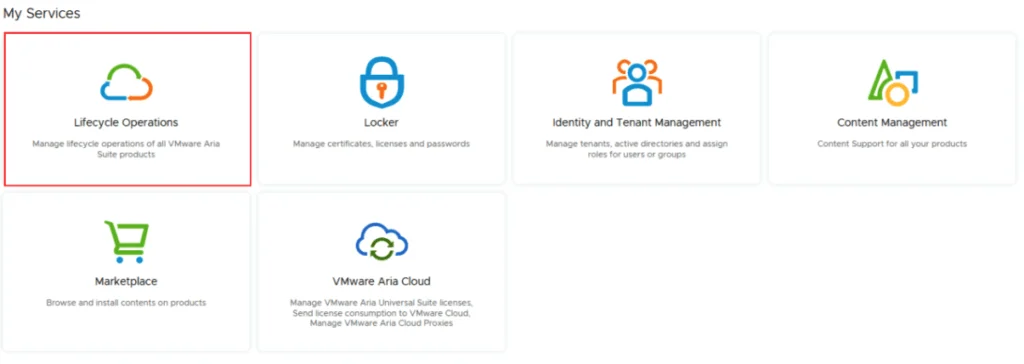
VMware Aria Suite dashboard with options for lifecycle operations, locker management, identity and tenant management, content management, marketplace browsing, and VMware Aria Clo...

VMware Aria Suite Lifecycle upgrade to 8.18

In this guide I will go over the steps of getting an existing 8.x vRSLCM appliance upgraded to the latest 8.18 release. The release notes can be found here. We can upgrade from vRealize Lifecycle Manager to VMware Aria Suite Lifecycle. Checking for the Upgrade The first step is to log in to VMware Aria Suite Lifecycle under the Lifecycle Operations section ...

VMware Aria Suite Lifecycle upgrade to 8.18
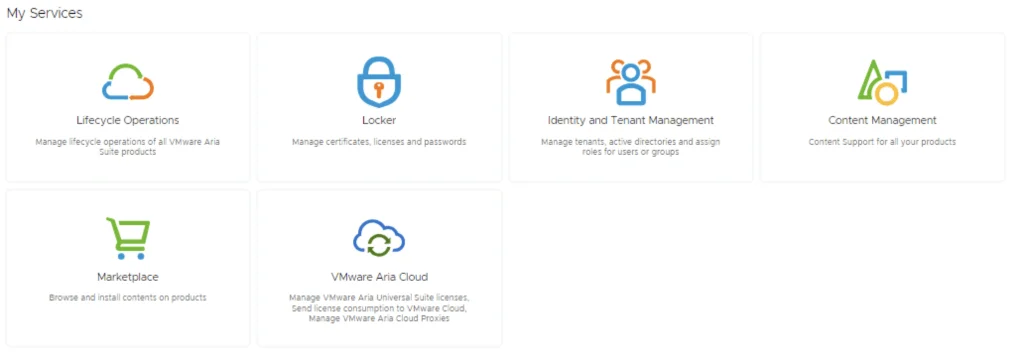
VMware Aria Suite lifecycle upgrade interface with options like Lifecycle Operations, Locker, Identity and Tenant Management, Content Management, Marketplace, and VMware Aria Cloud.

VMware Aria Suite Lifecycle upgrade to 8.16

In this guide I will go over the steps of getting an existing 8.x vRSLCM appliance upgraded to the latest 8.16 release. The release notes can be found here. We can upgrade from vRealize Lifecycle Manager to VMware Aria Suite Lifecycle. The first step is to log in to VMware Aria Suite Lifecycle under the Lifecycle Operations section ...

 · Updated  · 
VMware Aria Suite Lifecycle upgrade to 8.16
Settings page with options for system administration, including System Upgrade, Logs, and more.

Upgrading VMware Aria Suite Lifecycle to 8.14

In this guide I will go over the steps of getting an existing 8.x vRSLCM appliance upgraded to the latest 8.14 release. The release notes can be found here. We can upgrade from vRealize Lifecycle Manager to VMware Aria Suite Lifecycle. The first step is to log in to vRealize Suite Lifecycle Manager under the Lifecycle Operations section ...

Upgrading VMware Aria Suite Lifecycle to 8.14
Settings page for vRSLCM showing System Administration options and System Upgrade step.

Upgrading vRSLCM (vRealize Lifecycle Manager) to 8.12

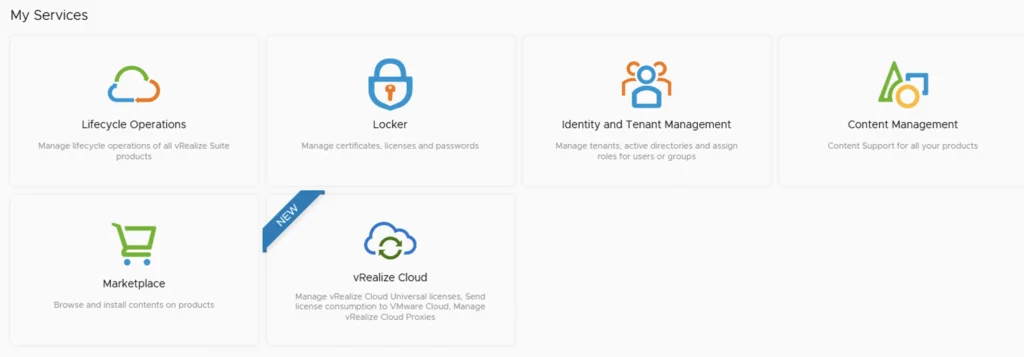
In this guide I will go over the steps of getting an existing 8.x vRSLCM appliance upgraded to the latest 8.12 release. The release notes can be found here The first step is to log in to vRealize Suite Lifecycle Manager under the Lifecycle Operations section Go to settings -> System Upgrade ...

Upgrading vRSLCM (vRealize Lifecycle Manager) to 8.12
My Services UI showing Lifecycle Operations, Locker, Identity Management, Content Management, Marketplace, and vRealize Cloud options.

Upgrading vRSLCM (vRealize Lifecycle Manager) to 8.10

In this guide I will go over the steps of getting an existing 8.x vRSLCM appliance upgraded to the latest 8.10 release. The release notes can be found here The first step is to log in to vRealize Suite Lifecycle Manager under the Lifecycle Operations section Go to settings -> System Upgrade ...

Upgrading vRSLCM (vRealize Lifecycle Manager) to 8.10