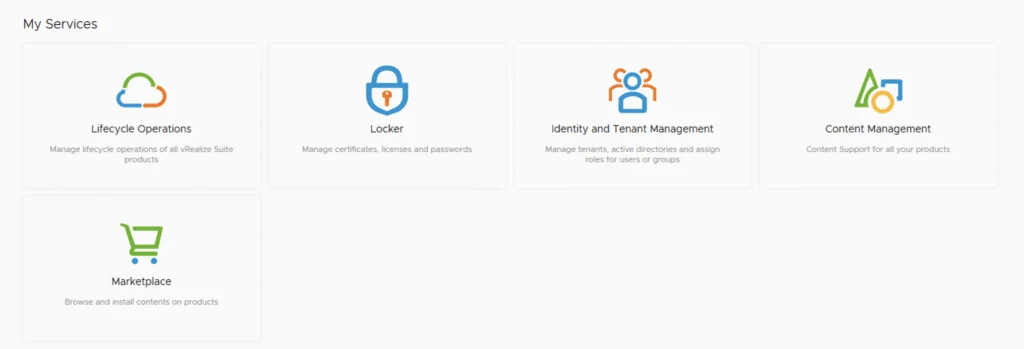
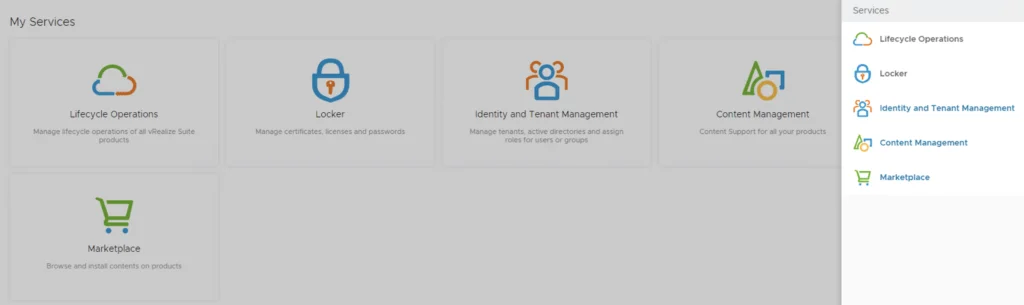
vRealize Lifecycle Manager dashboard with services like Lifecycle Operations, Locker, Identity and Tenant Management, Content Management, and Marketplace.

vRealize Lifecycle Manager (vRSLCM) enable product and licensing downloads

In order to enable product and licensing downloads in lifecycle manager we need to go to Lifecycle Operations Settings -> My vmware Add my vmware account. Make sure the account added has a proper entitlement to perform downloads and patches. ...

September 15, 2021 · Cosmin Trif
Settings page for vRA 8.5 upgrade, showing various system and server management options.

Upgrading vRA (vRealize Automation) to 8.5

In this post i will go over upgrading my 8.x vRA appliance to 8.5. As a pre requirement we do need to have vRSLCM (vRealize Lifecycle Manager) upgraded to 8.4.1. Instructions can be found here. You will also need to apply the latest Product Support Pack (version 8.4.1.4). The instructions can be found here. To get started we can go to vRealize Lifecycle Manager -> Lifecycle Operations -> Settings -> Binary Mapping. (If you havent added your My VMware credentials you will need to do that first by going to vRealize Lifecycle Manager -> Lifecycle Operations -> Settings -> My VMware) ...
August 20, 2021 · Cosmin Trif
UI showing lifecycle operations, locker, identity management, content, and marketplace options.

Patching vRSLCM (vRealize Lifecycle Manager) to 8.4.1.1 Patch 1

In this guide i will go over the steps of getting an existing 8.x vRSLCM appliance upgraded to the latest 8.4.1 Patch 1 release. The release notes can be found here. If you are not yet on 8.4.1.1, I covered upgrading vRSLCM to 8.4.1.1 in a previous post. The first step is to lo in to vRealize Suite Lifecycle Manager under the Lifecycle Operations section ...

August 4, 2021 · Cosmin Trif
The image shows vRSLCM services: Lifecycle Operations, Locker, Identity and Tenant Management, Content Management, and Marketplace.

Upgrading vRSLCM (vRealize Lifecycle Manager) to 8.4.1.1

In this guide i will go over the steps of getting an existing 8.x vRSLCM appliance upgraded to the latest 8.4 release. The release notes can be found here The first step is to lo in to vRealize Suite Lifecycle Manager under the Lifecycle Operations section Go to settings -> System Upgrade ...

August 4, 2021 · Cosmin Trif
UI shows services for managing lifecycle operations, locker, identity, content, and marketplace in vRealize Suite Lifecycle Manager.

Changing passwords for the vRealize suite via vRSLCM (vRealize Suite Lifecycle Manager)

In this guide i will go over one of the Locker feature in vRealize Lifecycle Manager specifically the password management. As a reminder vRSLCM can manage the following: Type of Password Change vRealize Product Name Admin Password Change vRealize Automation, vRealize Operations Manager, vRealize Network Insight, vRealize Log Insight, VMware Identity Manager Root Password Change vRealize Automation, vRealize Operations Manager, vRealize Network Insight, vRealize Log Insight, VMware Identity Manager Support Password Change vRealize Network Insight Console User Password Change vRealize Network Insight SSH User Password Change VMware Identity Manager The first step is to create a new password. We can do so by going to Locker from the welcome screen or the menu on top right ...

May 19, 2021 · Cosmin Trif
Settings page with options for System Administration and Servers & Accounts.

Upgrading vRA (vRealize Automation) to 8.4

In this post i will go over upgrading my 8.x vRA appliance to 8.4. As a pre requirement we do need to have vRSLCM (vRealize Lifecycle Manager) upgraded to 8.4. Instructions can be found here To get started we can go to vRealize Lifecycle Manager -> Lifecycle Operations -> Settings -> Binary Mapping. (If you havent added your My VMware credentials you will need to do that first by going to vRealize Lifecycle Manager -> Lifecycle Operations -> Settings -> My VMware) ...

May 19, 2021 · Cosmin Trif
This image shows vRSLCM services: Lifecycle Operations, Locker, Identity and Tenant Management, Content Management, and Marketplace.

Upgrading vRSLCM (vRealize Lifecycle Manager) to 8.4

In this guide i will go over the steps of getting an existing 8.x vRSLCM appliance upgraded to the latest 8.4 release. The release notes can be found here The first step is to lo in to vRealize Suite Lifecycle Manager under the Lifecycle Operations section ...

May 19, 2021 · Cosmin Trif
Running an update installer for vIDM 3.3.4 online upgrade.

vIDM 3.3.4 online upgrade

I wanted to go through the upgrade of vIDM 3.3.4 outside of lifecycle manager. I wanted to do it using the online upgrade via the console. Official documentation can be found here. First step is to log on to the console via the root credentials and upgrade the upgrade manager to 3.3.4 /usr/local/horizon/update/updatemgr.hzn updateinstaller Set the upgrade version that you are upgrading from in my case was 3.3.2 so i ran ...

February 17, 2021 · Cosmin Trif
Settings page for vRA 8.3 upgrade, showing various administration and server management options.

Upgrading vRA (vRealize Automation) to 8.3

In this post i will go over upgrading my 8.2 vRA appliance to 8.3. As a pre requirement we do need to have vRSLCM (vRealize Lifecycle Manager) upgraded to 8.3. Instructions can be found here To get started we can go to vRealize Lifecycle Manager -> Lifecycle Operations -> Settings -> Binary Mapping. (If you havent added your My VMware credentials you will need to do that first by going to vRealize Lifecycle Manager -> Lifecycle Operations -> Settings -> My VMware) ...
February 4, 2021 · Cosmin Trif
The image shows a screenshot of vRealize Lifecycle Manager's 'My Services' section with icons and labels for Lifecycle Operations, Locker, Identity and Tenant Management, Content Management, and Ma...

Upgrading vRSLCM (vRealize Lifecycle Manager) to 8.3

In this guide i will go over the steps of getting an existing 8.x vRSLCM appliance upgraded to the latest 8.3 release The first step is to lo in to vRealize Suite Lifecycle Manager under the Lifecycle Operations section Go to settings -> System Upgrade ...

February 4, 2021 · Cosmin Trif