vRSLCM (vRealize Lifecycle Manager) Product Support Pack
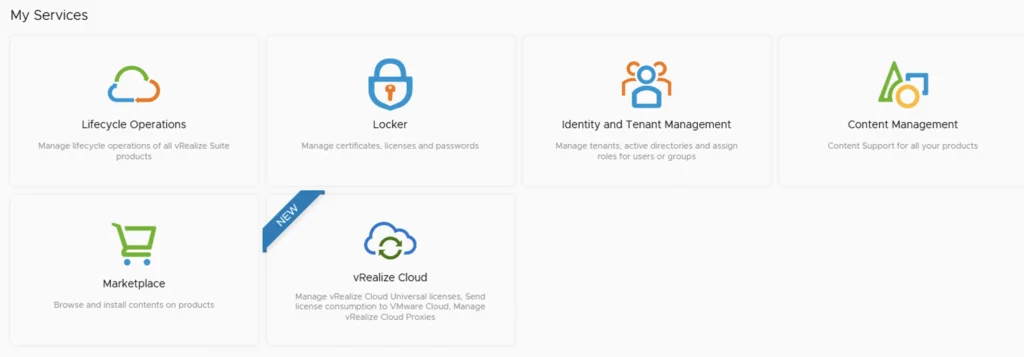
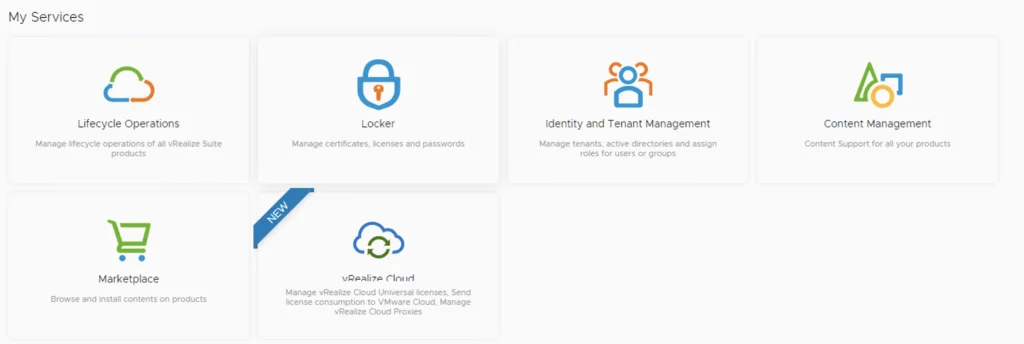
In this guide I will go over the steps of getting an existing 8.x vRSLCM appliance to support the latest product releases available. For background, see VMware’s Product Support Pack overview. Typically the newer Product Support Pack is included part of the upgrade for LCM, however sometimes there are product releases in between releases where product support packs come in handy. Accessing the Product Support Pack Settings The first step is to log in to vRealize Suite Lifecycle Manager under the Lifecycle Operations section ...