Error stack shows a sync depot failure due to 'integrity.fault.HostPatchInvalidVendorCode'.

Unable to Sync Lifecycle Manager 'integrity.fault.HostPatchInvalidVendorCode'

After upgrading my vCenter Server to the latest vSphere 7.0 Update 1, I was unable to see ESXi 7.0 Update 1 Image. When I attempted to sync the updates I got the error “Download patch definitions task failed while syncing depots. Error: ‘integrity.fault.HostPatchInvalidVendorCode’.” Seeing as the error mentioned the depots, navigate to Menu->Lifecycle Manager and then select the Settings tab and then Patch Setup. ...
October 10, 2020 · Cosmin Trif
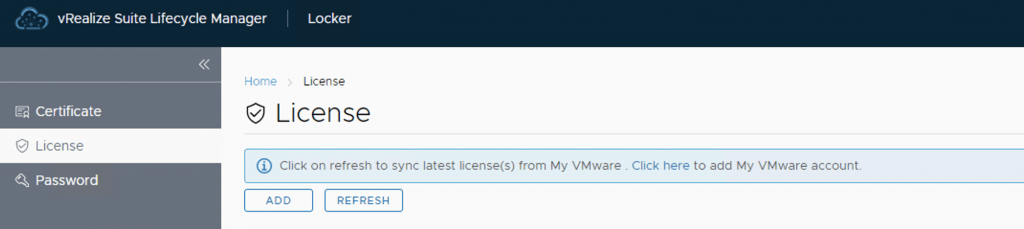
UI shows License tab in vRealize Lifecycle Manager with options to add or refresh licenses.

Adding keys in vRealize Lifecycle Manager in a VCF 4 Environment

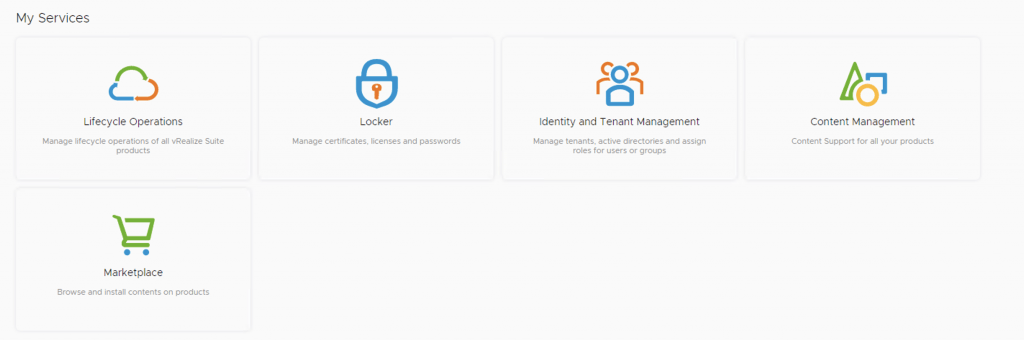
From a lifecycle manager perspective we have a couple of ways to add keys to the environment If the my vmware user that is added to lifecycle manager has access to they keys, the keys can automatically discovered and imported. For this we can go to the locker from Home -> Locker -> License. If the keys are not discovered we can click on the refresh button up top to perform a manual sync ...

September 13, 2020 · Cosmin Trif
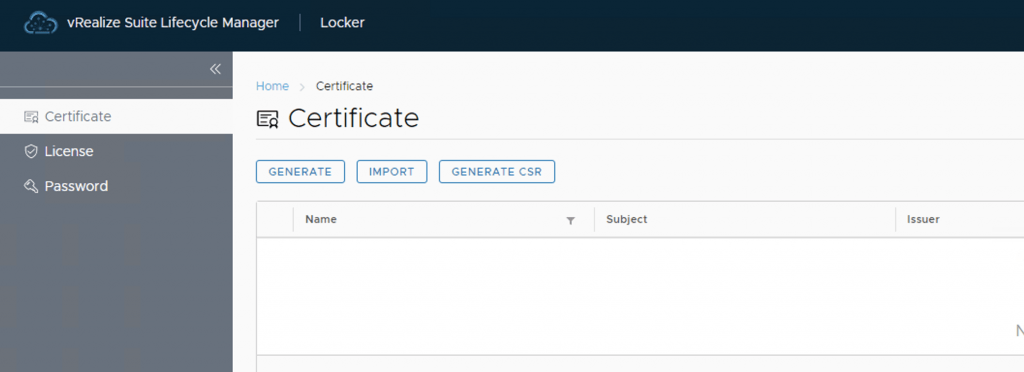
vRealize Lifecycle Manager certificate management screen shows options to generate, import, and create a CSR.

vRealize Lifeycycle Manager (vRSLCM) 8 certificate mangement

vRealize Lifeycycle Manager (vRSLCM) come with a Certificate Management feature. We can access the certificate management from Home -> Locker -> Certificate We can generate Self Signed certificates for products managed by Lifecycle Manager as well as certificate requests to be signed by a certification authority Generate a new CSR ...

September 13, 2020 · Cosmin Trif
My Services: Lifecycle Operations, Locker, Identity and Tenant Management, Content Management, Marketplace.

vRealize Lifeycycle Manager (vRSLCM) enable product dowloads

In order to enable product downloads in lifecycle manager we need to go to Lifecycle Operations Settings -> My vmware Add my vmware account. Make sure the account added has a proper entitlement to perform downloads and patches. With the releases of 8.x and above we now have a password vault that we need to add the passwords to. When presented with the add my VMware Account Detail screen press on Click here to add a new password ...

September 13, 2020 · Cosmin Trif