Why Choose vRealize Automation (vRA) over Ansible

Ansible and vRealize Automation (vRA) are both popular DevOps tools for infrastructure automation and provisioning. However, the two tools have different strengths and use cases, and choosing the right one for your organization can be a challenge. In this blog post, we’ll explore the key differences between vRA and Ansible and why you might choose vRA over Ansible. Deployment Complexity and Integrations Complexity of Deployment Ansible is a simple, agentless tool that is easy to install and configure. However, as the complexity of your deployment increases, the simplicity of Ansible can quickly become a hindrance. vRA, on the other hand, is a complex tool that is designed to handle complex deployments, making it an ideal choice for large, complex environments. ...
Why Choose vRealize Automation (vRA) over Ansible

vROPs tagging and workload optimization

Optimizing workloads in a custom datacenter with multiple clusters is a challenging task that requires a comprehensive understanding of the underlying infrastructure and the applications running on it. One of the key components of this optimization process is proper tagging using vRealize Operations Manager (vROPs). What Tagging in vROPs Means Tagging in vROPs is a process of assigning metadata to objects such as virtual machines, hosts, and clusters. This metadata provides context to the objects and helps to categorize them based on their characteristics, making it easier to manage and monitor the infrastructure. ...

vROPs tagging and workload optimization

vROPs DRS requirements across multiple data centers

vSphere Resource Management with vRealize Operations (vROPs) DRS across multiple data centers is a critical requirement for managing large-scale virtualized environments. In this blog, we’ll discuss the requirements for using DRS in vROPs across multiple data centers. Cross vCenter vMotion (CVC-vMotion) Support: CVC-vMotion enables vMotion of virtual machines across multiple vCenter servers. This capability is a pre-requisite for vROPs DRS across multiple data centers. vCenter Server 6.7 Update 1 or later: vROPs DRS across multiple data centers requires vCenter Server 6.7 Update 1 or later. This ensures that the necessary APIs are available to enable vROPs to manage resources across multiple vCenter servers. Network Connectivity: All data centers should have a reliable and high-speed network connectivity, with the necessary firewall ports opened for communication between vCenter servers and vROPs instances. vROPs Replication: vROPs instances in different data centers must be able to communicate with each other. vROPs replication can be used to keep the data in all vROPs instances in sync, ensuring that the vROPs DRS decisions are based on consistent data. Same vROPs version: All vROPs instances must be running the same version of vROPs to ensure compatibility and prevent any issues with data consistency. Same vROPs license: All vROPs instances must be licensed with the same vROPs license, and the license should include the vROPs DRS capability. Cluster Configuration: The virtual machines that need to be managed by vROPs DRS must be in a vSphere cluster that spans across multiple vCenter servers. The vSphere cluster must be configured with the appropriate DRS settings, such as automated DRS, to ensure that vROPs DRS can make effective resource management decisions. In conclusion, vROPs DRS across multiple data centers is a powerful tool for managing virtualized environments at scale. By following these requirements, organizations can ensure that their vROPs DRS implementation is effective, efficient, and reliable.

vROPs DRS requirements across multiple data centers

DRS Rules in vROPs and vCenter

The Distributed Resource Scheduler (DRS) is a key component of the vSphere platform, and is used to manage resource allocation and workload distribution within virtualized data centers. DRS works by analyzing resource utilization and workload demands of virtual machines (VMs) and making recommendations for placement and resource allocation based on a set of rules. DRS Rules in vROps In the context of vRealize Operations Manager (vROps), DRS rules play an important role in ensuring optimal performance and utilization of virtualized resources. By using vROps, administrators can monitor resource utilization and workload demands in real-time, and make informed decisions about resource allocation based on this data. ...

DRS Rules in vROPs and vCenter
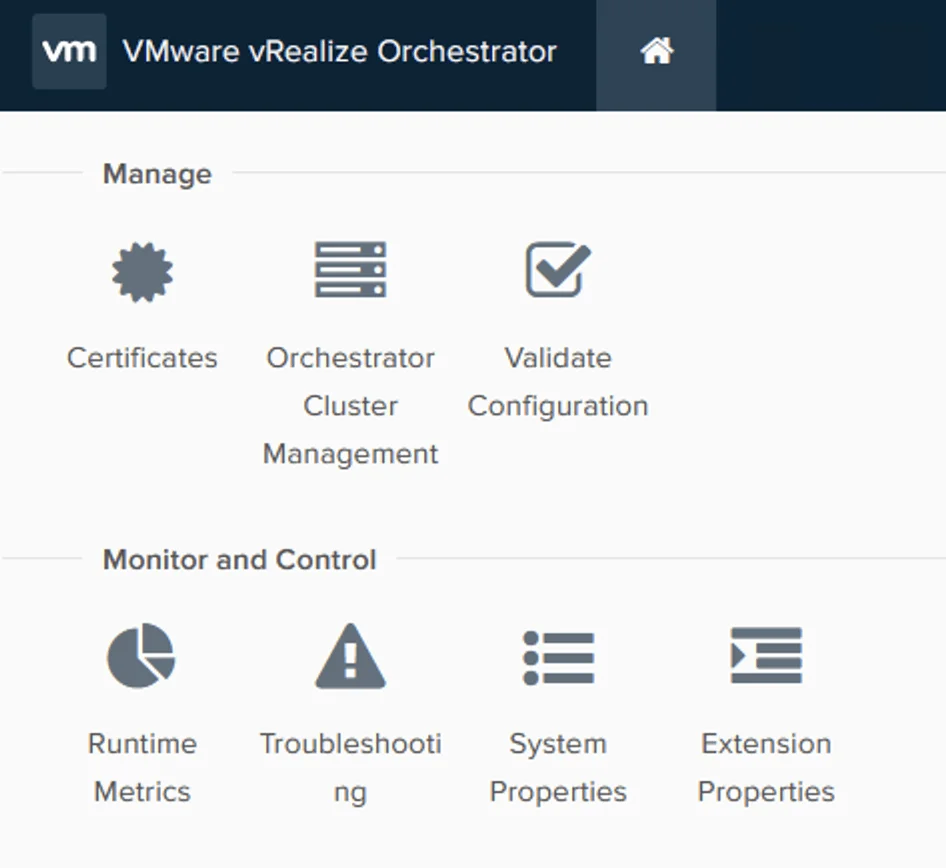
VRealize Orchestrator interface with options for managing certificates, clusters, configuration validation, and monitoring and controlling runtime metrics, troubleshooting, syst...

Enabling Basic authentication in VMware Orchestrator

VMware Orchestrator is a powerful automation platform for administrators. In order to secure the access to the Orchestrator, it is recommended to use Single Sign-On (SSO) authentication. However, there may be instances where SSO is not available and you need to use basic authentication instead (ex: Aria Operations plugin). In this case, you can set the value of com.vmware.o11n.sso.basic-authentication.enabled property to true. Setting the System Property Here are the steps to set com.vmware.o11n.sso.basic-authentication.enabled value in VMware Orchestrator: ...

 · Updated  · 
Enabling Basic authentication in VMware Orchestrator
Settings page for vROPS upgrade via vRSLCM, showing various administration and server configuration options.

Upgrading vROPS (vRealize Operations Manager) to 8.6.3 via vRSLCM

In this post I will go over upgrading my 8.x vROPS appliance to 8.6.3 using vRSLCM (vRealize Suite Lifecycle Manager). As a pre requirement we do need to have vRSLCM (vRealize Lifecycle Manager) upgraded to 8.8 Instructions can be found here. The upgrade already includes the latest Product Support Pack so an update to the Product Support Pack is not required. Downloading the 8.6.3 Upgrade Binaries To get started we can go to vRealize Lifecycle Manager -> Lifecycle Operations -> Settings -> Binary Mapping. (If you haven’t added your My VMware credentials you will need to do that first by going to vRealize Lifecycle Manager -> Lifecycle Operations -> Settings -> My VMware) ...

Upgrading vROPS (vRealize Operations Manager) to 8.6.3 via vRSLCM
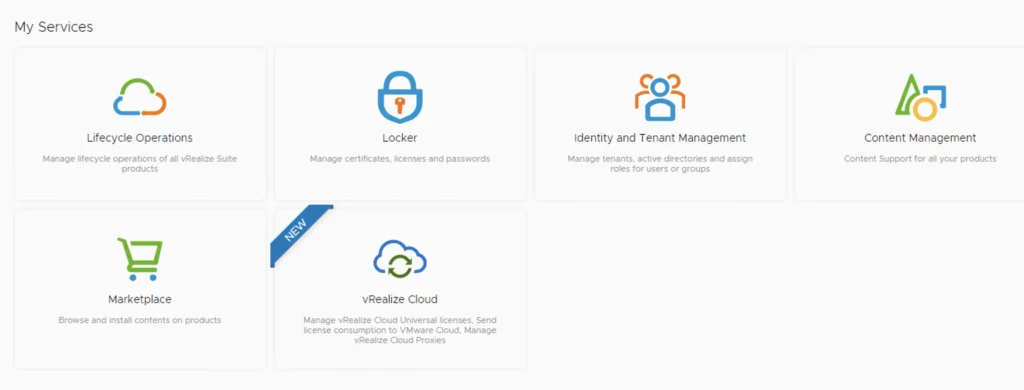
Dashboard with services like Lifecycle Operations, Locker, Identity and Tenant Management, Content Management, Marketplace, and vRealize Cloud.

Installing an vROPS management pack via vRSLCM

This post we will be going over installing an vROPS management pack via vRSLCM. (If you haven’t added your My VMware credentials you will need to do that first by going to vRealize Lifecycle Manager -> Lifecycle Operations -> Settings -> My VMware) Accessing the Marketplace Once logged on to vRSLCM click on the marketplace. ...

Installing an vROPS management pack via vRSLCM
Settings page for vROPS upgrade via vRSLCM, showing various system and server management options.

Upgrading vROPS (vRealize Operations Manager) to 8.6.2 via vRSLCM

In this post I will go over upgrading my 8.x vROPS appliance to 8.6.2 using vRSLCM (vRealize Suite Lifecycle Manager). As a pre requirement we do need to have vRSLCM (vRealize Lifecycle Manager) upgraded to 8.6.2 or 8.7 Instructions can be found here. The upgrade already includes the latest Product Support Pack so an update to the Product Support Pack is not required. Adding the Upgrade Binary in vRSLCM To get started we can go to vRealize Lifecycle Manager -> Lifecycle Operations -> Settings -> Binary Mapping. (If you haven’t added your My VMware credentials you will need to do that first by going to vRealize Lifecycle Manager -> Lifecycle Operations -> Settings -> My VMware) ...

Upgrading vROPS (vRealize Operations Manager) to 8.6.2 via vRSLCM

vROPS Cloud Proxy docker routing

I recently ran into a problem where I needed to route the subnet that is being used for the docker routing on the vROPS Cloud Proxy appliance. The network used is 172.17.0.0/16. For this we will try to route a portion of that subnet through my ethernet interface To test the configuration out without adding a persistent route I used the following command: ip route add 172.17.11.0/24 via 172.16.11.1 dev eth0 Verify that everything is running properly, if anything went wrong the route should get reverted on the next reboot. If the changes are successful we can add the route as persistent by editing the network configuration using vi: ...

vROPS Cloud Proxy docker routing
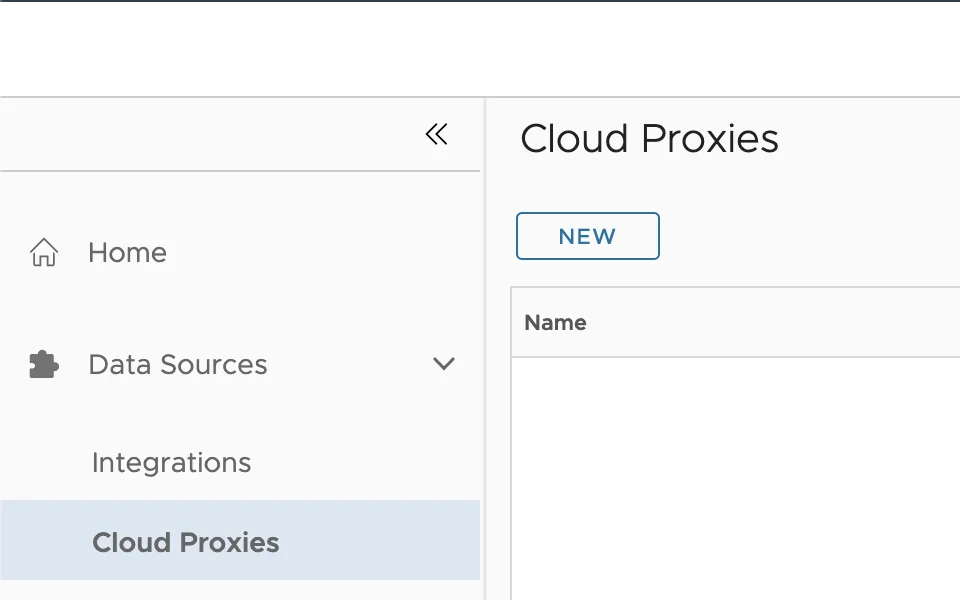
'Cloud Proxies' with 'NEW' button and 'Name' field.

Deploying the vROPS cloud proxy

In this guide we will go over Deploying the vROPS cloud proxy for cloud as well as on premise. The official VMware documentation can be found here Getting the Cloud Proxy OVA and OTK Key To get started log in to your vROPS instance. If its cloud it would be something similar to https://www.mgmt.cloud.vmware.com/vrops-cloud/ui/index.action For on premise it would be https://vrops_url/ui/login.action Once you are logged on We can go to Data Sources -> Cloud Proxies and press on New. example: ...

Deploying the vROPS cloud proxy