Safely Canceling and Deleting Alerts with the VCF Operations API

The VCF Operations API uses different payloads for finding, canceling, and deleting alerts. Treating those operations as interchangeable can either fail validation or broaden a cleanup beyond the alerts you intended to remove. This follow-up corrects the API section in Bulk Delete Alerts in VCF Operations. The safe sequence is: Query candidate alerts without changing them. Review every returned alert ID and account for pagination. Cancel only the approved IDs with a uuid-values body. Verify those IDs are now CANCELED. Delete the same IDs with a direct AlertQuery body. Query again to confirm that they are gone. Before You Begin Fix or tune the alert definition first. Deleting alert history does not stop the condition from generating new alerts. Use a VCF Operations account whose application role and object scope permit the required alert operations. Take any database backup required by your change policy before a large cleanup. Start with one small batch. The API documents a default query page size of 1,000, so a single response is not proof that you found every match. Use a trusted certificate. The examples intentionally do not bypass TLS verification. Set the appliance name, create a private working directory, and read an existing session token without placing it in shell history. Store the authorization header in a mode-600 file so the token is not expanded into each curl process argument, then remove it as soon as the cleanup is verified: ...
August 25, 2026 · Cosmin Trif

Using a 90-Day Planning Horizon Correctly in VCF Operations

A 90-day capacity goal can describe three different things in VCF Operations: past demand used by the projection, future warning lead time, or the future period considered by VM rightsizing. They are controlled separately. This article replaces the earlier 90-day capacity procedure, which incorrectly treated Time Remaining thresholds as a historical lookback setting. The Three Meanings of 90 Days Planning question Relevant control What it does not control Should the forecast consider up to 90 days of past demand? Historical Data window, if that value is available in the installed build Alert severity or procurement lead time Should an alert become critical when exhaustion is projected within 90 days? Time Remaining criticality thresholds Historical lookback Should Recommended Size cover demand projected across a 90-day future horizon? The applicable Time Remaining warning/green threshold plus the documented 30-day extension Past-data retention Changing one row does not configure the other two. ...

August 25, 2026 · Cosmin Trif

Using 90 Days of Usage for Rightsizing Recommendations in VCF Operations 9

In a previous post I walked through configuring VCF Operations 9 capacity policies to align with a 90-day planning window. If you followed that guide, the good news is that rightsizing recommendations share the same underlying policy: Risk Level, Time Remaining thresholds, and buffers all feed directly into the rightsizing engine. So why a separate post? Because rightsizing is a different workflow with its own nuances. Capacity planning asks “when will my clusters run out of room?” Rightsizing asks “are my individual VMs sized correctly for what they actually use?” The policy is the same foundation, but how you consume and act on the results is completely different. ...

March 30, 2026 · Cosmin Trif
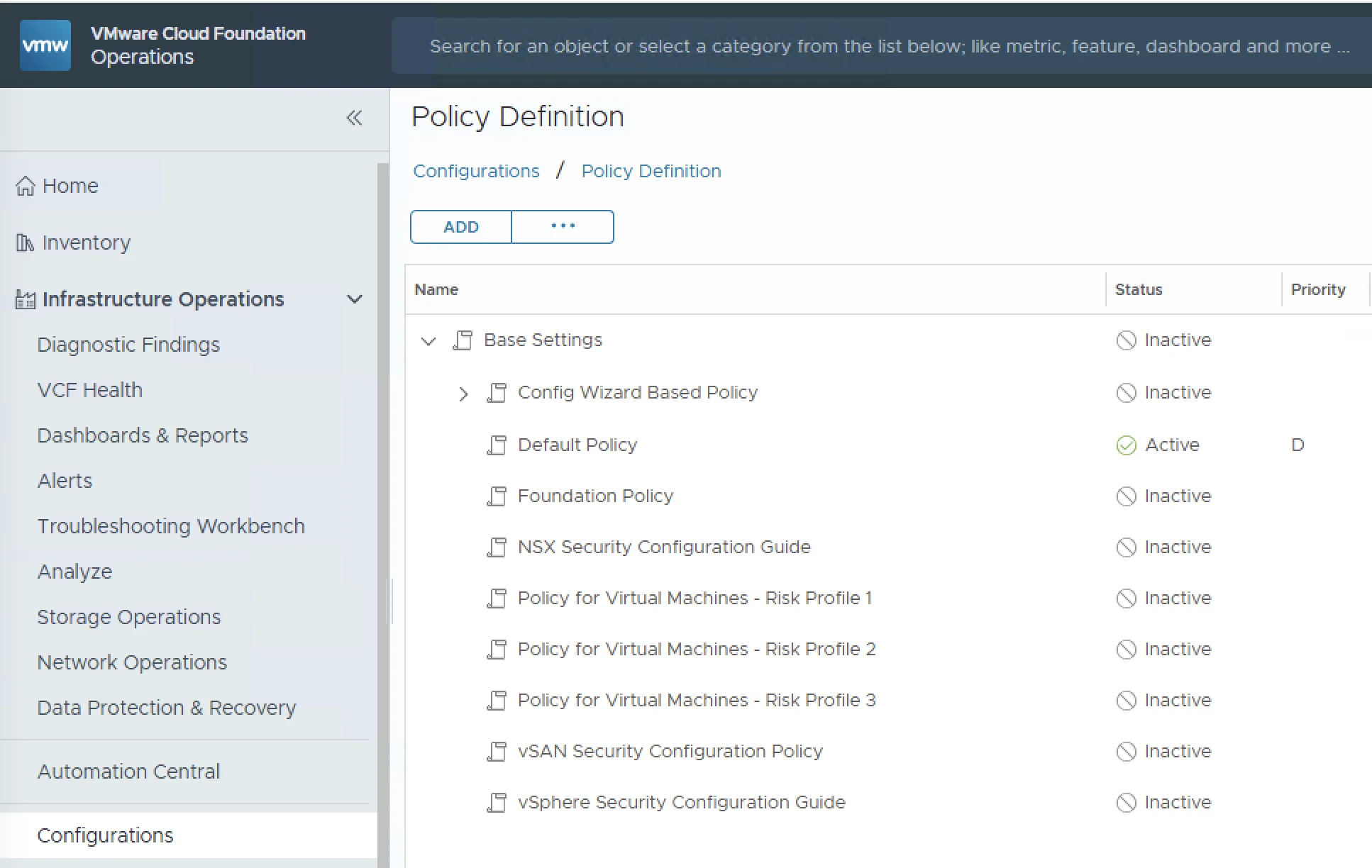
VCF Operations policy definition interface showing capacity-management settings

Superseded: 90-Day Capacity Configuration in VCF Operations 9

Correction (August 25, 2026): This article previously treated a 90-day Time Remaining threshold as if it also configured 90 days of historical input. Those controls have different meanings. The original procedure has been retired so it cannot be followed accidentally. Use the corrected follow-up instead: Using a 90-Day Planning Horizon Correctly in VCF Operations The follow-up separates three independent goals: Alerting when capacity is projected to run out within a future planning period. Choosing how much historical demand the projection may consider. Setting the future horizon used for VM Recommended Size calculations. It also corrects the earlier maintenance-window advice. For capacity forecasting, use the product’s projection reset and time-range exclusion controls when you need to disregard anomalous history; do not assume that an alert-maintenance schedule is equivalent to a historical-data exclusion. ...

March 30, 2026 · Cosmin Trif
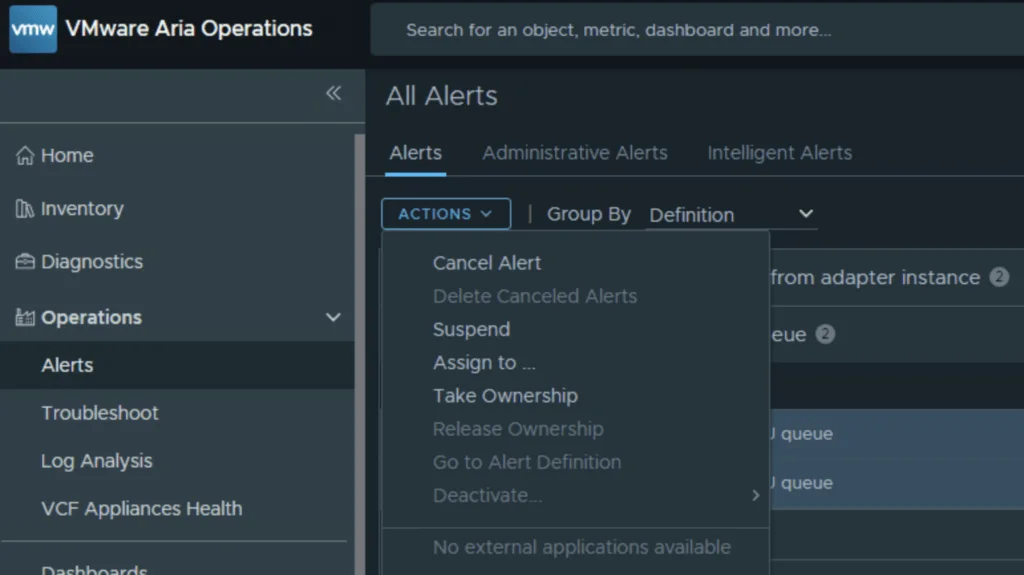
VMware Aria Operations dashboard showing alerts with options like "Cancel Alert" and "Delete Canceled Alerts".

Bulk Delete Alerts in VCF Operations (formerly known as Aria Operations)

API correction (August 25, 2026): The UI workflow below remains useful, but the API request bodies originally published in this article were incorrect. Use the reviewed follow-up, Safely Canceling and Deleting Alerts with the VCF Operations API, for the supported query, cancel, and targeted-delete sequence. If you manage a VMware Aria Operations (formerly vROps) environment, you know how quickly alert fatigue can set in. In this guide I will focus specifically on the “Guest OS Experiencing CPU queue” alert. While helpful in identifying CPU-constrained VMs, it can quickly generate thousands of entries if you have a heavily over provisioned environment. ...

March 17, 2026 · Cosmin Trif
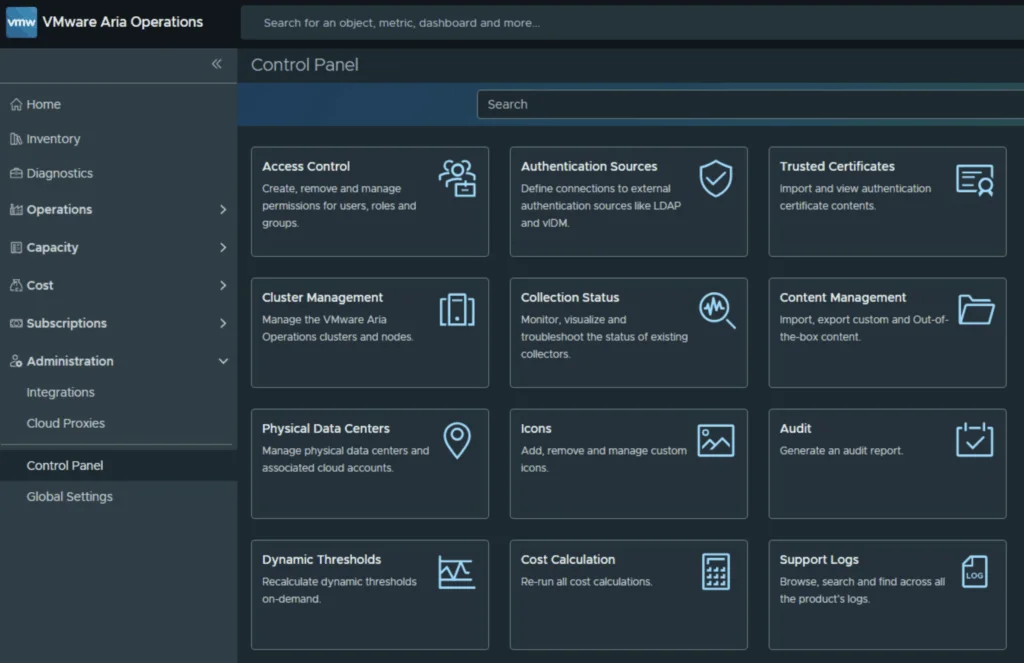
VMware Aria Operations Control Panel showing various management options like Access Control, Authentication Sources, and Audit.

Troubleshooting notification plugins in VCF Operations

In the world of modern infrastructure operations, observability is only as good as the actions it drives. Integrating VMware Cloud Foundation (VCF) Operations (formerly Aria Operations) with ITSM platforms like ServiceNow is a critical step for many of my clients. It transforms passive monitoring into active incident management. However, as with any integration involving webhooks and external APIs, things don’t always go according to plan. Recently, while implementing a ServiceNow integration following standard deployment guides (kudos to Brock Peterson for his excellent documentation on ServiceNow Management Packs and Webhooks), I hit a roadblock. My instance was failing to send notifications, and the standard UI errors were vague. ...

November 26, 2025 · Cosmin Trif
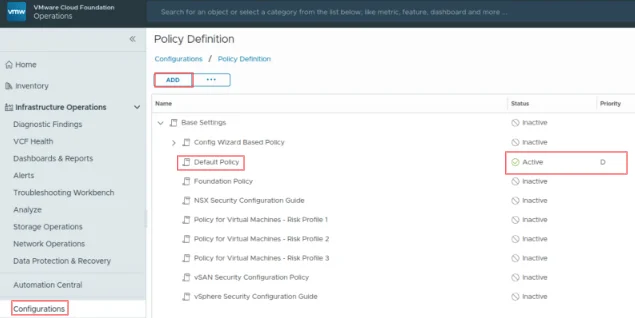
VCF Operations UI showing policy definition with "Default Policy" active.

Suppress ESXi Host Alerts in VCF Operations 9 When a Host Enters Maintenance Mode

When a vSphere admin places an ESXi host in vCenter maintenance mode, VCF Operations should automatically suppress host alerts for that object, without pausing metric collection, and then restore alerting when maintenance ends. Why this approach? In VCF 9, you can avoid alert noise during maintenance in two ways: Maintenance Schedules , pause both collection and alerts during a defined window (best for planned maintenance). Policy-based alert suppression (this post) , keep metrics flowing but disable host alert definitions while the host is in maintenance. This is done with a policy attached to a dynamic custom group keyed to the host’s Maintenance Mode property. Note on naming: In VCF 9, VCF Operations is the successor to Aria/vRealize Operations and is part of the unified Cloud Foundation experience. If you’re upgrading from Aria Operations, see Broadcom’s “Upgrade to VCF Operations 9.0.” ...

July 30, 2025 · Cosmin Trif
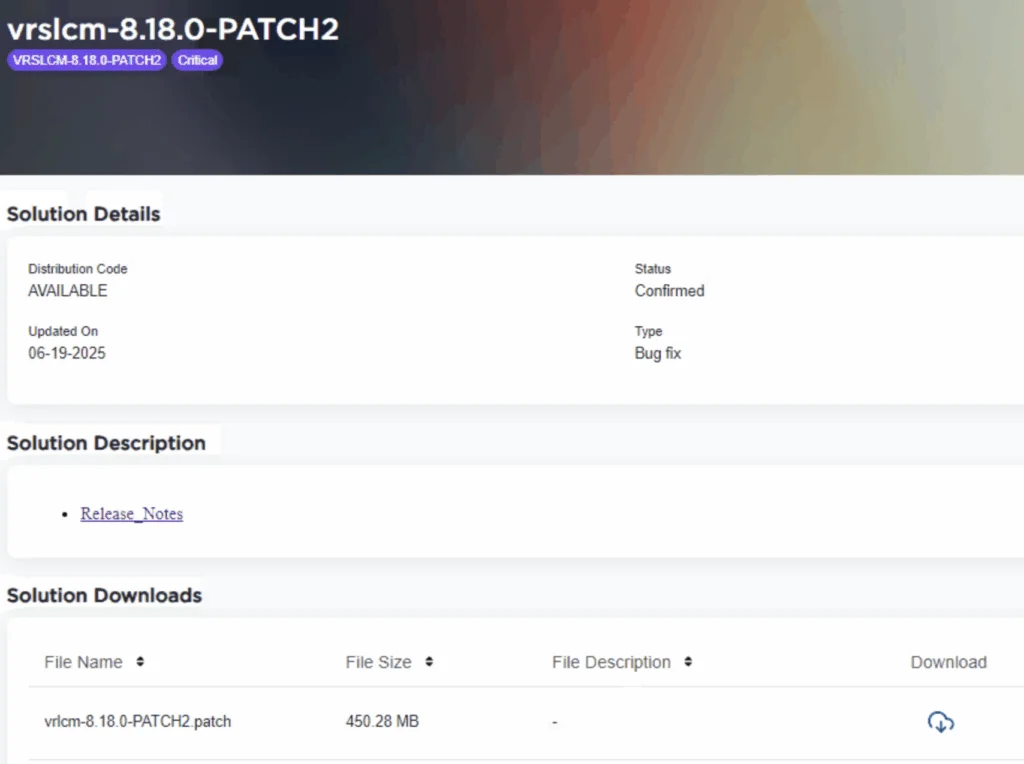
VMware Aria Suite Lifecycle Manager 8.18.0 PATCH2 details, including status, type, and download link.

Applying VMware Aria Suite Lifecycle Manager 8.18 Patch 2

Patch 2 prepares Aria Suite Lifecycle Manager (ASLCM) for VMware Cloud Foundation 9.0 migrations. It does not deliver new features or hot-fixes, so only install it if VCF 9.0 (or the new VCF Operations appliance) is on your near-term roadmap. Why Patch 2 Matters Patch 2 updates the appliance-level services that let ASLCM recognize and orchestrate VCF 9.0 components (for example, Aria Operations 9.0). Without it, the 8.18 lifecycle UI cannot import or upgrade those binaries. If you are staying on VCF 5.x/8.x for a while, you can safely defer this patch. ...

June 20, 2025 · Cosmin Trif

Error LCMVRNICONFIG90115 in VMware Aria Suite Lifecycle Manager

If you’re a system administrator or IT professional working with VMware Aria Suite Lifecycle Manager, you might have hit a roadblock when trying to import a VMware Aria Operations for Networks instance. The error in question? LCMVRNICONFIG90115. Here’s what it looks like: Error Code: LCMVRNICONFIG90115 Invalid credentials provided for Console user. Please retry with correct console password. Invalid credentials provided for Console user. Please retry with correct console password. On the surface, this error screams “wrong password!” But even if you’re certain the credentials are spot-on, the issue might persist. Spoiler alert: the fix lies in enabling FIPS mode on the Aria Suite Lifecycle appliance. In this blog post, I’ll break down why this error happens, how FIPS mode resolves it, and provide a step-by-step guide to get you back on track. ...

February 27, 2025 · Cosmin Trif
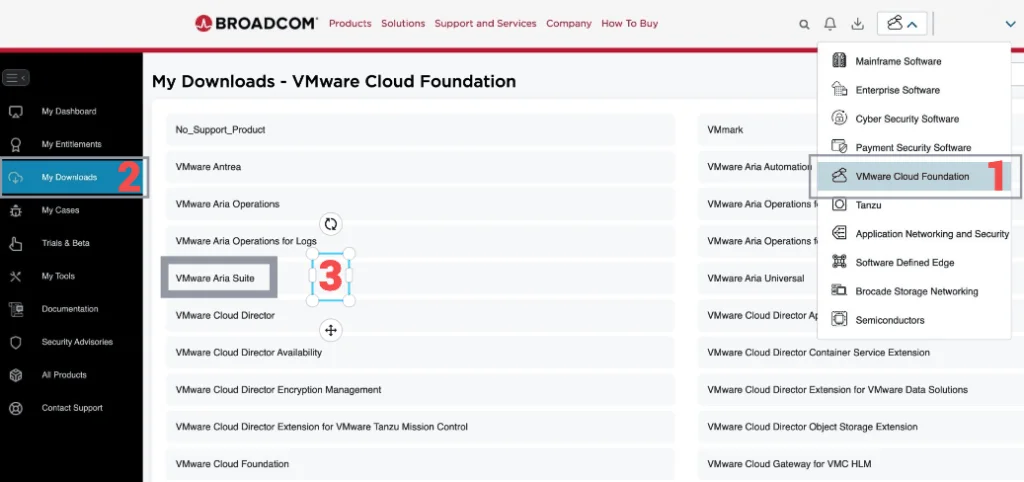
Broadcom portal with a menu for VMware Cloud Foundation, highlighting the 'My Downloads' section and a step in upgrading Aria Operations.

Upgrading Aria Operations to 8.18.2 Using a .PAK File

Upgrading Aria Operations (formerly VMware vRealize Operations) is a crucial task to ensure you’re using the latest features, security patches, and performance improvements. In this guide, we’ll walk through the step-by-step process of upgrading Aria Operations using a .pak file. Preparing for the Upgrade Prerequisites Before starting the upgrade, ensure the following prerequisites are met: Backup the Existing Deployment: Take a snapshot of all nodes in the Aria Operations (Master, Cloud proxies, and any other nodes). ...

January 16, 2025 · Cosmin Trif