The complete VMware Cloud Foundation upgrade path — step-by-step guides from VCF 4.0 through 5.x to VCF 9.1, tested in real environments.
Every step of the VMware Cloud Foundation upgrade path, in order, from VCF 4.0 to VCF 9.1. Each guide below covers one hop — prechecks, bundle downloads, the upgrade itself, and the verification afterwards — with screenshots and the errors I actually hit along the way.
How to use this series: find your current version in the list (newest last), then follow the guides hop by hop. VCF does not support skipping intermediate versions — if you’re on 4.x you’ll pass through 4.5 and 5.x before reaching 9. For the 9.x era, SDDC Manager updates and Fleet Management (VCF Operations) updates are separate tracks; both are covered here and in the VCF 9 Fleet Management series.
Upgrading VCF 9.1 to 9.1.0.0300 Step by Step
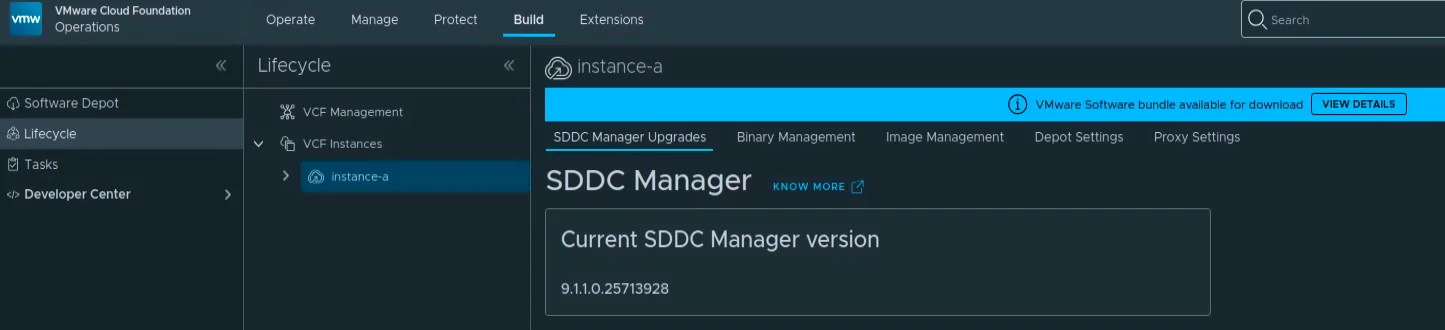
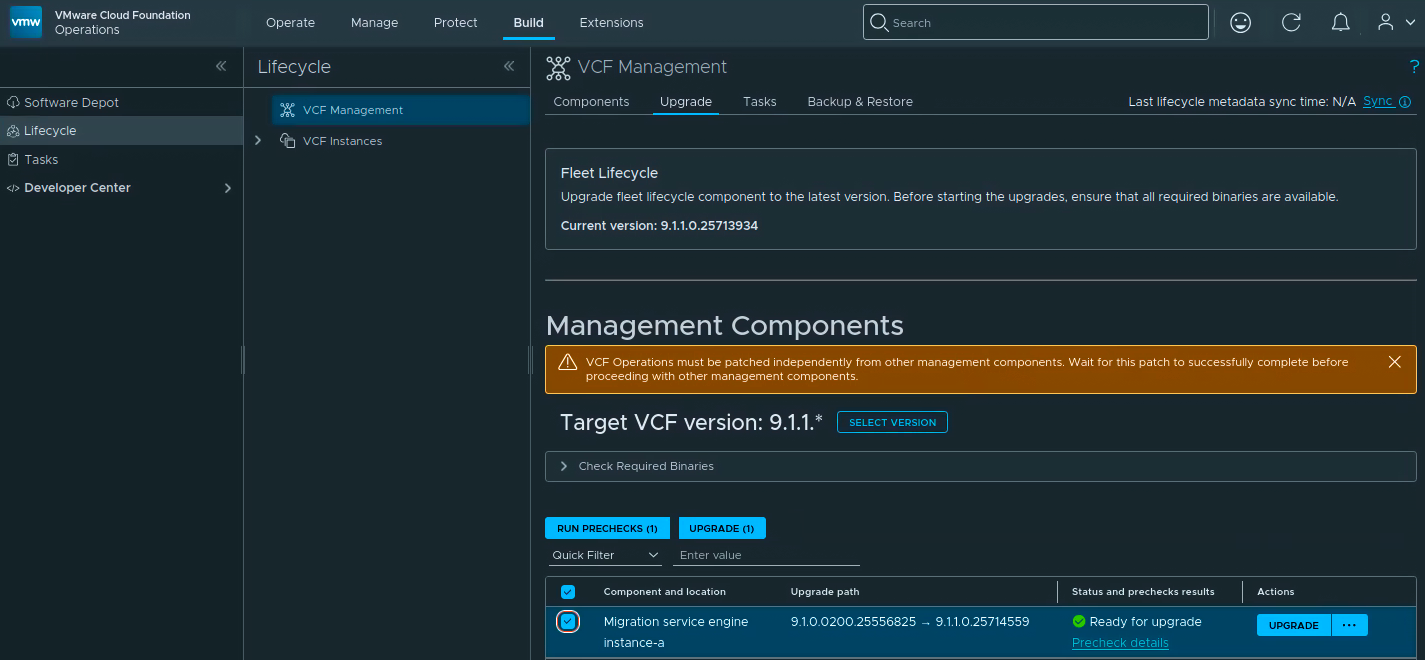
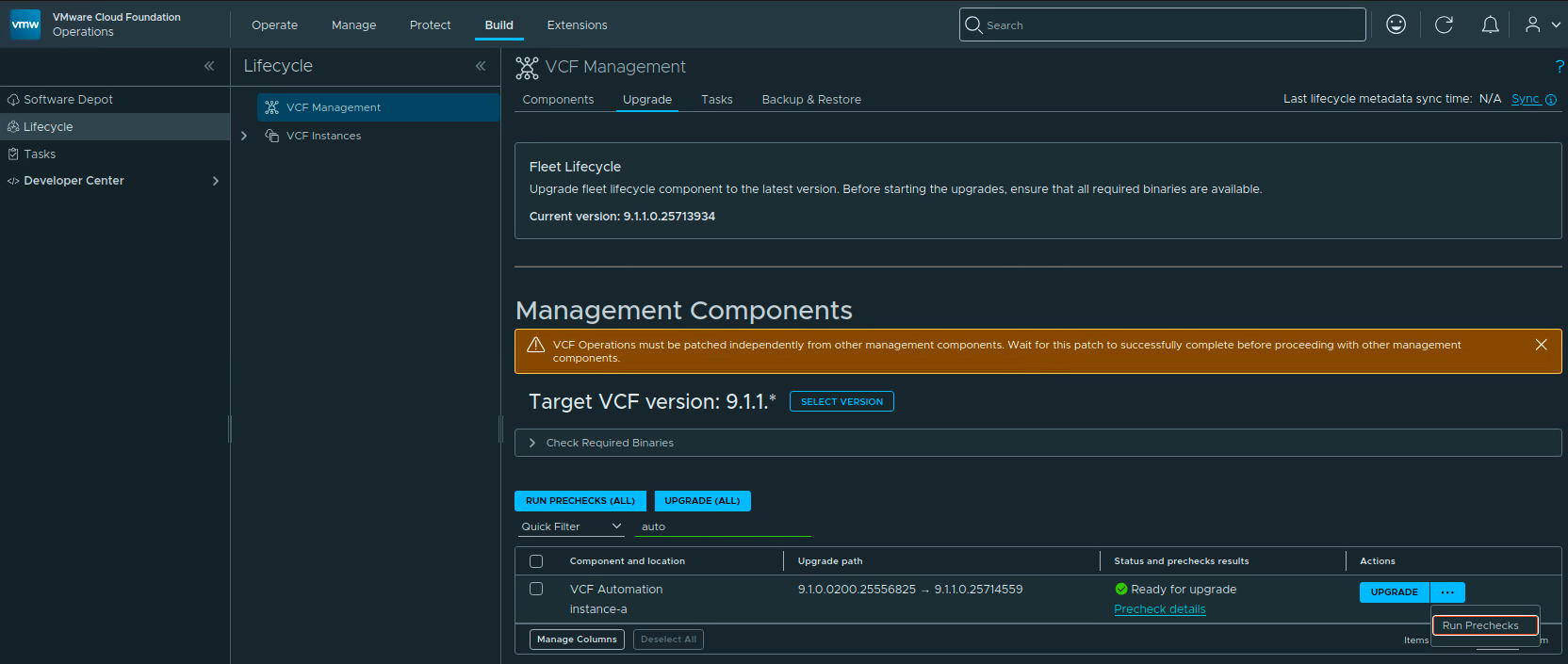
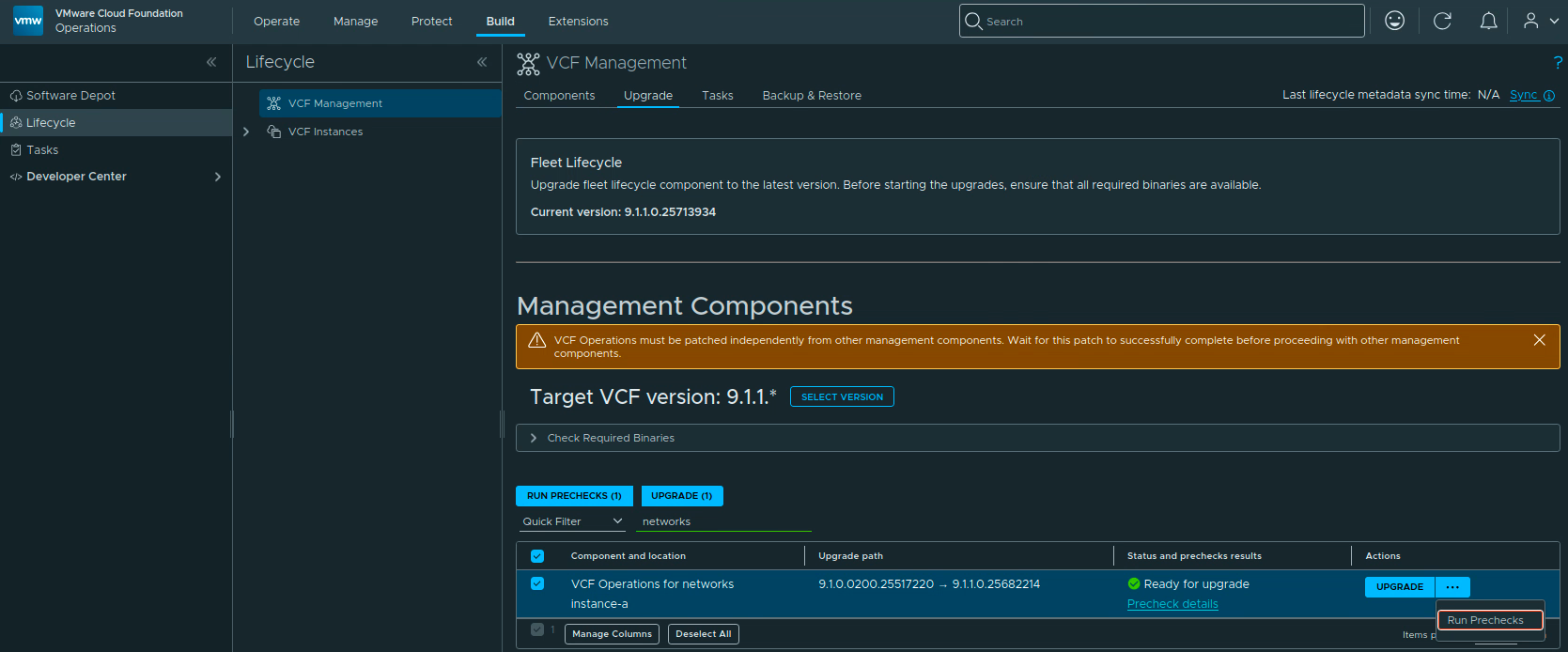
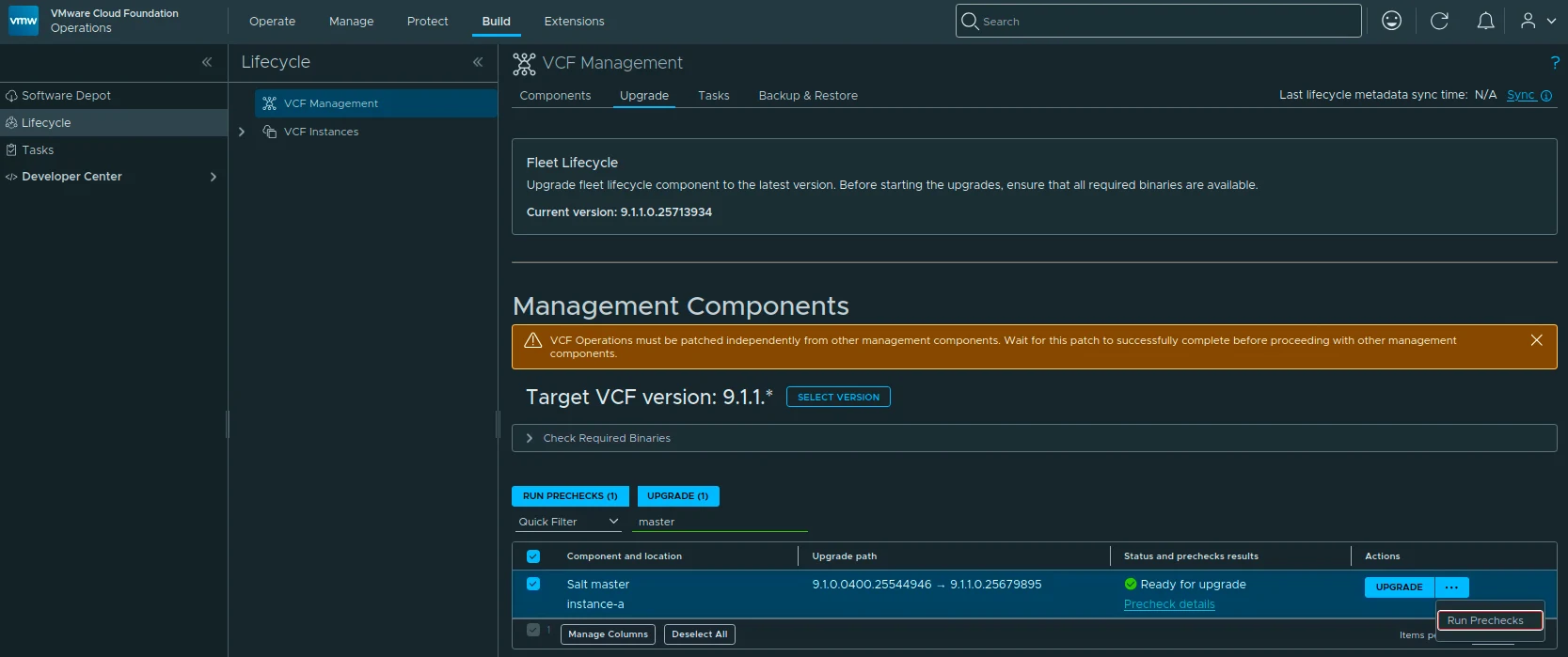
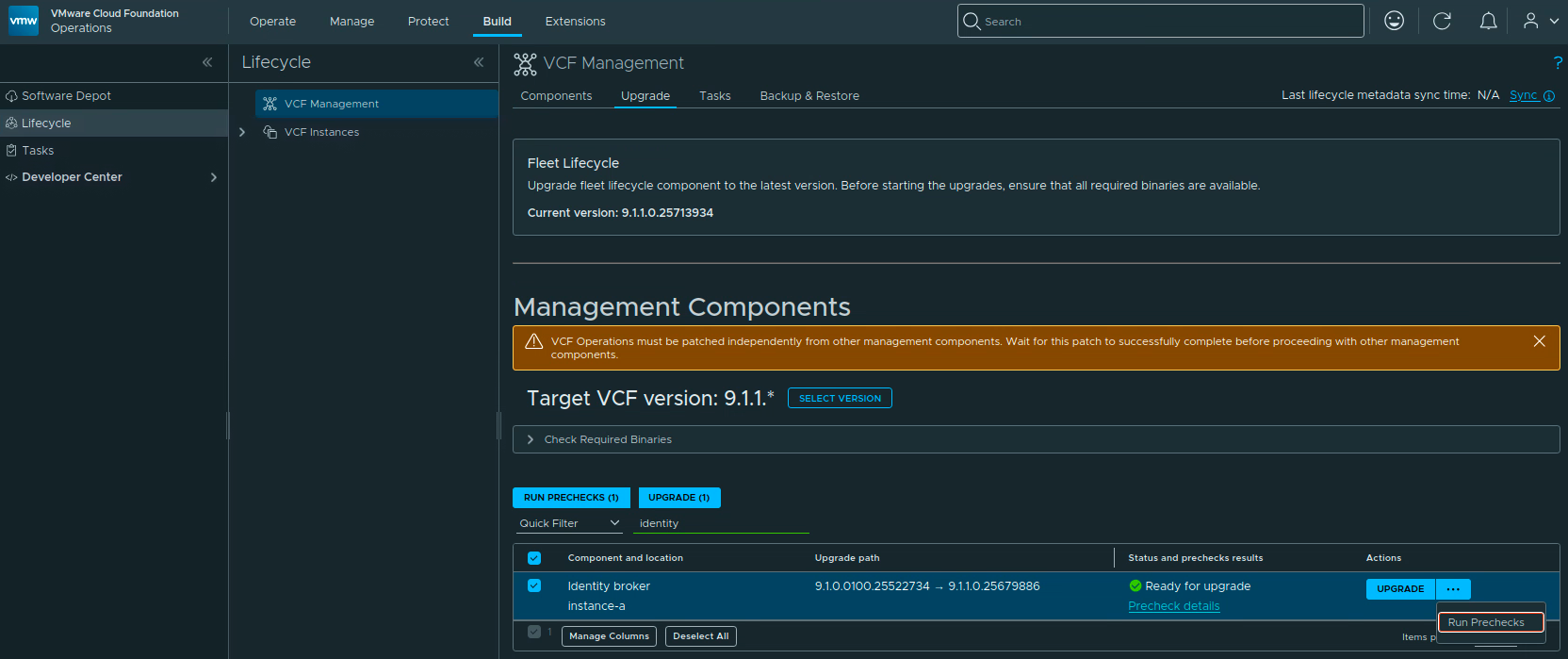
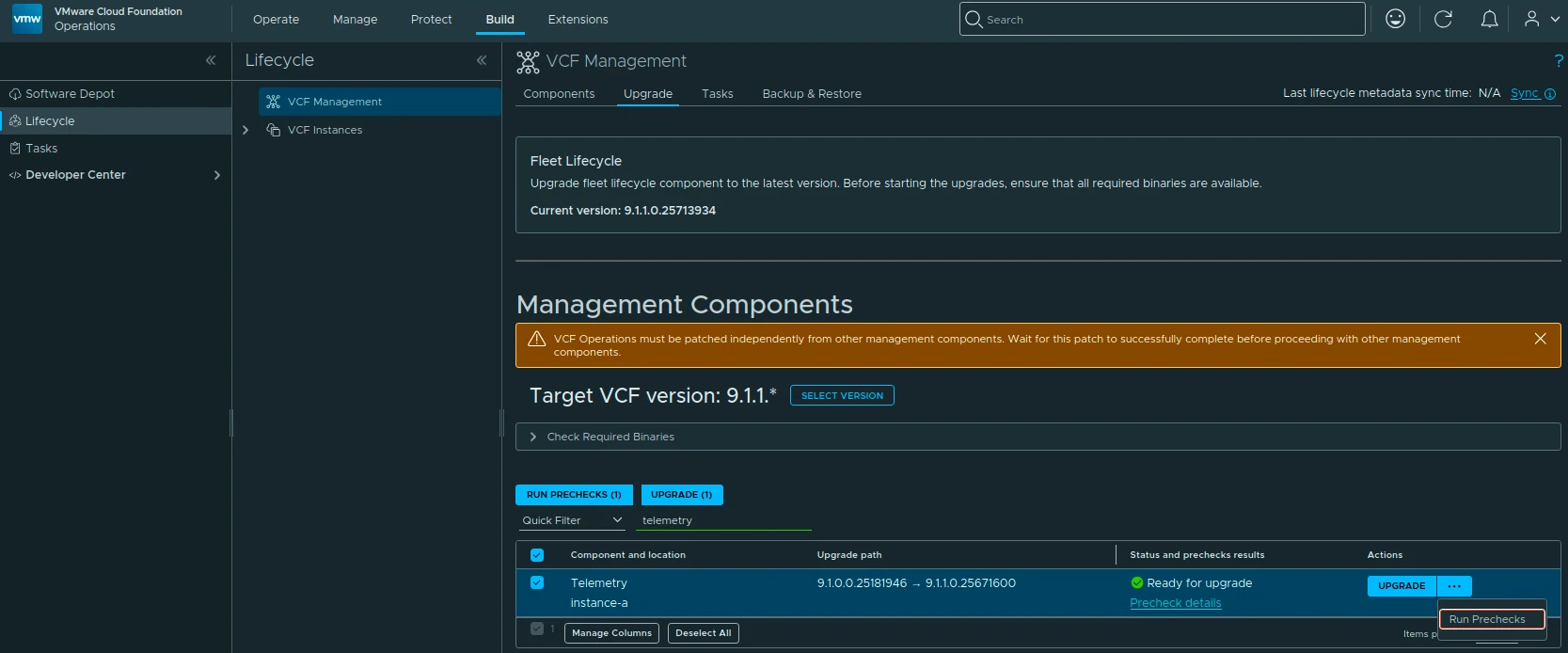
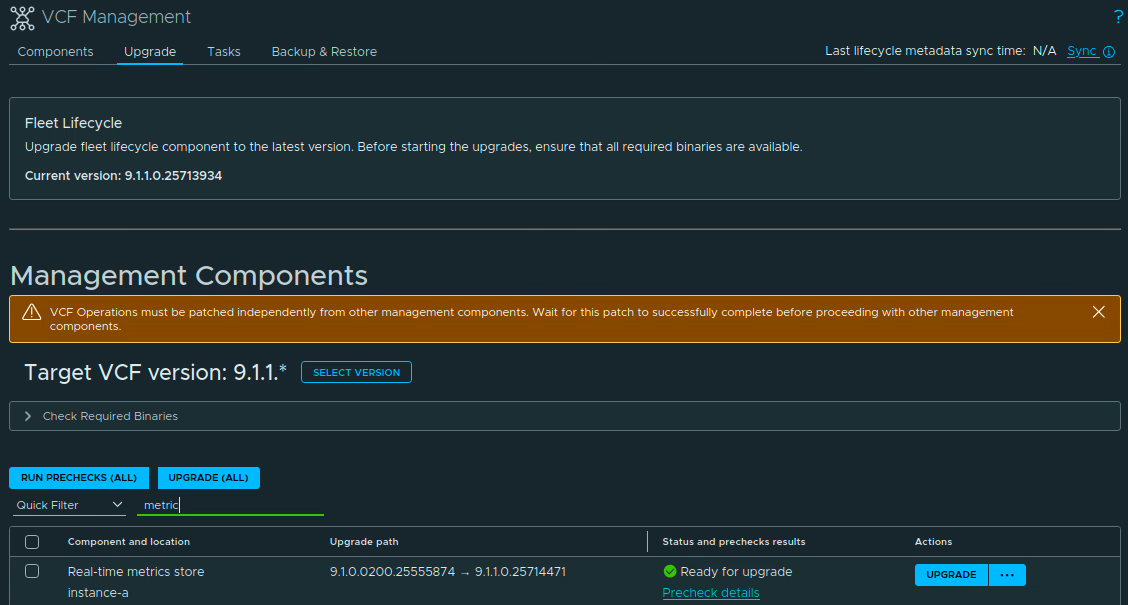
The 9.1.0.0300 patch train for VMware Cloud Foundation 9.1 is applied through a few different lifecycle views. In my lab, the update covered the Fleet Lifecycle component, VCF Operations, SDDC Lifecycle, and SDDC Manager.
Before starting, review the official Broadcom release notes:
SDDC Manager 9.1.0.0300 Release Notes VCF Operations 9.1.0.0300 Release Notes Broadcom describes these patch releases as time-sensitive fixes that can be applied between major, minor, and maintenance releases. That also means every component may not move at the same time, so check what is actually offered in your environment instead of assuming the whole VCF bill of materials changes together.
...
Upgrading VCF 9.0 SDDC Manager to 9.0.1: A Step-by-Step Guide
Upgrading your SDDC Manager from version 9.0 to 9.0.1 is a relatively straightforward process when done through the integrated Lifecycle interface. Below is a guide to go over this patch upgrade.
1. Navigate to the Update Section Log into Operations → Fleet Management. Under Lifecycle → VCF Instances, select the VCF instance you want to upgrade. Look for the available update section. If you see SDDC Manager Update 9.0.1, click the Download icon. If no update appears, double-check your depot configuration and ensure your binary repositories are correctly set up. ...
Upgrading VCF 9.0.0 Fleet Management to 9.0.1: A Step-by-Step Guide
Upgrading your VCF Fleet Management from version 9.0.0 to 9.0.1 is a relatively modest patch update, but careful execution ensures minimal disruption. Below is a step-by-step guide to walk you through the process safely.
Download the Patch Download the patch by going to Fleet Management -> Binary Management -> Patch Binaries -> Select fleet management -> Download.
...
Upgrading VCF 5.2.1 to VCF 9 Step by Step
With the release of VCF 9 I wanted to get my lab upgraded. The release blog can be found here and the release notes are here
Please note that some of the components within the VCF will still need additional upgrading. Please read the release notes for additional details.
Planning the Upgrade We can start by going to Inventory -> Workload Domains -> Select the domain -> Updates -> Plan Upgrade.
...
Upgrading VCF 5.x to VCF 5.2.1 Step by Step
With the release of VCF 5.2.1 I wanted to get my lab upgraded. The release blog can be found here and the release notes are here
Please note that some of the components within the VCF will still need additional upgrading. Please read the release notes for additional details.
Planning the Upgrade and Updating SDDC Manager We can start by going to Inventory -> Workload Domains -> Select the domain -> Updates -> Plan Upgrade. Select VMware Cloud Foundation 5.2.1.0 -> Confirm
...
Upgrading VCF 5.x to VCF 5.2 Step by Step
With the release of VCF 5.2 I wanted to get my lab upgraded. The release blog can be found here and the release notes are here
Please note that some of the components within the VCF will still need additional upgrading. Please read the release notes for additional details.
Planning the Upgrade in SDDC Manager We can start by going to Inventory -> Workload Domains -> Select the domain -> Updates -> Plan Upgrade. Select VMware Cloud Foundation 5.2.0.0 -> Confirm
...
Upgrading VCF 5.x to VCF 5.1.1 Step by Step
With the release of of VCF 5.1.1 I wanted to get my lab upgraded. The release blog can be found here and the release notes are here
Please note that some of the components within the VCF will still need additional upgrading. Please read the release notes for additional details.
Downloading the VCF 5.1.1 Bundles We can start by going to Inventory -> Workload Domains -> Select the domain -> Update/Patches -> Select the VCF version -> Download now. If you do not see the newest releases go to Administration -> Online Depot and add a VMware Customer Connect account that has access to perform downloads.
...
Upgrading VCF 4.3.x to VCF 5 Step by Step
With the release of of VCF 5 I wanted to get my lab upgraded. The release blog can be found here and the release notes are here
Please note that some of the components within the VCF will still need additional upgrading. Please read the release notes for additional details.
Downloading the VCF 5.0 Bundles We can start by going to Inventory -> Workload Domains -> Select the domain -> Update/Patches -> Select the VCF version -> Download now. If you do not see the newest releases go to Administration -> Online Depot and add a VMware Customer Connect account that has access to perform downloads.
...
Upgrading VCF 4.4.0 to 4.5 Step by Step
With the release of of VCF 4.5 I wanted to get my lab upgraded. The release blog can be found here and the release notes are here
Please note that some of the components within the VCF will still need additional upgrading. Please read the release notes for additional details.
Downloading the VCF 4.5 Bundles We can start by going to Lifecycle Management -> Bundle management -> Download now. If you do not see the newest releases go to Administration -> Repository settings and add a VMware Customer Connect account that has access to perform downloads.
...
Upgrading VCF 4.1.0.0 to 4.2.0.0 Step by Step
With the release of of VCF 4.2 I wanted to get my lab upgraded. The release blog can be found here and the release notes are here
Upgrading to VCF 4.1.0.1 First In order to get to 4.2.0.0 we have to upgrade to 4.1.0.1. We can do so by going to Repository -> Bundle management -> Download now
The next step is to upgrade VCF by going to Inventory -> Workload Domains -> Select the workload domain -> Update/Patches -> Update Now for the VMware Cloud Foundation Update 4.1.0.1. The release notes can be found here
...