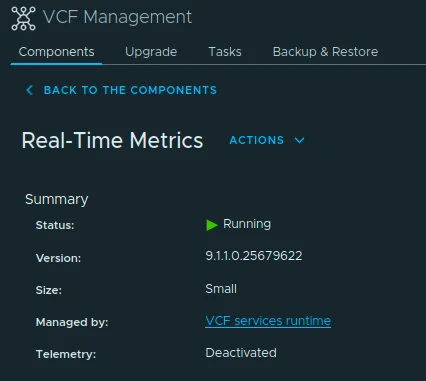
VCF Management Real-Time Metrics component summary showing Running on version 9.1.1.0.25679622.

Upgrading VCF Real-Time Metrics to 9.1.1 Step by Step

With VCF 9.1.1 released on September 3, 2026, I wanted to continue patching the management services in my lab. This post is a follow-up to my VCF 9.1 management services upgrade walkthrough and focuses on Real-Time Metrics through VCF Operations. VCF 9.1.1 is a maintenance release focused mostly on improving product supportability. The VCF 9.1.1 release notes include the Bill of Materials, upgrade sequence, dependencies, known issues, and the component build numbers. The VCF Operations 9.1.1 release notes list Real-Time Metrics at build 25679622. ...
 · Updated  · 
Upgrading VCF Real-Time Metrics to 9.1.1 Step by Step
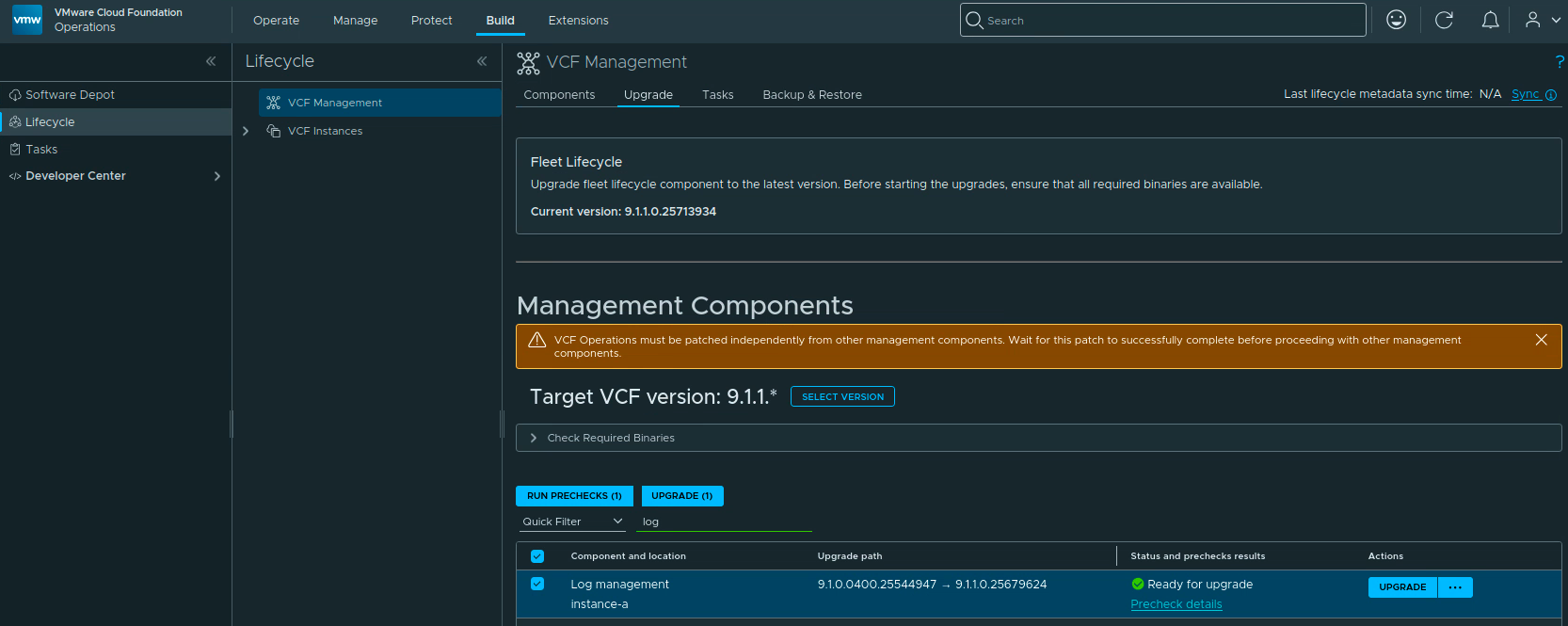
VCF Operations VCF Management upgrade page showing Log Management ready to upgrade to 9.1.1.0.25679624.

Upgrading VCF Log Management to 9.1.1 Step by Step

With VCF 9.1.1 released on September 3, 2026, I wanted to continue patching the management services in my lab. This post is a follow-up to my VCF 9.1 management services upgrade walkthrough and focuses on Log Management through VCF Operations. VCF 9.1.1 is a maintenance release focused mostly on supportability improvements. The main VCF 9.1.1 release notes and the VCF Operations 9.1.1 release notes are the references I used for this upgrade. In VCF 9.1, Log Management is a VCF management service hosted on the VCF services runtime. The supported lifecycle workflow is therefore in VCF Operations under Build -> Lifecycle -> VCF Management -> Upgrade. This walkthrough covers a 9.1.0.x maintenance upgrade; an environment coming from an older VCF or Aria release should follow the matching Log Management upgrade procedure first. ...

 · Updated  · 
Upgrading VCF Log Management to 9.1.1 Step by Step
SDDC Lifecycle selected in VCF Operations with the upgrade path from 9.1.0.0400.25570103 to 9.1.1.0.25713940.

Upgrading VCF SDDC Lifecycle to 9.1.1 Step by Step

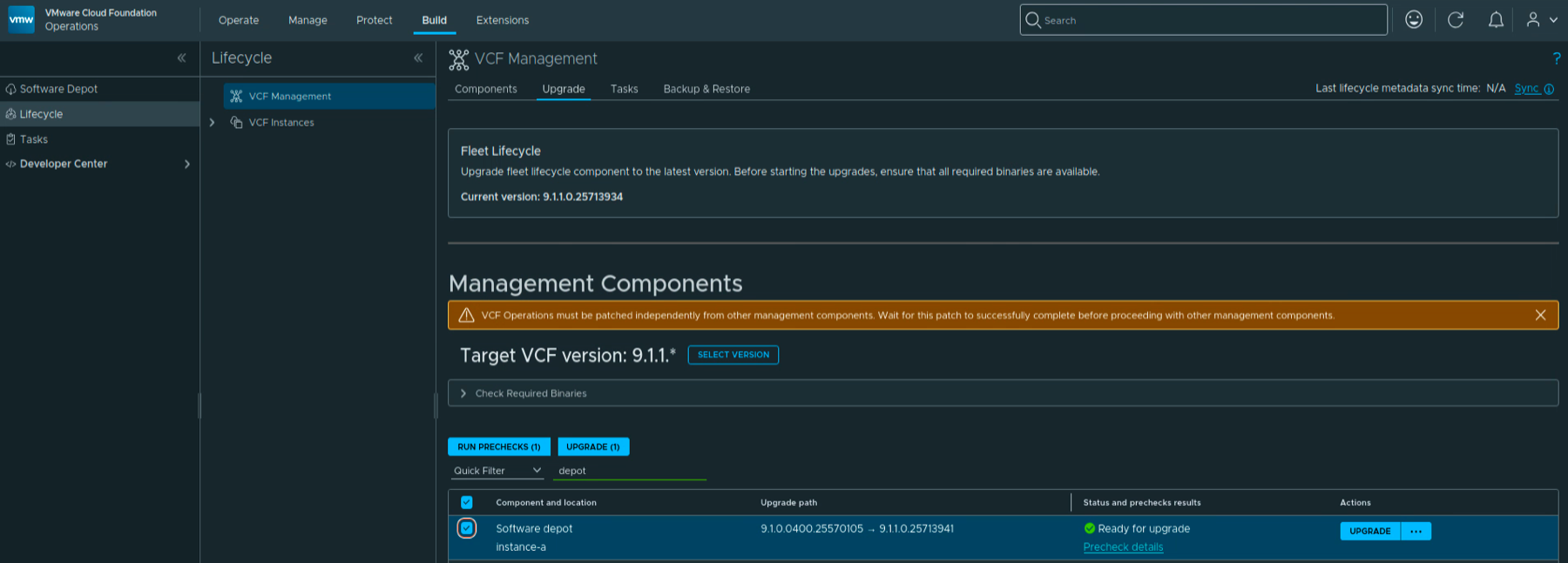
With VCF Services Runtime upgraded to 9.1.1, the next component I wanted to upgrade in my lab was SDDC Lifecycle. In this post I will go over upgrading it from 9.1.0.0400 to 9.1.1.0 through VCF Operations. VCF 9.1.1 was released on September 3, 2026. This is a maintenance release focused mostly on supportability improvements. The release notes can be found here. Before You Begin For an existing 9.1.0.x environment, upgrade Fleet Lifecycle to 9.1.1 first, before any other VCF component. In my lab it is already on 9.1.1.0.25713934. Continue to follow the release-specific dependencies in the 9.1.1 release notes when planning the remaining components. ...

 · Updated  · 
Upgrading VCF SDDC Lifecycle to 9.1.1 Step by Step
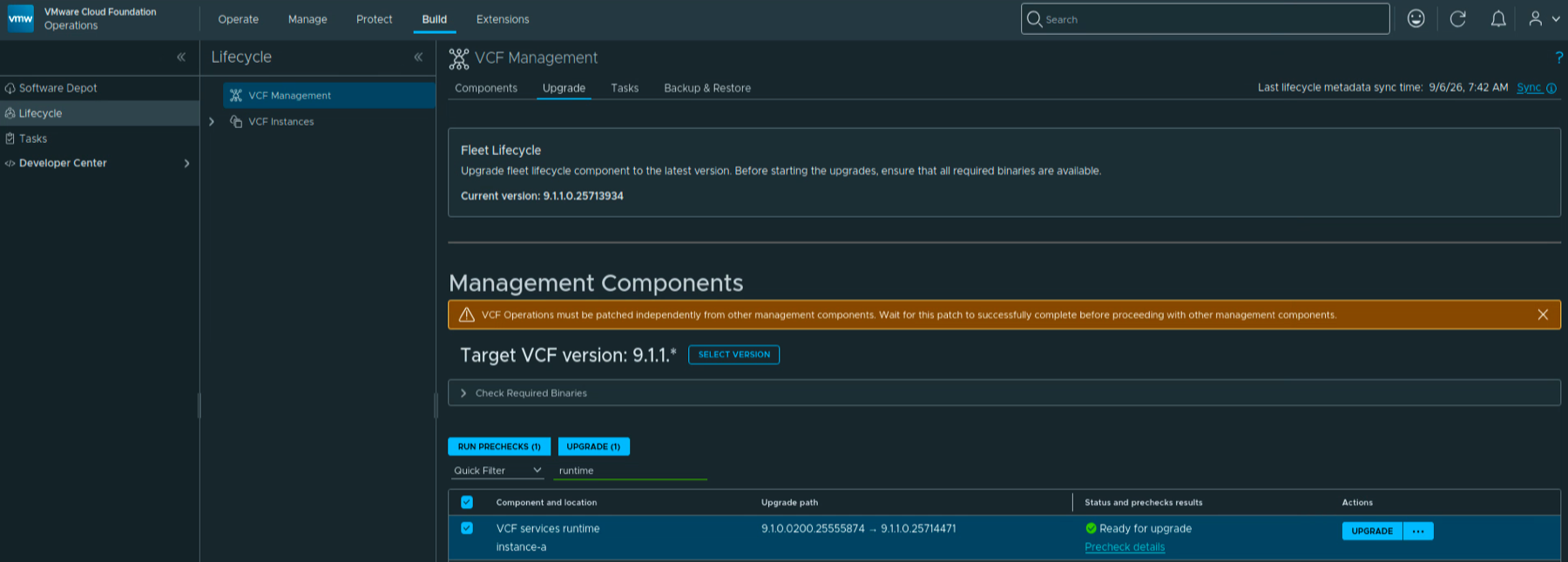
VCF Services Runtime ready for upgrade from 9.1.0.0200.25555874 to 9.1.1.0.25714471 in VCF Operations.

Upgrading VCF Services Runtime to 9.1.1 Step by Step

With Fleet Lifecycle upgraded to 9.1.1, the next component I wanted to upgrade in my lab was VCF Services Runtime. In this post I will go over upgrading it from 9.1.0.0200 to 9.1.1.0 through VCF Operations. VCF 9.1.1 was released on September 3, 2026. The release notes can be found here. The runtime fixes listed in the VCF Operations release notes include improvements for mixed-case FQDNs, services recovering after a cluster power-on, and log buffers filling the logging disk. ...

 · Updated  · 
Upgrading VCF Services Runtime to 9.1.1 Step by Step
Fleet Lifecycle in VCF Operations showing current version 9.1.1.0.25713934 after the upgrade.

Upgrading VCF Operations Fleet Lifecycle to 9.1.1 Step by Step

With the release of VCF 9.1.1 on September 3, 2026, I wanted to get Fleet Lifecycle in my lab upgraded. This is a maintenance release focused mostly on supportability improvements. The release notes can be found here. In this post I will go over upgrading Fleet Lifecycle through VCF Operations, from 9.1.0.0400 to 9.1.1.0. Before You Begin For an existing 9.1.0.x environment, Broadcom requires us to upgrade Fleet Lifecycle to 9.1.1.0 before any other VCF component. Make sure to follow the 9.1.1 release-specific dependencies when planning the rest of the upgrade. ...

 · Updated  · 
Upgrading VCF Operations Fleet Lifecycle to 9.1.1 Step by Step

VCF Operations 9.1 Patch Stuck at “Installing PAK File”

The 9.1.0.0300 patch went through this lab without drama at the beginning of July. Three weeks later, the 9.1.0.0400 express patch for VCF Operations hit the same single-node appliance and stopped dead at Installing PAK file: no progress, no error, and a reboot later, still nothing. What followed was a proper archaeology dig through every layer of state the upgrade machinery keeps, and almost every layer turned out to be holding a different version of the truth. ...

 · Updated  · 
VCF Operations 9.1 Patch Stuck at “Installing PAK File”

VCF 9.1 NSX Rotation Error: PASSWORD_MANAGER_NSX_USER_API_FAILED

Continuing the credential cleanup in the same 9.1 environment from the expired password sync and VCFOPSPWID03 posts, one credential refused to settle: the service account SDDC Manager uses to talk to the NSX Manager API, svc-sddcmanager-a-nsx-mgmt--8199 in my lab. It showed up as disconnected, every remediation attempt failed, and the environment kept trying to rotate it in a loop. This one took several wrong turns before the actual root cause surfaced, and almost every wrong turn taught me something worth writing down. The short version: ...

 · Updated  · 
VCF 9.1 NSX Rotation Error: PASSWORD_MANAGER_NSX_USER_API_FAILED
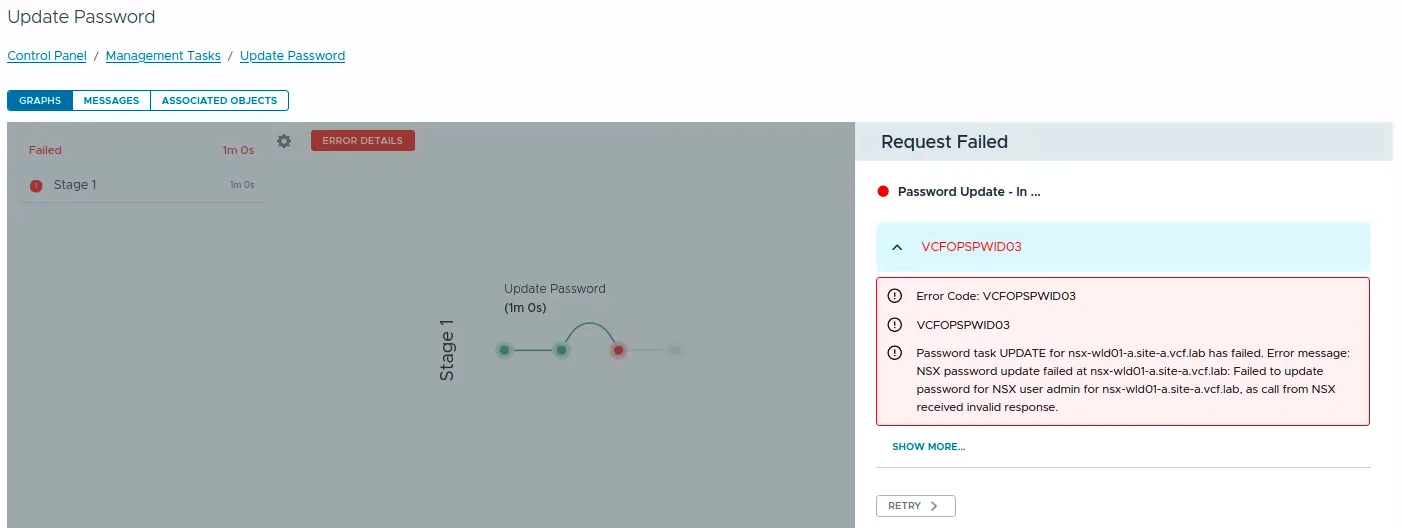
VCF Operations Update Password task failed with error code VCFOPSPWID03.

Fixing VCFOPSPWID03: NSX Password Update Failed as Call from NSX Received Invalid Response (VCF 9.1)

While rotating credentials in the same 9.1 environment I covered in the expired password sync post, an Update of the NSX Manager admin password (credential type API) from VCF Operations kept failing after about a minute with error code VCFOPSPWID03 and a spectacularly unhelpful message: “call from NSX received invalid response.” The actual cause turned out to be simple, NSX rejected the new password because it had already been used on that manager. This being a lab, I was deliberately recycling a previous password. That goes against best practices, and NSX enforces it. But the way the error surfaces (and the way the reuse policy behaves in this build) is worth writing down. ...

 · Updated  · 
Fixing VCFOPSPWID03: NSX Password Update Failed as Call from NSX Received Invalid Response (VCF 9.1)

Fixing Expired Password Sync in VCF 9.1 Fleet Management

In VCF 9.1, Fleet Password Management accounts can get stuck in EXPIRED status, and the password workflows changed compared to 9.0. In 9.0, you may have seen UI actions such as Disconnected or Remediate. In the 9.1 environment I was working on, those actions were not available. The UI exposed Update, and the Fleet Password Management API provides the same kind of workflow: query password accounts, then update or rotate the password. ...

 · Updated  · 
Fixing Expired Password Sync in VCF 9.1 Fleet Management

Scripted Components Cleanup from VCF Operations 9.1: A Step-by-Step Guide

If you’ve been working with VCF Operations 9.1, you may have noticed that on the Build > Lifecycle > VCF Management > Components page, manually-added components such as VCF Operations for Networks, Log Management, Real-Time Metrics or VCF Automation no longer have a “Delete” option available in the UI. In VCF Operations 9.0, this was possible on the Fleet Management > Lifecycle > Components page by clicking the three vertical dots next to a component and selecting Delete. That option is gone in 9.1. ...

 · Updated  · 
Scripted Components Cleanup from VCF Operations 9.1: A Step-by-Step Guide