Upgrading vROPS (vRealize Operations Manager) to 8.6 via the .pak file
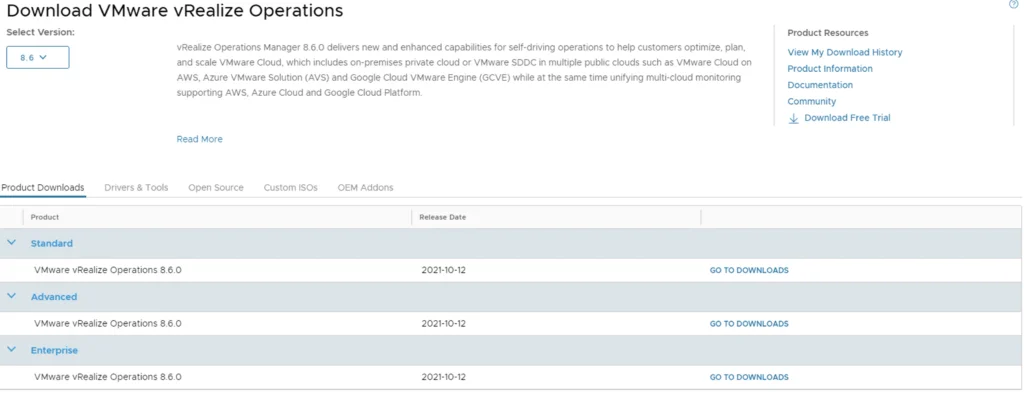
In this guide we will go over upgrading vROPS (vRealize Operations Manager) to the latest 8.6 releases using the .pak file. If you you vRSLCM (vRealize Suite Lifecycle Manager) I would strongly recommend upgrading using the vRSLCM method found here as it does additional checks of the environment like compatibility with the rest of the vRealize Products we might have installed. The release notes for vROPS 8.6 can be found here Downloading the .pak Files To get started we need to download the .pak file from the new customerconnect portal (previously known as my vmware). The direct link to the product download page can be found here. Make sure we have 8.6 selected under the Select Version and click on any of the Go To Downloads links ...
