Find VCF Operations 9.x, Aria Operations 8.x, and vRealize Operations upgrade walkthroughs by target release, lifecycle context, and PAK-file method.
This series follows the Operations appliance across its VCF Operations, Aria Operations, and vRealize Operations releases. Choose an article by both target version and upgrade method, then verify the supported source build and dependencies for your environment.
These examples are not interchangeable recovery methods. For a fleet-managed deployment, check the vendor’s release-specific component order and lifecycle workflow before selecting a manual PAK procedure. Related services and patch investigations are in the VCF 9 Fleet Management series.
For post-upgrade capacity, alerts, logs, and API tasks, browse the Operations guides.
Upgrading VCF Operations to 9.1.1 Using a .PAK File
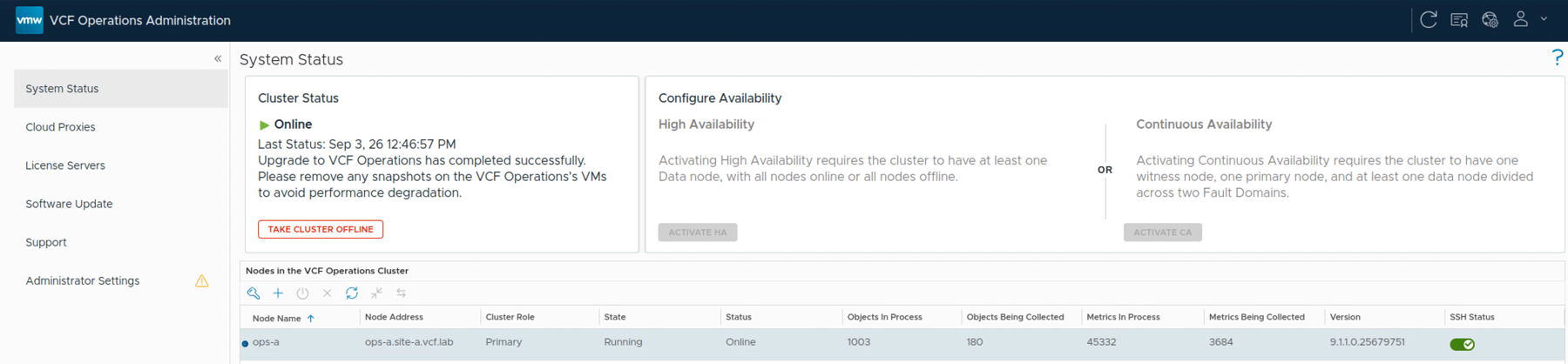
With the release of VMware Cloud Foundation 9.1.1 on September 3, 2026, I wanted to get my VCF Operations lab upgraded. This is a maintenance release focused mostly on supportability improvements. The VCF 9.1.1 release notes can be found here, and the VCF Operations release notes are here.
In this post I will go over upgrading VCF Operations from 9.1.0.0400 to 9.1.1 using the upgrade PAK file. If you are still on an older release, I also covered upgrading VCF Operations to 9.0.1 using a PAK file. That is a separate walkthrough, not a required intermediate upgrade.
...
Upgrading VCF Operations to 9.0.1 Using a .PAK File
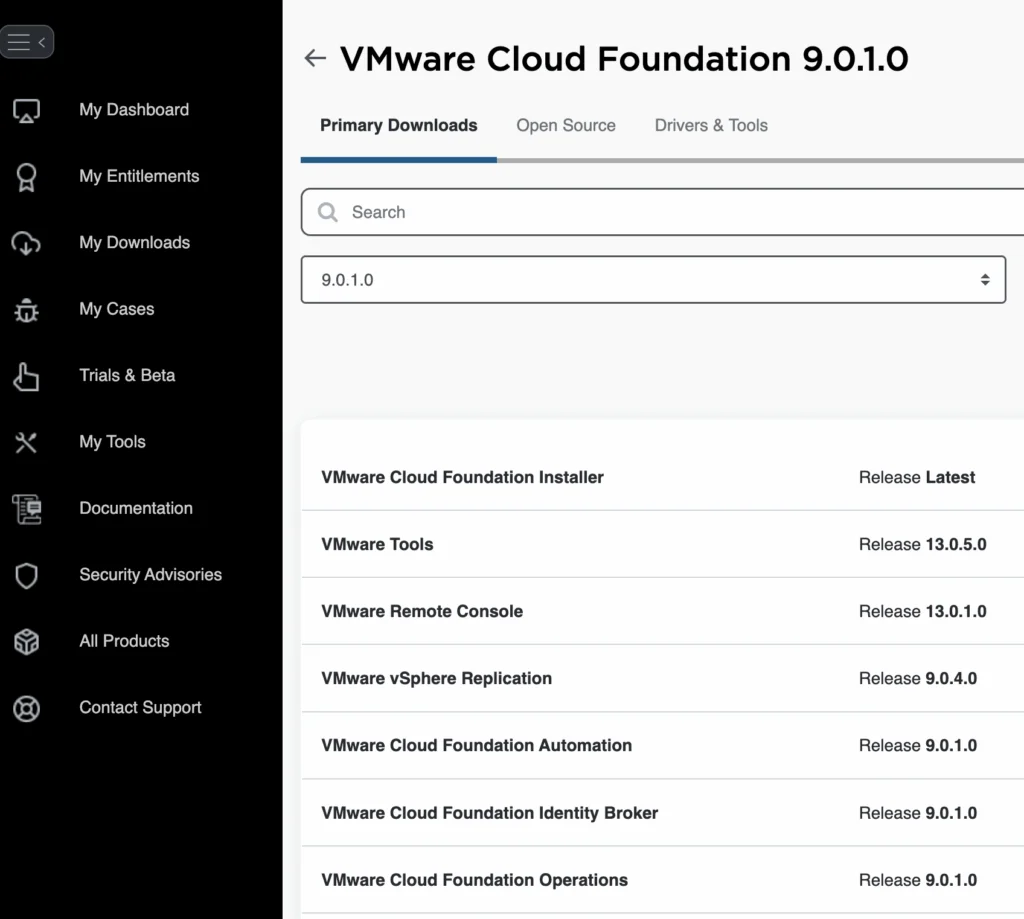
This walkthrough records a VCF Operations 9.0.1 upgrade with a .pak file and the checks I use to verify the cluster afterward.
If you are still on an older release, I covered the initial jump in Upgrading Aria Operations to 9.0 Using a .PAK File.
Before You Begin Prerequisites
Before starting the upgrade, ensure the following prerequisites are met:
Backup the Existing Deployment:
Take a snapshot of all nodes in the Aria Operations (Master, Cloud proxies, and any other nodes).
...
Upgrading Aria Operations to 9.0 via Aria Suite Lifecycle
In this post I will go over upgrading Aria Operations 8.18.x appliance to 9.0 using Aria Suite Lifecycle. As a pre requirement we do need to have Aria Suite Lifecycle upgraded to 8.18 Patch 2. Instructions can be found here.
Uploading the 9.0 Upgrade Binaries To get started we can go to Aria Suite Lifecycle -> Lifecycle Operations -> Settings -> Binary Mapping.
...
Upgrading Aria Operations to 9.0 Using a .PAK File
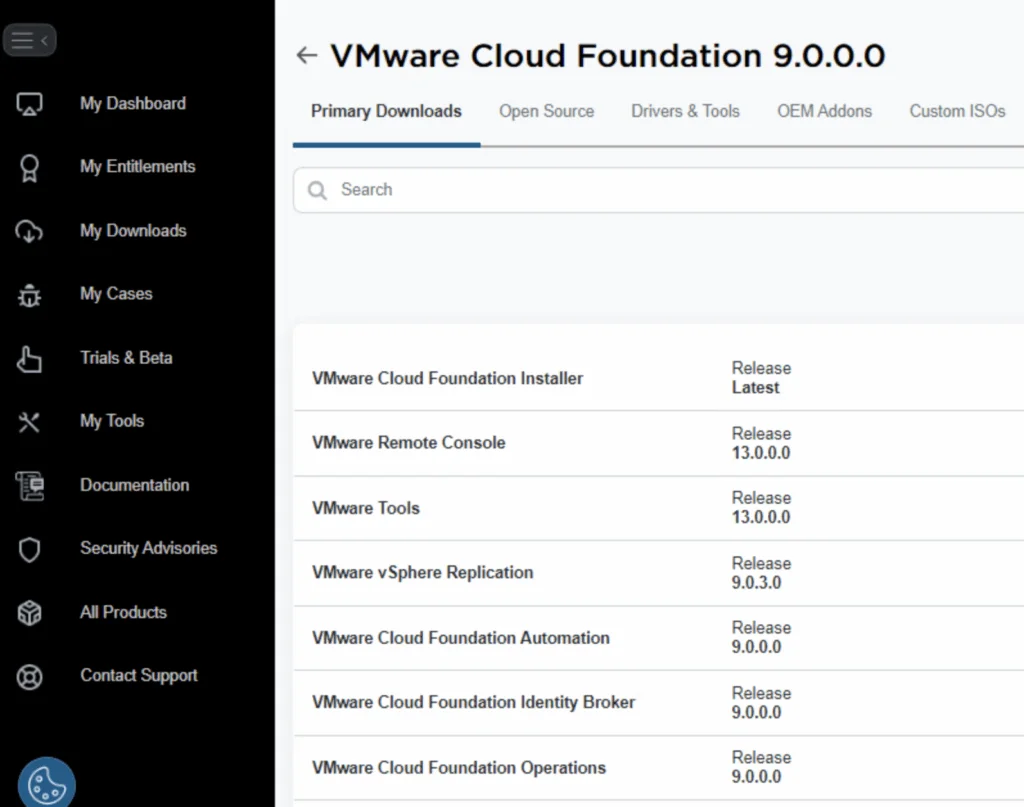
This walkthrough records an Aria Operations 9.0 upgrade with a .pak file and the checks I use to verify the cluster afterward.
Preparing for the Upgrade Prerequisites
Before starting the upgrade, ensure the following prerequisites are met:
Backup the Existing Deployment:
Take a snapshot of all nodes in the Aria Operations (Master, Cloud proxies, and any other nodes).
Confirm backups.
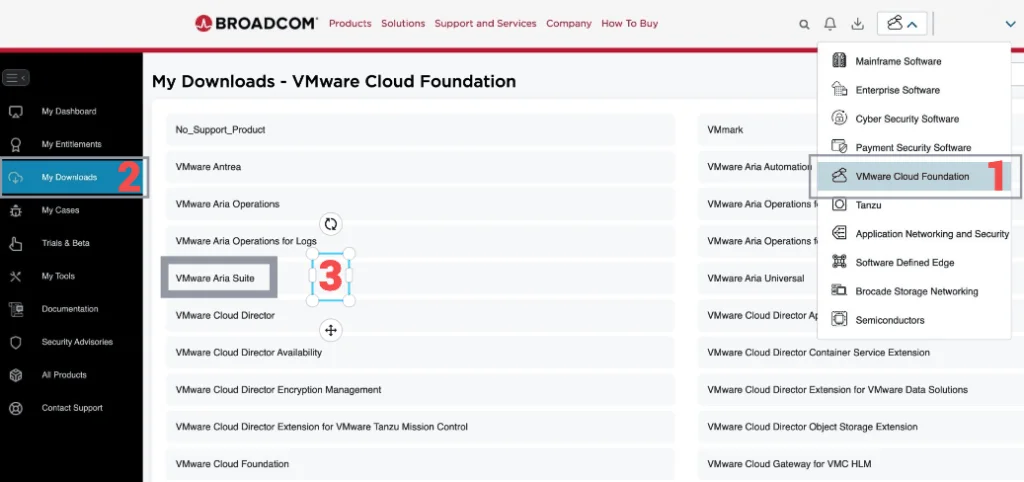
Download the .PAK File:
Log in to the Broadcom Support Portal.
...
Upgrading Aria Operations to 8.18.3 Using a .PAK File
This walkthrough records an Aria Operations upgrade with a .pak file and the checks I use to verify the cluster afterward. If you manage your environment with Lifecycle Manager instead, I covered upgrading Aria Operations to 8.18.3 via Aria Suite Lifecycle separately.
Preparing for the Upgrade Prerequisites
Before starting the upgrade, ensure the following prerequisites are met:
Backup the Existing Deployment:
Take a snapshot of all nodes in the Aria Operations (Master, Cloud proxies, and any other nodes).
...
Upgrading Aria Operations to 8.18.3 via Aria Suite Lifecycle
In this post I will go over upgrading Aria Operations 8.18.x appliance to 8.18.3 using Aria Suite Lifecycle. As a pre requirement we do need to have Aria Suite Lifecycle upgraded to 8.18. Instructions can be found here. The upgrade does not include the latest Product Support Pack. We can apply the latest Product Support Pack following the guide here.
Mapping the Upgrade Binaries To get started we can go to Aria Suite Lifecycle -> Lifecycle Operations -> Settings -> Binary Mapping.
...
Upgrading Aria Operations to 8.17.2 via Aria Suite Lifecycle
In this post I will go over upgrading my 8.x Aria Operations appliance to 8.17.2 using Aria Suite Lifecycle. As a pre requirement we do need to have Aria Suite Lifecycle upgraded to 8.16. Instructions can be found here. The upgrade does not include the latest Product Support Pack. We can apply the latest Product Support Pack following the instructions here.
Downloading the Upgrade Binaries To get started we can go to Aria Suite Lifecycle -> Lifecycle Operations -> Settings -> Binary Mapping. (If you haven’t added your My VMware credentials you will need to do that first by going to Aria Suite Lifecycle -> Lifecycle Operations -> Settings -> My VMware)
...
Upgrading Aria Operations to 8.17.1 via Aria Suite Lifecycle
In this post I will go over upgrading my 8.x Aria Operations appliance to 8.17.1 using Aria Suite Lifecycle. As a pre requirement we do need to have Aria Suite Lifecycle upgraded to 8.16. Instructions can be found here. The upgrade does not include the latest Product Support Pack. We can apply the latest Product Support Pack following the instructions here.
Downloading the 8.17.1 Upgrade Binaries To get started we can go to Aria Suite Lifecycle -> Lifecycle Operations -> Settings -> Binary Mapping. (If you haven’t added your My VMware credentials you will need to do that first by going to Aria Suite Lifecycle -> Lifecycle Operations -> Settings -> My VMware)
...
Upgrading vROPS (vRealize Operations Manager) to 8.6.3 via vRSLCM
In this post I will go over upgrading my 8.x vROPS appliance to 8.6.3 using vRSLCM (vRealize Suite Lifecycle Manager). As a pre requirement we do need to have vRSLCM (vRealize Lifecycle Manager) upgraded to 8.8 Instructions can be found here. The upgrade already includes the latest Product Support Pack so an update to the Product Support Pack is not required.
Downloading the 8.6.3 Upgrade Binaries To get started we can go to vRealize Lifecycle Manager -> Lifecycle Operations -> Settings -> Binary Mapping. (If you haven’t added your My VMware credentials you will need to do that first by going to vRealize Lifecycle Manager -> Lifecycle Operations -> Settings -> My VMware)
...
Upgrading vROPS (vRealize Operations Manager) to 8.6.2 via vRSLCM
In this post I will go over upgrading my 8.x vROPS appliance to 8.6.2 using vRSLCM (vRealize Suite Lifecycle Manager). As a pre requirement we do need to have vRSLCM (vRealize Lifecycle Manager) upgraded to 8.6.2 or 8.7 Instructions can be found here. The upgrade already includes the latest Product Support Pack so an update to the Product Support Pack is not required.
Adding the Upgrade Binary in vRSLCM To get started we can go to vRealize Lifecycle Manager -> Lifecycle Operations -> Settings -> Binary Mapping. (If you haven’t added your My VMware credentials you will need to do that first by going to vRealize Lifecycle Manager -> Lifecycle Operations -> Settings -> My VMware)
...