
I replaced the expired Monitoring Corfu certificate in NSX by generating a self-signed certificate in the UI and sending the replacement through the API.
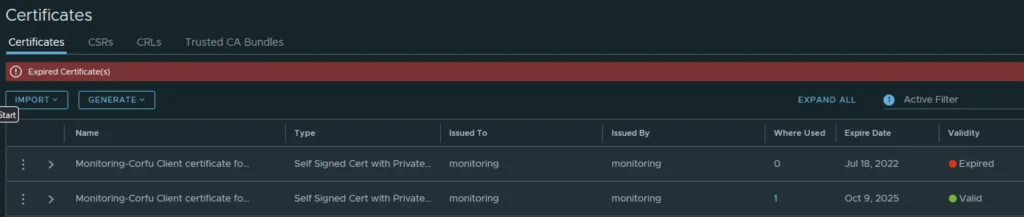
In my case the Monitoring Corfu certificate has already expired

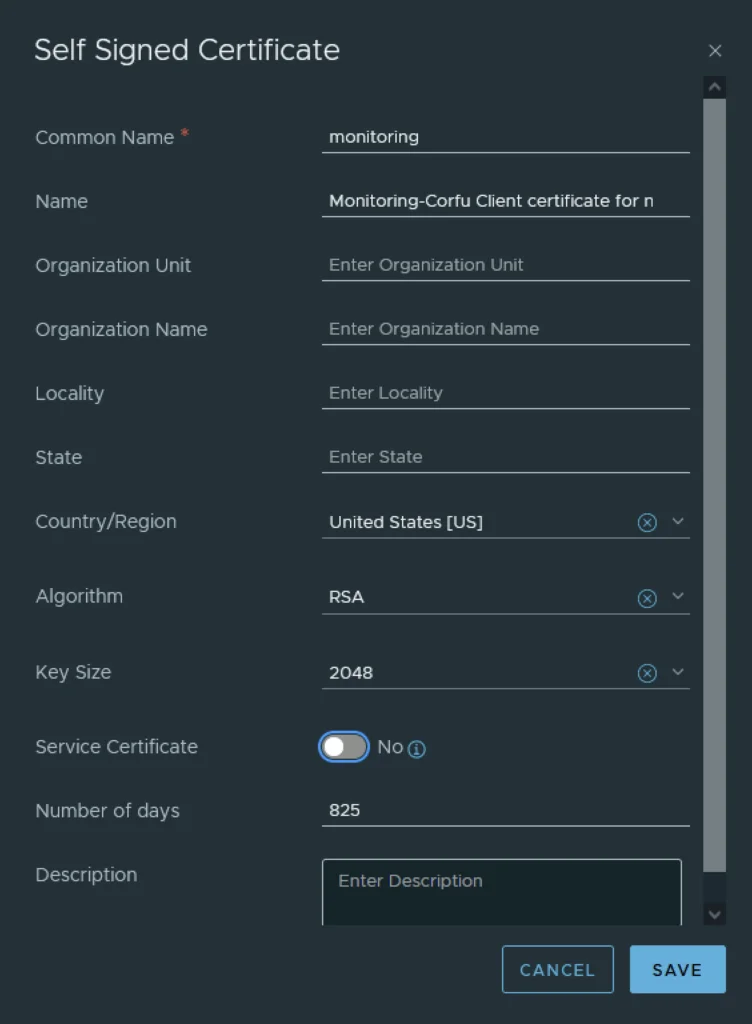
Generating a Self-Signed Certificate
In the top menu bar I went to Generate -> Generate Self Signed Certificate
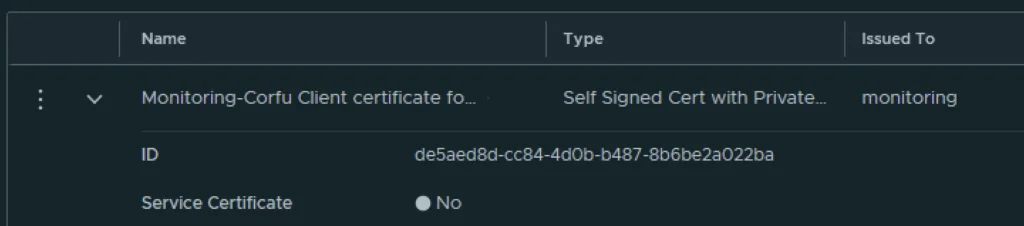
Next I had to grab the new certificate ID
Replacing the Certificate via API
The next step is to replace the old certificate with the new certificate via an API call. For this I used Postman but any other tool could potentially be used.
The URL for the post call would go against https://nsx-vip-01a.corp.local/api/v1/trust-management/certificates/cert_id?action=apply_certificate&service_type=CBM_MONITORING&node_id=node_id
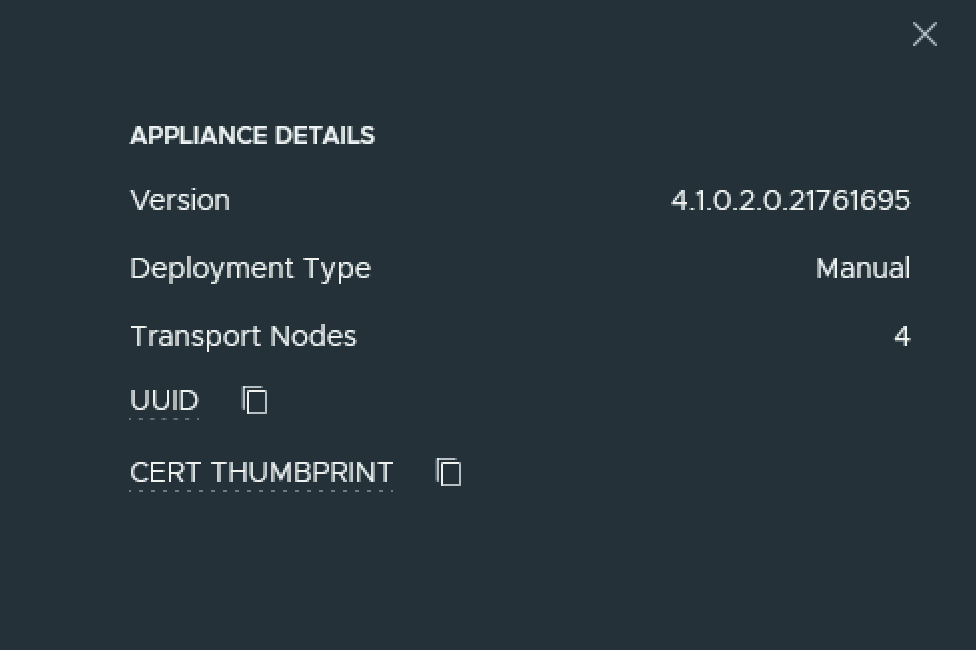
The node ID can be found under Appliances -> View details on node, the value to the right for UUID ex
For authentication I used basic, per best practices we should be using a token.
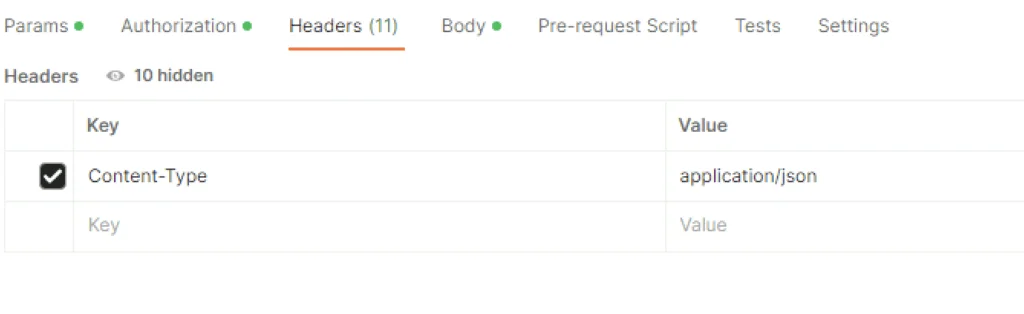
For headers had to add Content-Type application\json ex
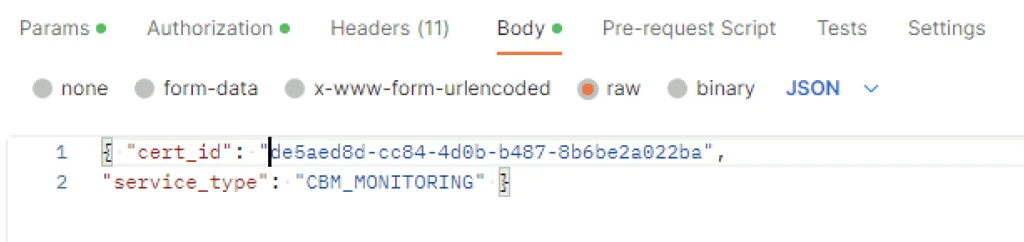
In the body I picked raw and added the following in
{ "cert_id": "de5aed8d-cc84-4d0b-b487-8b6be2a022ba",
"service_type": "CBM_MONITORING" }
The cert ID is from the certificate I generated earlier. ex
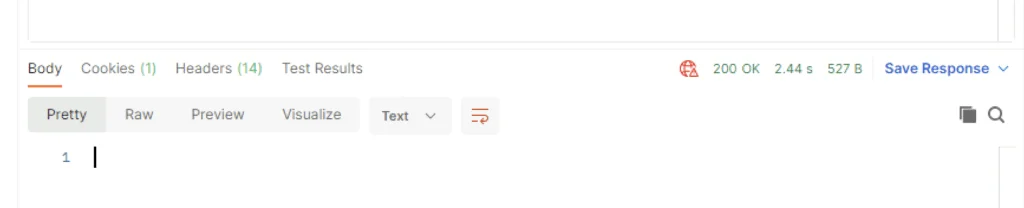
Once I clicked send I was presented back with a 200 OK
Verifying the New Certificate
Going in the web browser I can also see that the new certificate is now used and the old one doesn’t have anything assigned to it ex
Removing the Old Certificate
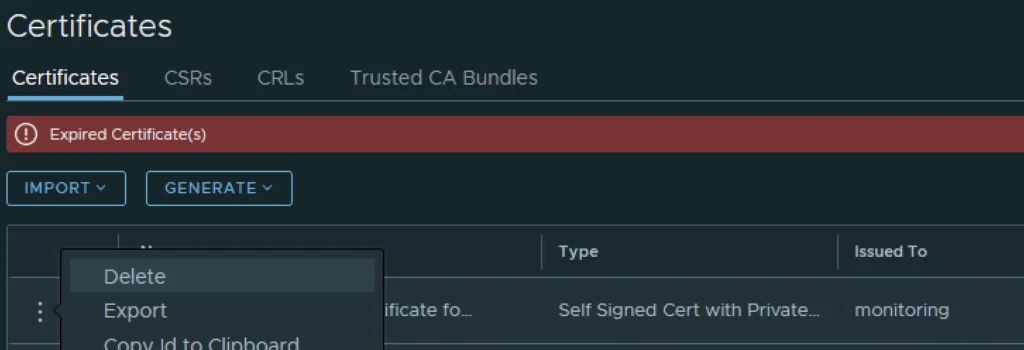
The final step I did was removing the old certificate by clicking on the 3 dots to left and picking delete from the menu
The same procedure applies to the other Corfu services as well, for example the CCP Corfu certificate.