
I replaced the expired AR Corfu certificate in NSX by generating a self-signed certificate in the UI and sending the replacement through the API.
Identifying the Expired AR Corfu Certificate
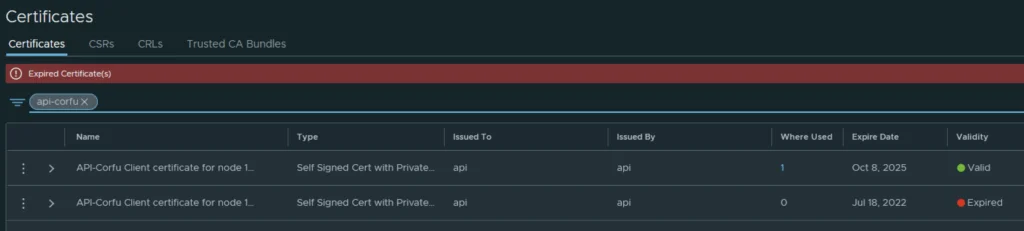
In my case the AR Corfu certificate has already expired

Generating a Self-Signed Certificate in the NSX UI
In the top menu bar I went to Generate -> Generate Self Signed Certificate
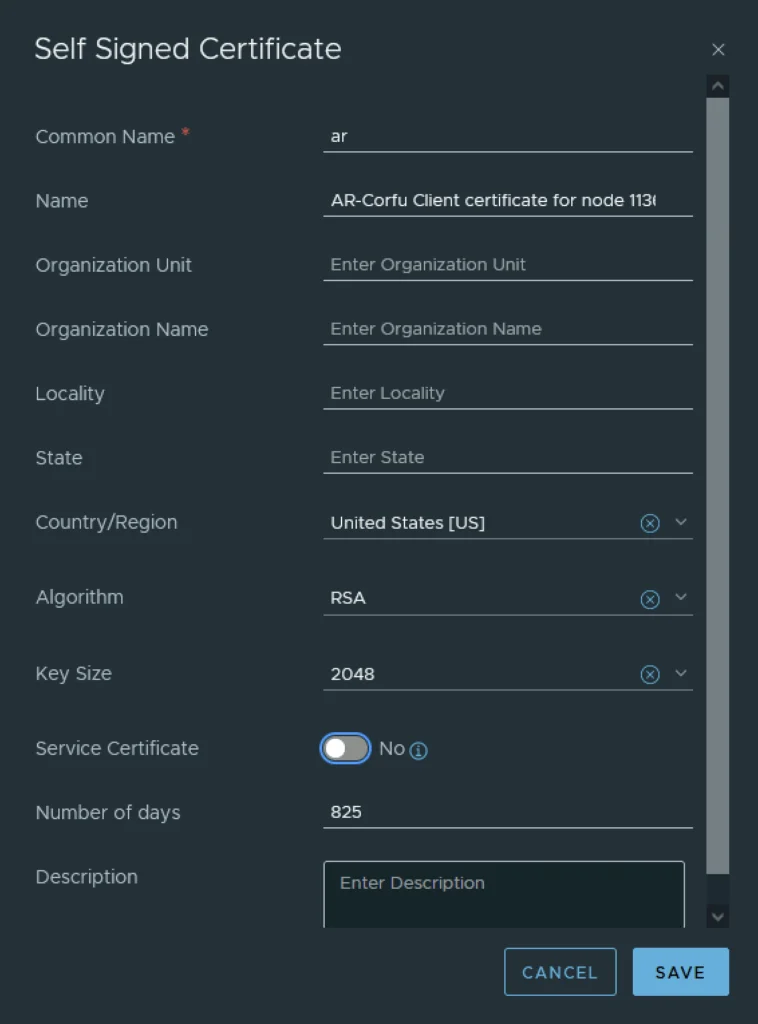
Next I had to grab the new certificate ID
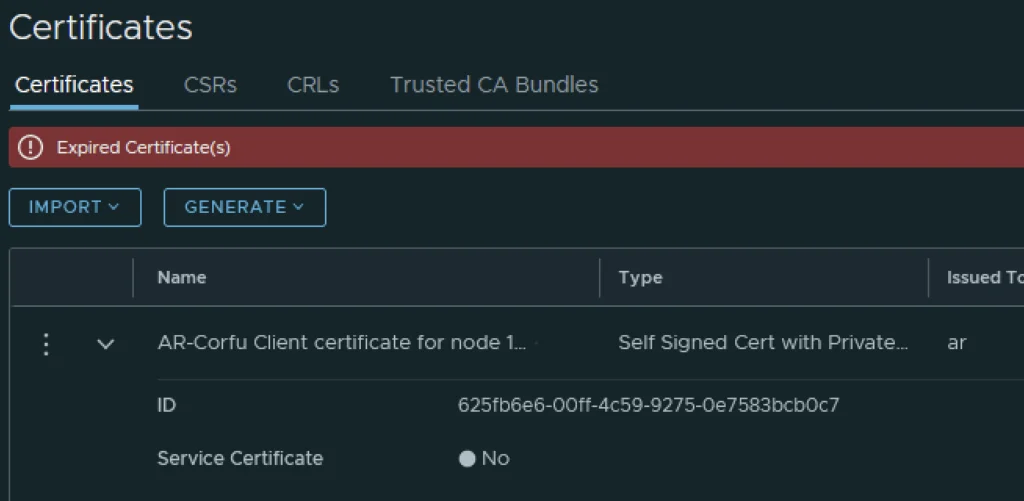
Applying the Certificate via the Trust-Management API
The next step is to replace the old certificate with the new certificate via an API call. For this I used Postman but any other tool could potentially be used.
The URL for the post call would go against https://nsx-vip-01a.corp.local/api/v1/trust-management/certificates/cert_id?action=apply_certificate&service_type=CBM_AR&node_id=node_id
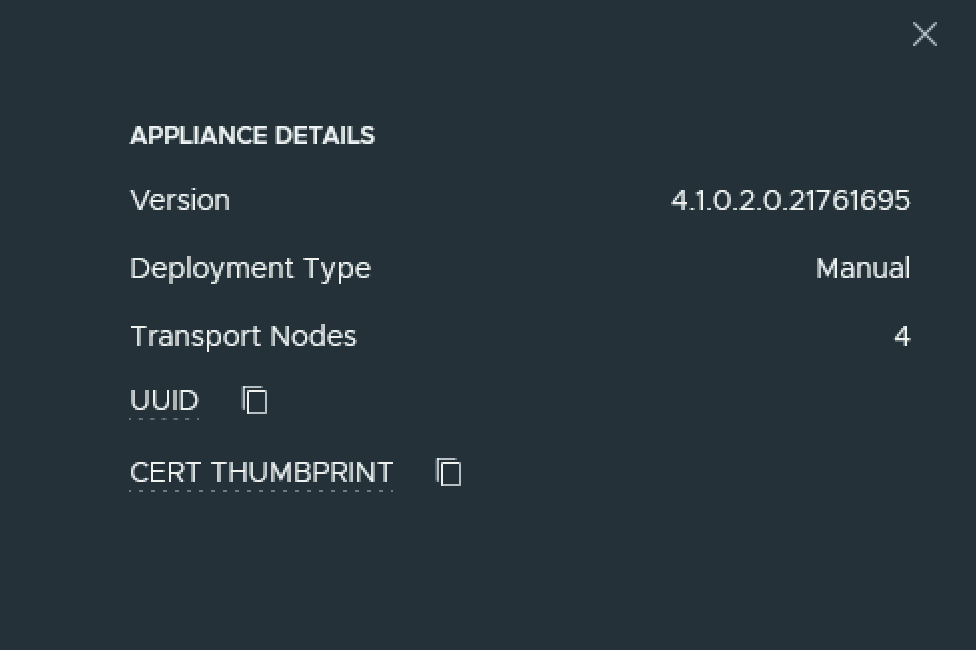
The node ID can be found under Appliances -> View details on node, the value to the right for UUID ex
For authentication I used basic, per best practices we should be using a token.
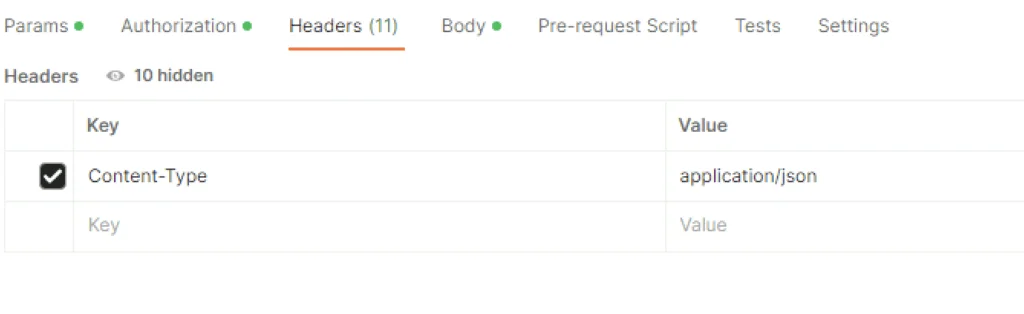
For headers had to add Content-Type application\json ex
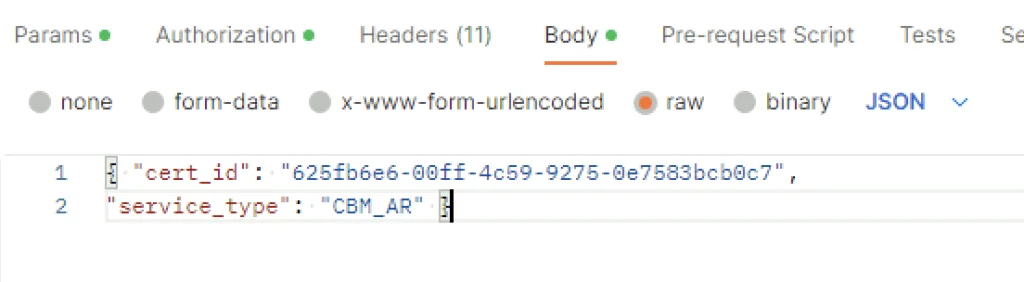
In the body I picked raw and added the following in
{ "cert_id": "625fb6e6-00ff-4c59-9275-0e7583bcb0c7",

"service_type": "CBM_AR" }
The cert ID is from the certificate I generated earlier. ex
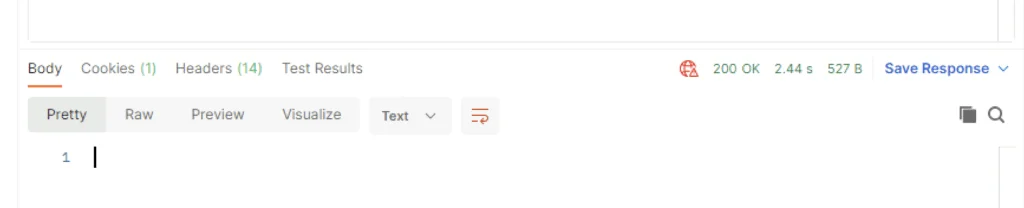
Once I clicked send I was presented back with a 200 OK
Verifying and Removing the Old Certificate
Going in the web browser I can also see that the new certificate is now used and the old one doesn’t have anything assigned to it ex
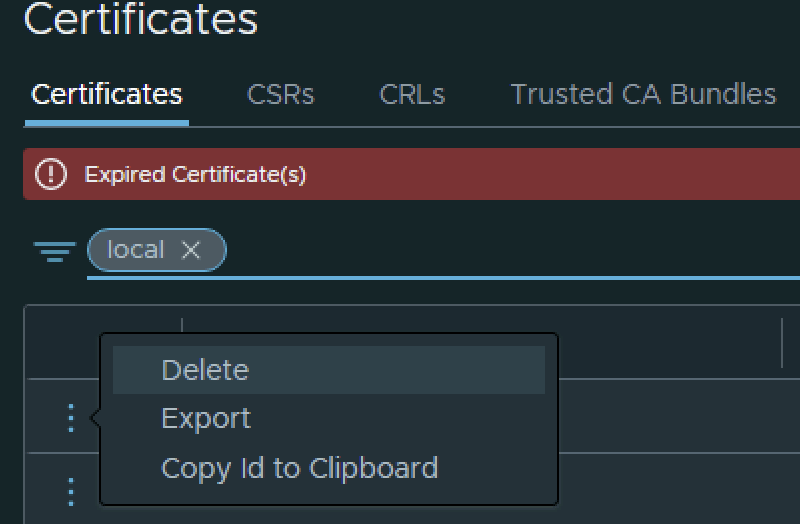
The final step I did was removing the old certificate by clicking on the 3 dots to left and picking delete from the menu
If other Corfu certificates have expired as well, I covered replacing the MP Corfu certificate and the cluster manager Corfu certificate in separate posts.