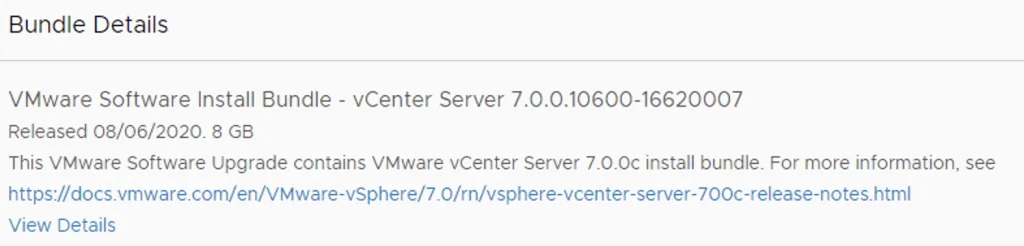
VCF releases filled the SDDC Manager filesystem in my lab, so I used the bundle cleanup utility to reclaim the space.
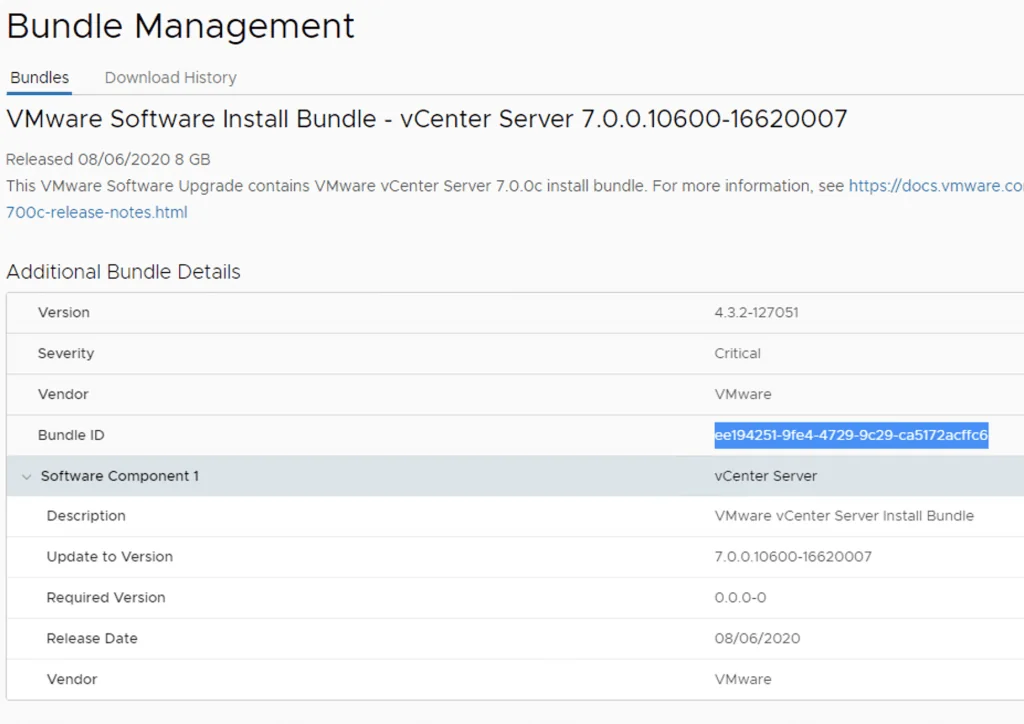
The first step was to identify the Bundle ID. We can find this by going to the bundle itself and checking out the details by clicking on View Details

For example this specific Bundle ID is ee194251-9fe4-4729-9c29-ca5172acffc6
At this point I had to log in to the sddc manager and issue the following command:
/opt/vmware/vcf/lcm/lcm-app/bin/bundle_cleanup.py ee194251-9fe4-4729-9c29-ca5172acffc6
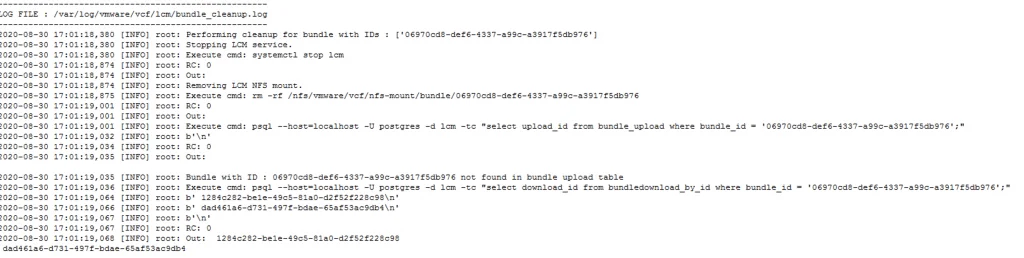
We can also specify multiple bundle IDs:
/opt/vmware/vcf/lcm/lcm-app/bin/bundle_cleanup.py 168ee409-d2b7-40e5-9d77-1dc3cec75e07 1f44ba0a-bf48-493e-a92b-bd791a201c12
I hope this helps. If you only need to re-download certain bundles afterwards, I covered downloading specific VCF bundles in a separate post.