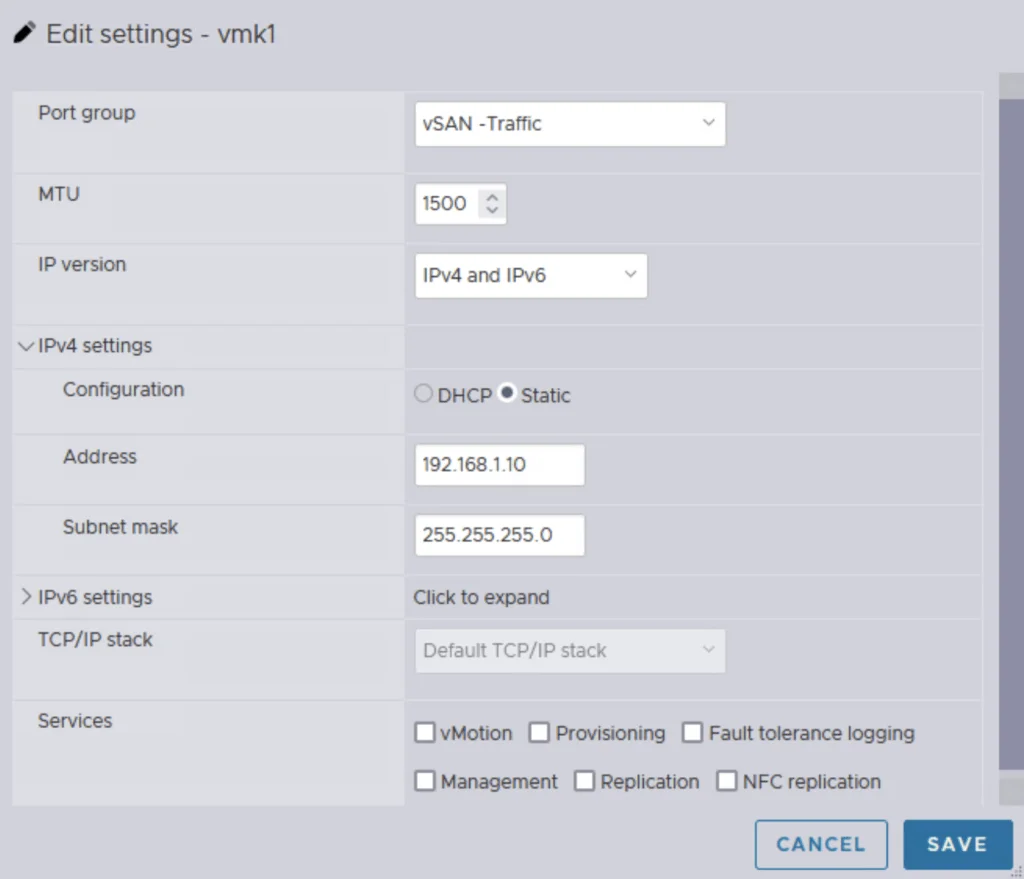
Editing vSAN traffic settings with IPv4 and IPv6, static IP, and service options.

Single Node vSAN

Setting up a vSAN cluster on a single ESXi host without vCenter is simpler than you might think. This guide walks you through a CLI-based method to configure VMware by Broadcom’s vSAN in a standalone environment. Whether you’re testing in a lab or laying the groundwork for a larger cluster, a single node vSAN deployment offers a flexible starting point that scales as your needs grow. What Is a Single Node vSAN? VMware by Broadcom’s vSAN is designed for multi-host clusters managed by vCenter, typically requiring at least two hosts for production resilience. However, with CLI tools, you can establish a vSAN cluster on a single ESXi host. This setup is ideal for experimentation or initiating a cluster, providing a solid base for later expansion with vCenter and additional nodes. ...

Single Node vSAN
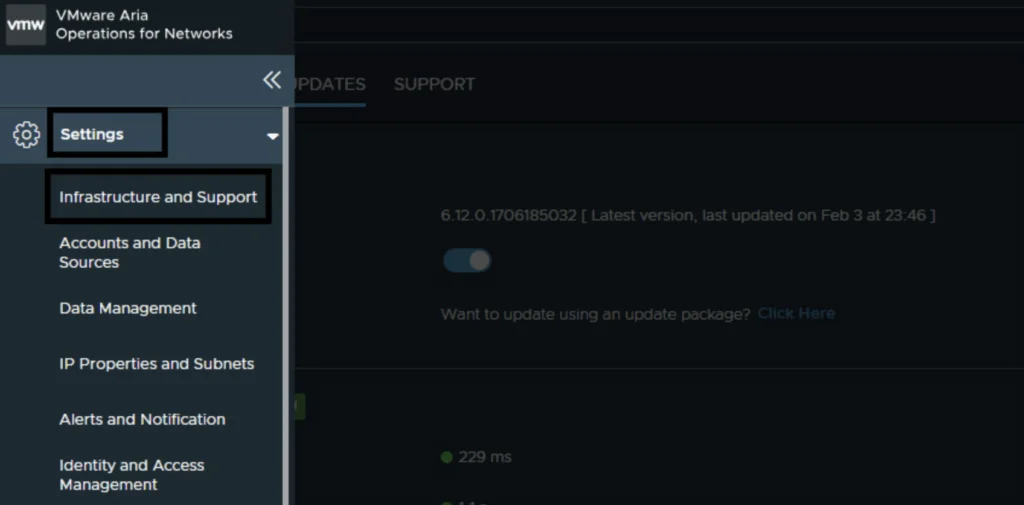
Aria Operations for Networks settings with 'Infrastructure and Support' selected, version 6.12.0.1706185032, and update toggle.

Upgrading Aria Operations for Networks to 6.14 via upgrade bundle

In this post I will go over upgrading Aria Operations for Networks 6.x appliance to 6.14 using the upgrade bundle. If your appliance is managed by Lifecycle Manager, I covered upgrading Aria Operations for Networks to 6.14 via Aria Suite Lifecycle in a separate post. Accessing the Offline Update Option To get started log in to the platform server using an administrative account (default:admin@local) and go to Settings -> Infrastructure and Support ...

Upgrading Aria Operations for Networks to 6.14 via upgrade bundle
Settings page in VMware Aria Suite Lifecycle showing various system administration and server configuration options.

Upgrading Aria Operations for Networks to 6.14 via Aria Suite Lifecycle

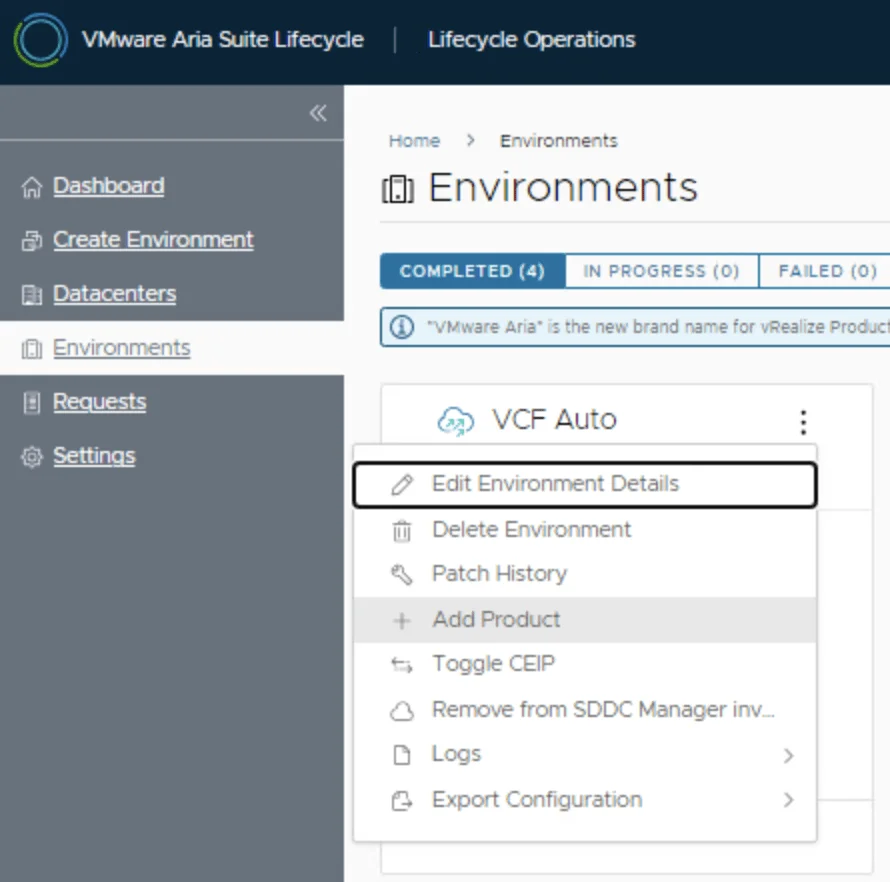
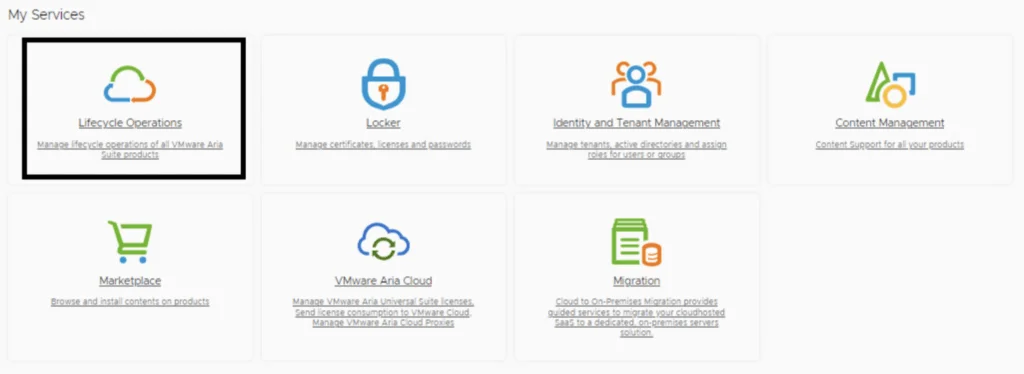
In this post I will go over upgrading Aria Operations for Networks 6.x appliance to 6.14 using Aria Suite Lifecycle. As a pre requirement we do need to have Aria Suite Lifecycle upgraded to 8.18. Instructions can be found here. The upgrade does not include the latest Product Support Pack. We can apply the latest Product Support Pack following the guide here. Mapping the Upgrade Binary in Aria Suite Lifecycle To get started we can go to Aria Suite Lifecycle -> Lifecycle Operations -> Settings -> Binary Mapping. ...

Upgrading Aria Operations for Networks to 6.14 via Aria Suite Lifecycle
Screenshot of VMware Aria Suite Lifecycle Manager services, including Lifecycle Operations, Locker, Identity and Tenant Management, Content Management, Marketplace, VMware Aria Cl...

Deploying VMware Aria Operations for Networks via Aria Suite Lifecycle Manager

VMware Aria Operations for Networks (formerly vRealize Network Insight) provides deep network visibility, security analysis, and troubleshooting capabilities. Deploying VMware Aria Operations for Networks through VMware Aria Suite Lifecycle Manager (ASLCM) ensures a streamlined installation process. Before You Begin Prerequisites Before proceeding, ensure that: Aria Suite Lifecycle Manager (ASLCM) is installed and configured. VMware Aria Operations for Networks binaries are manually downloaded from Broadcom’s Support portal. vCenter and NSX credentials are available. ...

Deploying VMware Aria Operations for Networks via Aria Suite Lifecycle Manager
VMware Aria Suite Lifecycle settings page showing various system and server configuration options.

Upgrading Aria Operations for Logs to 8.18.3 via Aria Suite Lifecycle

In this post I will go over upgrading Aria Operations for Logs 8.18.x appliance to 8.18.3 using Aria Suite Lifecycle. As a pre requirement we do need to have Aria Suite Lifecycle upgraded to 8.18. Instructions can be found here. The upgrade does not include the latest Product Support Pack. We can apply the latest Product Support Pack following the guide here. Mapping the Upgrade Binary To get started we can go to Aria Suite Lifecycle -> Lifecycle Operations -> Settings -> Binary Mapping. ...

Upgrading Aria Operations for Logs to 8.18.3 via Aria Suite Lifecycle
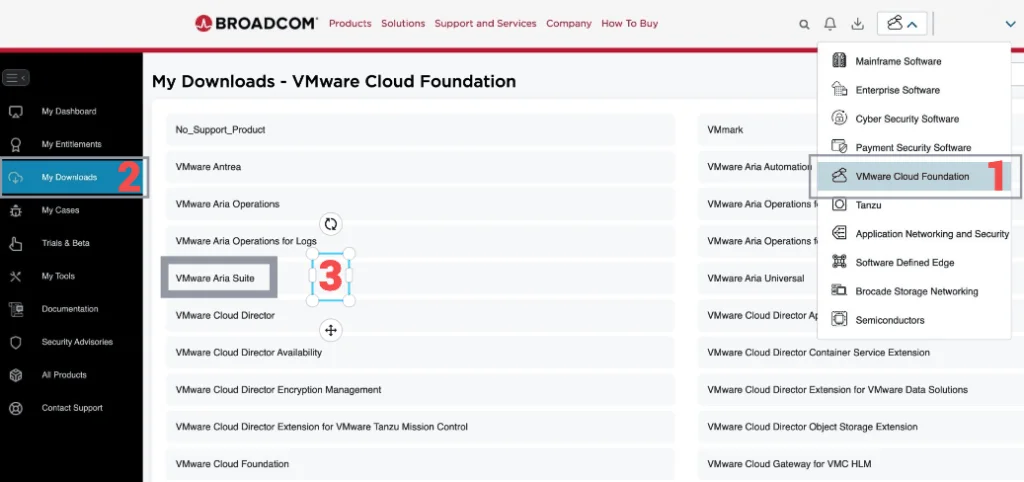
Broadcom portal with a focus on VMware Cloud Foundation downloads, including Aria Suite and Aria Operations for Logs.

Upgrading Aria Operations for Logs to 8.18.3 Using a .PAK File

Upgrading Aria Operations for Logs (formerly VMware vRealize Log Insight) is a crucial task to ensure you’re using the latest features, security patches, and performance improvements. In this guide, we’ll walk through the step-by-step process of upgrading Aria Operations for Logs using a .pak file. If you would rather run this upgrade through Lifecycle Manager, I covered upgrading Aria Operations for Logs to 8.18.3 via Aria Suite Lifecycle in a separate post. ...

Upgrading Aria Operations for Logs to 8.18.3 Using a .PAK File
Settings page with various options for system administration and server accounts in VMware Aria Suite Lifecycle.

Upgrading Aria Operations to 8.18.3 via Aria Suite Lifecycle

In this post I will go over upgrading Aria Operations 8.18.x appliance to 8.18.3 using Aria Suite Lifecycle. As a pre requirement we do need to have Aria Suite Lifecycle upgraded to 8.18. Instructions can be found here. The upgrade does not include the latest Product Support Pack. We can apply the latest Product Support Pack following the guide here. Mapping the Upgrade Binaries To get started we can go to Aria Suite Lifecycle -> Lifecycle Operations -> Settings -> Binary Mapping. ...

Upgrading Aria Operations to 8.18.3 via Aria Suite Lifecycle
Screenshot of VMware Aria Suite Lifecycle 8.18 with options like Lifecycle Operations, Locker, Identity Management, Content Management, Marketplace, VMware Aria Cloud, and Migration.

Aria Suite Lifecycle 8.18 Product Support Pack upgrade (PSPACK5)

I documented this manual Product Support Pack workflow on an existing 8.x Aria Suite Lifecycle appliance. For background, see VMware’s Product Support Pack overview. Typically the newer Product Support Pack is included part of the upgrade for Aria Suite Lifecycle, however sometimes there are product releases in between releases where product support packs come in handy. As of 8.16.0 Product Support Pack 4 we can no longer automatically download the Product Support Pack upgrade files. I covered the previous PSPACK4 manual upgrade in this guide. The release notes for 8.16 can be found here. The release notes for 8.18 Product Support Pack 5 can be found here. ...

Aria Suite Lifecycle 8.18 Product Support Pack upgrade (PSPACK5)

Setting User SSH Keys in NSX

In VMware NSX, configuring SSH keys for users with specific labels and types provides a tailored access control approach that enhances both security and management capabilities. This blog walks through the process of setting user-specific SSH keys in NSX, using customized labels and types for better organization and identification. Before You Begin Overview SSH keys are crucial for secure authentication in NSX environments, allowing administrators to manage access without exposing systems to the risks of password-based logins. By setting SSH keys with specific labels and types, you can streamline user access management and improve security configurations. ...

 · Updated  · 
Setting User SSH Keys in NSX
Broadcom portal with a menu for VMware Cloud Foundation, highlighting the 'My Downloads' section and a step in upgrading Aria Operations.

Upgrading Aria Operations to 8.18.2 Using a .PAK File

Upgrading Aria Operations (formerly VMware vRealize Operations) is a crucial task to ensure you’re using the latest features, security patches, and performance improvements. In this guide, we’ll walk through the step-by-step process of upgrading Aria Operations using a .pak file. Preparing for the Upgrade Prerequisites Before starting the upgrade, ensure the following prerequisites are met: Backup the Existing Deployment: Take a snapshot of all nodes in the Aria Operations (Master, Cloud proxies, and any other nodes). ...

Upgrading Aria Operations to 8.18.2 Using a .PAK File