Usage Report for vRealize Cloud Licenses
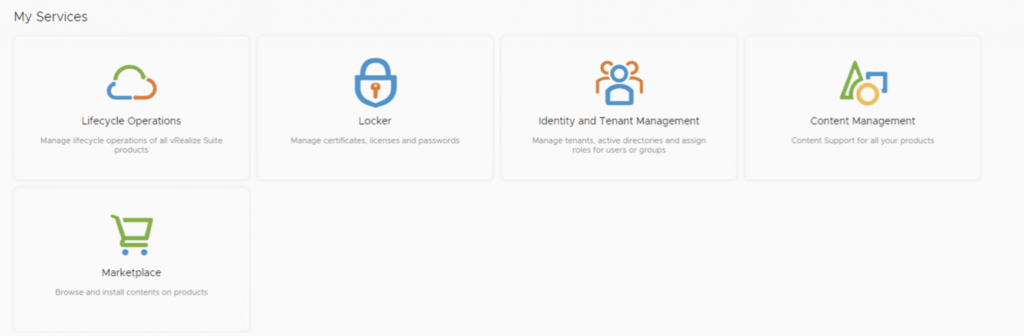
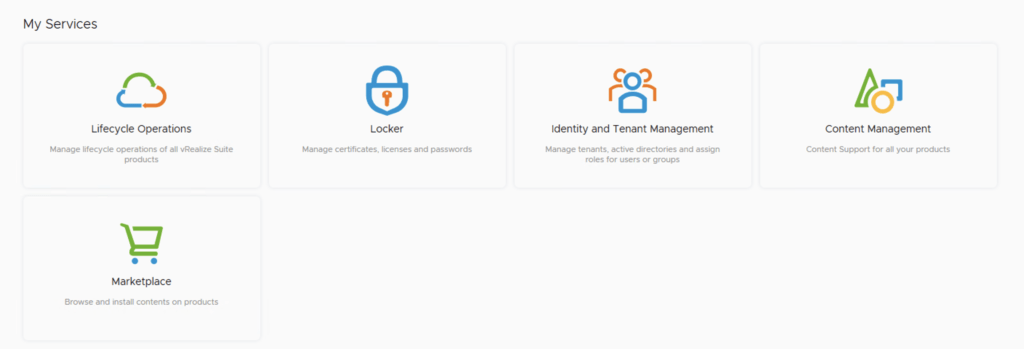
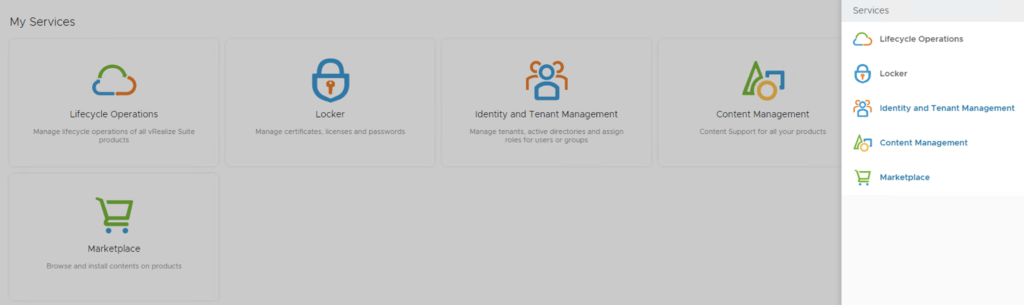
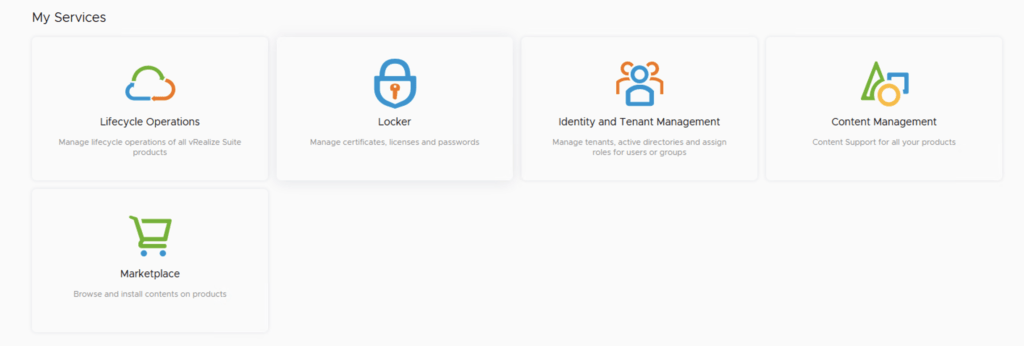
In this post i will go over the Usage Report for vRealize Cloud Licenses. I will cover the online method which does the reporting automatically as well as the offline method that requires us to upload the usage manually. The documentation for the Usage Report can be found here. The vRealize Cloud Universal service description EULA and requirements can be found here. As described the EULA our responsibilities include: Deploy the latest version of vRealize Suite Lifecycle Manager in your on-premiseenvironment, and establish a connection between vRealize Suite Lifecycle Manager and your VMware customer account. Use vRealize Suite Lifecycle Manager to apply the vRealize Cloud Universal license key to on-premise components of the Service Offering and activate these components. Connect vRealize Suite Lifecycle Manager to vRealize Cloud Subscription Manager to enable usage reporting to VMware. If the on-premise environment is offline and unable to connect to vRealize Cloud Subscription Manager, you are responsible for periodically exporting a license report from vRealize Suite Lifecycle Manager and uploading the report to vRealize Cloud Subscription Manager, but no less than once per VMware fiscal quarter. We will be spending most of our time in vRealize® Suite Lifecycle Manager. Log in and go to the locker page either from the welcome screen ...