vRA 8 API getting started

I wanted to keep track of what needs to be done prior to actually being able to query API on vRA 8. Ive been having a hard time finding the documentation i needed in the past. If you are looking for the Cloud version it can be found here First step is to get an API token for the specific username. We can do this by using curl or postman. The call would look similar: ...

January 31, 2022 · Cosmin Trif

vROPS Cloud Proxy docker routing

I recently ran into a problem where i needed to route the subnet that is being used for the docker routing on the vROPS Cloud Proxy appliance. The network used is 172.17.0.0/16. For this we will try to route a portion of that subnet through my ethernet interface To test the configuration out without adding a persistent route i used the following command: ip route add 172.17.11.0/24 via 172.16.11.1 dev eth0 Verify that everything is running properly, if anything went wrong the route should get reverted on the next reboot. If the changes are successful we can add the route as persistent by editing the network configuration using vi: ...

January 18, 2022 · Cosmin Trif
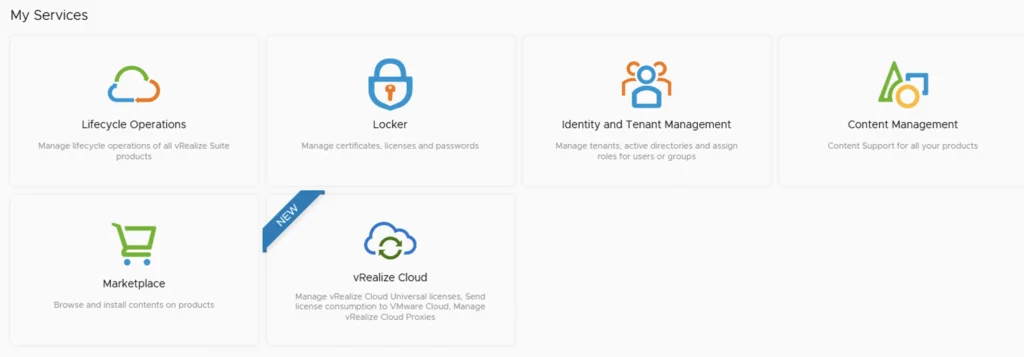
The image shows vRSLCM services: Lifecycle Operations, Locker, Identity and Tenant Management, Content Management, Marketplace, and vRealize Cloud.

vRSLCM (vRealize Lifecycle Manager) Product Support Pack

In this guide i will go over the steps of getting an existing 8.x vRSLCM appliance to support the latest product releases available. Here is a great blog that goes in to the details about what the Product Support Pack is https://blogs.vmware.com/management/2019/01/vrslcm-pspak.html. Typically the newer Product Support Pack is included part of the upgrade for LCM, however sometimes there are product releases in between releases where product support packs come in handy. ...

January 5, 2022 · Cosmin Trif
UI shows "Cloud Proxies" with "NEW" button and "Name" field.

Deploying the vROPS cloud proxy

In this guide we will go over Deploying the vROPS cloud proxy for cloud as well as on premise. The official VMware documentation can be found here To get started log in to your vROPS instance. If its cloud it would be something similar to https://www.mgmt.cloud.vmware.com/vrops-cloud/ui/index.action For on premise it would be https://vrops_url/ui/login.action Once you are logged on We can go to Data Sources -> Cloud Proxies and press on New. example: ...

January 4, 2022 · Cosmin Trif
vRealize Operations Manager Administration showing system status with cluster status as online and "Take Offline" button.

Workaround instructions to address CVE-2021-44228 and CVE-2021-45046 in vRealize Operations 7.x

In this article i will go over one of the workaround instructions to address CVE-2021-44228 and CVE-2021-45046 in vRealize Operations 7.x. I have tested the workaround on vROPS 7.5 as its still shipped with VCF 3.x and i haven’t yet seen documentation on a workaround for this version. If you are looking for instructions for version 8.x consult kb article 87076. This has been tested on December 21 2021. Please check the official documentation or open a ticket for production usage. ...

December 22, 2021 · Cosmin Trif
The image shows network settings for Kubernetes subnets, displaying clusterCIDR and serviceCIDR values.

Changing vRO Kubernetes IP range

I recently ran through an routing issue where the Kubernetes IP range in vRO 8.6 was used somewhere else on the network. I didn’t want to redeploy the appliance so i went through the below to get it updated First i identified what the ip range in use is by running vracli network k8s-subnets Lets check the status of the pods to make sure everything is running as it should. If any of the pods experience issues the change wont go through and it will cause additional issues ...

December 15, 2021 · Cosmin Trif
The image shows a VMware Identity Manager 3.3.5 environment setup in a global environment, with options to add components and change admin password.

vIDM 3.3.5 HA

In this guide we will go over the vIDM 3.3.5 HA configuration. The official documentation can be found here Im going to assume that the load balancer configuration is already completed, the vIDM appliance has a the required certificate in the LCM inventory. Please read the official documentation for the full requirements. We will be using the scale out feature in Lifecycle Manager. To do so we can navigate to Lifecycle Operations -> Environments -> globalenvironment -> View Details -> Click on Add Components ...

December 13, 2021 · Cosmin Trif
My Services UI showing Lifecycle Operations, Locker, Identity and Tenant Management, Content Management, Marketplace, and vRealize Cloud options.

Upgrading vRSLCM (vRealize Lifecycle Manager) to 8.6.1

In this guide i will go over the steps of getting an existing 8.x vRSLCM appliance upgraded to the latest 8.6.1 release. The release notes can be found here The first step is to lo in to vRealize Suite Lifecycle Manager under the Lifecycle Operations section ...

December 12, 2021 · Cosmin Trif
The image shows a screenshot of vRSLCM services with icons and labels for Lifecycle Operations, Locker, Identity and Tenant Management, Content Management, Marketplace, and vRealize Cloud.

vRSLCM (vRealize Lifecycle Manager) Product Support Pack

In this guide i will go over the steps of getting an existing 8.x vRSLCM appliance to support the latest product releases available. Here is a great blog that goes in to the details about what the Product Support Pack is https://blogs.vmware.com/management/2019/01/vrslcm-pspak.html. Typically the newer Product Support Pack is included part of the upgrade for LCM, however sometimes there are product releases in between releases where product support packs come in handy. ...

December 12, 2021 · Cosmin Trif
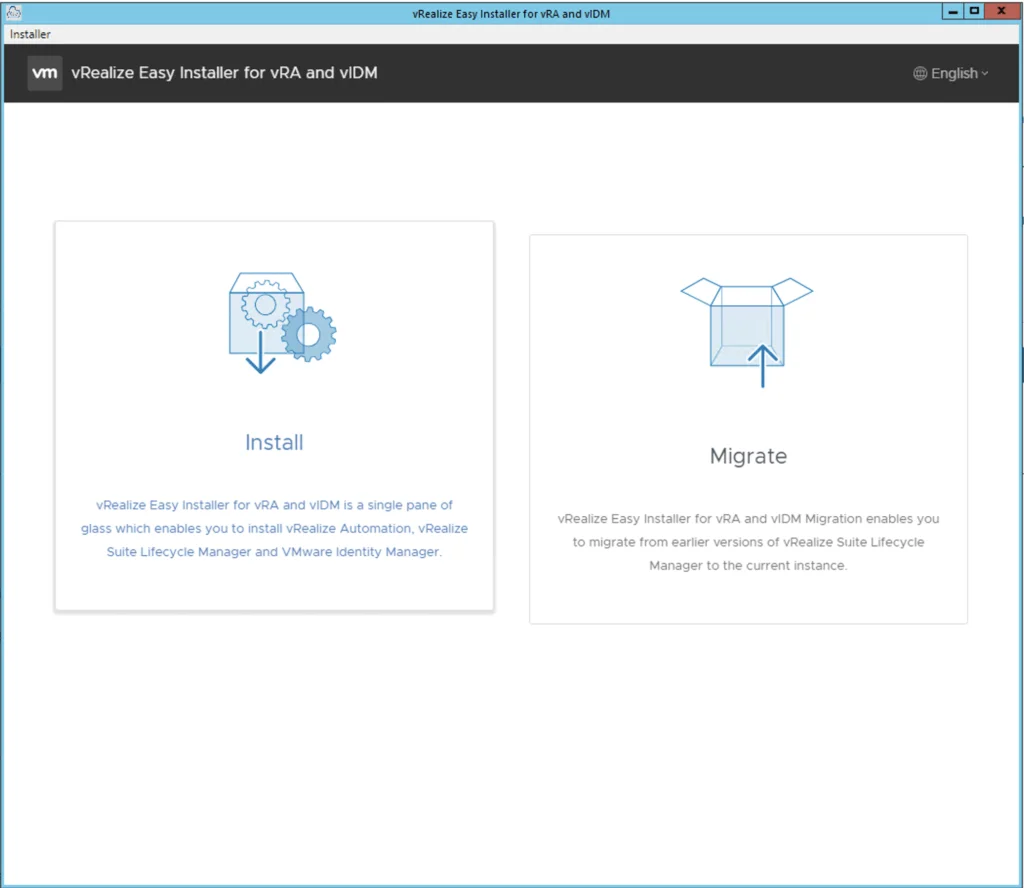
The image shows the vRealize Easy Installer for vRA and vIDM interface with options to "Install" and "Migrate" applications.

Deploying vRA 8.6.1 using the Easy Installer

In this guide i will go over the deployment of vRA 8.6.1 using the Easy Installer. The reason i like the Easy Installer is because it deploys everything that i need. vIDM, Lifecycle Manager as well as vRA. To get started we need to download the installer from here. Once downloaded mount the iso as a drive using your favorite tool or extract it as a archive using something like 7-zip Once mounted go to the CDROM in the mac directory if on mac or win32 if you are on windows. In here run the installer file ...

December 7, 2021 · Cosmin Trif