Article cover image

Troubleshooting notification plugins in VCF Operations

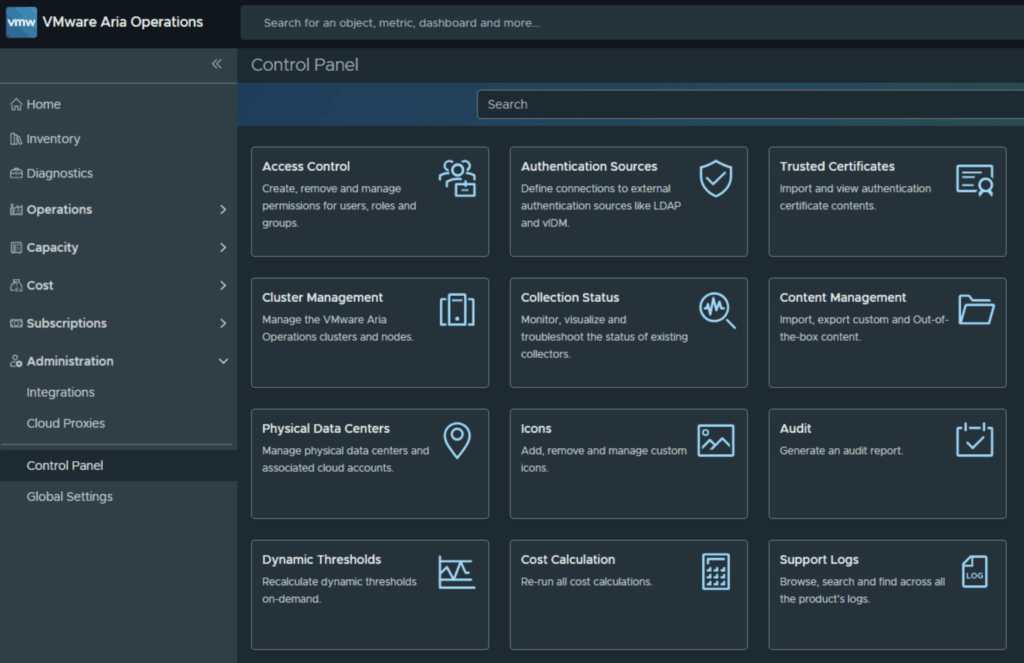
In the world of modern infrastructure operations, observability is only as good as the actions it drives. Integrating VMware Cloud Foundation (VCF) Operations (formerly Aria Operations) with ITSM platforms like ServiceNow is a critical step for many of my clients. It transforms passive monitoring into active incident management. However, as with any integration involving webhooks and external APIs, things don’t always go according to plan. Recently, while implementing a ServiceNow integration following standard deployment guides (kudos to Brock Peterson for his excellent documentation on ServiceNow Management Packs and Webhooks), I hit a roadblock. My instance was failing to send notifications, and the standard UI errors were vague. ...
November 26, 2025 · 4 min · Cosmin
Article cover image

Deploying an External VCF Operations Orchestrator 9 Appliance

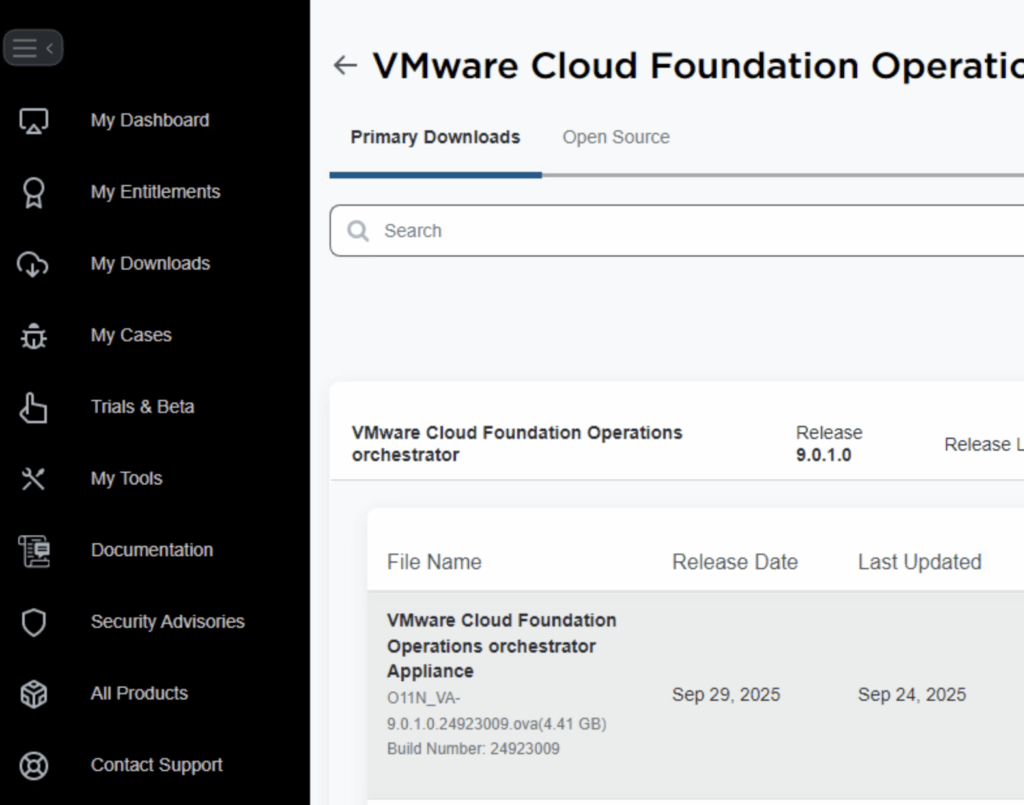
VMware Cloud Foundation (VCF) 9 brings a suite of powerful automation tools, and for many administrators, deploying the Operations Orchestrator (formerly vRO) as a standalone, external appliance provides greater flexibility and isolation. In this guide, I will walk you through the process of deploying VCF Operations Orchestrator 9 using the OVA method, followed by the necessary command-line configurations to get your authentication up and running. Prerequisites Before you begin, ensure you have the following: ...

November 21, 2025 · 3 min · Cosmin
Article cover image

Upgrading VCF Operations to 9.0.1 Using a .PAK File

Upgrading VCF Operations (formerly VMware Aria Operations) is a crucial task to ensure you’re using the latest features, security patches, and performance improvements. In this guide, we’ll walk through the step-by-step process of upgrading VCF Operations using a .pak file. Prerequisites Before starting the upgrade, ensure the following prerequisites are met: Backup the Existing Deployment: • Take a snapshot of all nodes in the Aria Operations (Master, Cloud proxies, and any other nodes). ...

November 12, 2025 · 3 min · Cosmin
Article cover image

Upgrading VCF 9.0 SDDC Manager to 9.0.1: A Step-by-Step Guide

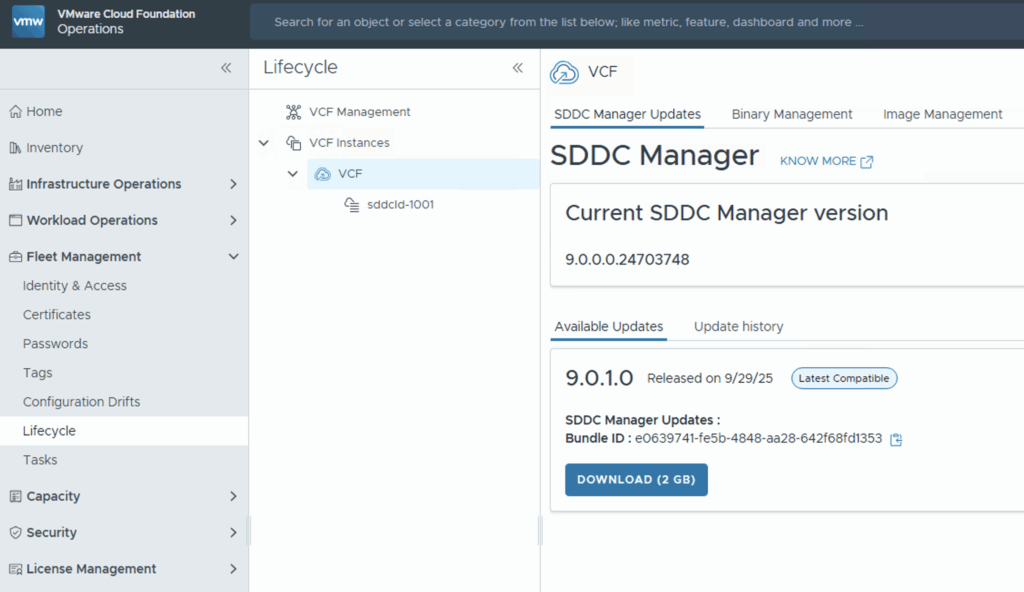
Upgrading your SDDC Manager from version 9.0 to 9.0.1 is a relatively straightforward process when done through the integrated Lifecycle interface. Below is a guide to go over this patch upgrade. 1. Navigate to the Update Section Log into Operations → Fleet Management. Under Lifecycle → VCF Instances, select the VCF instance you want to upgrade. Look for the available update section. If you see SDDC Manager Update 9.0.1, click the Download icon. If no update appears, double-check your depot configuration and ensure your binary repositories are correctly set up. ...

October 9, 2025 · 1 min · Cosmin
Article cover image

Deploying VCF Fleet Management 9 from OVA: A Step-by-Step Guide

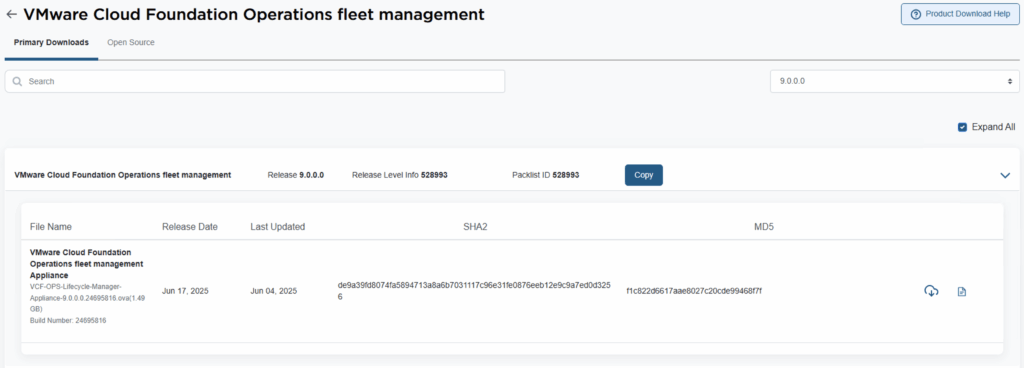
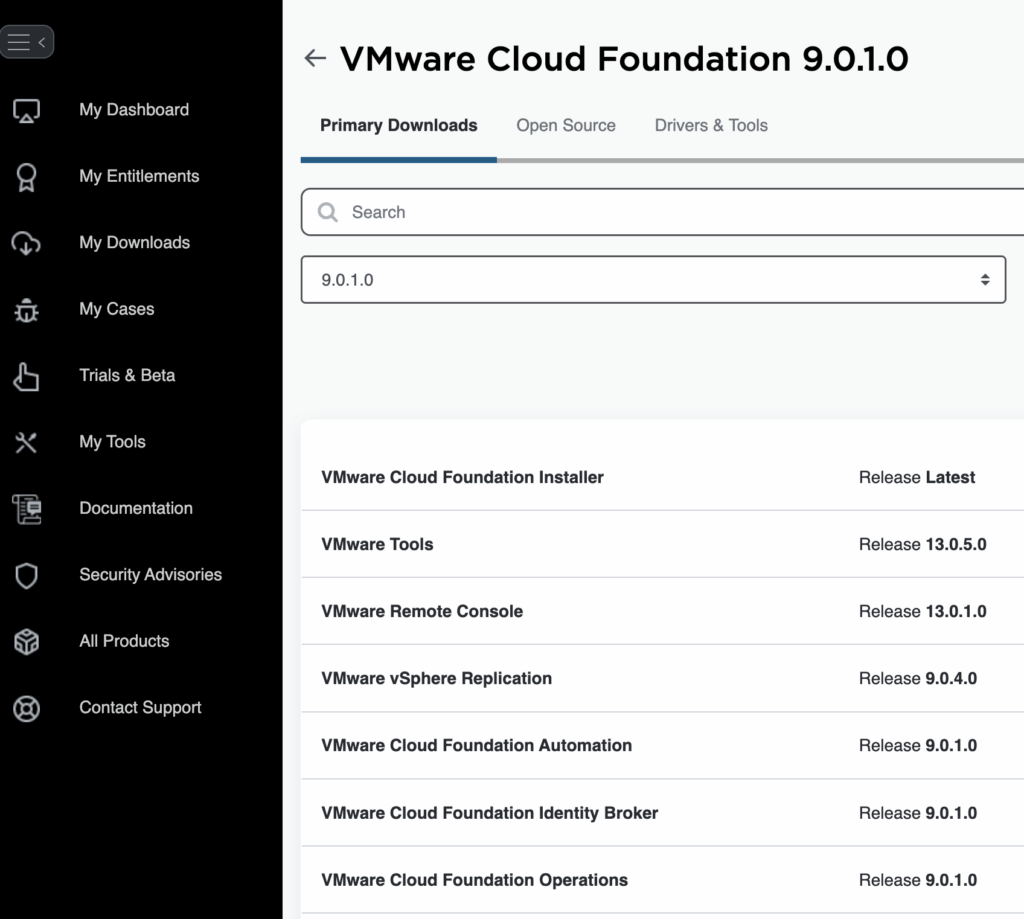
Deploying the VCF Fleet Management (Operations / Fleet Manager) appliance using an OVA is a common approach when standing up a new VMware Cloud Foundation (VCF) 9 environment or re-deploying the component. Below is a refined guide covering the deployment, configuration, and integration steps. 1. Prerequisites & Downloading Binaries Before you deploy the OVA: Log into the Broadcom Support Portal and obtain the required binaries and OVA files for the Fleet Manager. Direct link can be found here. ...

October 9, 2025 · 3 min · Cosmin
Article cover image

Upgrading VCF 9.0.0 Fleet Management to 9.0.1: A Step-by-Step Guide

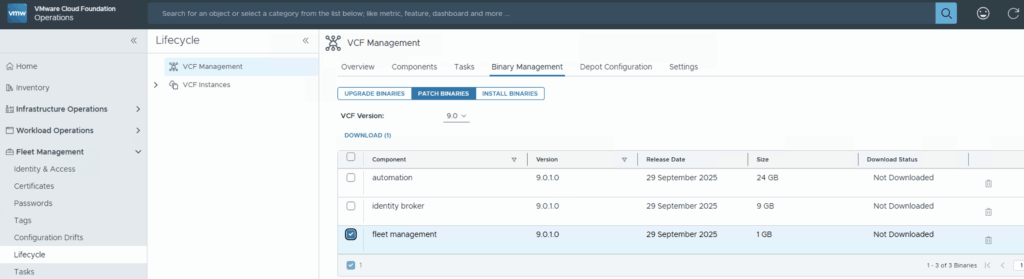
Upgrading your VCF Fleet Management from version 9.0.0 to 9.0.1 is a relatively modest patch update, but careful execution ensures minimal disruption. Below is a step-by-step guide to walk you through the process safely. Download the Patch Download the patch by going to Fleet Management -> Binary Management -> Patch Binaries -> Select fleet management -> Download. Upload & Stage the Patch Once the download is complete go to Settings -> System Patches -> New Patch ...

October 9, 2025 · 1 min · Cosmin
Article cover image

Deploying VCF Operations 9 from OVA: A Step-by-Step Guide

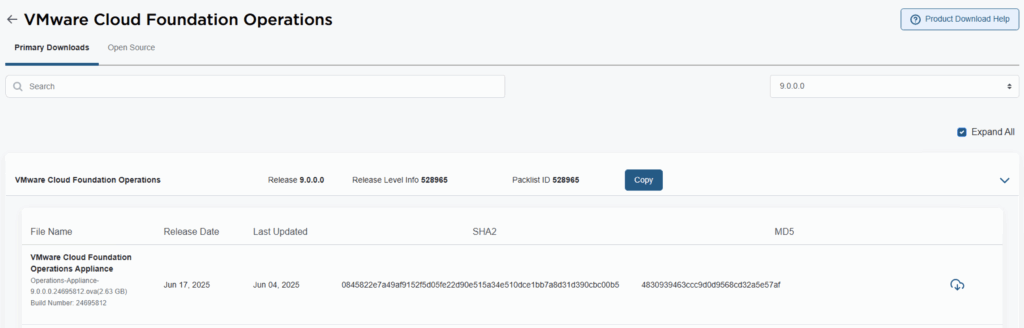
VMware Cloud Foundation 9 (VCF 9) introduces a streamlined deployment experience with the VCF Installer appliance, replacing the older Cloud Builder model. One of the core components in that workflow is VCF Operations, which provides unified lifecycle, monitoring, and fleet management across your private cloud environment. In this guide, we walk through deploying VCF Operations 9 from an OVA, detailing prerequisites, deployment steps, and post-deploy tasks. 1. Prerequisites & Preparation Before you deploy, make sure these items are in place: ...

October 3, 2025 · 3 min · Cosmin

Fixing “PostgreSQL won’t start after reboot” on VCF Operations Fleet Management 9.0.1 — and automating it

When upgrading the VCF Operations Fleet Management appliance to 9.0.1, you might hit a reboot surprise: vPostgres fails to start, and the fleet-management certificate is regenerated. You’ll see journal errors like: pg_ctl: could not open PID file "/var/vmware/vpostgres/current/pgdata/postmaster.pid": Permission denied systemd[1]: vpostgres.service: Control process exited, code=exited, status=1/FAILURE Broadcom’s KB confirms the symptoms and provides the manual steps to fix permissions on the Postgres data dir and to normalize the regenerated cert/key filenames, followed by service restarts. (manual steps) Fix pgdata permissions chmod 700 /var/vmware/vpostgres/current/pgdata/ Normalize the regenerated certificate & key in /opt/vmware/vlcm/cert by renaming the timestamped server.crt.* / server.key.* back to server.crt / server.key, then restart services (nginx, vrlcm-server.service) and verify status/logs. One-shot automated remediation (idempotent) Run this as root on the Fleet Management appliance (e.g., via SSH). It: ...

September 30, 2025 · 4 min · Cosmin

WordPress to Cloudflare Workers: how I statically mirrored my entire site (and kept search & lightbox!)

I wanted to cache everything behind Cloudflare and stop worrying about PHP, MySQL, and plugin drift on my backup site cosmin.gq. I tried one-click export plugins (both the free and paid Simply Static), but I couldn’t get a clean export that behaved like the live site. So I rolled up my sleeves and wrote a Bash script that: crawls the site using the official sitemaps (including .gz children), mirrors HTML + assets incrementally, cleans up quirks like ?p= permalinks, generates a small search index (no dependencies, no bs4), adds a lightweight lightbox for images, and serves it all from Cloudflare Workers Static Assets with a smart router that understands /path, /path/, /path.html, and /path/index.html. Below is the story of how each section of the script came to be, what went wrong, what I learned, and why each piece is there. ...

August 22, 2025 · 27 min · Cosmin
Article cover image

Suppress ESXi Host Alerts in VCF Operations 9 When a Host Enters Maintenance Mode

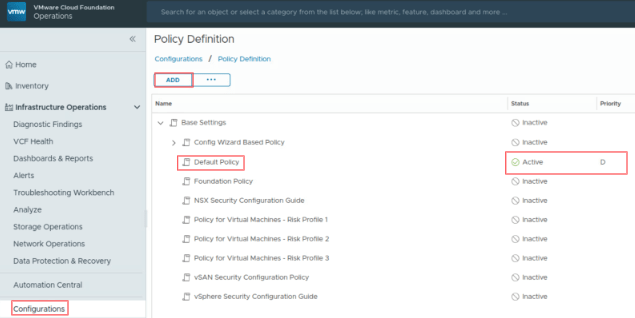
When a vSphere admin places an ESXi host in vCenter maintenance mode, VCF Operations should automatically suppress host alerts for that object, without pausing metric collection, and then restore alerting when maintenance ends. Why this approach? In VCF 9, you can avoid alert noise during maintenance in two ways: Maintenance Schedules – pause both collection and alerts during a defined window (best for planned maintenance). Policy-based alert suppression (this post) – keep metrics flowing but disable host alert definitions while the host is in maintenance. This is done with a policy attached to a dynamic custom group keyed to the host’s Maintenance Mode property. Note on naming: In VCF 9, VCF Operations is the successor to Aria/vRealize Operations and is part of the unified Cloud Foundation experience. If you’re upgrading from Aria Operations, see Broadcom’s “Upgrade to VCF Operations 9.0.” ...

July 30, 2025 · 3 min · Cosmin
VCF Assistant
Hi! I'm the VCF Assistant. Ask me anything about VMware Cloud Foundation, ESXi, vCenter, NSX, Aria Suite, or infrastructure automation.