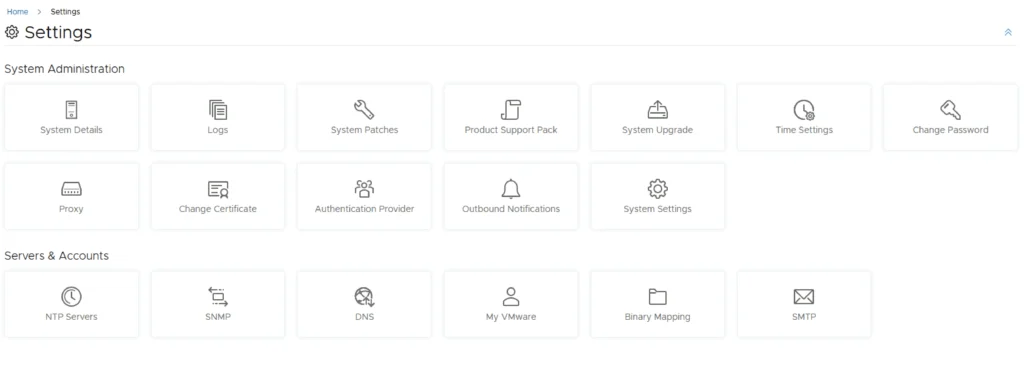
Settings page with options for system administration and server accounts, including upgrade, patches, and accounts management.

Upgrading VMware Aria Automation Config to 8.16.2

In this post I will go over upgrading my 8.x SSC appliance to 8.16.2. As a pre requirement we do need to have VMware Aria Suite Lifecycle upgraded to 8.16. Instructions can be found here. The upgrade does not include the latest PSPACK that contains the 8.16.2 Aria Automation Config release. Instructions to get the PSPACK can be found on my other blog post here. Downloading the 8.16.2 Binaries To get started we can go to VMware Aria Suite Lifecycle -> Lifecycle Operations -> Settings -> Binary Mapping. (If you haven’t added your My VMware credentials you will need to do that first by going to VMware Aria Suite Lifecycle -> Lifecycle Operations -> Settings -> My VMware) ...

Upgrading VMware Aria Automation Config to 8.16.2
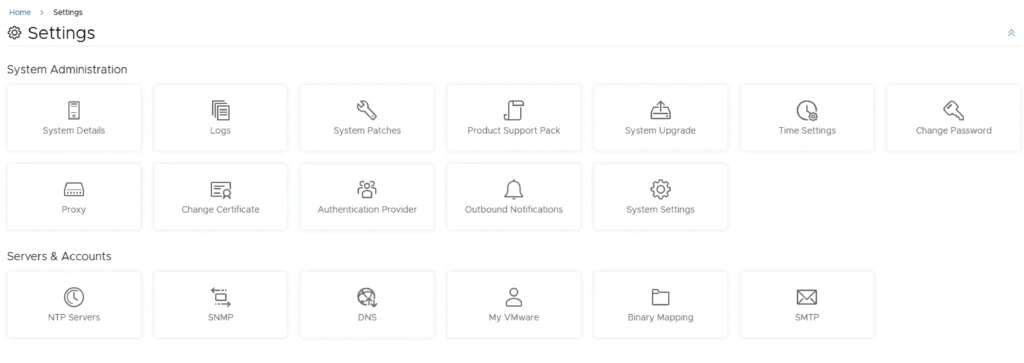
Settings page with options for system administration and servers/accounts.

Upgrading VMware Aria Automation to 8.16.2

In this post I will go over upgrading my 8.x vRA appliance to 8.16.2. As a pre requirement we do need to have VMware Aria Suite Lifecycle upgraded to 8.16. Instructions can be found here. The upgrade does not include the latest PSPACK that contains the 8.16.2 VMware Aria Automation release. Instructions to get the PSPACK can be found on my other blog post here. Downloading the Upgrade Binary via Binary Mapping To get started we can go to VMware Aria Suite Lifecycle -> Lifecycle Operations -> Settings -> Binary Mapping. (If you haven’t added your My VMware credentials you will need to do that first by going to VMware Aria Suite Lifecycle -> Lifecycle Operations -> Settings -> My VMware) ...

Upgrading VMware Aria Automation to 8.16.2
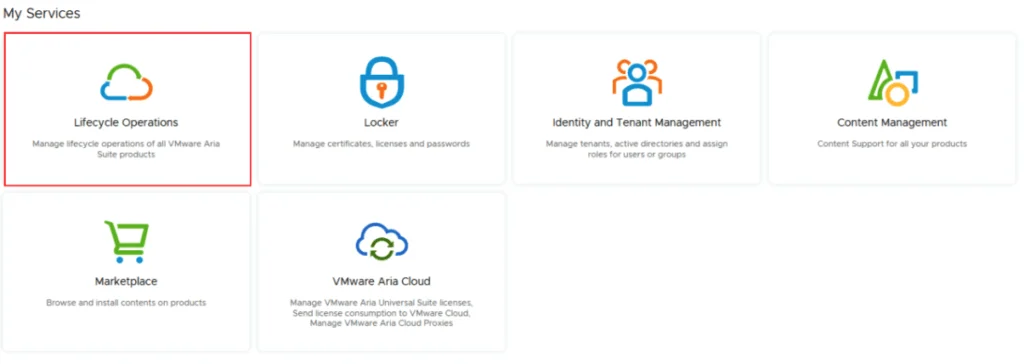
VMware Aria Suite Lifecycle Operations, Marketplace, Locker, Identity Management, Content Management, and VMware Aria Cloud options.

VMware Aria Suite Lifecycle Product Support Pack (PSPAK) Upgrade

I documented this manual Product Support Pack workflow on an existing 8.x Aria Suite Lifecycle appliance. For background, see VMware’s Product Support Pack overview. Typically the newer Product Support Pack is included part of the upgrade for LCM, however sometimes there are product releases in between releases where product support packs come in handy. Locating the Product Support Pack Settings The first step is to log in to vRealize Suite Lifecycle Manager under the Lifecycle Operations section ...

VMware Aria Suite Lifecycle Product Support Pack (PSPAK) Upgrade

Enhancing vCenter Server Firewall Management with Ansible

In today’s dynamic IT environments, maintaining a secure and efficient infrastructure is paramount. For VMware vSphere administrators, managing the firewall settings on vCenter servers is a critical task that ensures the security of the entire virtualized infrastructure. Ansible, an open-source automation tool, offers a streamlined approach to managing firewall settings across multiple vCenter servers. This blog post will guide you through automating vCenter server firewall configurations using Ansible, showcasing how to apply these changes across multiple servers seamlessly. ...

Enhancing vCenter Server Firewall Management with Ansible

Streamlining vCenter Server Firewall Management with SaltStack Config

In the realm of VMware vSphere management, securing your vCenter Server is critical to maintaining a robust and secure infrastructure. SaltStack Config, integrated into VMware’s vRealize Automation suite, offers a powerful way to automate and manage configurations across your VMware environment, including firewall settings. This blog explores how to leverage SaltStack Config to automate firewall adjustments on your vCenter servers, ensuring consistent security policies and simplifying the process across multiple instances. ...

Streamlining vCenter Server Firewall Management with SaltStack Config

Managing the ESXi SSH Server Firewall Exception Across Hosts with PowerCLI

VMware PowerCLI can manage the firewall exceptions on ESXi hosts through vCenter Server. The commands in this guide change the SSH Server firewall exception on ESXi; they do not configure the firewall of the vCenter Server Appliance (VCSA). Enabling this exception permits inbound SSH traffic through an ESXi host’s firewall. It does not start the SSH service. Opening SSH on many hosts also increases the management-plane attack surface, so target only the hosts that require access and disable the exception as soon as the work is complete. ...

 · Updated  · 
Managing the ESXi SSH Server Firewall Exception Across Hosts with PowerCLI

Mastering the /v1/credentials API in SDDC Manager for Enhanced Security Management

In the rapidly evolving landscape of VMware’s Cloud Foundation, security management is a cornerstone for maintaining the integrity and confidentiality of the software-defined data center (SDDC). The SDDC Manager, a critical component of VMware’s Cloud Foundation, offers a comprehensive suite of APIs for managing various aspects of the SDDC, including credentials management. This blog post delves into the specifics of leveraging the /v1/credentials API in SDDC Manager, offering a detailed guide for VMware professionals to enhance their security posture through efficient credentials management. ...

Mastering the /v1/credentials API in SDDC Manager for Enhanced Security Management
URL path for an SDDC Manager task in the API Explorer.

Canceling a Running Task in SDDC Manager with the Supported API

SDDC Manager exposes a supported Tasks API for canceling some running workflows. The important word is some: a task must be in the IN_PROGRESS state and its task record must report isCancellable: true. Cancellation is not a rollback. Work already completed by the task can remain in place. This guide uses only the public /v1/tasks and /v1/tokens endpoints documented in the current SDDC Manager API, reviewed against the VCF 9.x API selector on August 25, 2026. For an older VCF release, confirm that release’s API Explorer exposes the same operations and schema before using the commands. It does not delete internal task registrations or modify SDDC Manager’s database. ...

 · Updated  · 
Canceling a Running Task in SDDC Manager with the Supported API
VMware Aria Suite lifecycle upgrade interface with options like Lifecycle Operations, Locker, Identity and Tenant Management, Content Management, Marketplace, and VMware Aria Cloud.

VMware Aria Suite Lifecycle upgrade to 8.16

In this guide I will go over the steps of getting an existing 8.x vRSLCM appliance upgraded to the latest 8.16 release. The release notes can be found here. We can upgrade from vRealize Lifecycle Manager to VMware Aria Suite Lifecycle. The first step is to log in to VMware Aria Suite Lifecycle under the Lifecycle Operations section ...

 · Updated  · 
VMware Aria Suite Lifecycle upgrade to 8.16

Navigating Alerts, Symptoms, and Notifications in VMware Aria Operations

In the realm of IT infrastructure management, staying ahead of potential issues and ensuring optimal performance are paramount. VMware Aria Operations, formerly known as vRealize Operations (vROps), provides a comprehensive solution for monitoring, troubleshooting, and optimizing virtual environments. A critical feature of Aria Operations is its alerting system, which uses symptoms to detect issues and then notifies administrators through various channels. This blog explores the intricacies of alerts, symptoms, and notifications within VMware Aria Operations, offering a guide to effectively utilizing these features for maintaining a healthy IT environment. ...

Navigating Alerts, Symptoms, and Notifications in VMware Aria Operations