Deploying VMware Identity Manager (vIDM) in a VMware Cloud Foundation (VCF) 5.2.1 environment has been simplified with VMware Aria Lifecycle Manager. This guide walks you through setting up vIDM using Aria Suite Lifecycle Manager, ensuring streamlined access control across the VMware suite in your VCF deployment. The official documentation can be found here. Let’s dive in.
Prerequisites
- VCF 5.2.1 Environment: Ensure your VCF environment is running version 5.2.1. A upgrade Guide can be found here.
- Aria Suite Lifecycle Manager Appliance: Aria Lifecycle Manager must be configured within the VCF environment. A deployment guide can be found here.
- Network and DNS: Verify that DNS and network configurations are set up for Aria Lifecycle Manager and the vIDM instance.
- Download VMware Aria product binaries from the Broadcom Support Portal. After downloading, you can either map them locally or use NFS to make them available.
Access Aria Lifecycle Manager
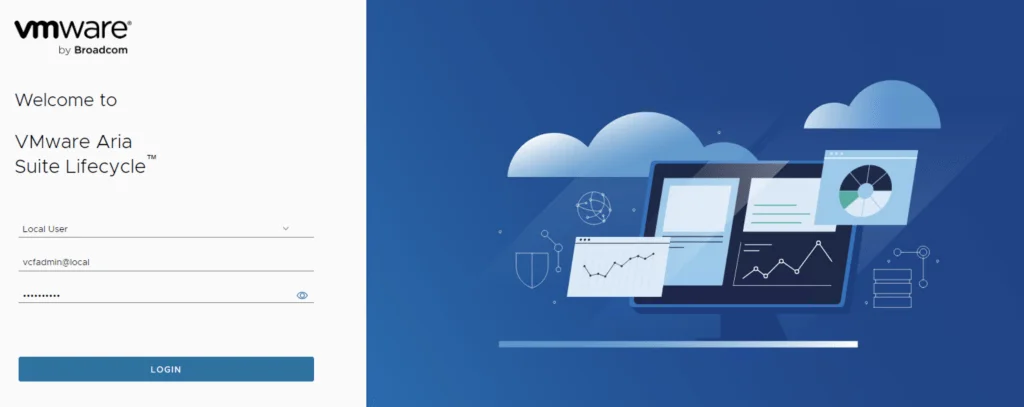
- Log in to the Aria Lifecycle Manager UI.
- Use the administrator credentials configured during the initial setup (typically
vcfadmin@local). - Ensure that the Aria Suite Lifecycle Manager version is compatible with VCF 5.2.1 to avoid compatibility issues.

Configure and deploy vIDM
- Navigate to Lifecycle Operations
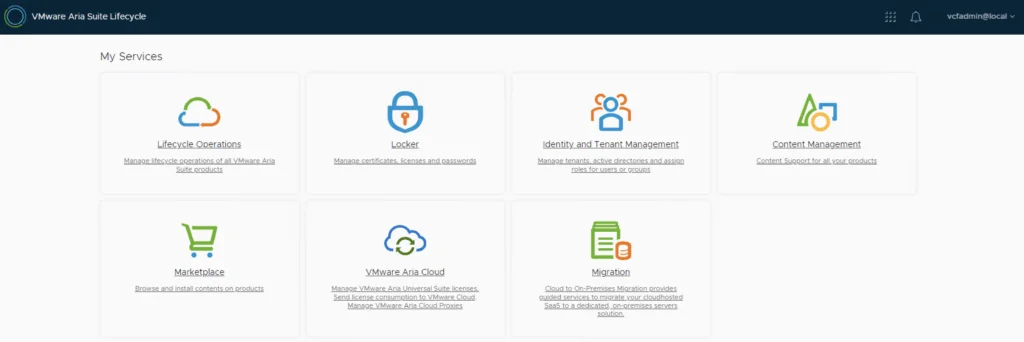
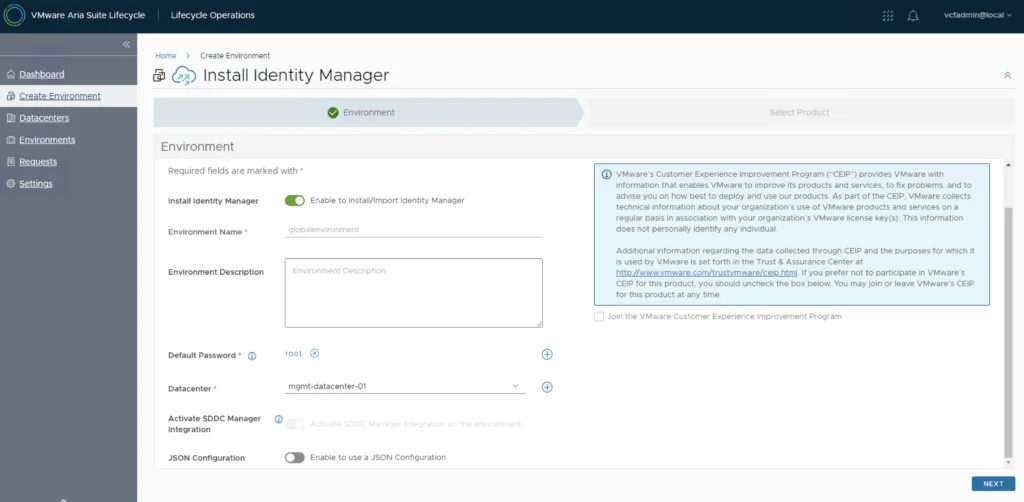
- Create Environment and add your VCF environment details.
- Toggle the Enable to Install/Import Identity Manager to enable the vIDM deployment.
- Select the Password to use for the deployment. If one doesn’t exist it can be added in the locker.
- Select the Datacenter target
- Click Next.
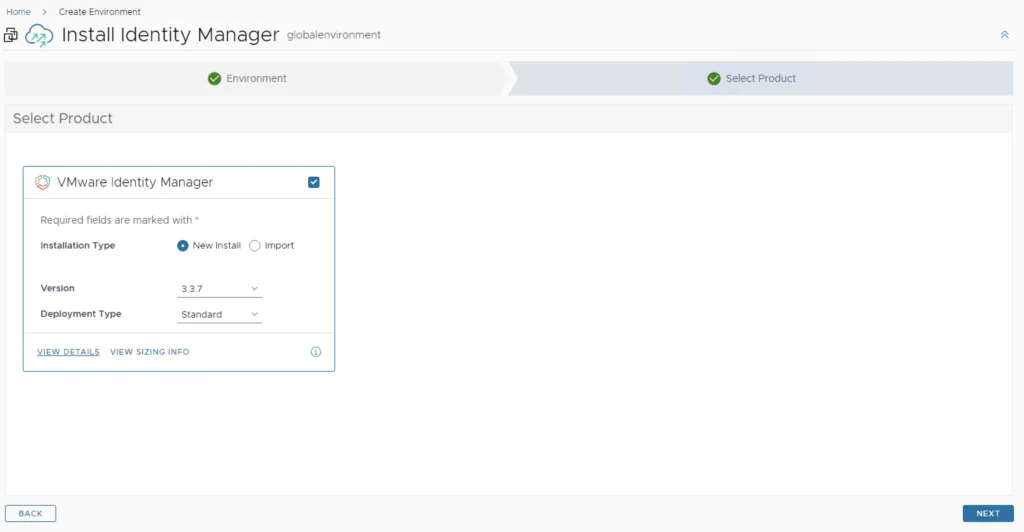
- If you experience error No content found corresponding to SDDC Manager version 5.2.1 This could be due to version incompatibility between VMware Aria Suite Lifecycle and SDDC Manager update to the latest PSPACK. Instructions can be found here.
- Select the version and click Next
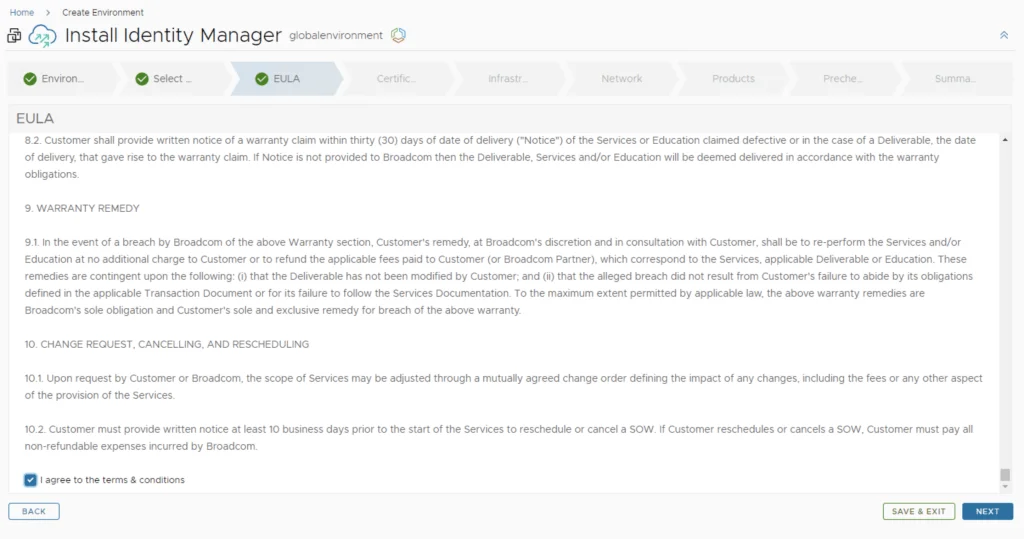
- Agree to the agreement and click Next
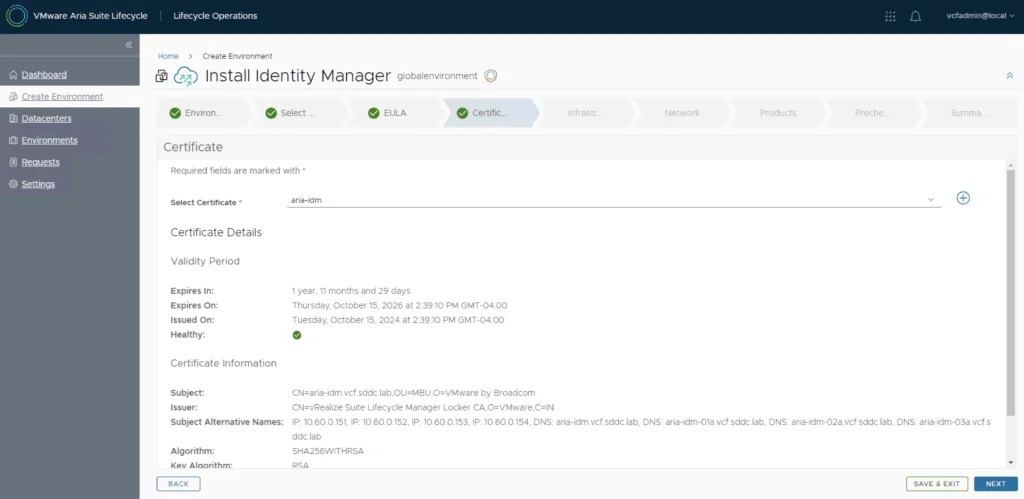
- Select the Certificate to be used and click Next.
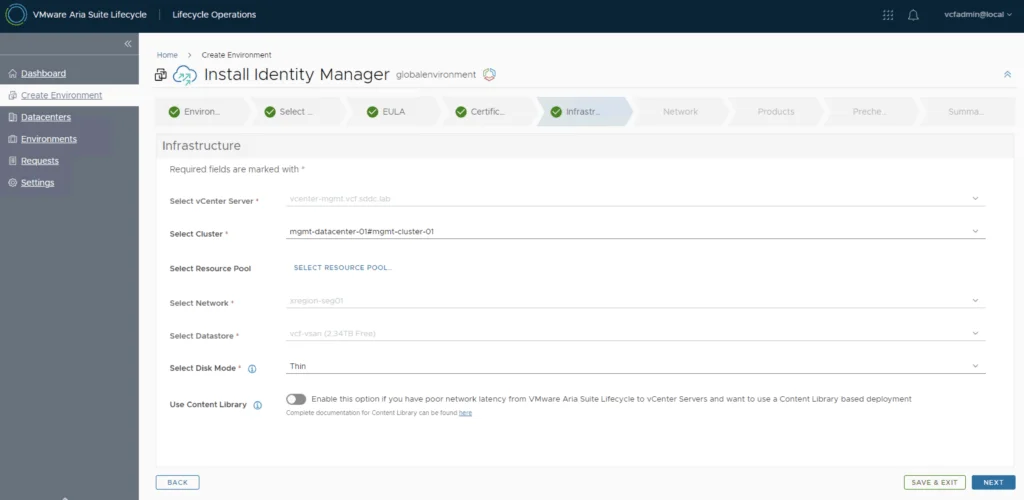
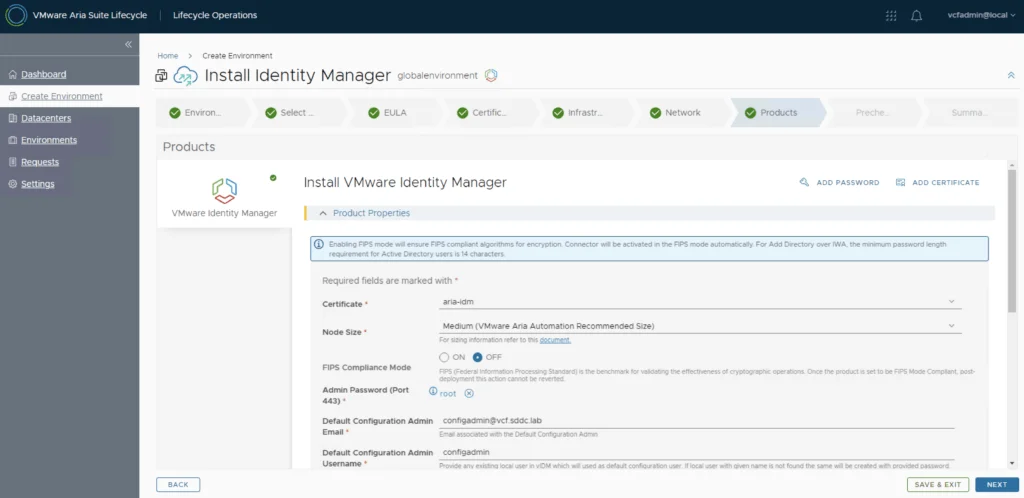
- As we can see the VCF integration completes most of the fields for us. Review the information and click Next.
- Review the management network IP, subnet, gateway, and DNS settings. Click Next.
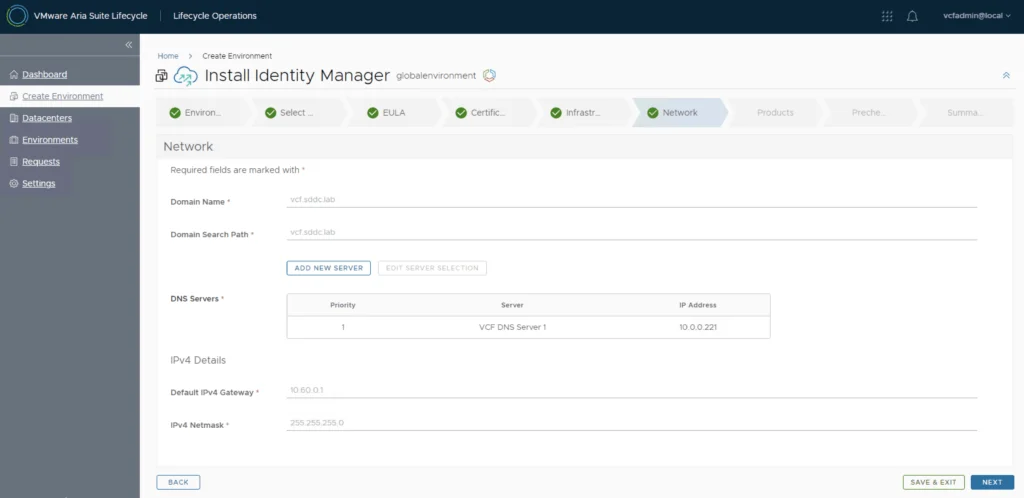
- Complete the additional network configuration and click Next.
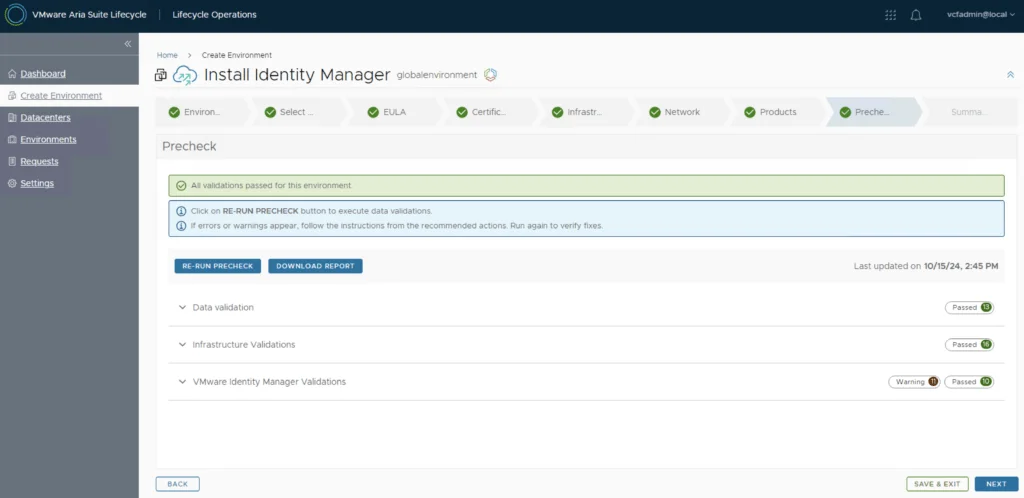
- Run and review the precheck and click Next.
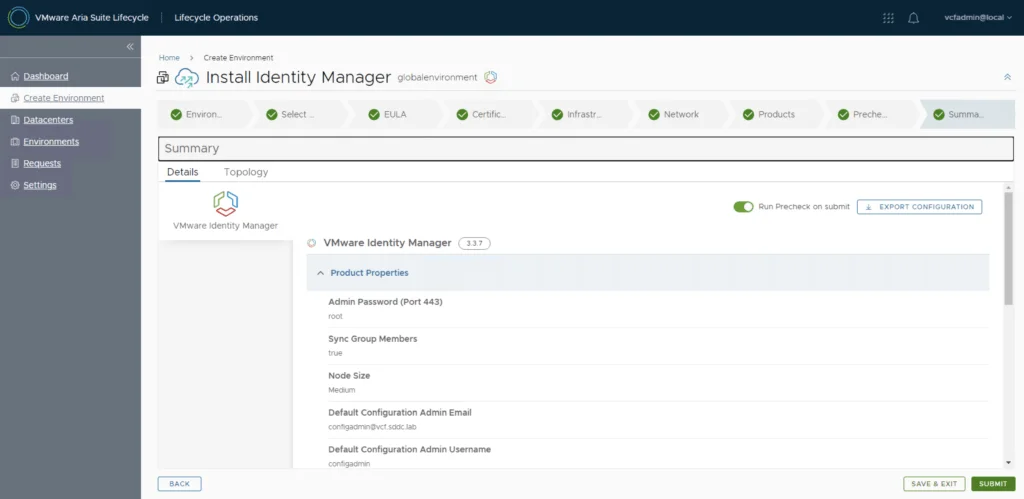
- Review the information and click Submit.
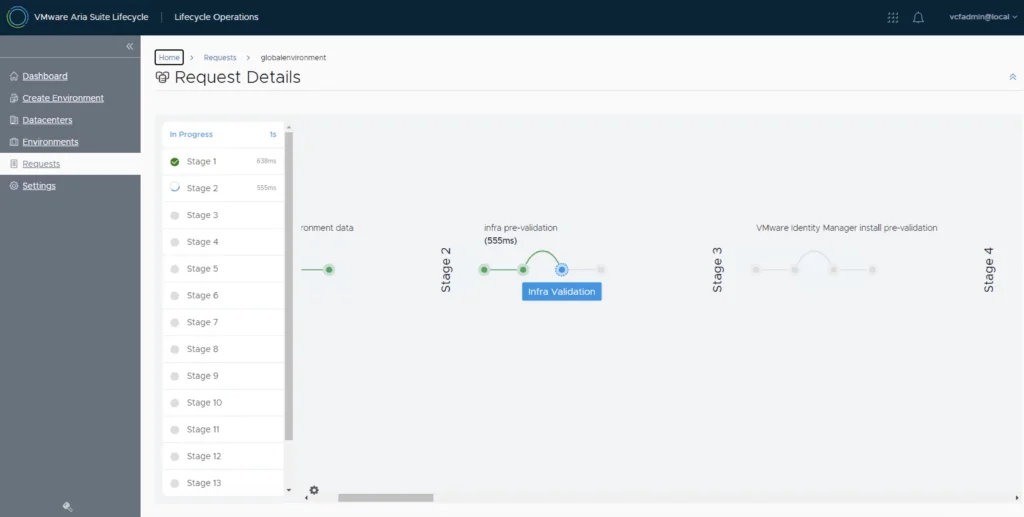
- The process started the upgrade
Post-Deployment Validation
- Once deployment completes, verify vIDM accessibility by navigating to its management URL.
- Log in with the administrator credentials to confirm access.
Conclusion
Deploying vIDM using VMware Aria Lifecycle Manager within VCF 5.2.1 enhances your environment’s manageability and access security. Leveraging ALCM simplifies the process, automates many of the configuration steps, and ensures a scalable setup aligned with VCF standards.
This guide should streamline your deployment and integration experience, providing robust SSO management across VMware solutions in VCF.