In this blog we will go over deploying a VCF 9 instance using existing components. This assumes the VCF Installer appliance is already deployed and configured.
Once logged on and binaries downloaded we can go through the Deployment wizard
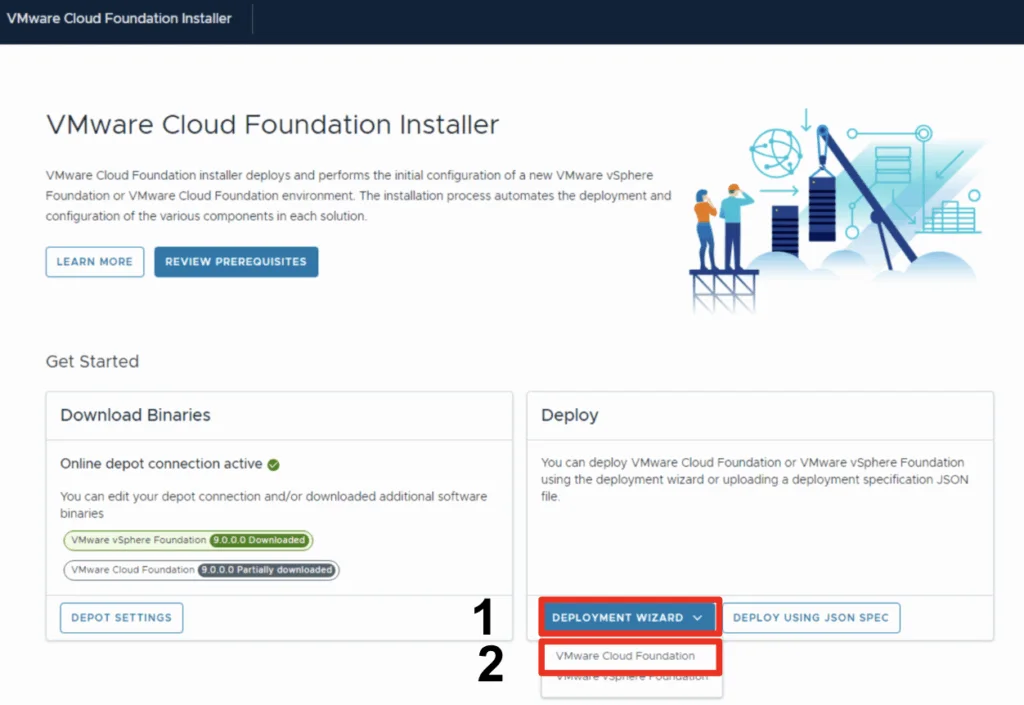
- Click Deployment Wizard to bring up the menu
- Click on VMware Cloud Foundation

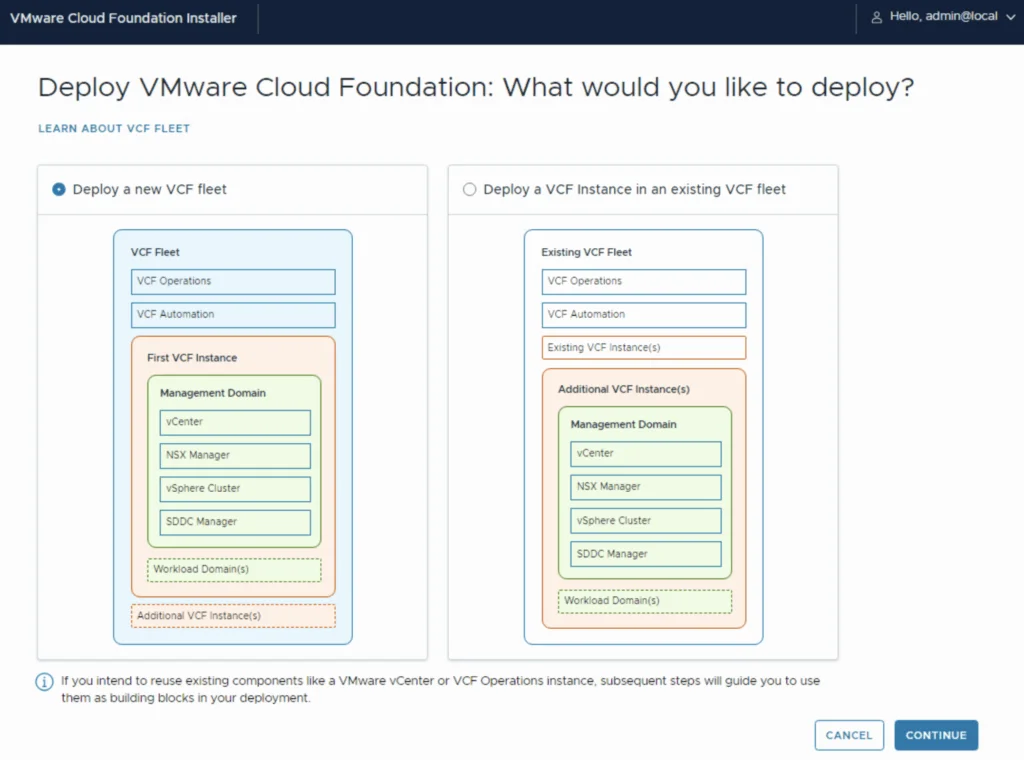
Because I do not yet have any environments upgraded to the new fleet management this will be a new VCF Fleet.
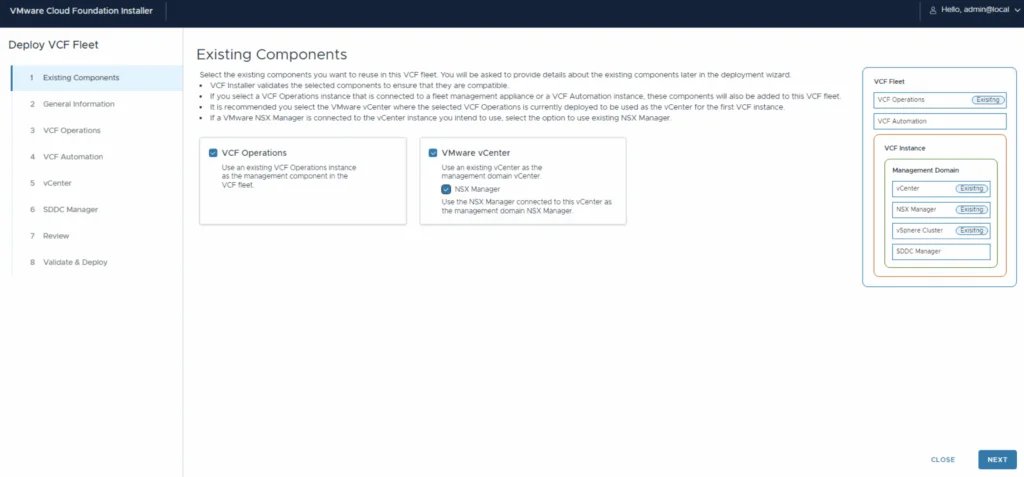
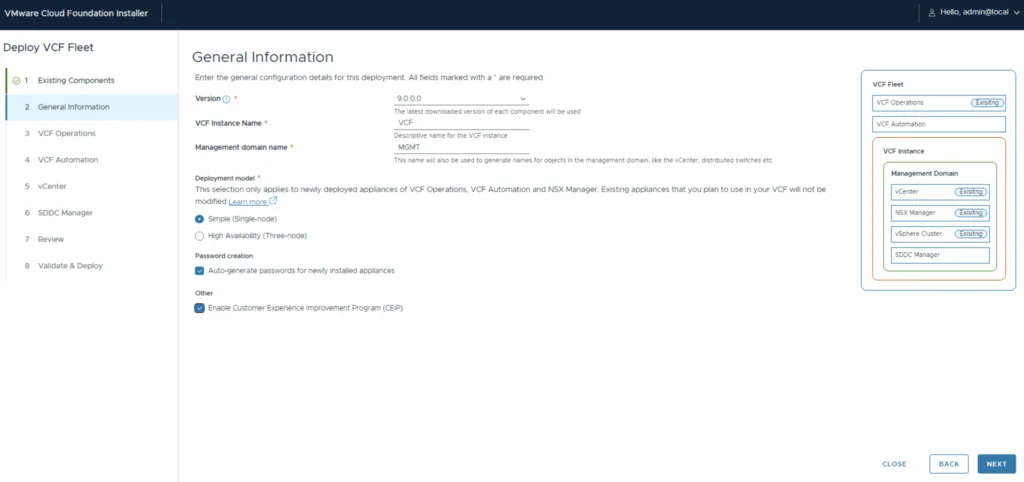
Through the deployment wizard we can select existing components and provide general information:
Picking existing components
General information as well as the ability to Auto-generate passwords for the newly installed appliances.
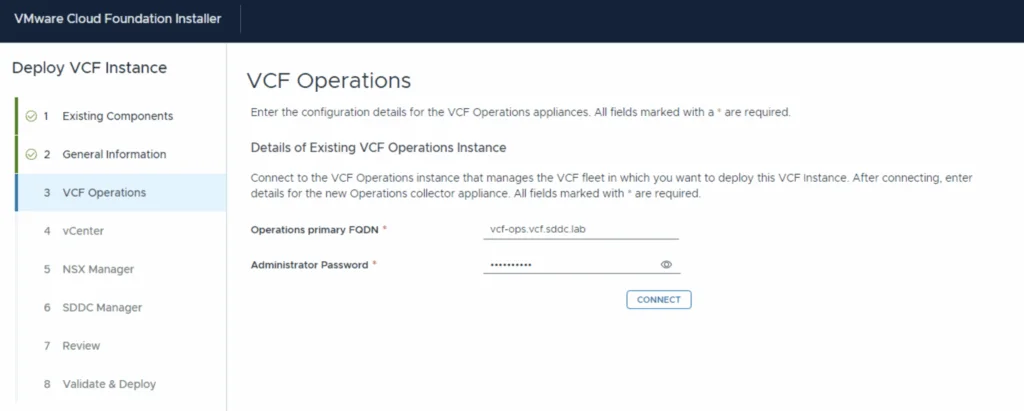
Next we can enter the details for the existing VCF Operations instance.
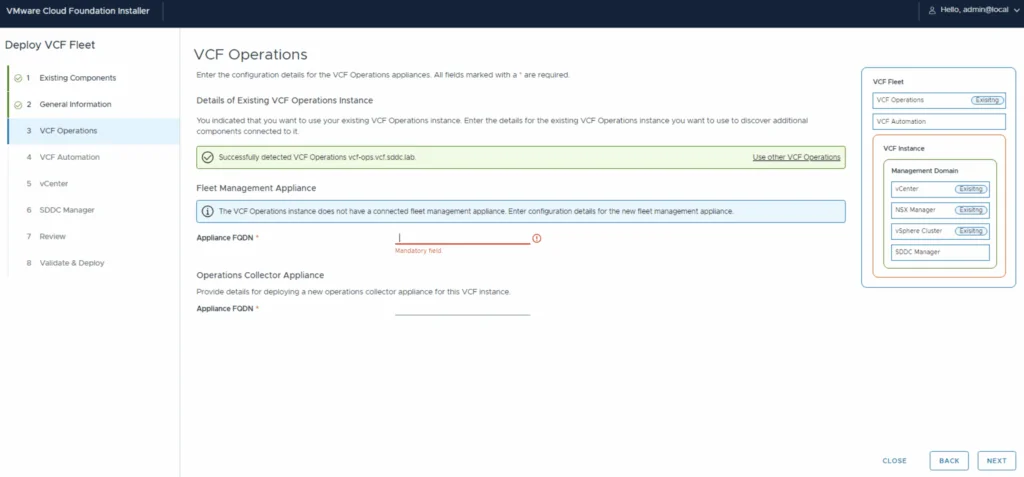
Once we click connect we get presented with additional configuration details. ex new operations collector appliance and fleet management appliance.
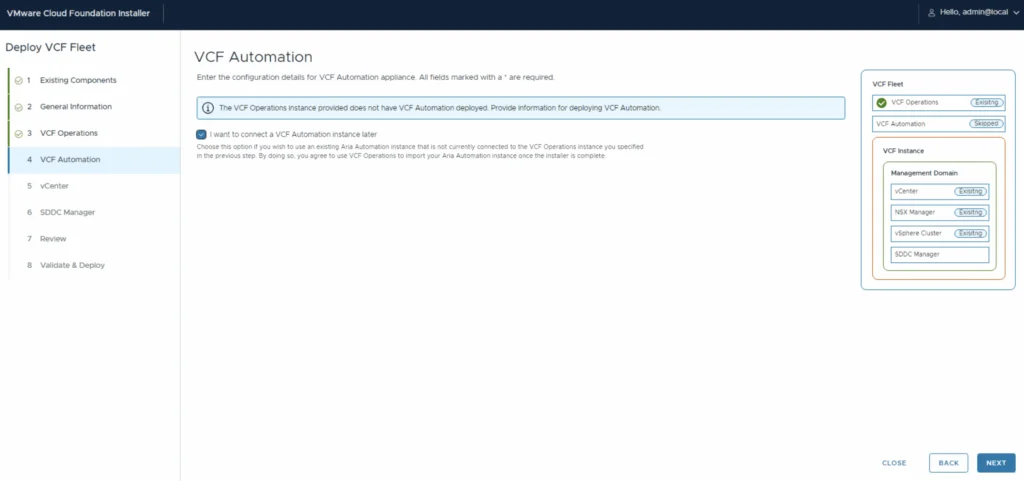
I am going to import my Automation later
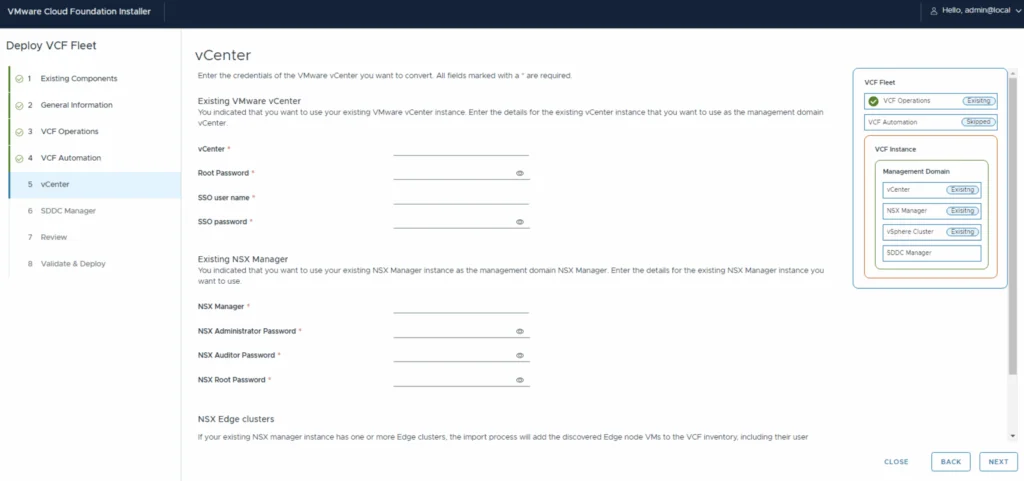
Next up is vCenter and NSX
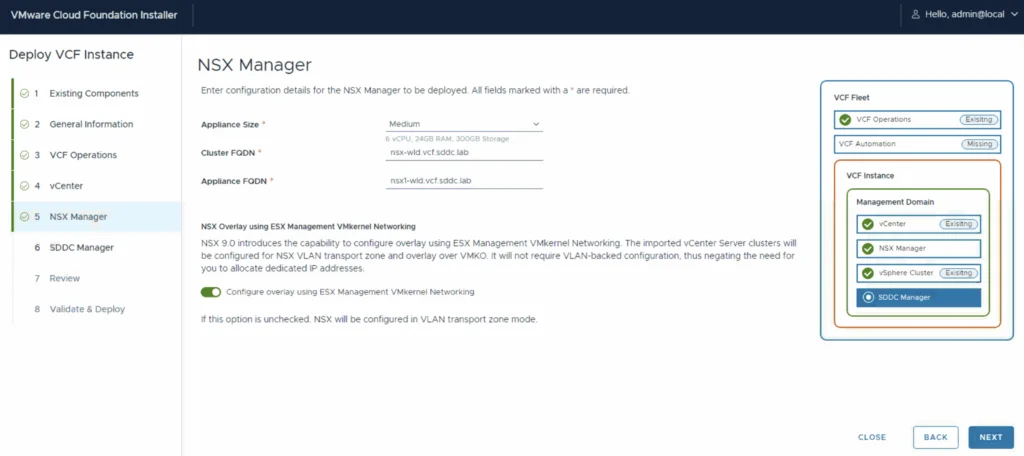
If I were to deploy a new instance the NSX Manager configuration also allows us to configure the NSX Overlay
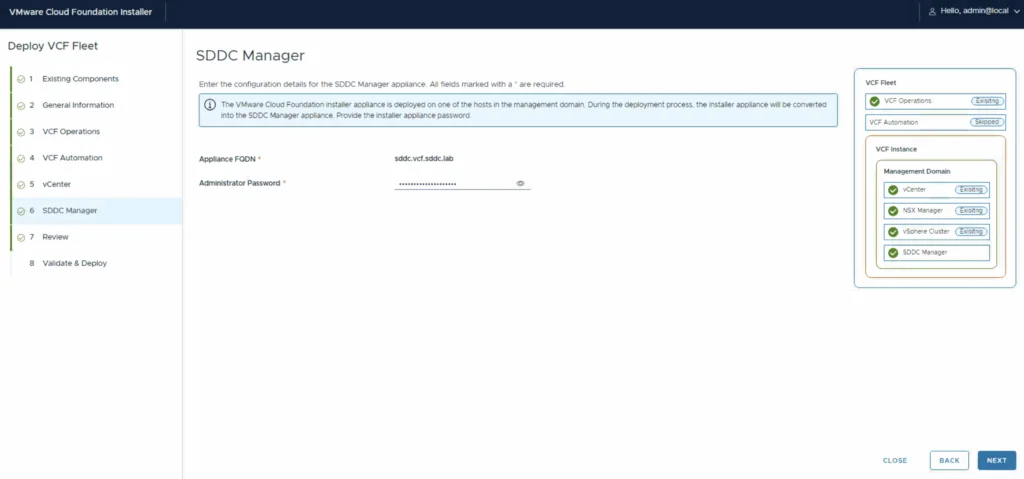
The installer VM will get converted into the SDDC Manager appliance
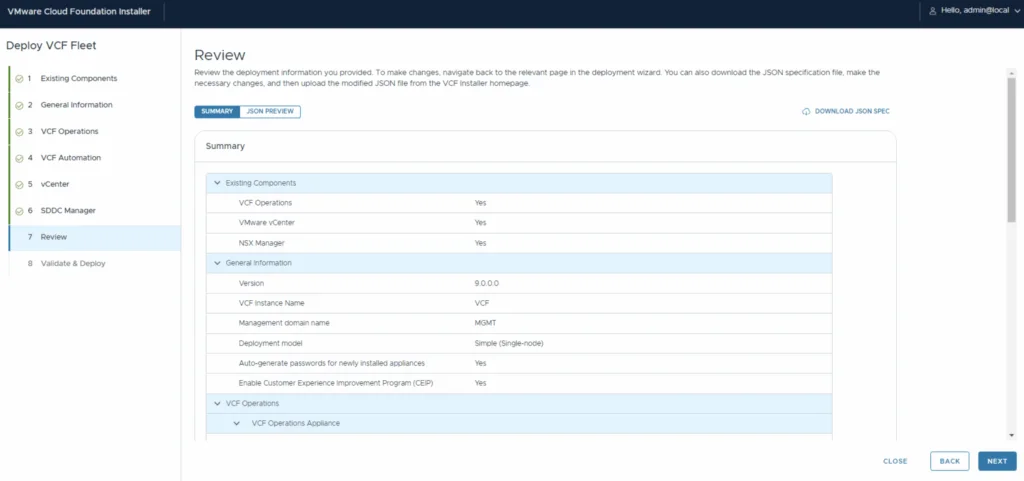
Once completed we can review the entered information as well as download a json spec
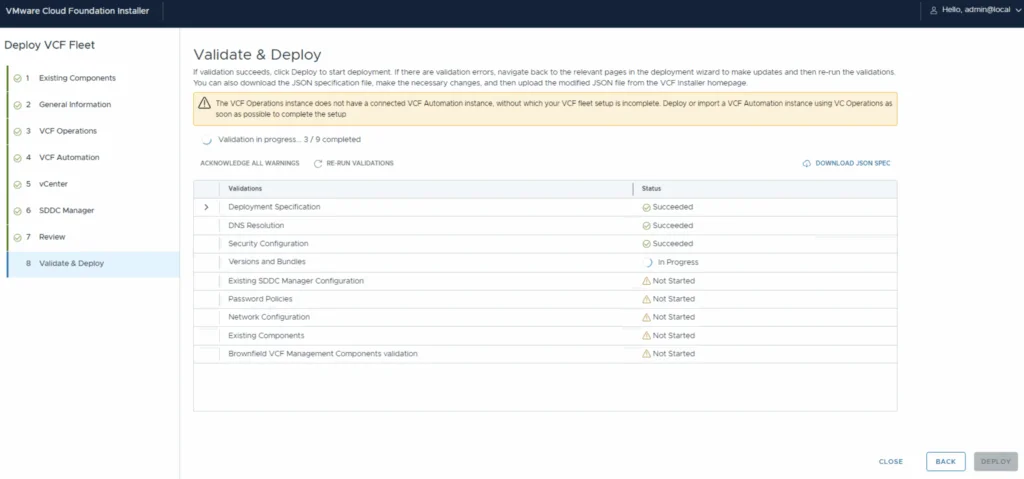
The system will start validating and stop if there are issues