In this guide we will go over Creating a Credential for MongoDB in vROPS for the True Visibility Management pack. The original documentation was posted here however it hasn’t yet been updated to vROPS 8.6 and the new vROPS cloud.
Procedure
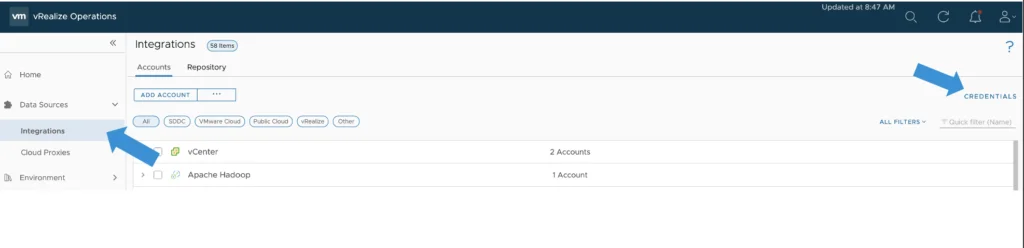
- From the Left navigation bar, select Data Sources -> Integrations -> Credentials

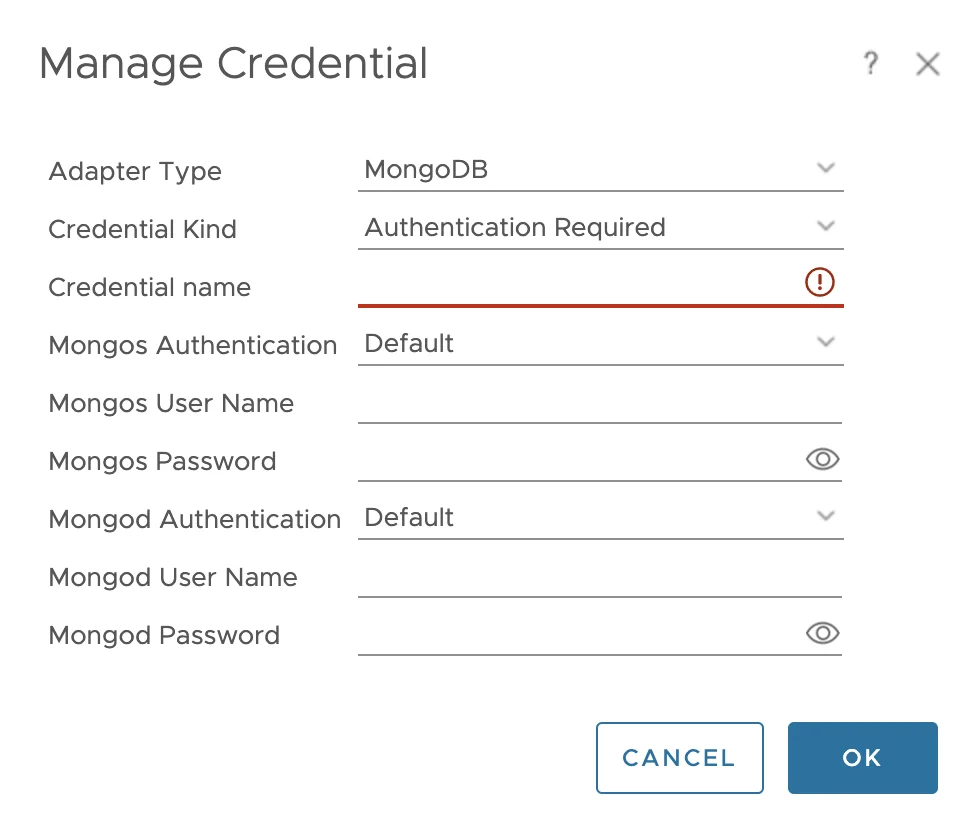
Click the Add button on the top left. In the Manage Credential window that appears, select whether or not authentication is required for your MongoDB environment, then enter the information indicated below:
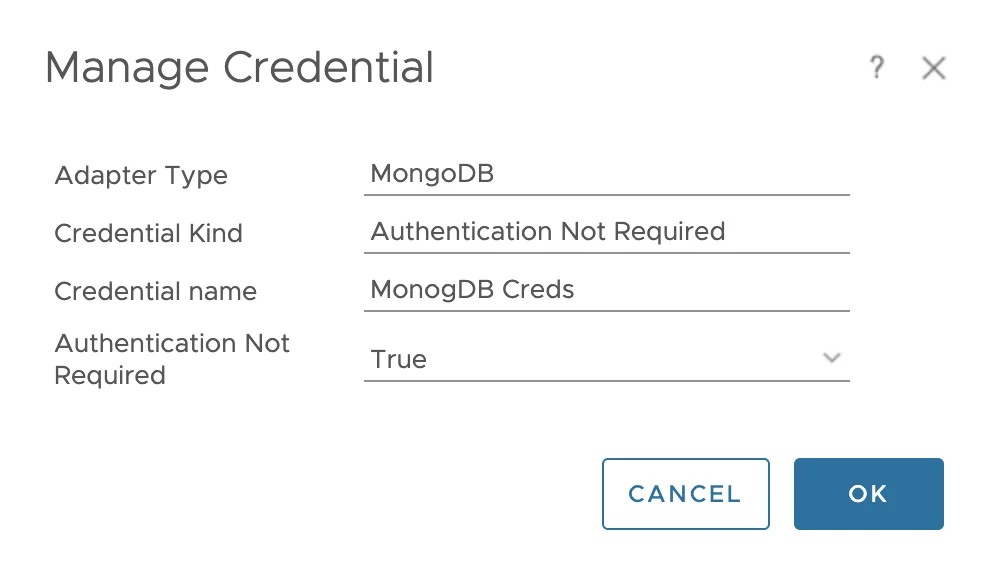
If authentication is required we would just select Authentication required under Credential Kind