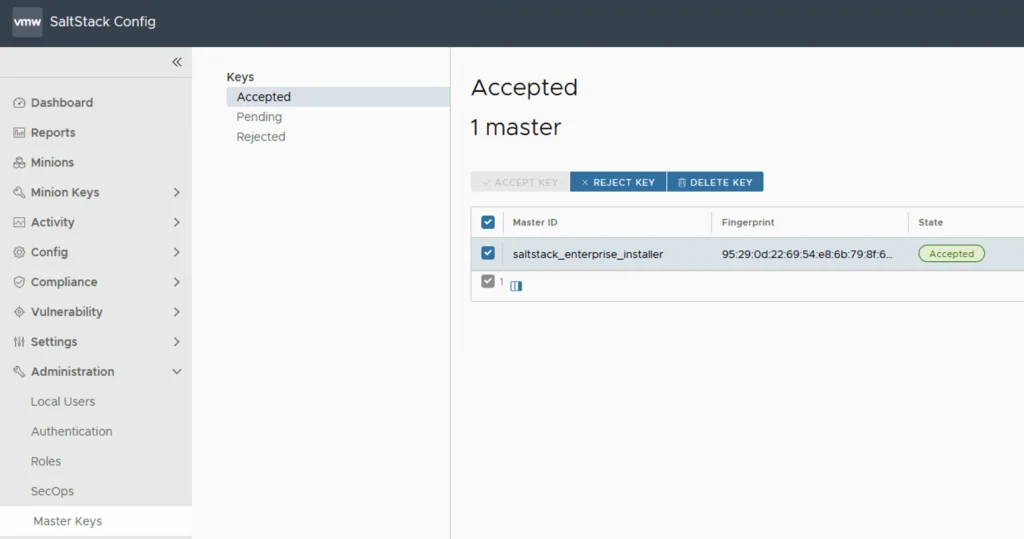
SaltStack Config dashboard with accepted master key, fingerprint, and state.

SSC 8.8 Authentication failed: no Authorization header

I recently upgraded my LCM deployed SSC server to 8.8.x. If you need a guide to go through the upgrade you can find my other post here. After the upgrade was completed I was noticing strange behavior in the SSC UI so I checked the status the of the services. Here are the errors I found and how I fixed them Checking the salt-master Service Status The first step was to check the status of the service ...
SSC 8.8 Authentication failed: no Authorization header
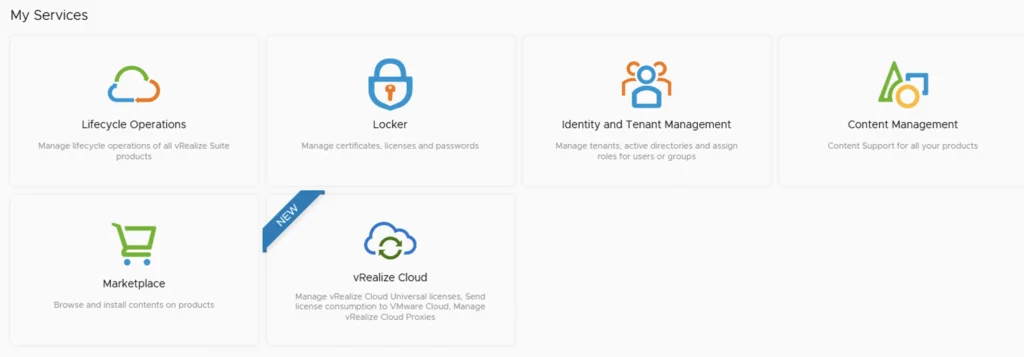
My Services UI showing lifecycle operations, locker, identity management, content management, marketplace, and vRealize Cloud options.

Upgrading vRSLCM (vRealize Lifecycle Manager) to 8.8.2

In this guide I will go over the steps of getting an existing 8.x vRSLCM appliance upgraded to the latest 8.8.2 release. The release notes can be found here Accessing the System Upgrade Settings The first step is to log in to vRealize Suite Lifecycle Manager under the Lifecycle Operations section ...

Upgrading vRSLCM (vRealize Lifecycle Manager) to 8.8.2
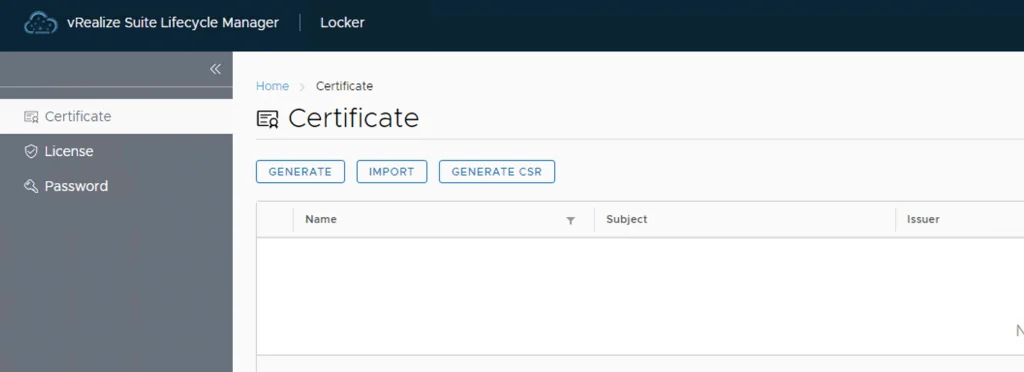
vRealize Lifecycle Manager certificate management interface with options to generate, import, or generate CSR.

vRealize Lifecycle Manager (vRSLCM) 8 Certificate Management

vRealize Lifecycle Manager (vRSLCM) includes a Certificate Management feature. Access it from Home -> Locker -> Certificate. We can generate Self Signed certificates for products managed by Lifecycle Manager as well as certificate requests to be signed by a certification authority Generate a new CSR ...

 · Updated  · 
vRealize Lifecycle Manager (vRSLCM) 8 Certificate Management
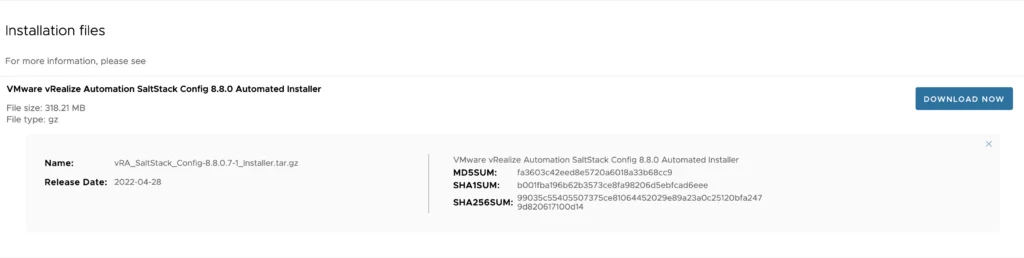
Installation file details for VMware vRealize Automation SaltStack Config 8.8.0 Automated Installer.

SSC 8.8 urllib3 (1.25.11) or chardet (4.0.0) doesn't match a supported version

I recently upgraded my LCM deployed SSC server to 8.8. If you need a guide to go through the upgrade you can find my other post here. After the upgrade was completed I was noticing strange behavior in the SSC UI so I checked the status the of the services. Here are the errors I found and how I fixed them The first step was to check the status of the service ...
SSC 8.8 urllib3 (1.25.11) or chardet (4.0.0) doesn't match a supported version

SSC 8.8 sseapi_rpc_queue: could not connect to SSE server

I recently upgraded my LCM deployed SSC server to 8.8. If you need a guide to go through the upgrade you can find my other post here. After the upgrade was completed I was noticing strange behavior in the SSC UI so I checked the status of the services. Here are the errors I found and how I fixed them The first step was to check the status of the service ...
 · Updated  · 
SSC 8.8 sseapi_rpc_queue: could not connect to SSE server
'My Services' section in vRSLCM, with options like Lifecycle Operations, Locker, Identity and Tenant Management, Content Management, Marketplace, and vRealize Cloud.

Upgrading vRSLCM (vRealize Lifecycle Manager) to 8.8

In this guide I will go over the steps of getting an existing 8.x vRSLCM appliance upgraded to the latest 8.8 release. The release notes can be found here The first step is to lo in to vRealize Suite Lifecycle Manager under the Lifecycle Operations section Go to settings -> System Upgrade ...

Upgrading vRSLCM (vRealize Lifecycle Manager) to 8.8
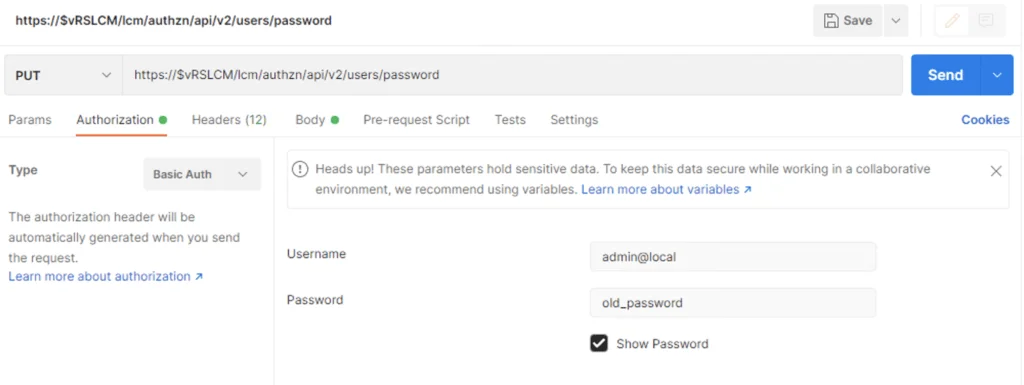
API request setup for changing vRSLCM admin password via Postman.

vRSLCM 8.x change admin@local password via API

I recently had an use case where I wanted to change the admin@local LCM password via an API call in order to automate the password rotation. If you need a guide to get started you can find my other blog here To change the password we can use postmanPUT call to https://$vRLCM/lcm/authzn/api/v2/users/password Don`t forget to include the new password under the body field formatted in JSON format ex: ...

vRSLCM 8.x change admin@local password via API
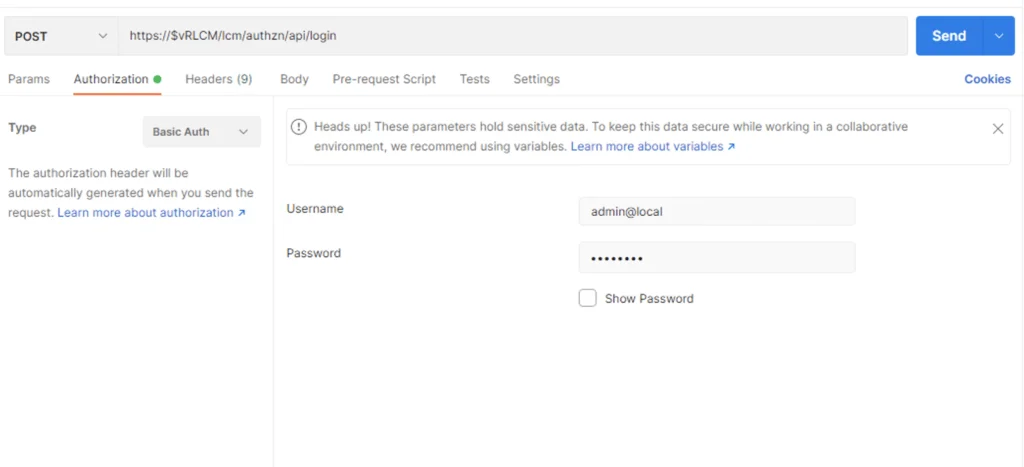
API login form showing username and password fields for vRSLCM 8.

vRSLCM 8 API getting started

I’ve been having a hard time finding one article that covers the vRSLCM (vRealize Suite Lifecycle Manager) API. The official documentation can be found here As we can see we can leverage the swagger UI by going to https://$vRLCM/api/swagger-ui.html but… I wanted to leverage curl from the cli or postman and as per best practices I wanted to generate a Bearer token. Authenticating via Postman First step was to authenticate using the credentials. We can do so in Postman by completing the Authorization fields using basic auth and running an POST against https://$vRLCM/lcm/authzn/api/login Example: ...

vRSLCM 8 API getting started
Screenshot of vRealize Lifecycle Manager services with icons and labels like Lifecycle Operations, Locker, Identity and Tenant Management, Content Management, Marketplace, and vRe...

Upgrading vRSLCM (vRealize Lifecycle Manager) to 8.7

In this guide I will go over the steps of getting an existing 8.x vRSLCM appliance upgraded to the latest 8.7 release. The release notes can be found here The first step is to lo in to vRealize Suite Lifecycle Manager under the Lifecycle Operations section Go to settings -> System Upgrade ...

Upgrading vRSLCM (vRealize Lifecycle Manager) to 8.7
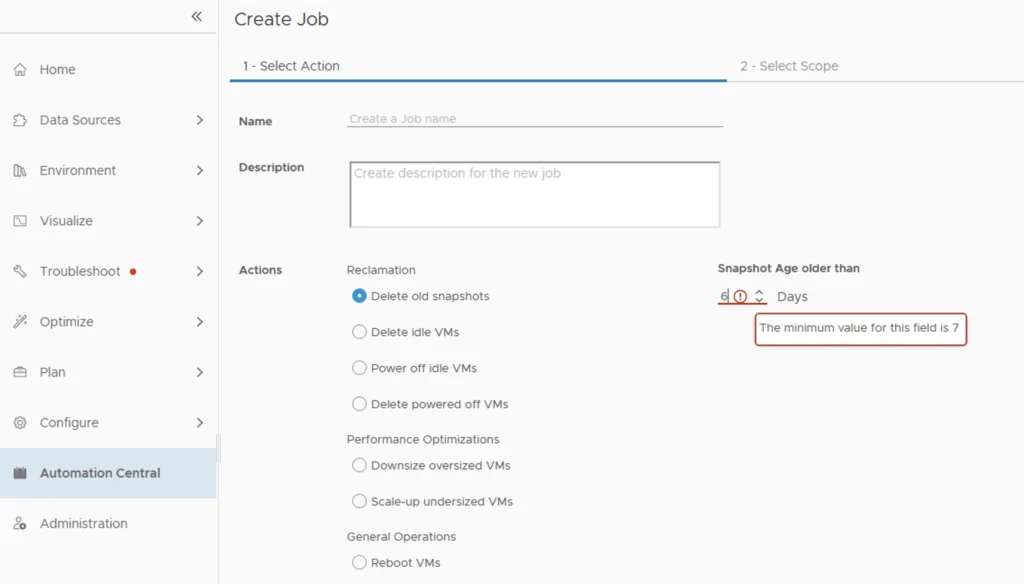
Automation Central job creation wizard shows snapshot age restriction with minimum value of 7 days.

Change Delete old snapshot restriction from 7 days in Automation Central

I recently ran through an issue where I wanted to automatically delete snapshots after 5 days instead of the default 7 days that comes out of box in automation central. I wanted to change delete old snapshot restriction from 7 days to 5 days. It seems like the restriction comes from the Reclaim Settings. In order to change it we can go to Optimize -> Reclaim -> Settings ...

Change Delete old snapshot restriction from 7 days in Automation Central