vROPS 8.6 Administration - Where is it now?
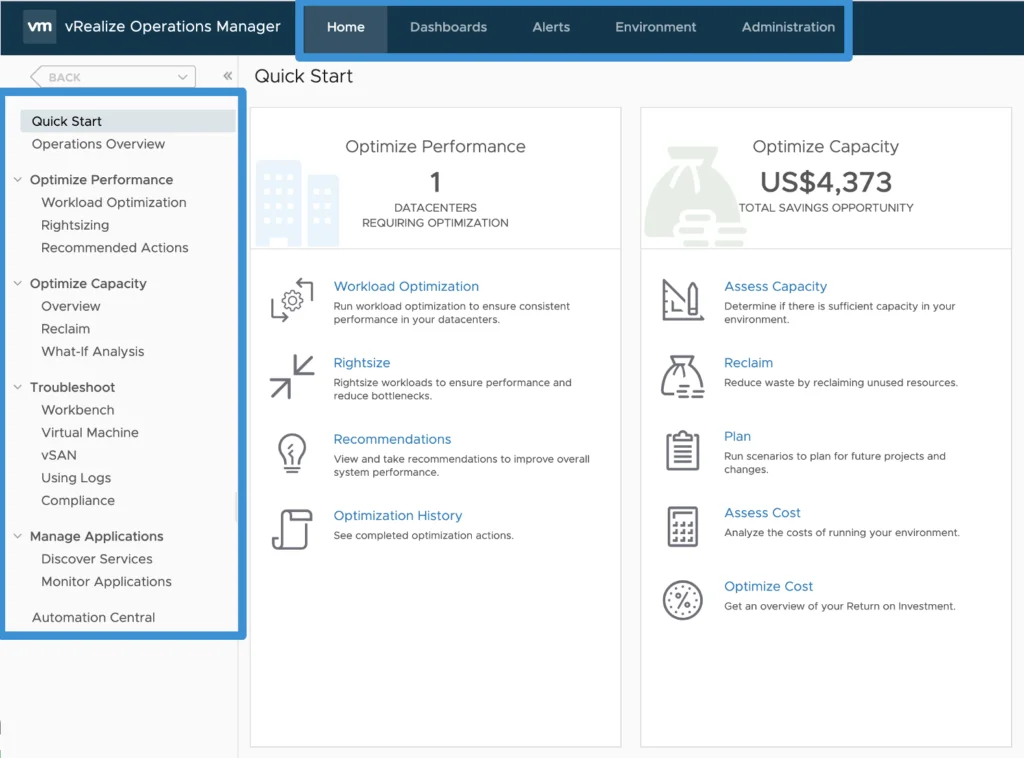
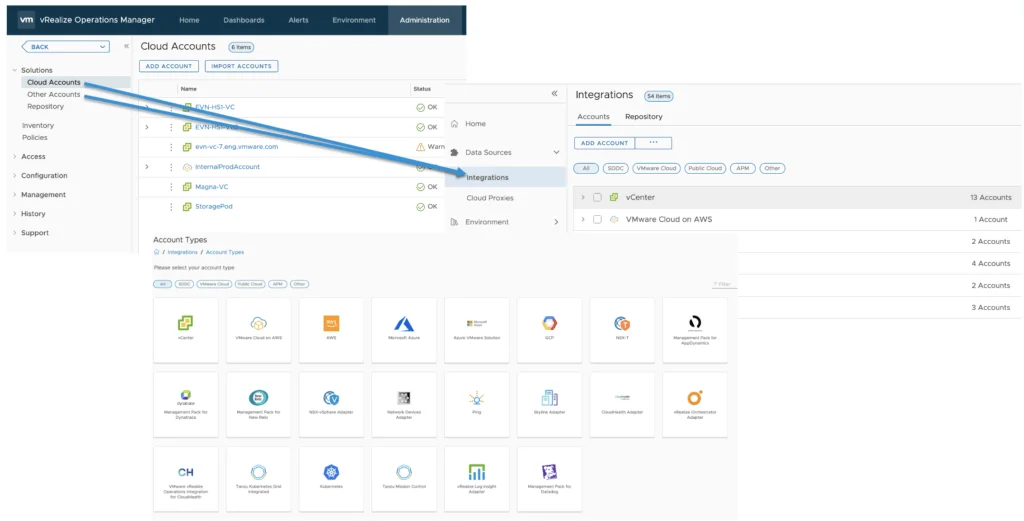
During VMworld 2021 we announced vRealize Operations 8.6 which now provides allot of new features and capabilities. You can see an Whats New overview here as well as a feature walk through here. I this blog we will be focusing specifically on the Administration menu and how it maps to the new 8.6 release. I covered the UI Navigation on my blog other here. As you might be aware the Administration has now been redesigned to make it easier to navigate and find items. Lets jump in to it. ...