vROPS Cloud Proxy docker routing

I recently ran into a problem where i needed to route the subnet that is being used for the docker routing on the vROPS Cloud Proxy appliance. The network used is 172.17.0.0/16. For this we will try to route a portion of that subnet through my ethernet interface To test the configuration out without adding a persistent route i used the following command: ip route add 172.17.11.0/24 via 172.16.11.1 dev eth0 Verify that everything is running properly, if anything went wrong the route should get reverted on the next reboot. If the changes are successful we can add the route as persistent by editing the network configuration using vi: ...

January 18, 2022 · Cosmin Trif
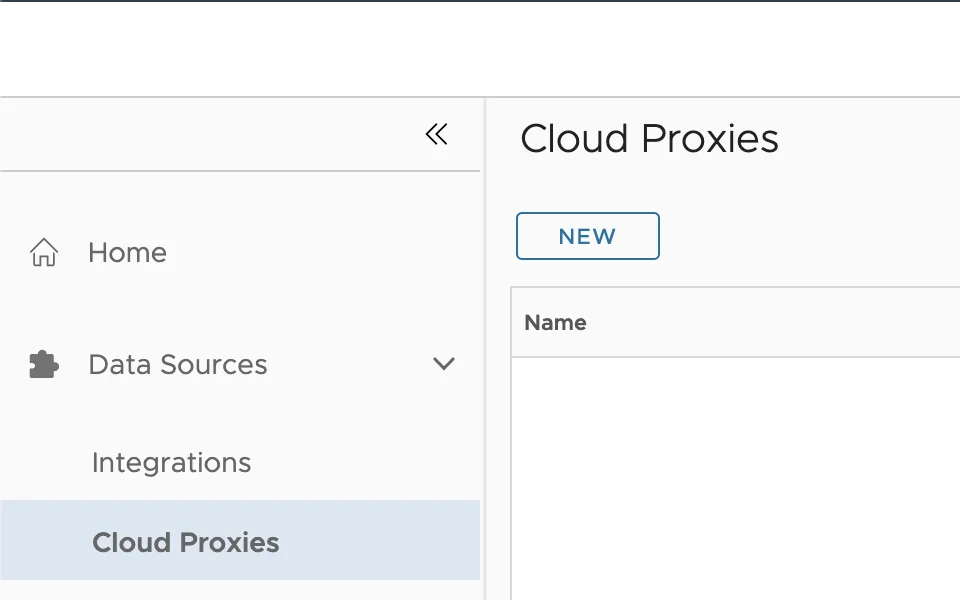
UI shows "Cloud Proxies" with "NEW" button and "Name" field.

Deploying the vROPS cloud proxy

In this guide we will go over Deploying the vROPS cloud proxy for cloud as well as on premise. The official VMware documentation can be found here To get started log in to your vROPS instance. If its cloud it would be something similar to https://www.mgmt.cloud.vmware.com/vrops-cloud/ui/index.action For on premise it would be https://vrops_url/ui/login.action Once you are logged on We can go to Data Sources -> Cloud Proxies and press on New. example: ...

January 4, 2022 · Cosmin Trif
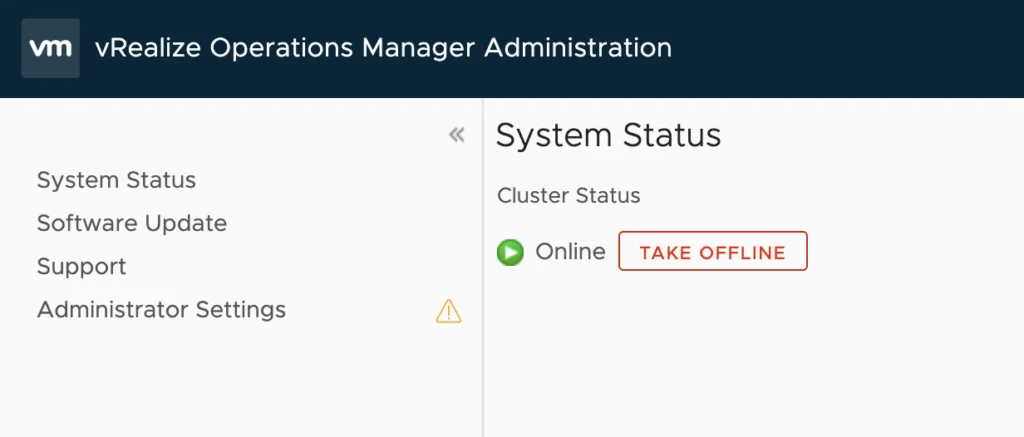
vRealize Operations Manager Administration showing system status with cluster status as online and "Take Offline" button.

Workaround instructions to address CVE-2021-44228 and CVE-2021-45046 in vRealize Operations 7.x

In this article i will go over one of the workaround instructions to address CVE-2021-44228 and CVE-2021-45046 in vRealize Operations 7.x. I have tested the workaround on vROPS 7.5 as its still shipped with VCF 3.x and i haven’t yet seen documentation on a workaround for this version. If you are looking for instructions for version 8.x consult kb article 87076. This has been tested on December 21 2021. Please check the official documentation or open a ticket for production usage. Where possible, moving to a release that ships with the fixed Log4j is the cleaner long-term option — I covered upgrading vROps to 8.6.2 via vRSLCM separately. ...

December 22, 2021 · Cosmin Trif
The image shows network settings for Kubernetes subnets, displaying clusterCIDR and serviceCIDR values.

Changing vRO Kubernetes IP range

I recently ran through an routing issue where the Kubernetes IP range in vRO 8.6 was used somewhere else on the network. I didn’t want to redeploy the appliance so i went through the below to get it updated First i identified what the ip range in use is by running vracli network k8s-subnets Lets check the status of the pods to make sure everything is running as it should. If any of the pods experience issues the change wont go through and it will cause additional issues ...

December 15, 2021 · Cosmin Trif
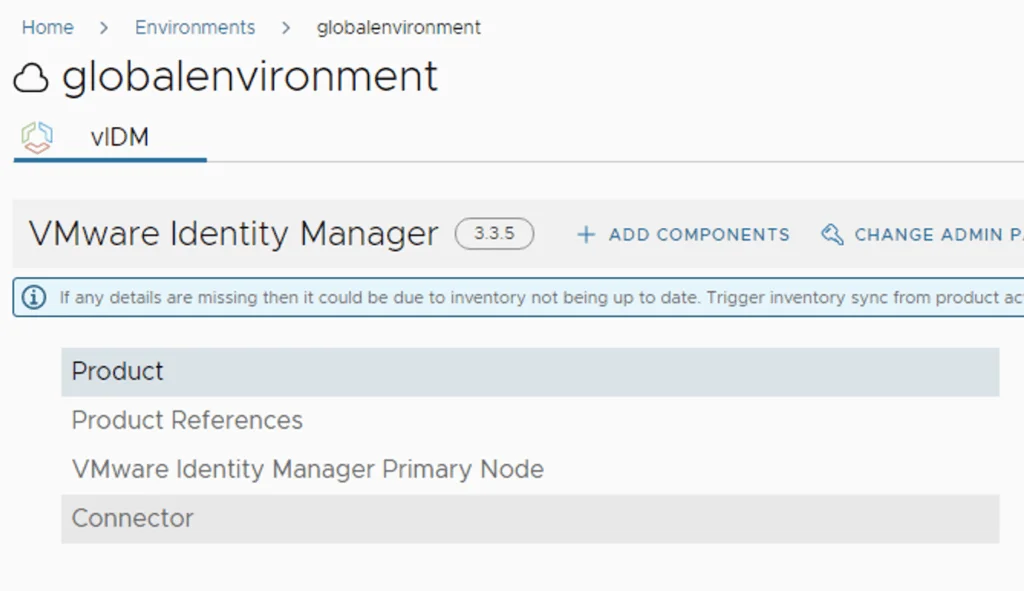
The image shows a VMware Identity Manager 3.3.5 environment setup in a global environment, with options to add components and change admin password.

vIDM 3.3.5 HA

In this guide we will go over the vIDM 3.3.5 HA configuration. The official documentation can be found here Im going to assume that the load balancer configuration is already completed, the vIDM appliance has a the required certificate in the LCM inventory. Please read the official documentation for the full requirements. We will be using the scale out feature in Lifecycle Manager. To do so we can navigate to Lifecycle Operations -> Environments -> globalenvironment -> View Details -> Click on Add Components ...

December 13, 2021 · Cosmin Trif
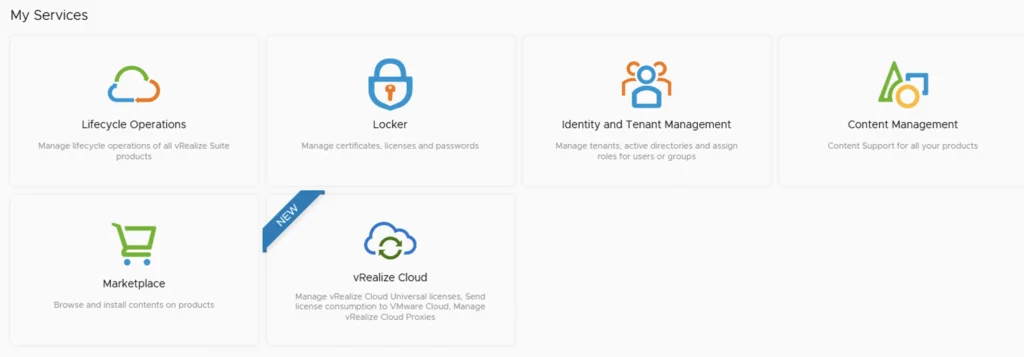
My Services UI showing Lifecycle Operations, Locker, Identity and Tenant Management, Content Management, Marketplace, and vRealize Cloud options.

Upgrading vRSLCM (vRealize Lifecycle Manager) to 8.6.1

In this guide i will go over the steps of getting an existing 8.x vRSLCM appliance upgraded to the latest 8.6.1 release. The release notes can be found here The first step is to lo in to vRealize Suite Lifecycle Manager under the Lifecycle Operations section ...
December 12, 2021 · Cosmin Trif
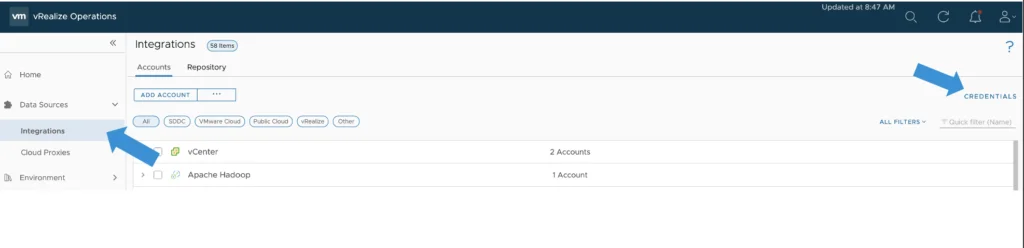
The image shows a VMware vRealize Operations interface with options for adding accounts and credentials, focusing on integrating data sources.

Creating a Credential (MongoDB) (TVS)

In this guide we will go over Creating a Credential for MongoDB in vROPS for the True Visibility Management pack. The original documentation was posted here however it hasn’t yet been updated to vROPS 8.6 and the new vROPS cloud. Procedure From the Left navigation bar, select Data Sources -> Integrations -> Credentials Click the Add button on the top left. In the Manage Credential window that appears, select whether or not authentication is required for your MongoDB environment, then enter the information indicated below: ...

November 11, 2021 · Cosmin Trif
The image shows vRealize Operations Manager 8.6 with Cloud Accounts and Integrations sections, highlighting account types and integration options.

vROPS 8.6 Administration - Where is it now?

During VMworld 2021 we announced vRealize Operations 8.6 which now provides allot of new features and capabilities. You can see an Whats New overview here as well as a feature walk through here. I this blog we will be focusing specifically on the Administration menu and how it maps to the new 8.6 release. I covered the UI Navigation on my blog other here. As you might be aware the Administration has now been redesigned to make it easier to navigate and find items. Lets jump in to it. ...

October 27, 2021 · Cosmin Trif
vRealize Operations Manager UI showing Quick Start, Optimize Performance, and Optimize Capacity options.

vROPS 8.6 UI Navigation - Where is it now?

During VMworld 2021 we announced vRealize Operations 8.6 which provides a lot of new features and capabilities. You can see an Whats New overview here as well as a feature walk through here. With the new UI release some of the content might not be where were used to find it in the previous versions. In this post we will navigate through some of the changes and point to “Where is it now”. I also covered the UI overview on my blog here ...

October 27, 2021 · Cosmin Trif

Downgrading the ESXi version to a different build

During one of the recent upgrades in my VCF environment i accidentally upgraded the ESXi 7.x build number to a later build that was not in the validated design which caused all kinds of issues and errors in my sddc manager. In order to address this i wanted to see i could actually downgrade the packages to a lower build number. It goes without saying that this procedure should not be done in a production environment and you should contact VMware customer support for an supported downgrade method. We will be working in the ESXi cli on this guide ...

October 25, 2021 · Cosmin Trif