Article cover image

Upgrading vRSLCM (vRealize Lifecycle Manager) to 8.4.1.1

In this guide i will go over the steps of getting an existing 8.x vRSLCM appliance upgraded to the latest 8.4 release. The release notes can be found here The first step is to lo in to vRealize Suite Lifecycle Manager under the Lifecycle Operations section Go to settings -> System Upgrade Click on Check for Upgrade We can see that the check found a new version available for 8.4.1.1 ...
August 4, 2021 · 1 min · Cosmin
Article cover image

Changing passwords for the vRealize suite via vRSLCM (vRealize Suite Lifecycle Manager)

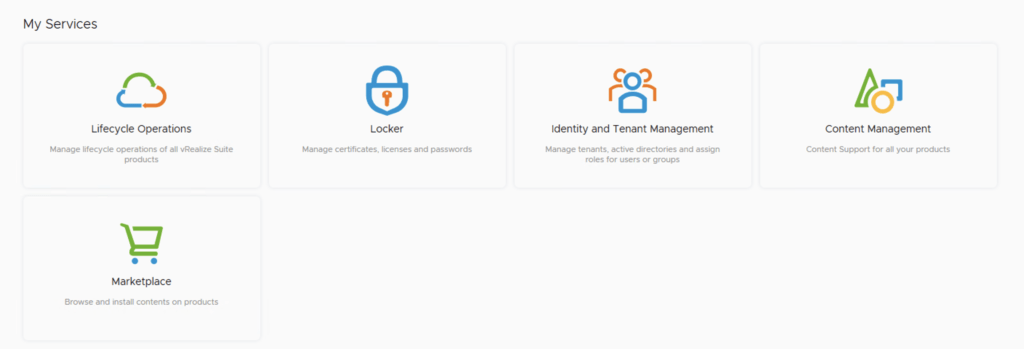
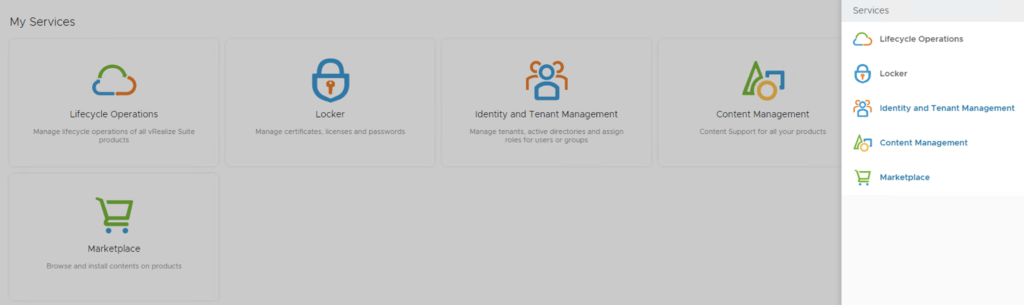
In this guide i will go over one of the Locker feature in vRealize Lifecycle Manager specifically the password management. As a reminder vRSLCM can manage the following: Type of Password Change vRealize Product Name Admin Password Change vRealize Automation, vRealize Operations Manager, vRealize Network Insight, vRealize Log Insight, VMware Identity Manager Root Password Change vRealize Automation, vRealize Operations Manager, vRealize Network Insight, vRealize Log Insight, VMware Identity Manager Support Password Change vRealize Network Insight Console User Password Change vRealize Network Insight SSH User Password Change VMware Identity Manager The first step is to create a new password. We can do so by going to Locker from the welcome screen or the menu on top right ...

May 19, 2021 · 2 min · Cosmin
Article cover image

Disable vCLS (vSphere Cluster Services) in vSphere

While doing maintenance on my vSAN cluster recently i had the need to disable the vCLS in order to fully shut down the cluster. Doing some reasearch i found kb article 80472 that talk about temporarily disabling the service in order to perform maintenance. The steps are fairly easy First we need to get the Cluster id from vSphere. To do so all we need to do is select the cluster and look at the url. For example ...

May 19, 2021 · 1 min · Cosmin
Article cover image

Upgrading vRSLCM (vRealize Lifecycle Manager) to 8.4

In this guide i will go over the steps of getting an existing 8.x vRSLCM appliance upgraded to the latest 8.4 release. The release notes can be found here The first step is to lo in to vRealize Suite Lifecycle Manager under the Lifecycle Operations section Go to settings -> System Upgrade Click on Check for Upgrade We can see that the check found a new version available for 8.4 ...

May 19, 2021 · 1 min · Cosmin
Article cover image

Upgrading VCF 4.1.0.0 to 4.2.0.0 Step by Step

With the release of of VCF 4.2 i wanted to get my lab upgraded. The release blog can be found here and the release notes are here In order to get to 4.2.0.0 we have to upgrade to 4.1.0.1. We can do so by going to Repository -> Bundle management -> Download now The next step is to upgrade VCF by going to Inventory -> Workload Domains -> Select the workload domain -> Update/Patches -> Update Now for the VMware Cloud Foundation Update 4.1.0.1. The release notes can be found here ...

March 25, 2021 · 3 min · Cosmin
Article cover image

vRA cloud API getting started

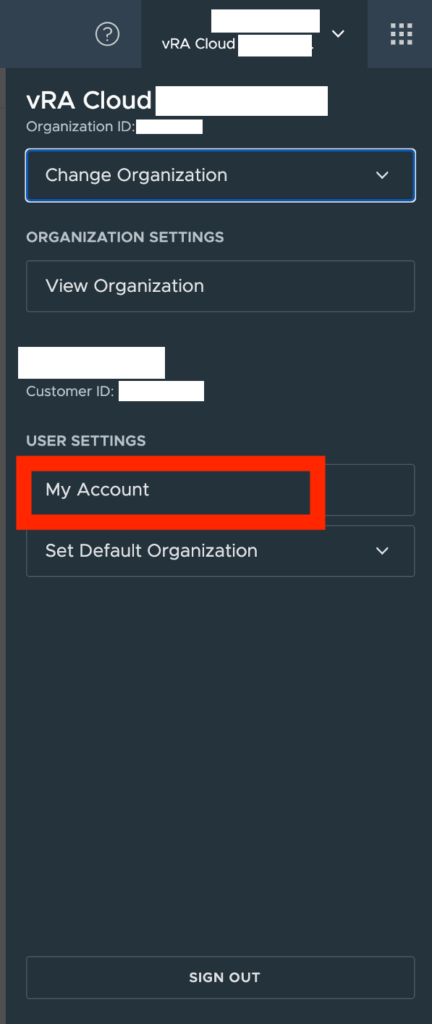
I wanted to keep track of what needs to be done prior to actually being able to query API on vRA cloud. Ive been having a hard time finding the documentation i needed in the past First step is to get an API token for the specific username. We can do this by going to My account under User Settings in vRA Cloud Go to API Tokens and click on Generate a new api token ...

February 26, 2021 · 1 min · Cosmin
Article cover image

vIDM upgrade to 3.3.4 no networking detected

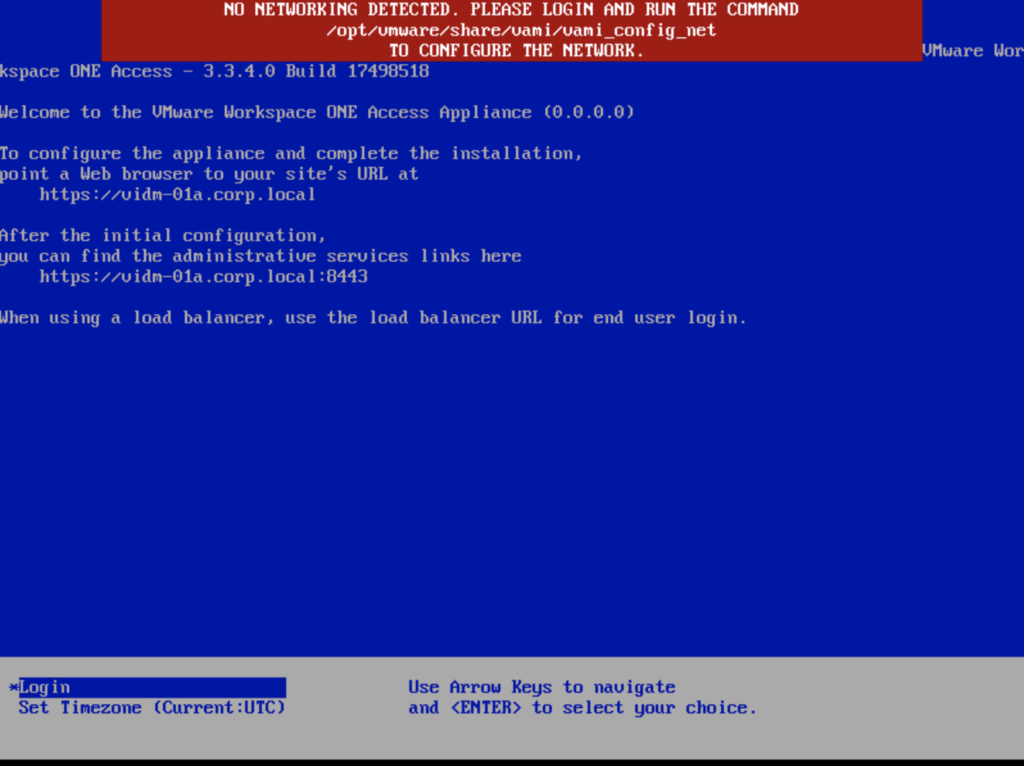
If you are like me and you tried to perform an upgrade of vIDM 3.3.x to 3.3.4 you were most likely greeted by no network connectivity after upgrade with the following screen: If you made a backup of the network configuration this is where we would restore it. If not we can perform it manually by running /opt/vmware/share/vami/vami_config_net Press 6 and go through the screens to configure the ip ...

February 17, 2021 · 1 min · Cosmin
Article cover image

vIDM 3.3.4 online upgrade

I wanted to go through the upgrade of vIDM 3.3.4 outside of lifecycle manager. I wanted to do it using the online upgrade via the console. Official documentation can be found here. First step is to log on to the console via the root credentials and upgrade the upgrade manager to 3.3.4 /usr/local/horizon/update/updatemgr.hzn updateinstaller Set the upgrade version that you are upgrading from in my case was 3.3.2 so i ran ...

February 17, 2021 · 1 min · Cosmin
Article cover image

Upgrading vRSLCM (vRealize Lifecycle Manager) to 8.3

In this guide i will go over the steps of getting an existing 8.x vRSLCM appliance upgraded to the latest 8.3 release The first step is to lo in to vRealize Suite Lifecycle Manager under the Lifecycle Operations section Go to settings -> System Upgrade Click on Check for Upgrade We can see that the check found a new version available for 8.3 Click on Upgrade ...

February 4, 2021 · 1 min · Cosmin
Article cover image

Adding events from vCenter to Operations Manager

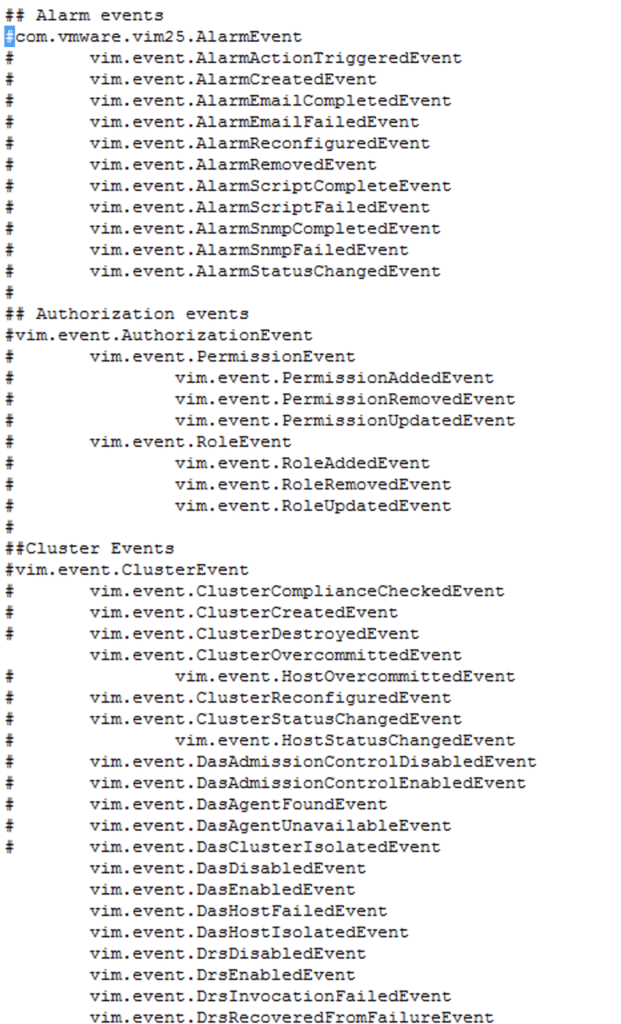
I recently ran in to a situation where one of the events in vCenter wasn’t showing up in Operations Manager Doing some research and i found this kb article: 65106 Basically theres a file called eventlist.txt under /usr/lib/vmware-vcops/user/plugins/inbound/vmwarevi_adapter3/conf/ on the master node so i logged on to master node via ssh and did vi /usr/lib/vmware-vcops/user/plugins/inbound/vmwarevi_adapter3/conf/eventlist.txt Comment out the event that we want to get alerts for and restart the service by running ...

December 4, 2020 · 1 min · Cosmin
VCF Assistant
Hi! I'm the VCF Assistant. Ask me anything about VMware Cloud Foundation, ESXi, vCenter, NSX, Aria Suite, or infrastructure automation.