This is the broader VMware archive: infrastructure administration, lifecycle tooling, troubleshooting, and automation across products. For a specific platform, the focused collections are the quickest way to find a relevant procedure.
Browse by product
- VMware Cloud Foundation deployment and upgrades.
- vSphere, ESXi, and vCenter administration.
- NSX certificates and troubleshooting.
- VCF and Aria Automation.
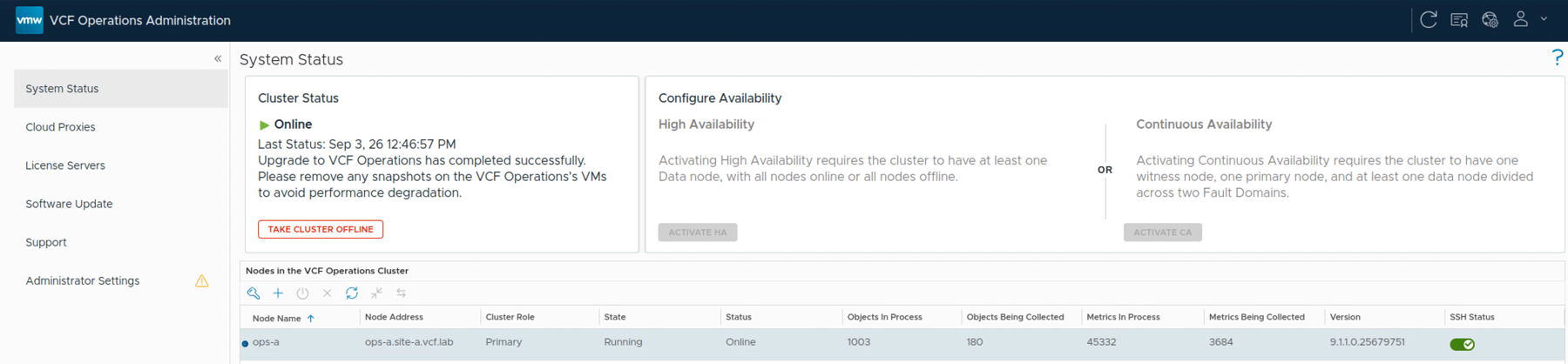
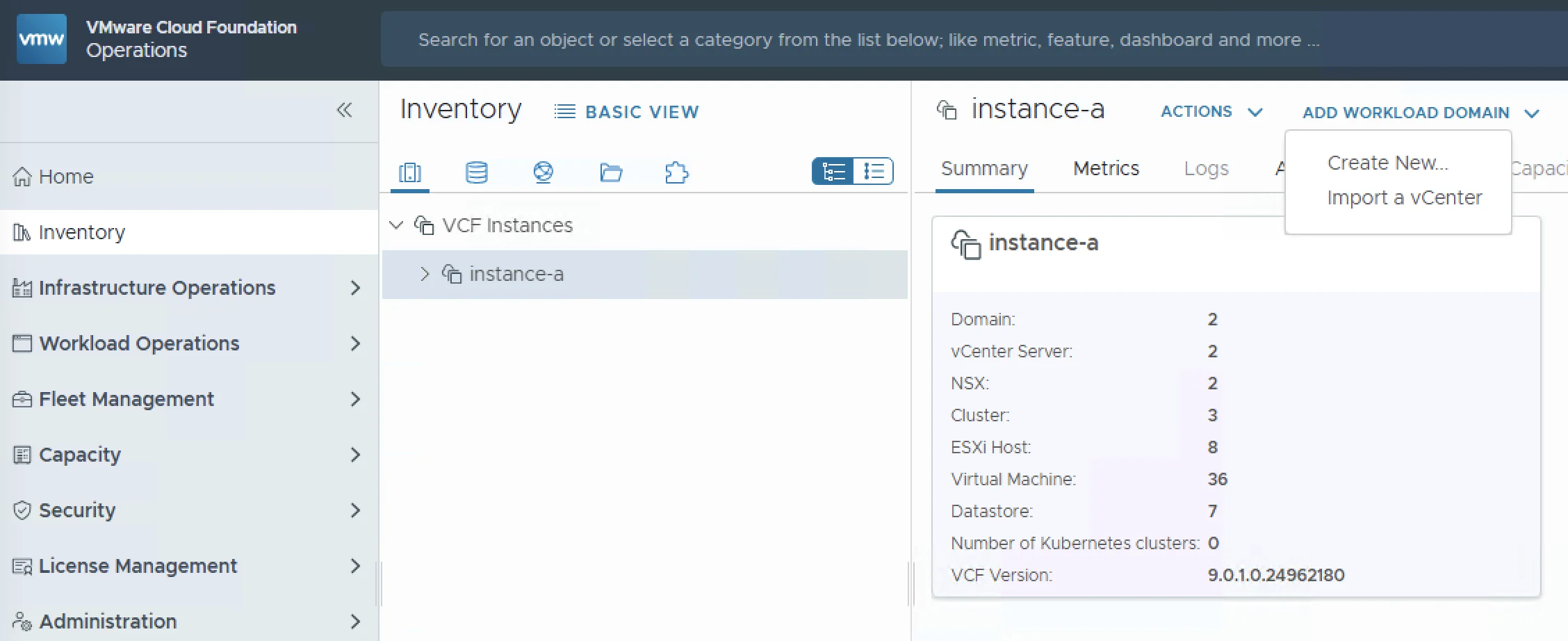
- VCF and Aria Operations, Logs, and Networks.
Selected administration guides
- Investigate the SDDC Manager “Compatibility File Is Missing” error.
- Distinguish capacity lookback from a 90-day planning horizon in VCF Operations.
- Query Operations for Logs by hostname through the API.
- Deploy Salt Open Source.
The archive spans several product names and releases. Use the version in each guide, and check the linked vendor documentation before reusing an older command or lifecycle procedure.